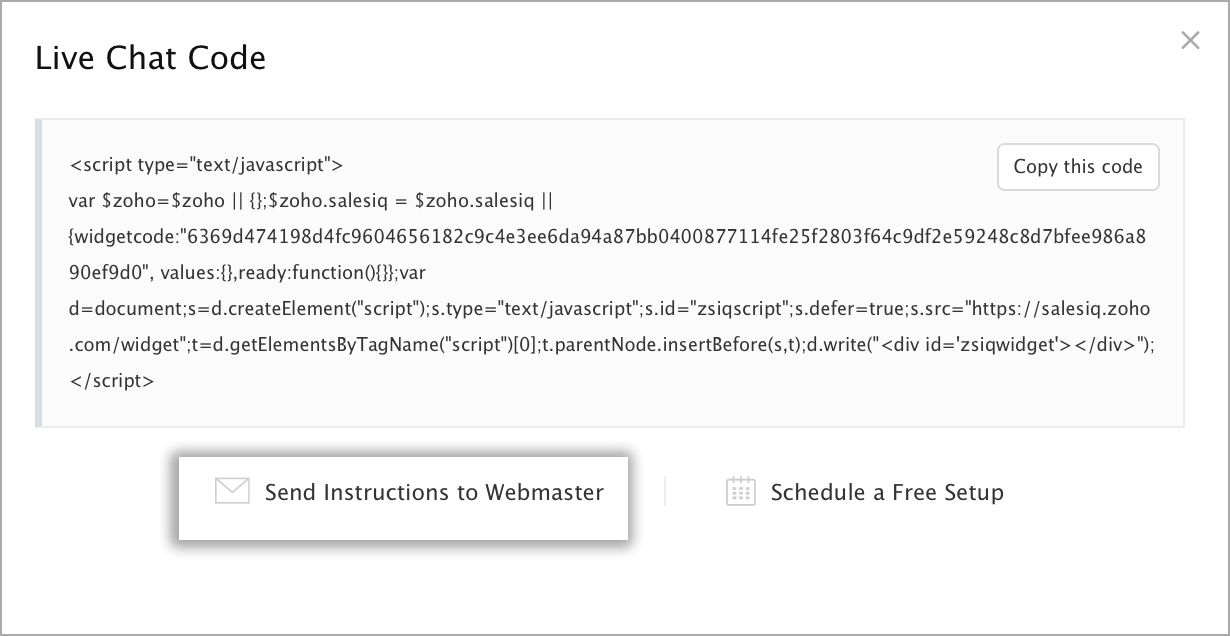
How do I share the Code with my Webmaster/Developer from the welcome page?
If you don't have access to your site's HTML code or not comfortable with adding new code, then use the built-in link with each embed to send the code to your webmaster directly.
You can mail the code to your webmaster by clicking on the Send to Webmaster button on the welcome page.
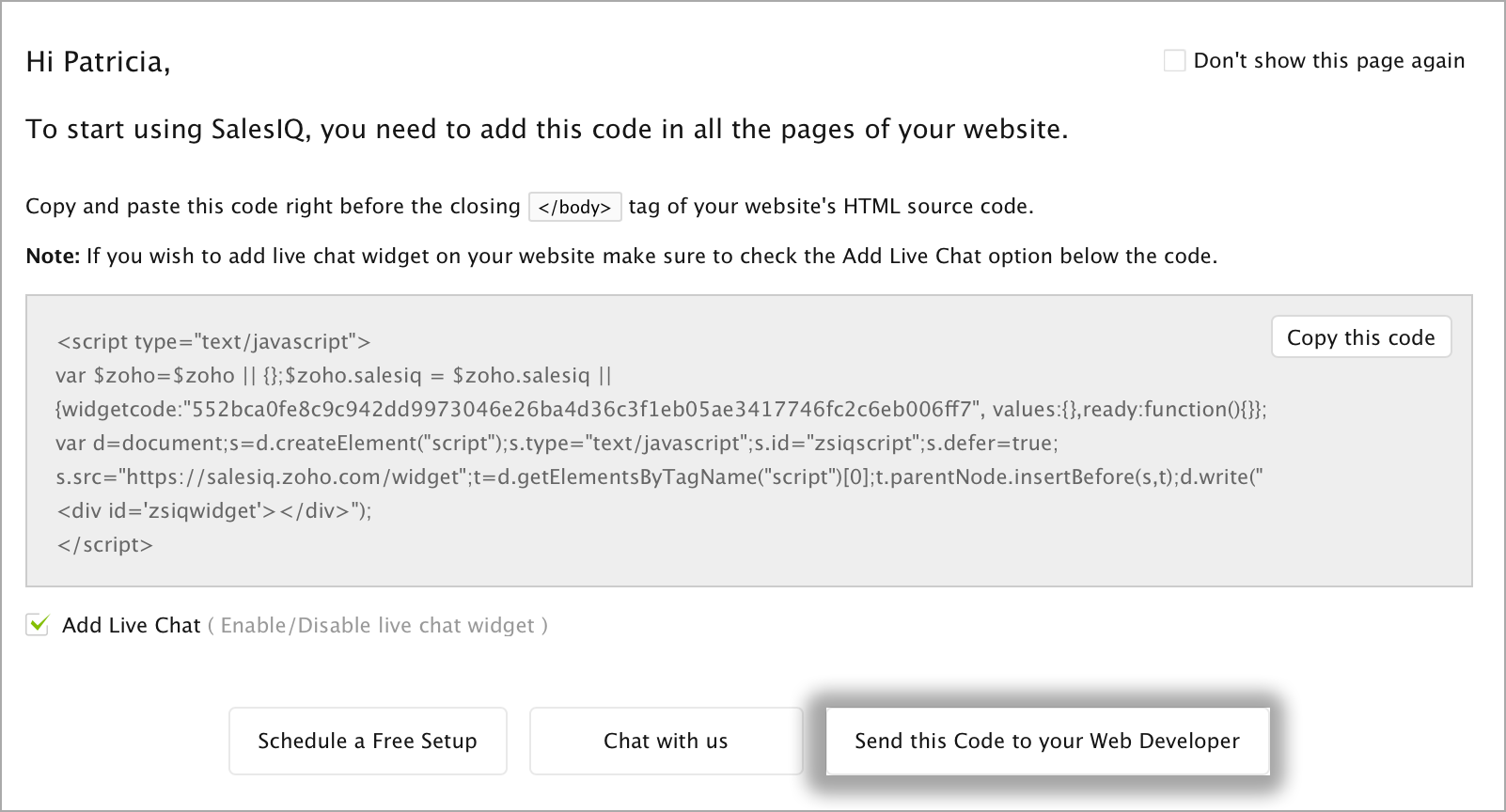
How do I share the code with my webmaster from the websites page?
- Click Settings.
- In the Website section, click on the name of the Embed you are attempting to include in the page.
- In Visitor Tracking/Live Chat, click on the Send Instructions to Webmaster below the code snippet.
- From the message window that pops up enter the e-mail address of your webmaster.
- Feel free to customize the subject line or personalize your message, just be careful not to edit the actual code.
- Once you are ready, click Send to share the instructions and code snippet with your webmaster.