
How do I add a Canned Response?
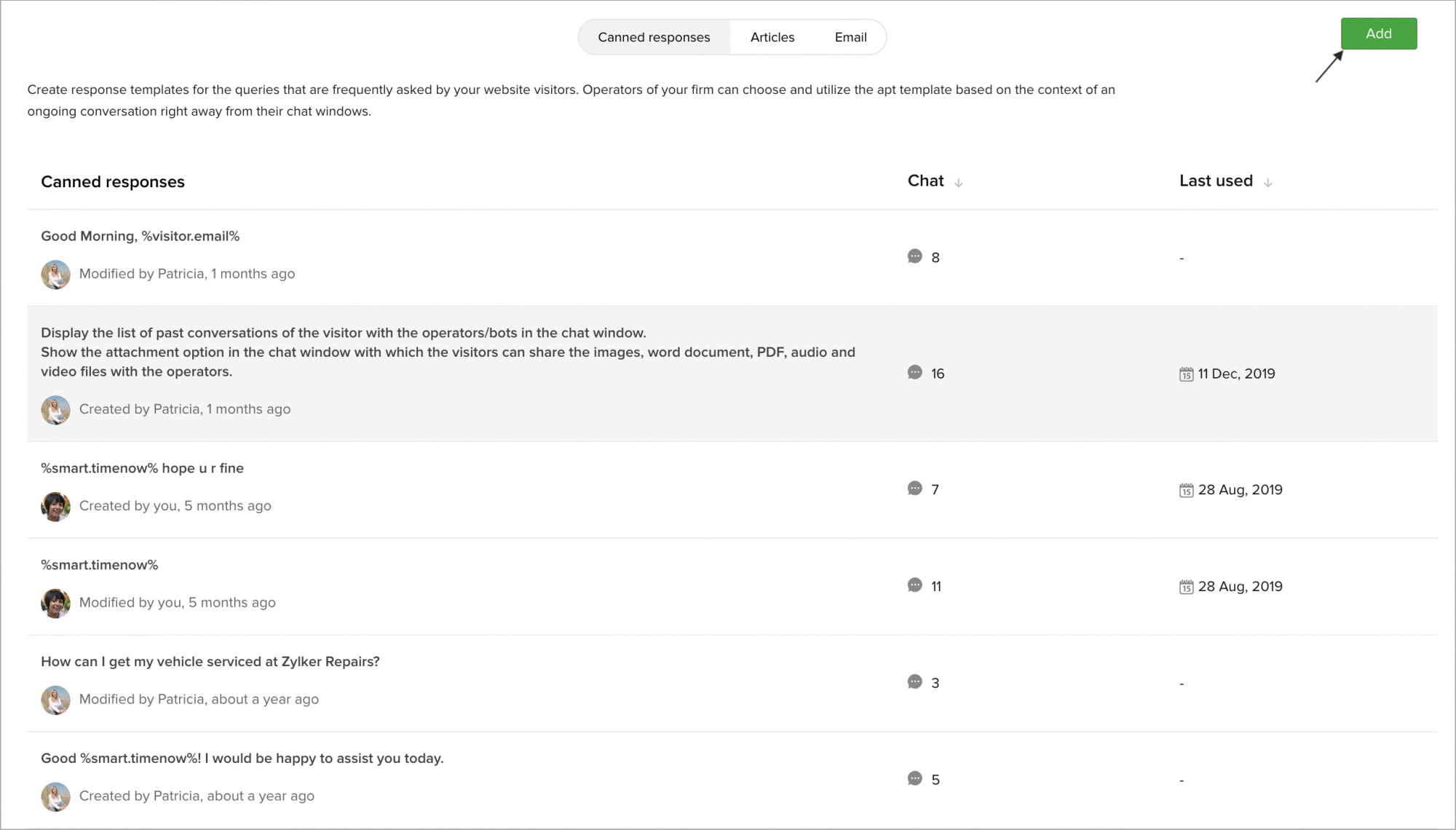
Navigate to Settings -> Templates -> Canned Responses, click Add.
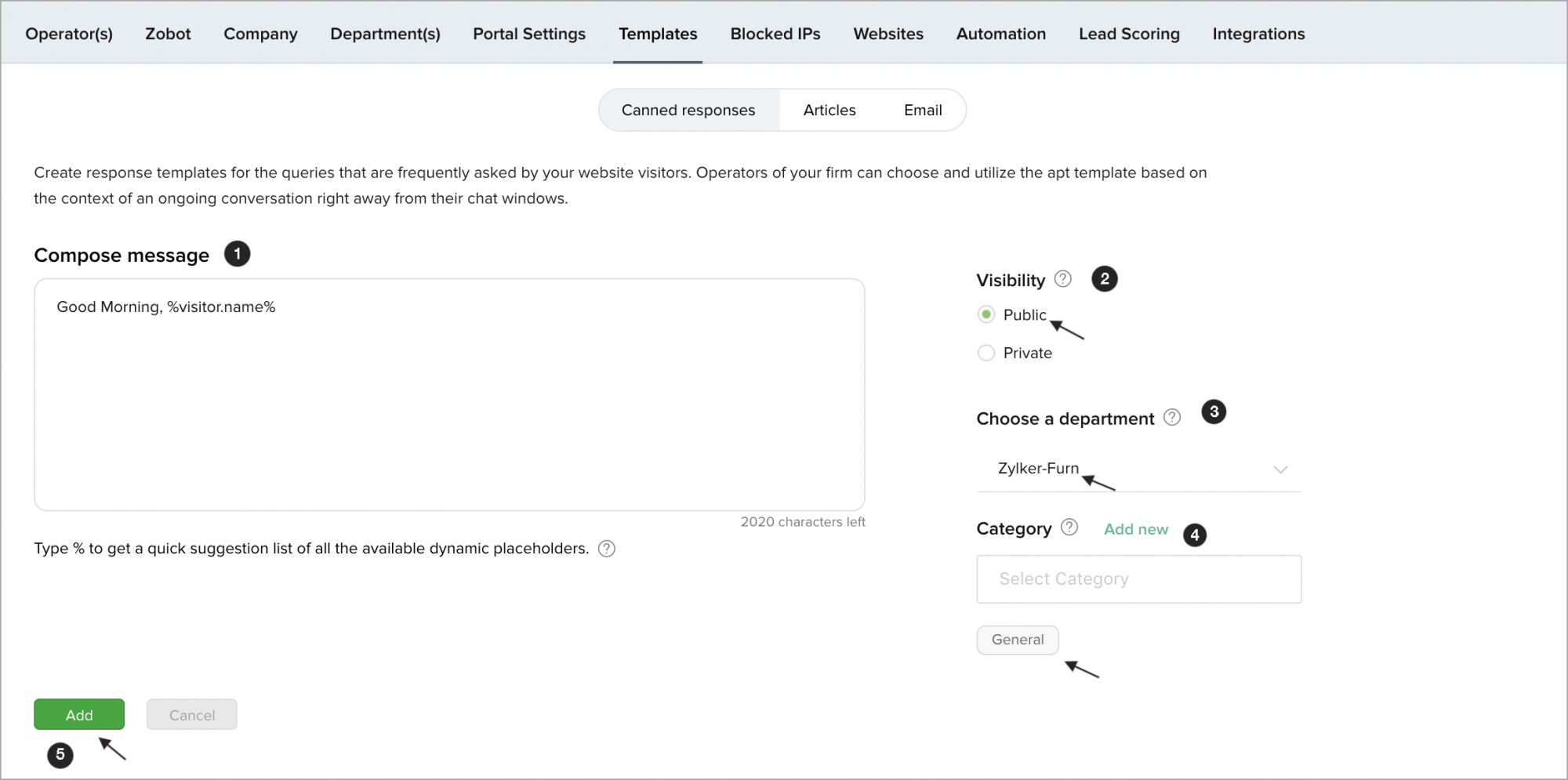
- Type the desired content in the Compose Message box.
- Choose whether the canned response will be private or public.
- Public - Canned response can be accessed by all the operators of the department.
- Private - Canned response can be accessed only by you.
- Choose the department you want to associate the message with or choose All Departments for a general canned message you wish to use that isn't department specific.
- Choose the suitable category in which you want to store the canned response.
- Click Add.
You can view the report of the canned responses, like how many times the response has been used by the operators in Chats and when was the response Last Used.