
Rename Portal
A portal is a space created for a Zoho Forms account. You can own one portal in Zoho Forms and add users to your portal if you are subscribed to a multi-user plan.
You can identify your organization in Zoho Forms using the portal name. A portal name will appear in your forms permalink URL when you share a form as a publicly accessible link. You can rename your portal if you are the Super Admin of your Zoho Forms organization.
To rename a portal,
- Login to Zoho Forms as the Super Admin.
- In the top right corner, click on the profile picture to access the Control Panel.
- Click Portal Name under Customization.

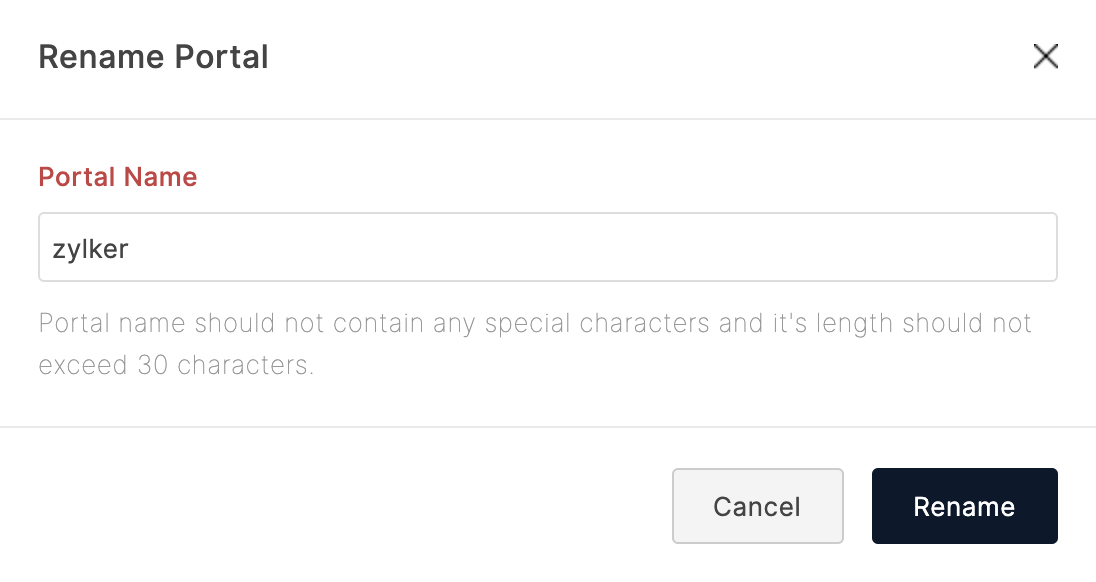
- Your current portal name will appear in the popup. You can enter the new portal name and click Rename.
- URLs of your forms will now include the new portal name.
Note: Once the portal name is updated, the links with the old portal name will no longer work. You must re-share and re-embed all your forms with the new links provided under the Share tab.