How to create a project?
Projects can be created newly or created from existing project templates. You can also create groups to classify the projects and manage the privileges of the other project users by making the projects private or public.


Use-cases
Create a Project from Project template
- Construction: A construction firm receives a contract to build a villa. However, they already have a project created in Zoho Projects for the same Villa type building construction. It is time-consuming to create a project from scratch for the same project type. You can create a new project from the existing villa type project using this option.
- Event planner: An event planning company organizes birthday parties, wedding, corporate events, etc. Creating a project from scratch for every event that they organize can be time consuming. When they organize a birthday party, they can re-use the birthday party project template to create a new one. They can tweak the project as per customer suggestions later.
- Interview process: Each team has their own way of conducting interviews. Sometimes, it is similar to the other team. Instead of creating the project from scratch, you can create the project from an existing project template.
Strict Project
- Software: A high priority feature requested by a high value customer needs to be delivered on time. There can't be any deviation in the delivery time. During such instances, you can mark the project as a Strict Project in Zoho Projects.
- Manufacturing: When a product launch date has been announced to the public, manufacturing of the products has to be completed before the product launch. In this case, the project can be made a Strict Project to ensure that the product is ready on its launch date.
- Wedding Planner: An event management firm created a project for a wedding. The wedding date is only a few days away, and the family has requested the firm to plan the event in a grand manner. In such cases, making this a Strict Project is necessary to ensure the event takes place on the scheduled date.
Public Projects
- Construction: When an organisation is engaged in the renovation of their own office space,This will ensure that only the project members will be able to access this project. users are likely to inquire about the project's progress. You may mark these projects as Public projects.
- Software development/ IT: When a project is marked as public project, the support rep can directly look into the project details to inform the customer about the progress of the feature and when the feature will be rolled out in the app if the customer enquires.
- Marketing/ Sales: Sales reps work across multiple projects. However, supervisors work only on specific projects. Public projects let the supervisor (non- user) check a sales rep's activity.
Private Projects
- Software development/ IT: When a highly sensitive project is in progress, it is critical to maintain the project information secure. Such initiatives can be marked as Private Projects.
- Product launch: If a product launch needs to be kept private for certain reasons, then the project can be set as a Private Project. This will ensure that only the project members will be able to access this project.
- HR: If the HR team in an organization would like to keep their hiring process and results private, they can mark the project as a Private Project.
Create a Project from Scratch
- Navigate to Projects tab in the left navigation panel.
- Click New Project button in the upper right corner.
- Enter a Project Title.
- If desired, select a Template and an Owner, enter Start and End Dates, and create a Project Overview.
- Set the Group, Budget, Task Layout, and other criteria for your project.
- Default Billing Status can be changed when creating a project. It will override the selection in Portal Settings.
- Map a relevant task layout to your project from the Task Layout drop-down. To view the list of task layouts available in your portal, navigate to
> Customization > Layouts and Fields > Tasks > Task Layouts.
- Default Billing Status can be changed when creating a project. It will override the selection in Portal Settings.
- Select a Billing Method ( note that this option only appears when Zoho Projects is integrated with Zoho Invoice or Zoho Books , and it is not available in the free plan).
- Based on Staff Hours - Users are assigned different rates, and project billing is based on the user rates of the team members working on the project. You can set user rates in the Add User page.
- Based on Project Hours - All users are assigned a standard rate, and project billing is based on the hours logged for the project as a whole.
- Based on Staff Hours - Users are assigned different rates, and project billing is based on the user rates of the team members working on the project. You can set user rates in the Add User page.
- Customize the tabs for your project as necessary. You can control the visibility of the modules to others in the project with this option.
- Click Add.

- All projects in the portal will be associated to the standard layout by default. To access the layout editor and make changes to the custom fields, click the Standard Layout link present at the top of the form.
- The changes made to the project custom fields in the standard layout will reflect in all the projects associated with the layout.
- Tasks and Issues will have an auto-generated unique ID with a prefix. Learn more on how to edit a project and update the Task & Issue Prefix.
Associate a Task Layout While Creating or Editing a Project
- Scroll to the Task Layout drop-down when you create or edit a project.
- Select a layout that matches your need.
- To view the list of task layouts available in your portal, navigate to Setup > Customization > Tasks > Layouts and come back to the New Project form and select it from the drop-down.
- You can also search a layout in the search bar that appears when you click the drop-down.
- Fill the other details as necessary and proceed to create or update your project accordingly.
Create a Project using a Project Template
You can create a new project afresh or use an existing project template to create the project.
- Navigate to Projects tab in the left navigation panel.
- Click New Project in the upper right corner.
- Give a Project Name (mandatory).
- Choose a Template from the list of project templates that are displayed in the drop-down.
- When you Choose a Template, all the phases, task lists, tasks, and other information from the chosen project template will be copied to the newly created project.
- The start time of the project modules (phases, task list and tasks) will be shifted based on the Project Start Date of the new project.
- When you Choose a Template, all the phases, task lists, tasks, and other information from the chosen project template will be copied to the newly created project.
- Select an Owner, enter Start and End Dates, and create a Project Overview.
- Select a Billing Method, set the Group, Budget and fill in other details.
- Click Add.
- When you create a project from an existing project template, the Project Start Date option is enabled.
- Say, in a project template X, Task A has a Duration of 5 days and it Starts After 2 days.
- Now, when you choose this template X and set the new Project Start Date to Jan 15th 2016, Task A's Start Date will be shifted to Jan 17th 2016 and the End Date will now be Jan 22nd 2016.
- The newly selected Project Start Date will automatically shift all your phases, tasks, subtasks, forums, and documents in the selected project template.
- Now, when you choose this template X and set the new Project Start Date to Jan 15th 2016, Task A's Start Date will be shifted to Jan 17th 2016 and the End Date will now be Jan 22nd 2016.
Create a Strict Project (Premium and Enterprise Plans)
Strict projects have a fixed schedule. It is preferable to plan all the project activities within the schedule. Projects following the strict methodology are more successful because their project modules cannot extend beyond the scheduled project dates.
- All strict projects must always have a scheduled project start and end date.
- If you Make this a strict project, the project modules like phases, Tasks, etc., must have their start and end dates within the scheduled project Start Date and End Date.
- However, this feature is available only in the Premium and Enterprise plans.
And you cannot start or extend the start and end dates for any project modules beyond the scheduled project dates. Such as, phases will be scheduled within the projects date range, and Tasks will be scheduled within the phases date range and so on.
- If you do not make a project strict, the project modules can be scheduled without any date restrictions. i.e, It is not mandatory to have a scheduled Start Date and End Date, if it is not a strict project.
- The project cannot start and end on the same day.
Strict projects are distinct from other public and private projects in the Projects list view as they are indicated with the 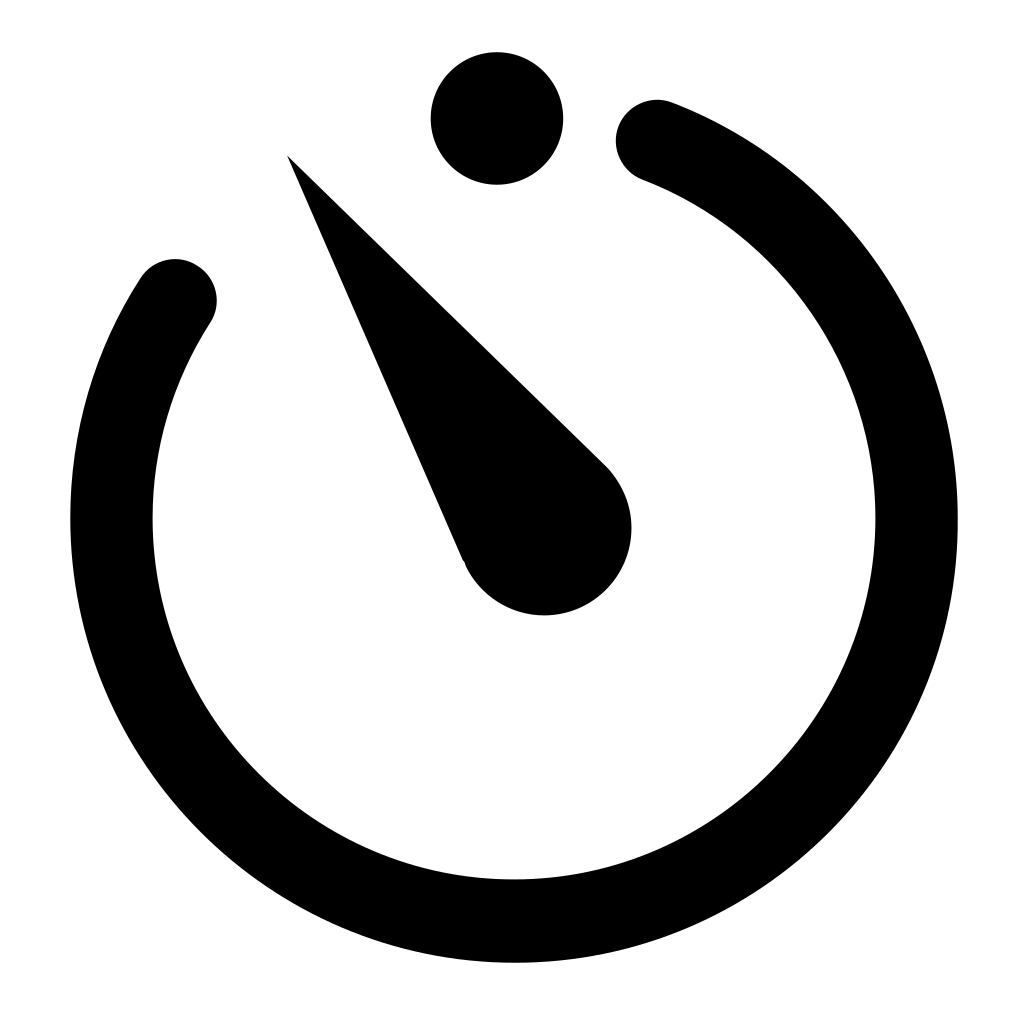 icon. You cannot select dates beyond the project's schedule in any of the date pickers, for strict projects. An error message is displayed whenever you do not select a valid date range for the project modules.
More information about strict projects
- Timers are not automatically stopped even after the project finish date
- You can link both tasks and bugs with different phase dates
- Meeting and log hour duration are not restricted by the scheduled project dates
- SLA in bugs do not follow the project finish date schedule
- You can add expenses for dates even after the project finish date
- Task and event recurrence are auto-adjusted based on the project dates
- While importing task or bug, the dates may exceed the scheduled project dates
- Bugs associated to phases, will automatically consider only the Release Phase dates
- While associating an existing task template in a real time project, the task dates are auto-adjusted to the scheduled project dates
Create Public and Private Projects
You can choose to make your project go public or private. Private projects can be accessed only by the member project users, whereas public projects can be viewed and followed by all the portal users. In public projects, users will have only read access but they can view and follow projects and add comments. However, if you are the Admin, you will have all the access privileges even for public projects.
- Click Projects in the left navigation panel.
- Click New Project button.
- Fill the project details and scroll down in the New Project form.
- Select either Private or Public as per project requirement.
Zoho CRM Training Programs
Learn how to use the best tools for sales force automation and better customer engagement from Zoho's implementation specialists.
Zoho DataPrep Personalized Demo
If you'd like a personalized walk-through of our data preparation tool, please request a demo and we'll be happy to show you how to get the best out of Zoho DataPrep.
- Zoho Workerly Home
- Forums
- Connect With Us:


- Zoho Recruit Home
- Forums
- Connect With Us:
You are currently viewing the help pages of Qntrl’s earlier version. Click here to view our latest version—Qntrl 3.0's help articles.





Zoho Sheet Resources
Zoho Forms Resources
Zoho Sign Resources
Sign, Paperless!
Zoho TeamInbox Resources
Zoho DataPrep Resources
Design. Discuss. Deliver.
Related Articles
Project Templates
Project templates can help you manage your work more efficiently. You don't have to repeatedly enter the same tasks, and can thus save time and be more productive. Project Templates can be accessed from the project list view. Click here to learn more ...Project Groups
You can group projects based on criteria, requirements, clients, users and various other project needs. By grouping projects, you can segregate multiple projects and efficiently manage your project groups. For instance, if you’re working in a company ...Project Dashboard
Dashboard in a project shows important progress indicators, graphs, statistics, and other key performance indicators to quickly understand where the project stands. Benefits: View summary of work items in the project Check progress of your project ...Project Reports
Project reports display project count against various parameters. Users can create custom project reports by comparing two criteria. Custom and default fields in projects can be used to generate reports. Availability: Latest user-based Enterprise ...Create Task Dependencies in Project Templates
Setting dependency between tasks is the best way to track their progress. You will be able to set dependency between tasks of the same project in Project Templates . Know more about task dependency. Create Task Dependency in Project Template Navigate ...