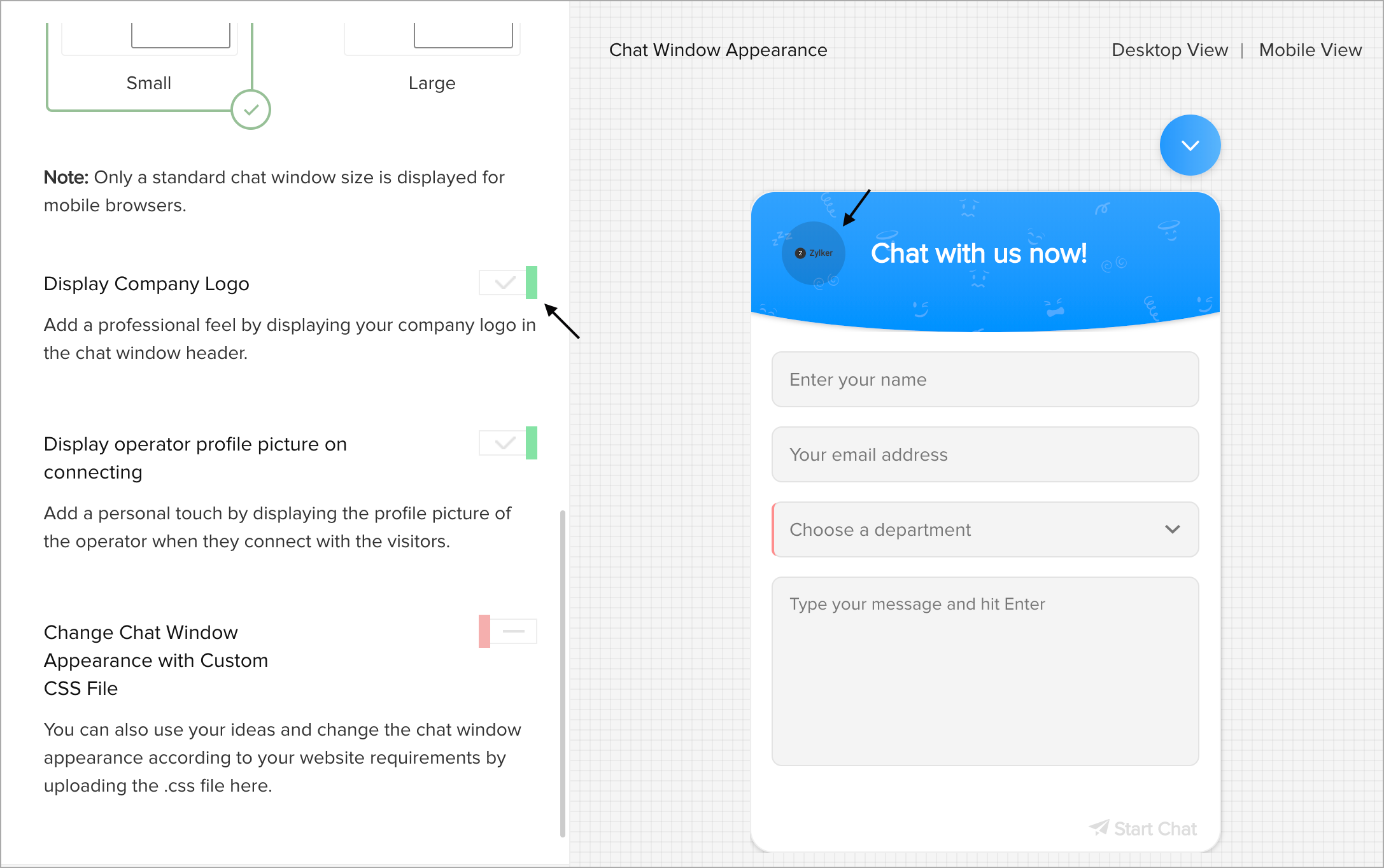
How to display Company Logo in the chat window?
- In Settings > Websites > Website Name, choose Live Chat Widget.
- Then, navigate to Chat Window > Appearance, and customize the default window according to your needs.
- In Customize the Chat WindowAppearance section, enable the Display Company Logo button.
Note:
Learn where and how to upload the company logo.