

Integrating Zoho SalesIQ with Drupal
Get the power of tracking and live chatting into your Drupal site and connect with your visitor’s and support your customers in real time.
- How to install Zoho SalesIQ in Drupal version 8.x through plugin?
- How to install Zoho SalesIQ in Drupal version 7.x through plugin?
- How to install Zoho SalesIQ in Drupal without a plugin?
Getting Zoho SalesIQ Code Snippet
- Login to your Zoho SalesIQ Operator console.
- Navigate to Settings -> Websites, click on the name of the website you are attempting to include in a page.
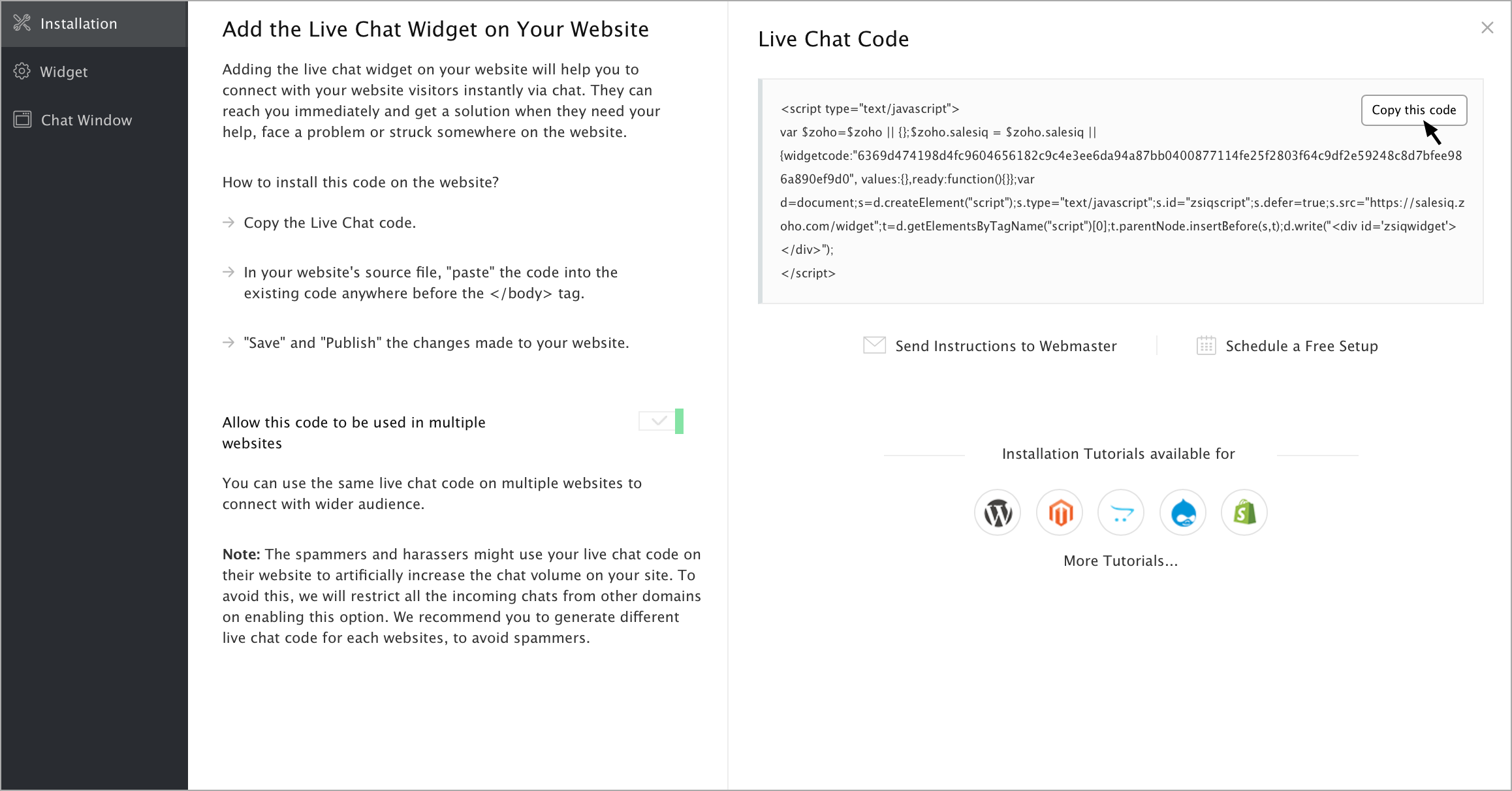
- Select Live Chat. In the Installation section, click Copy this code to copy the code snippet.
Note: To receive live chat notifications you should be logged in to https://www.zoho.com/salesiq/