Installing Zoho SalesIQ in Drupal without Plugin
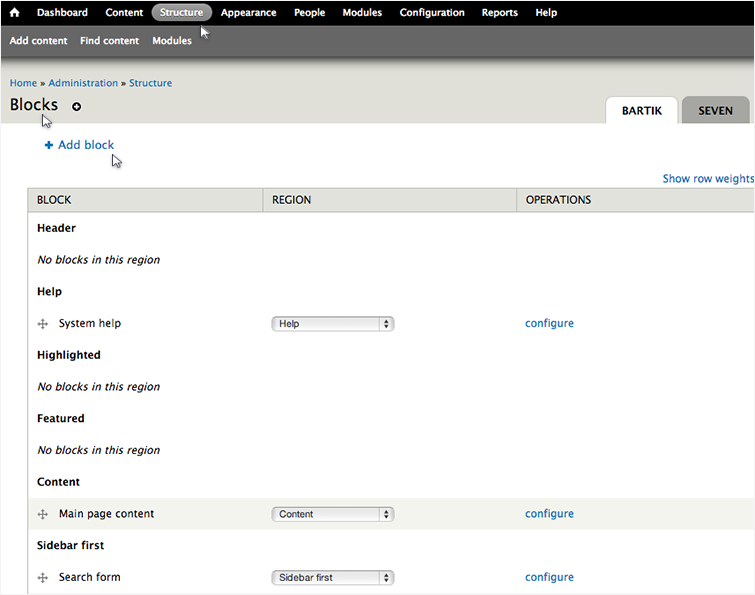
- Login to your Drupal admin console and select "Structure" and then choose "Blocks".
- Click on "Add block".
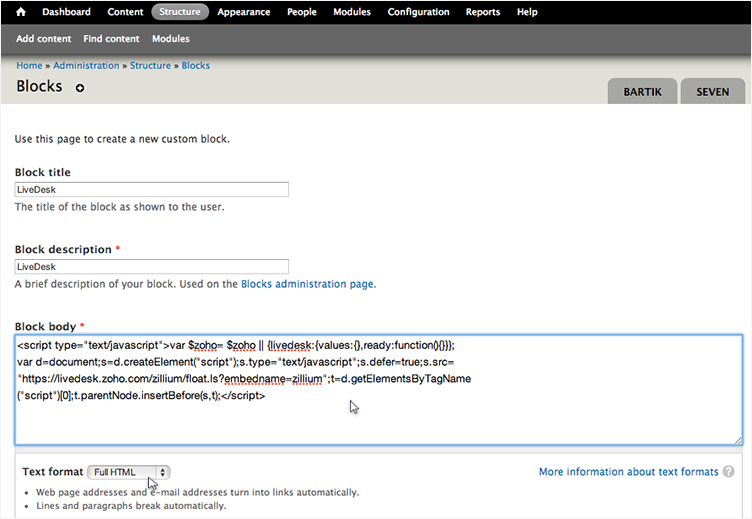
- Fill the mandatory fields and paste the live chat code under the "Block Body". Make sure to choose "Full HTML" under "Text Format" and click “Save block”.
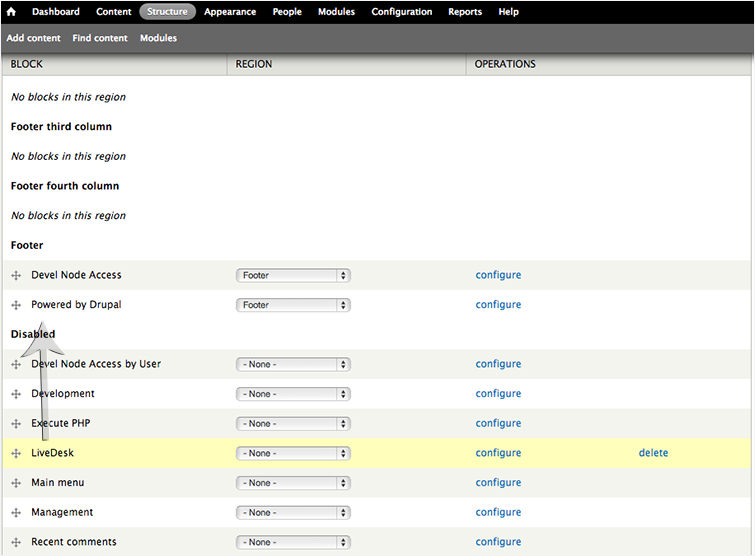
- Find the newly added Zoho SalesIQ block under "Disabled", drag it to be located under "Footer"
- Scroll down and click on "Save blocks"