How do I display the Operator's Profile Picture while connecting on chat with visitor?
- In Settings > Websites > website name, choose Live Chat Widget.
- Then, navigate to Chat Window > Appearance, and customize the default window according to your needs.
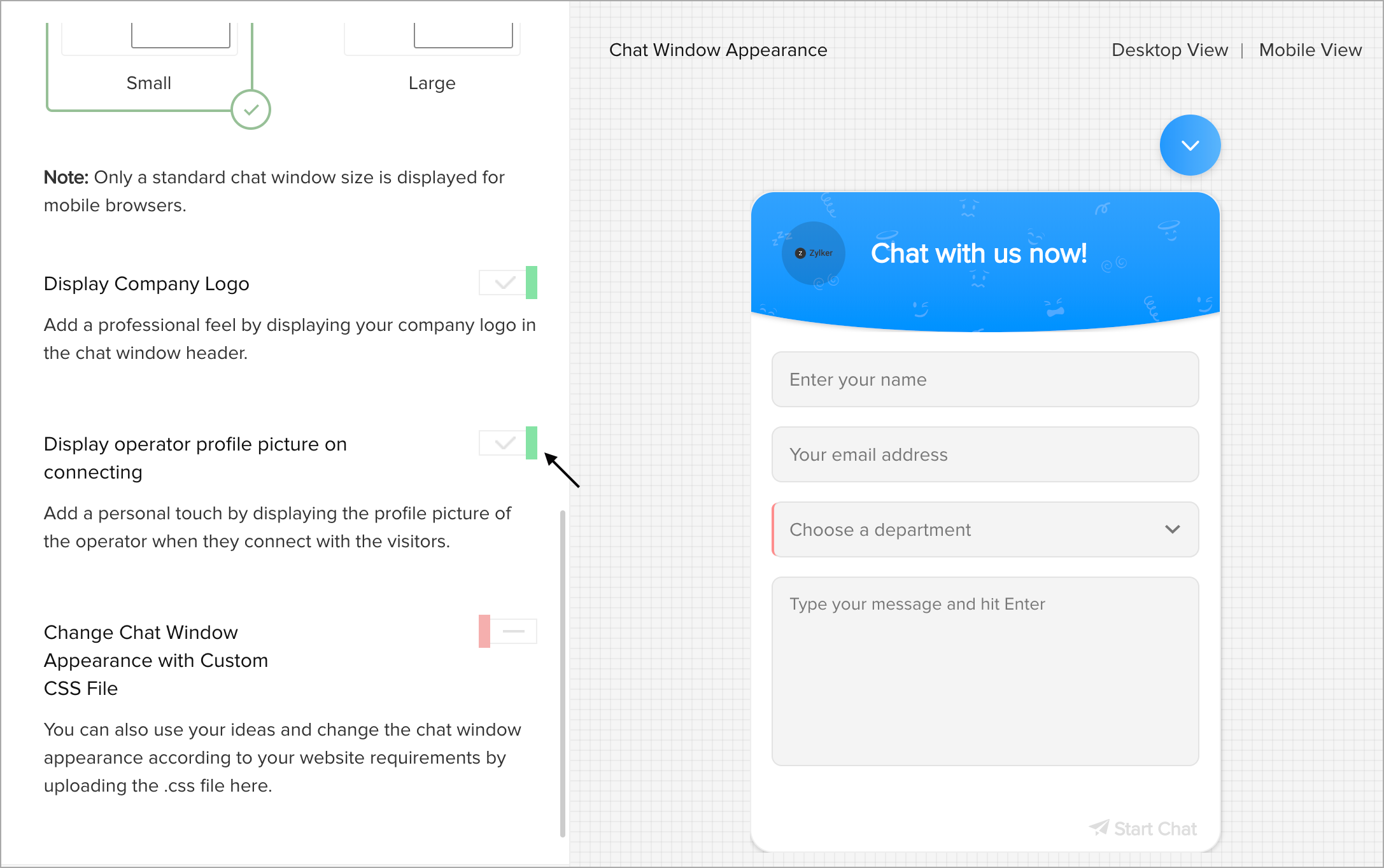
- In Customize the Chat WindowAppearance section, enable the Display operator profile picture on connecting option.
- The profile picture of the operator who attends the chat will be displayed on the window.