Changing the Color of the chat window
- In Settings > Websites > Website Name, choose Live chat widget.
- Then, navigate to Chat Window > Appearance, and customize the default window according to your needs.
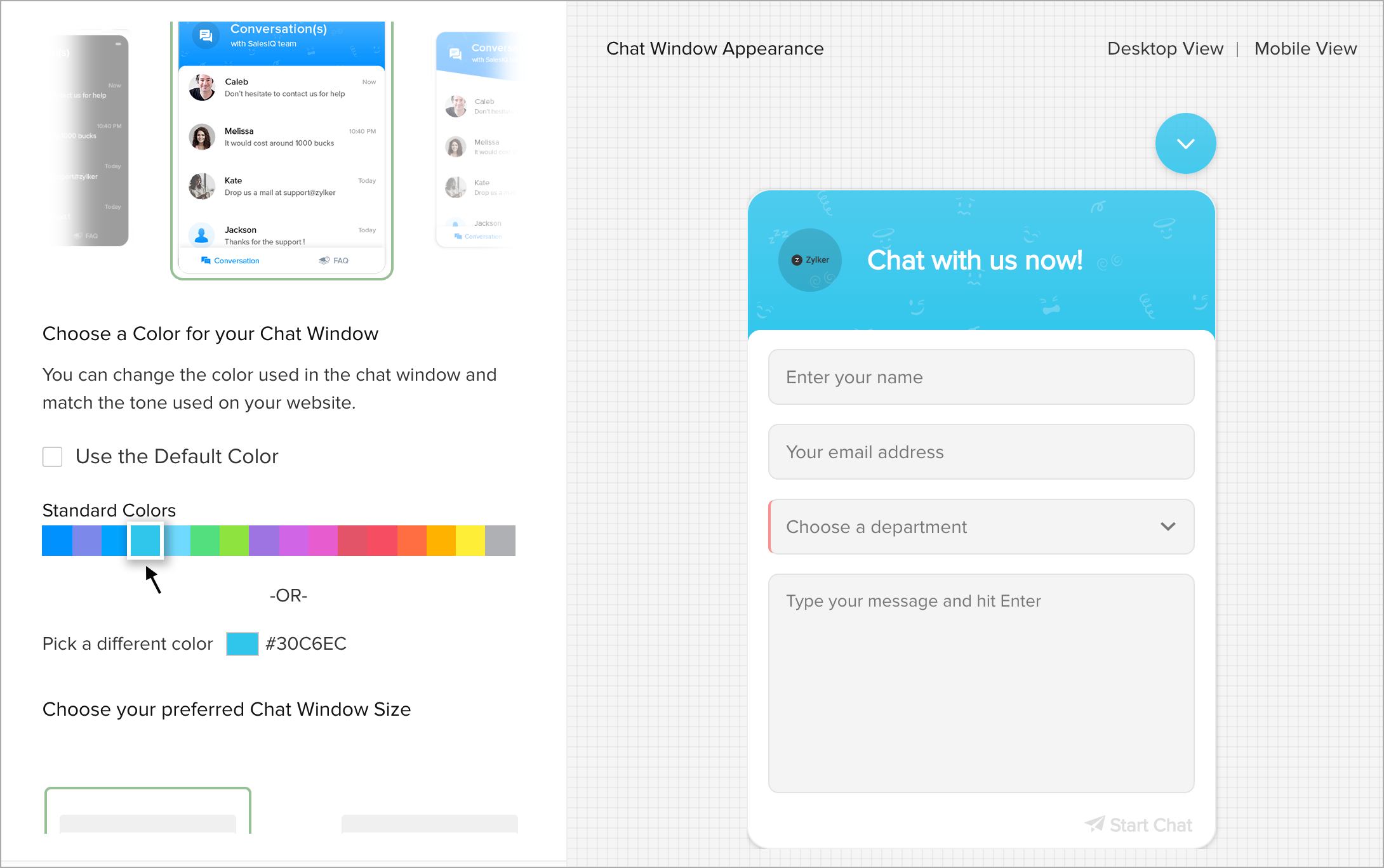
- In Customize the Chat Window Appearance > Choose a color for your chat window option.
- Click on the color you would like to apply on the chat window from the Standard Color.
- Need more options? Then click on the Pick a Different Color option.
- You can either give the color code, or pick a color from the color palette.
- You can have an instant chat window preview on the right side of the screen, the colors you choose will reflect on the window.