Let your visitors view the Previous Chat Conversations in the chat window
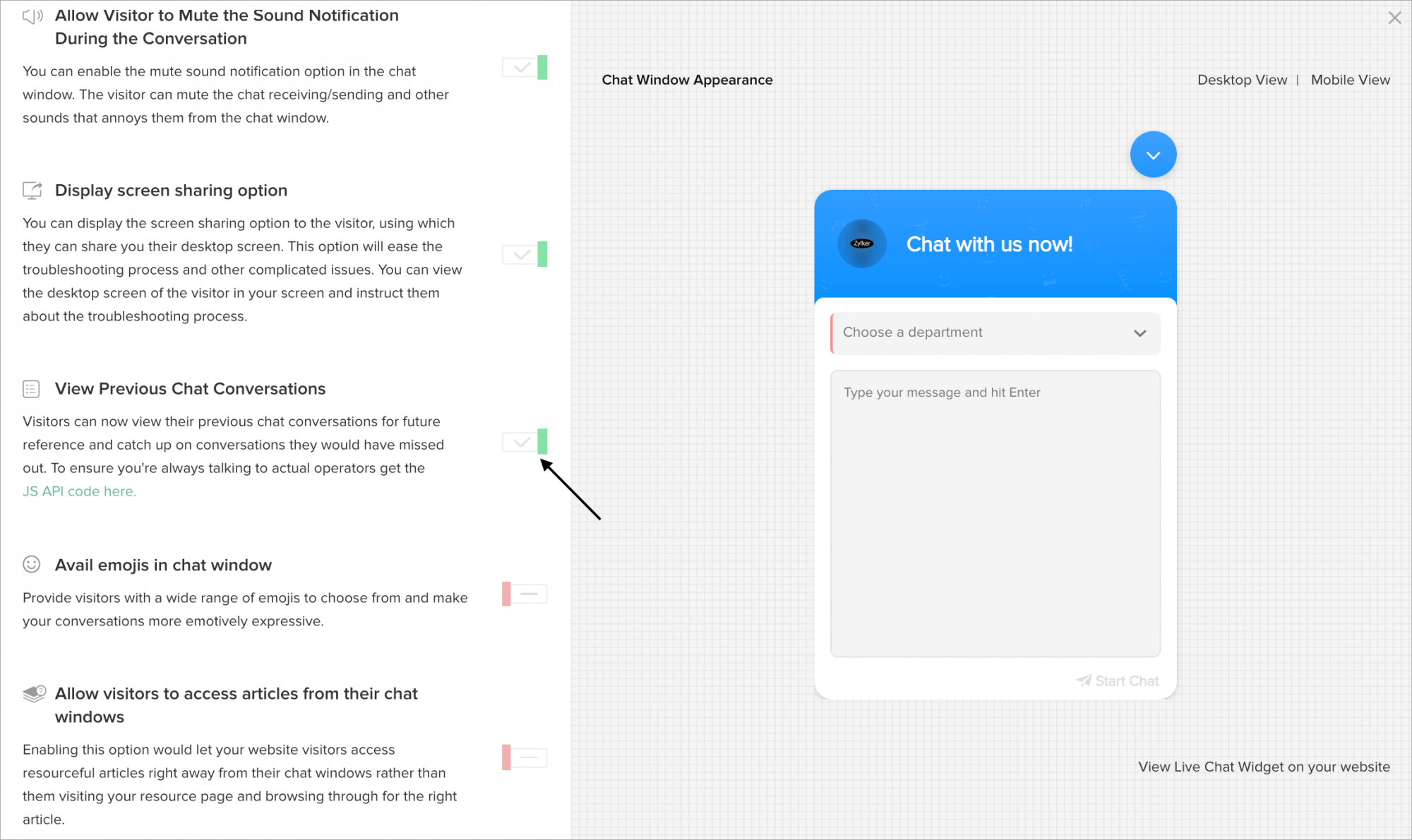
The visitors can view their previous chat conversations for future reference and catch up on conversations they would have missed out.
- In Settings > Websites > website name, choose Live Chat Widget.
- Then, navigate to Chat Window > Configurations, and customize the default window according to your needs.
- In Configurations tab, enable the View Previous Chat Conversations option.
- And, Update changes.
- Now, the visitor can view the option in the Chat Window.