
Set Chat Waiting Time
- In Settings > Websites > website name, choose Live Chat Widget.
- Then, navigate to Chat Window > Configurations, and customize the default window according to your needs.
- In Configurations tab, select a waiting time from the Set the Chat Waiting Time.
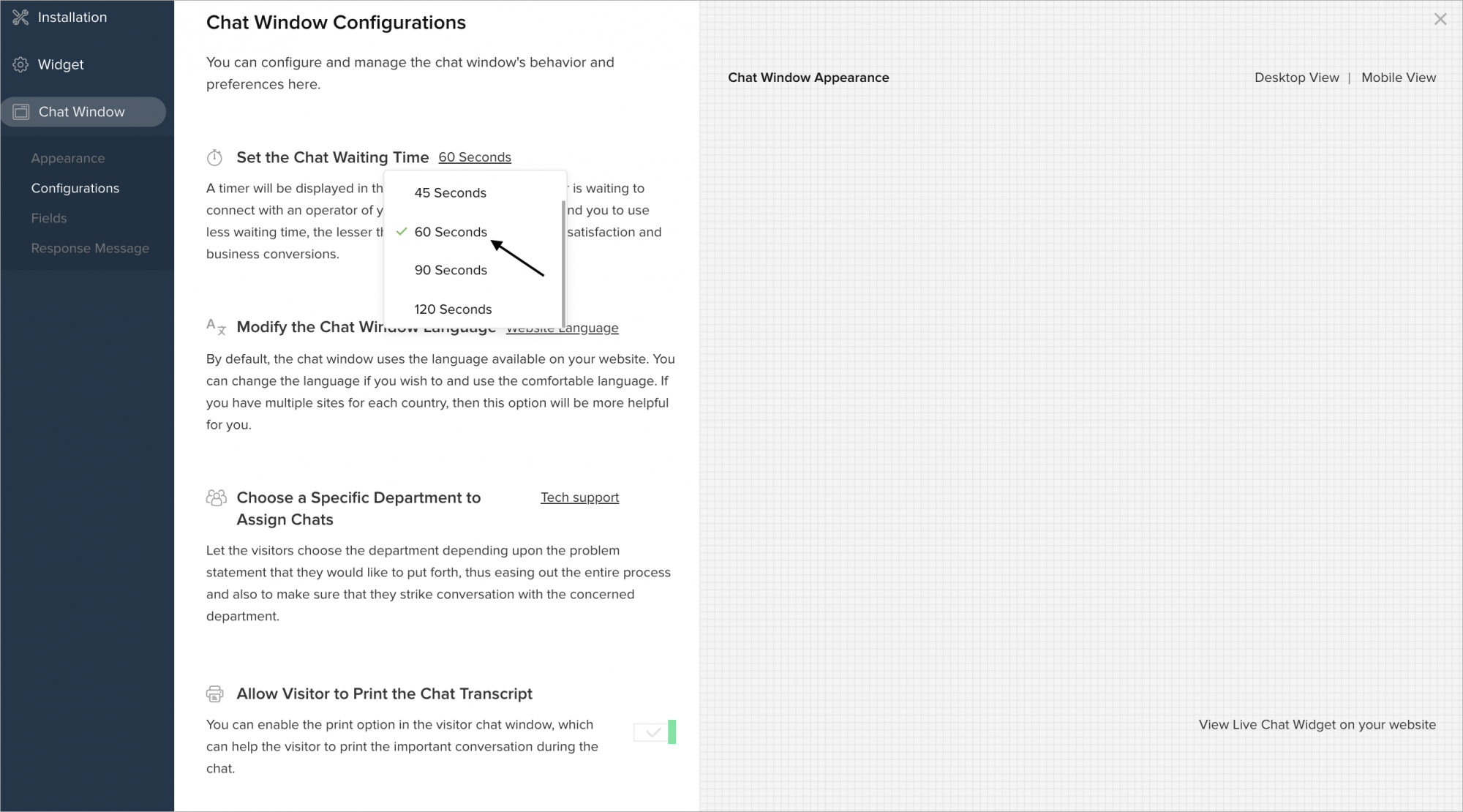
- A timer will be displayed in the chat window while the visitor is waiting to connect with the operator via chat.
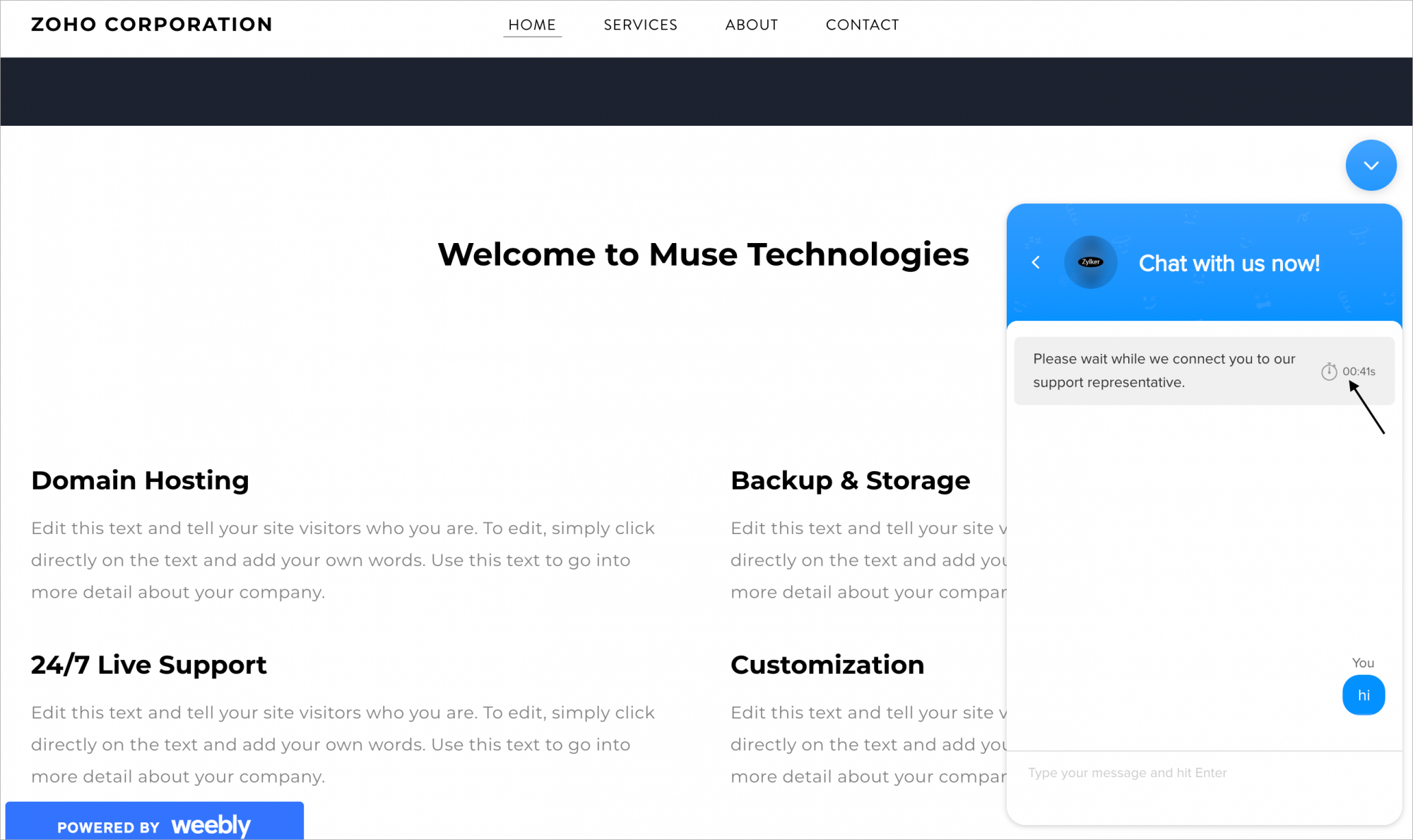
We recommend you to use less waiting time, the lesser the waiting time, the higher the satisfaction and business conversions.