Display the emojis icon in the chat window
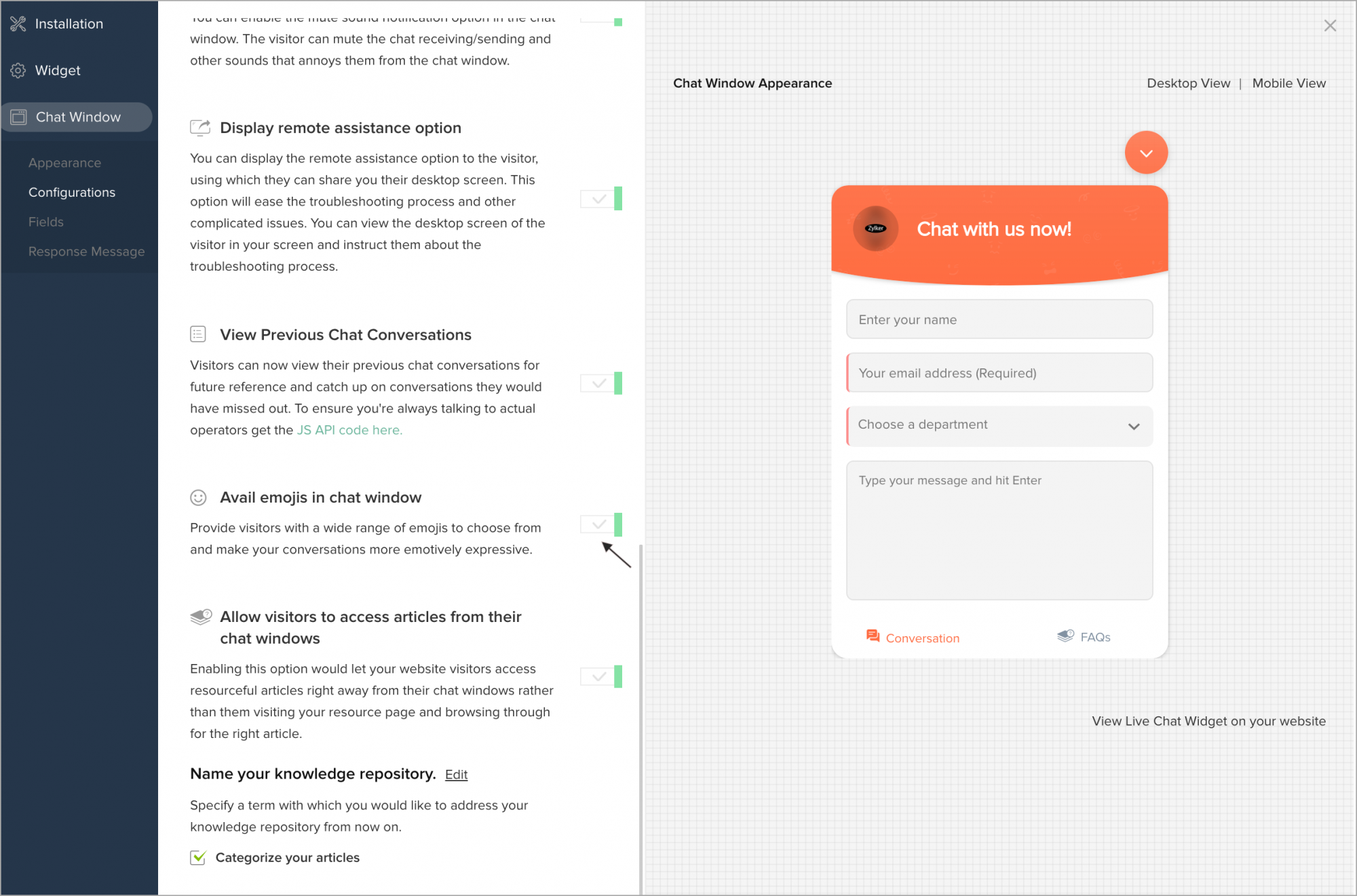
You can provide visitors with a wide range of emojis to choose from and make your conversations more emotively expressive.
- In Settings > Websites > website name, choose Live Chat Widget.
- Then, navigate to Chat Window -> Configurations, and customize the default window according to your needs.
- In Configurations tab, enable the Avail emojis in chat window option. Update changes.
- Now, the visitor can view the option in the Chat Window.