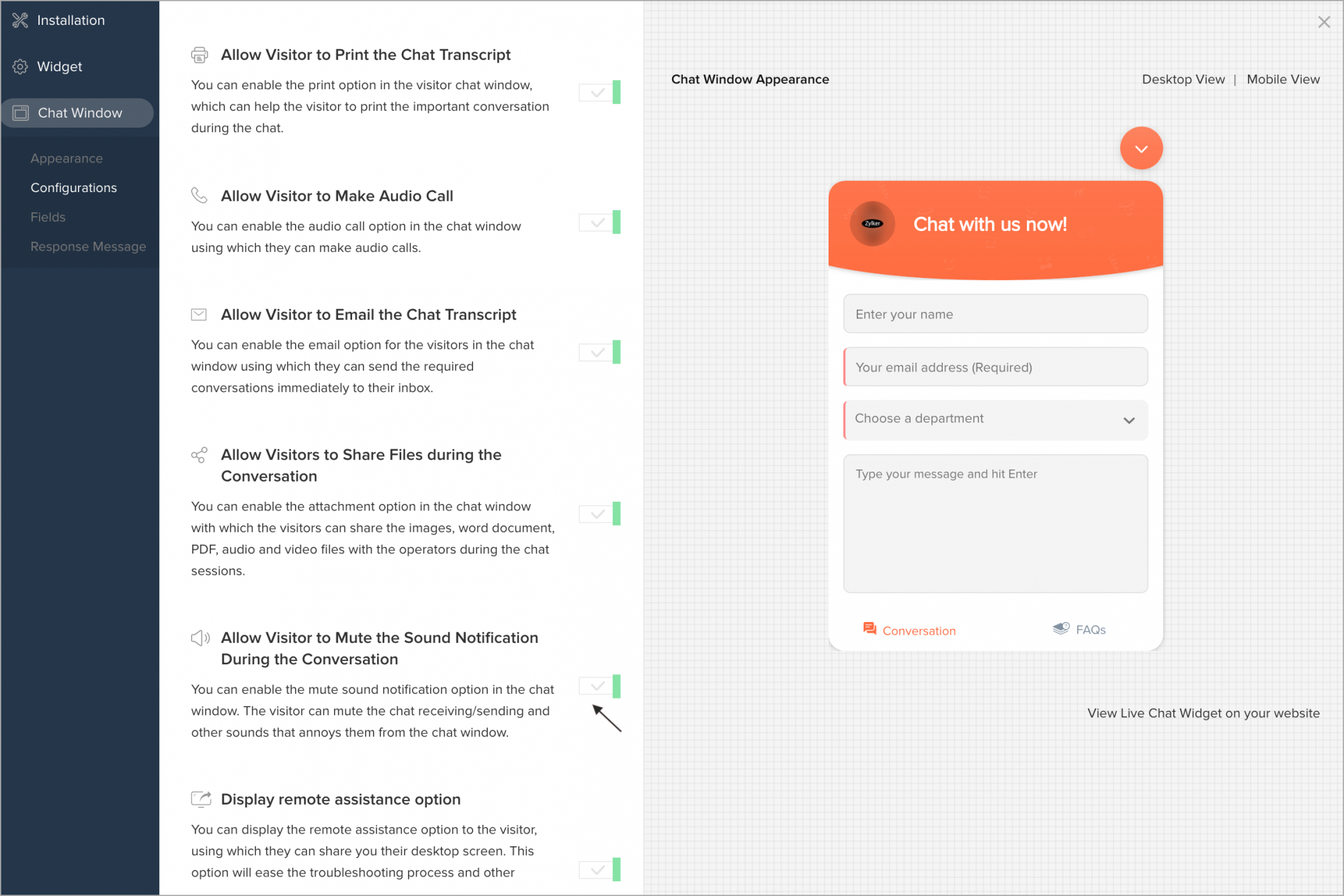
Allow visitor to Mute the Sound Notification during the conversation
You can enable the mute sound notification option in the chat window. The visitor can mute the chat receiving/sending and other sounds that annoys them from the chat window.
- In Settings > Websites > website name, choose Live Chat Widget.
- Then, navigate to Chat Window > Configurations, and customize the default window according to your needs.
- In Configurations tab, enable the Allow Visitor to Mute the Sound Notification During the Conversation option. Update changes
- Now, the visitor can view the option in the Chat Window.