Enterprise-grade Remote Support and Unattended Remote Access Software

Simple Secure Feature-rich Cross Platform

What is Zoho Assist?

Zoho Assist is reliable, cloud-based remote desktop software designed to empower businesses worldwide with exceptional remote support and access capabilities. It enables you to establish secure, web-based, on-demand connections with remote PCs, laptops, mobile devices, and servers effortlessly. Elevate your customer support experience with the industry’s leading remote support solution.

Outsourced IT & MSP support

Provide attended remote support and remotely access computers anywhere in the world with ease, using our remote control software. With remote desktop software, you can manage remote computers efficiently and improve customer satisfaction.

Customer support

Provide attended remote desktop support to any Windows, Mac, Linux, iOS, Android, or Chromebook device. Establish remote PC access to troubleshoot faster and ensure customer satisfaction.

IT help desks

Empower your IT help desk with remote desktop support software to resolve customers’ issues. Speed up resolution time and deliver outstanding service.

M+

M+

M+

Zoho Assist for enterprises

Our industry-leading remote access solution is easily customizable, scalable, and reliable enough to support large and growing enterprises. Consult, customize, and onboard your users with extensive solutions, enterprise features, and integrations that fulfill all your remote access requirements. Beyond remote access, it empowers IT teams with real-time visibility into device health, application performance, and employee experience, helping businesses detect issues before they disrupt operations and keep every endpoint running at its best.

Learn more

Why use Zoho Assist?

  • Enterprise-grade security with TLS 1.2 and AES 256-bit encryption
  • Faster implementation and deployment across your organization
  • Quick adoption with an intuitive, easy-to-use interface
  • No prior downloads required for on-demand remote sessions
  • No installation needed for technicians to initiate remote sessions
  • Technicians can log in from any device to conduct remote sessions
  • Privacy-focused remote management with compliance-ready features
  • Cross-platform support across Windows, Mac, Linux, iOS, and Android
  • Seamless integration with Zoho's ecosystem and popular third-party tools

Zoho AssistZoho AssistZoho Assist  

Feature-rich remote desktop software for every scenario

Remote Support

Effortlessly troubleshoot remote computers or mobile devices via ad-hoc or on-demand sessions using our top-notch remote support application. Invite participants via email, SMS, or join links. Enable quick connections without prior installations, ideal for customer support technicians and Outsourced IT & MSPs needing reliable remote support.

Learn more

Remote Access

Enable unattended remote access for computers and mobile devices to monitor, maintain, and troubleshoot seamlessly, without requiring physical presence or user interaction. Use bulk deployment for easy setup across LAN and beyond. Zoho Assist supports Windows, Mac, Linux, Raspberry Pi, Android, and iOS for comprehensive remote access.

Learn more

Remote Camera Sharing

Provide real-time, augmented reality-based remote assistance by accessing your customer's smartphone camera or smartglasses. Instantly troubleshoot plant machinery, servers, and more from your desk with our advanced AR tools and features. Enhance support efficiency and accuracy, by offering a cutting-edge solution for remote diagnostics and issue resolution.

Learn more

Cobrowse

Guide customers through forms, workflows, and checkouts in real time without any downloads or plugins. Interact within the same browser tab, highlight fields, mask sensitive data, and deliver fast, privacy-first support that turns every customer interaction into a seamless, personal experience.

Learn more

Unified Endpoint Management

Go beyond remote support with Zoho Assist's built-in IT management capabilities. Detect vulnerabilities early, automate patch deployments, and enforce compliance, all from a single console. Deploy software at scale, streamline workflows, and keep every endpoint secure and productive so your IT team spends less time firefighting and more time driving impact.
Diagnostic Troubleshooting Tools

Monitor and manage remote device status and configurations seamlessly, eliminating desk visits and minimizing downtime. Background access with over 10 diagnostic tools, including Command Prompt, Device Manager, Task Manager, Hardware, Groups, Registry editor, etc improves productivity, visibility, and support speed, while optimizing team uptime consistency.

Learn more

Device compatibility

Free remote assistance for Windows - Zoho Assist
Remote management software for Mac- Zoho Assist
Remote access application - Zoho Assist
Remote IT support for iOS devices - Zoho Assist
Remote access software - Zoho Assist
Raspberry remote control software - Zoho Assist
Free remote control software - Zoho Assist

Security at the heart of everything

Zoho is committed to the security and privacy of our customers' data. This commitment is backed by a combination of comprehensive, enterprise-grade security features, as well as rigorous, recurring audits of our applications, infrastructure, and internal policies. This ensures your data is secure and your services are uninterrupted.

Learn more
The best remote access software for Enterprise

Zoho Assist emerged as the perfect fit for our diverse operations—seamless, adaptable, and reliable. Its scalability and flawless performance resolved our longstanding need for a standardized remote support tool.

José Gervasio Gomiz,
Identity & Endpoint Manager, Globant

Security is paramount when dealing with remote connections in the maritime industry, and Zoho Assist’s stringent security measures give us peace of mind. We trust that our remote sessions are always secure, no matter where our ships are in the world.

Prema Salian
Prema Salian,
Head of Cybersecurity, Infra & Emerging Technology, The Great Eastern Shipping Co. Ltd.

Zoho Assist was a product we thought would be great for using during the pandemic. Since the pandemic, nothing has reverted to the way it was before. We now use remote assist tools daily to do system admin work.

Joe A. Rasche
Joe A. Rasche,
Systems Admin II-Department of Computing and Cyber Security, Texas A&M University.
More customers

Best ratings across software review sites

Support that can be truly remote

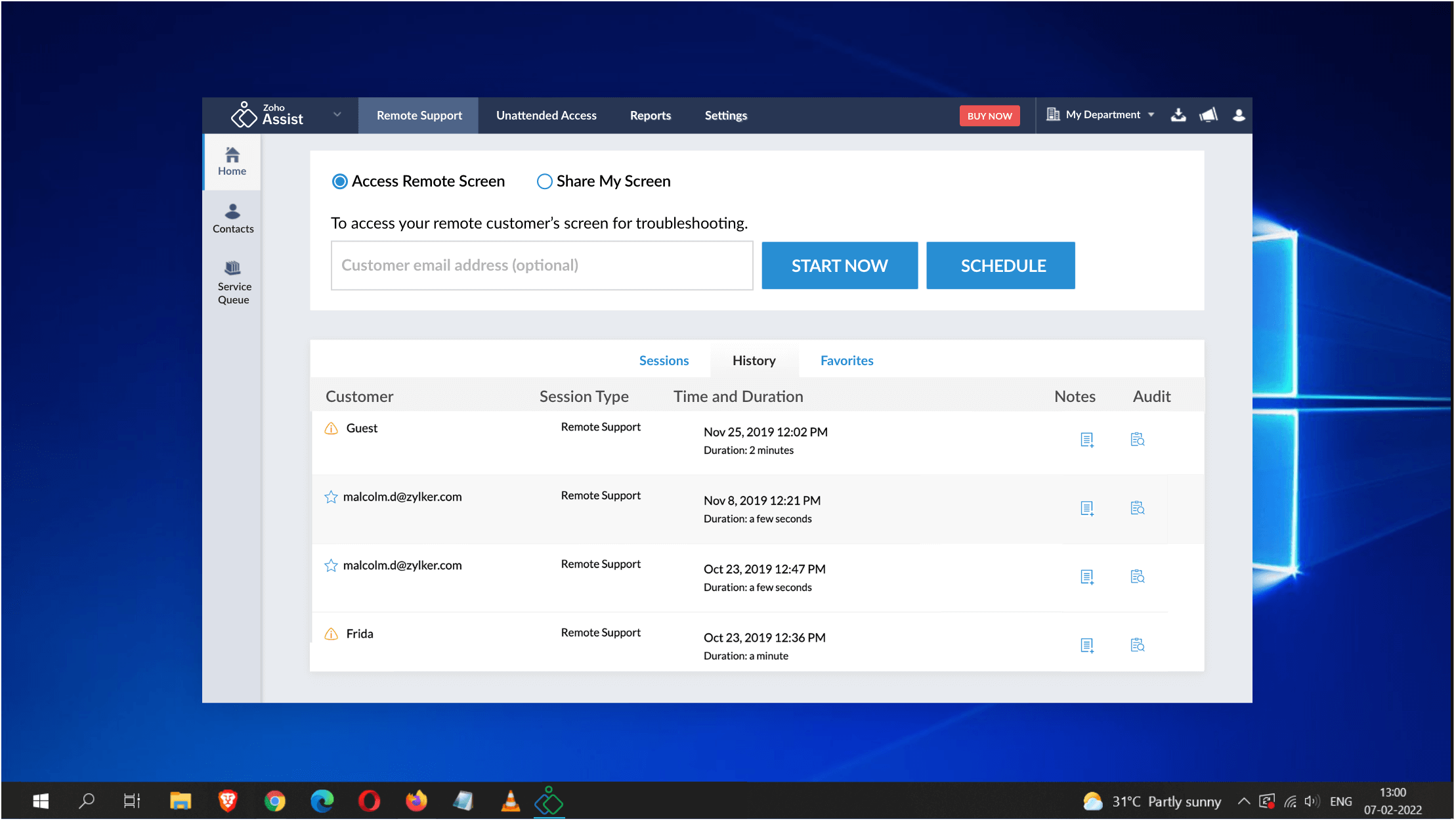
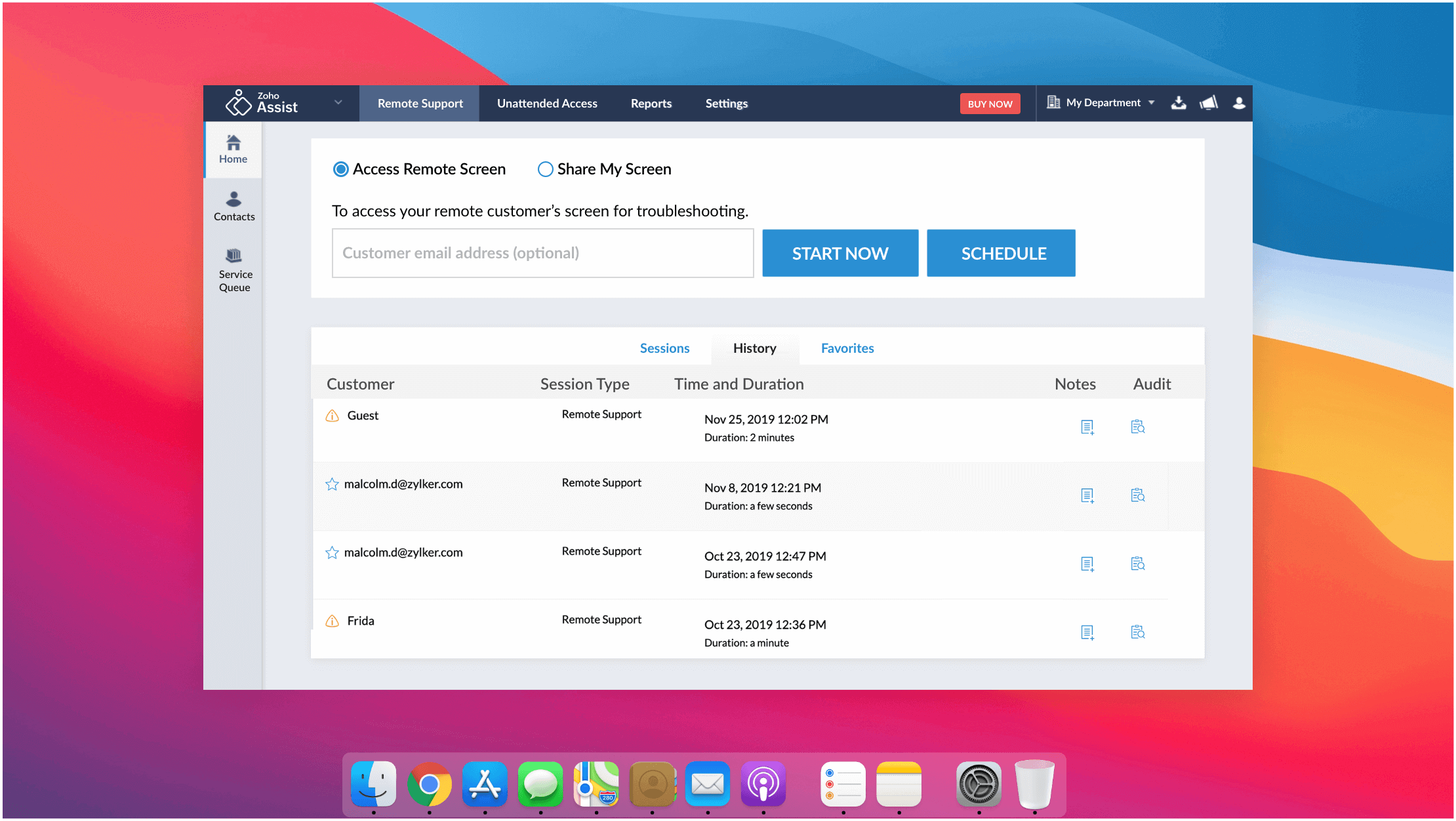
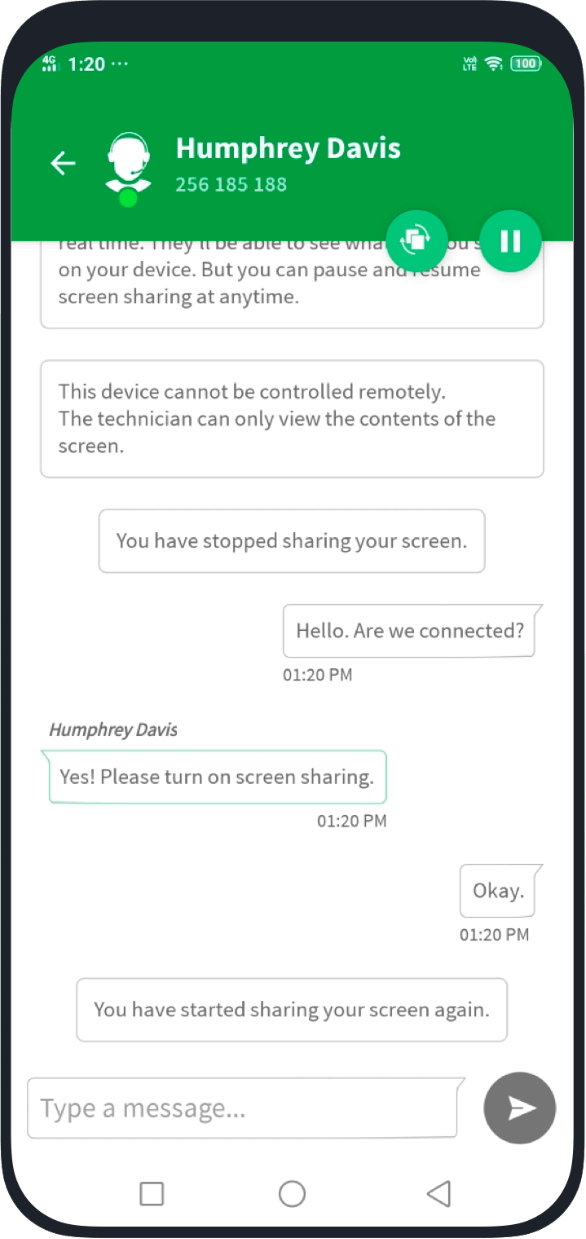
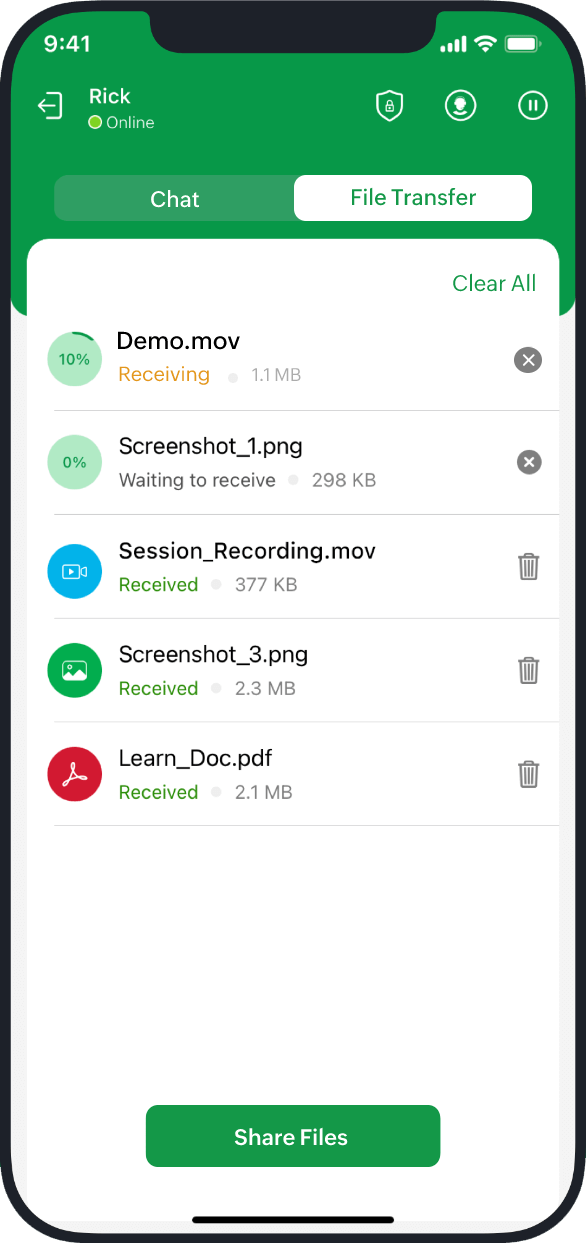
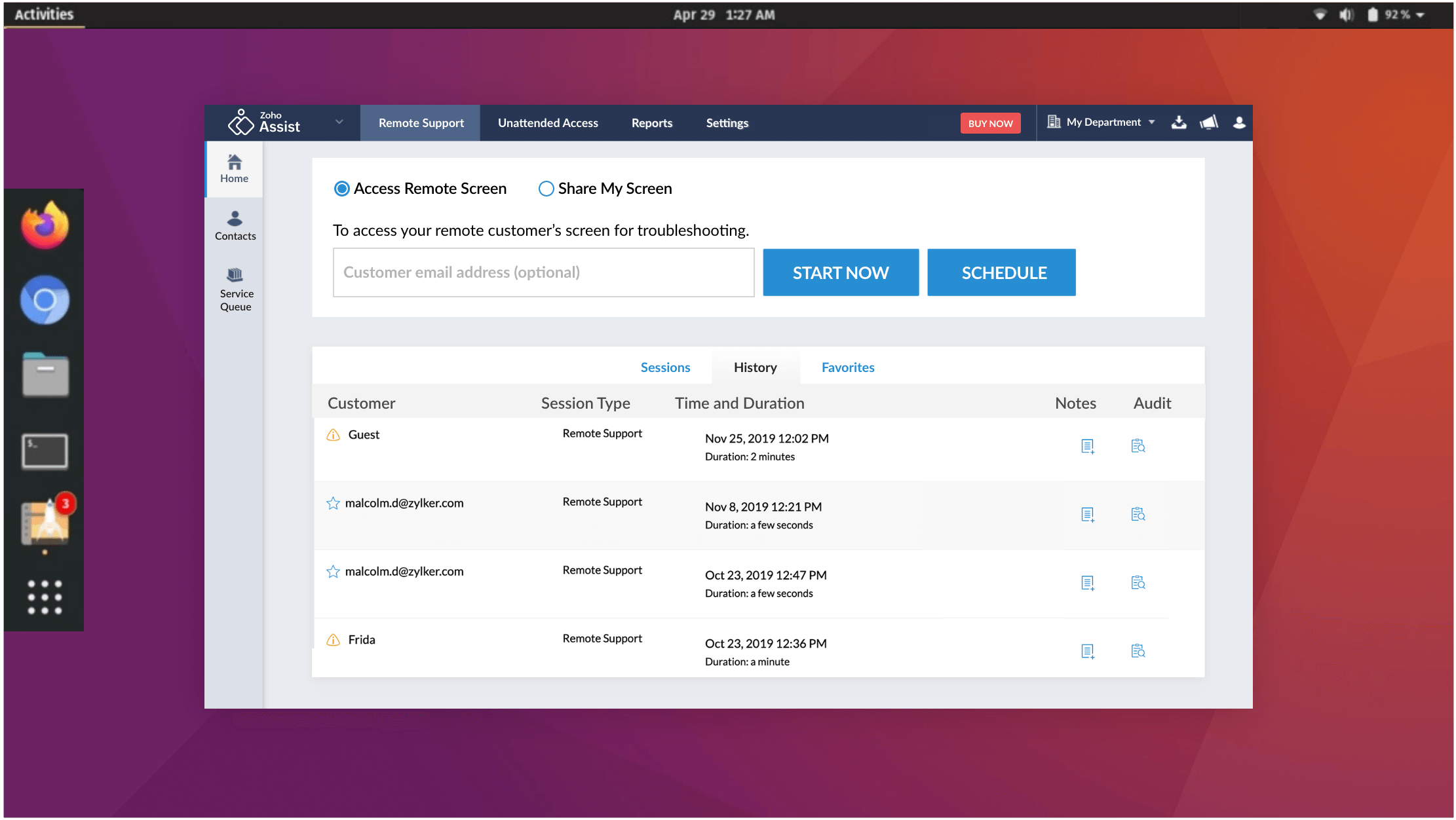
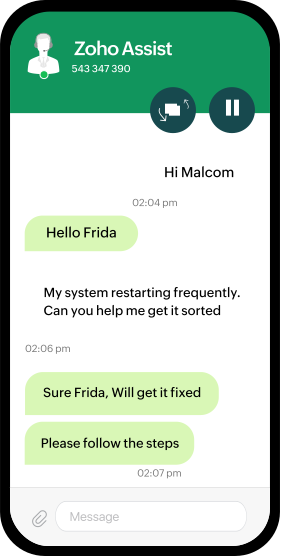
Provide support on the go using the Zoho Assist mobile app. With this powerful, easy-to-use remote access app, your customers’ screens will fit right in your hand so you can deliver effective remote assistance from any location.

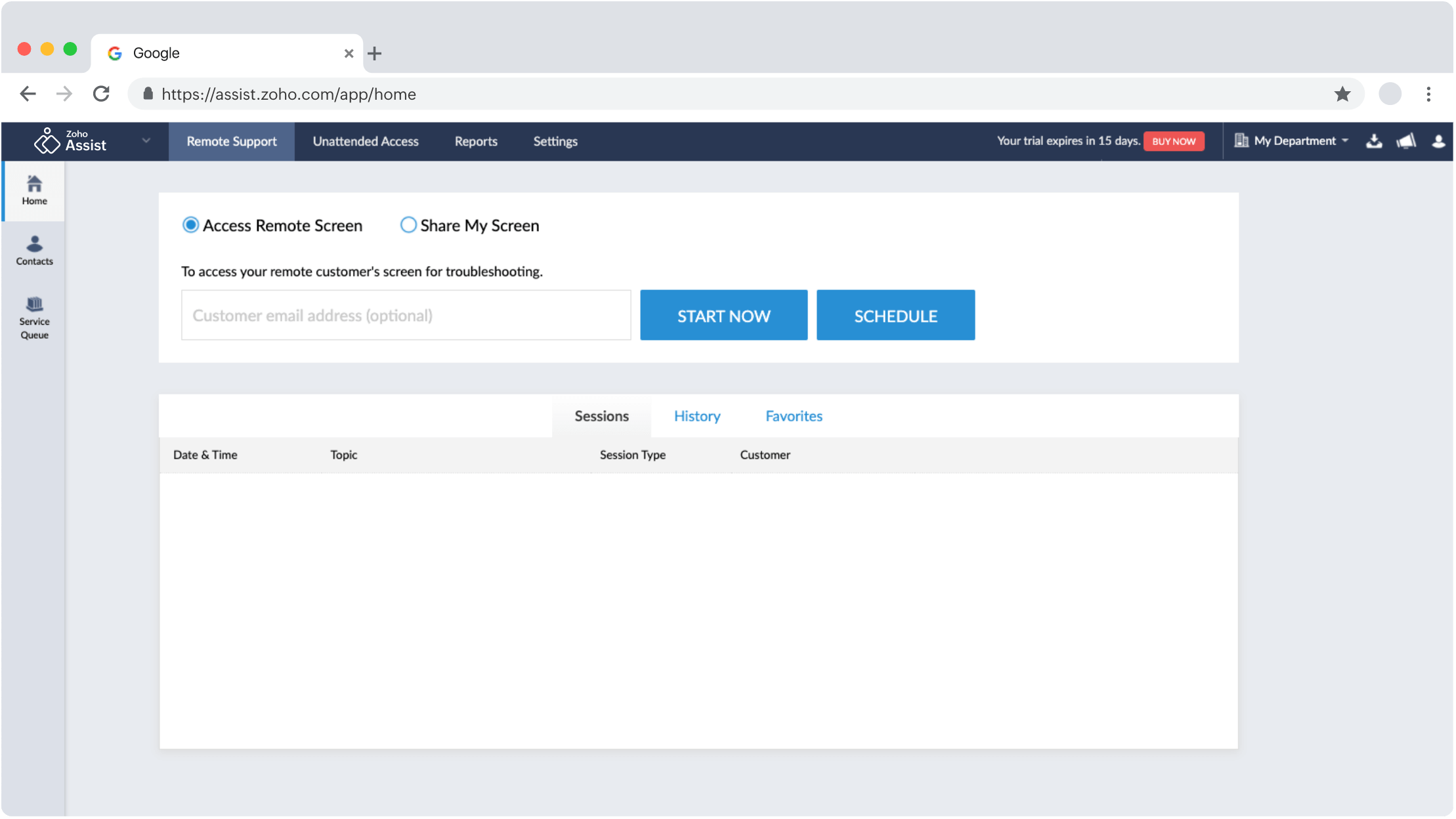
Remote screen access with schedule and start now options.Zoho Assist chat between Malcom and Frida discussing system issues.

Start your 15-day free trial today

Sign up for free

What is remote access?

Remote access is the ability to connect to a computer remotely and gain control to resolve issues or install updates as needed. Technicians have the option to initiate a session immediately or schedule it for later. This allows for connecting with either a person on the other end or accessing unattended devices.

How does remote support work?

Remote support software lets technicians establish a secure internet connection with an end user's device to deliver real-time screen sharing and control for troubleshooting and issue resolution. Zoho Assist, recognized as the Customers' Choice for Remote Desktop Software by Gartner Peer Insights, facilitates seamless communication and effective collaboration between the support provider and the user.

What are the types of remote access?

The types of remote access include:

For most IT support, customer support, and MSP use cases, remote access software like Zoho Assist provides the best balance of ease of use, security, and cross-platform coverage, without the complexity of VPN infrastructure.

What are the benefits of remote access software tools?

Remote desktop software helps you access and control remote systems without requiring a technician's physical presence, resolving issues faster and cutting operational costs. Key benefits include increased efficiency, streamlined team collaboration, enhanced security with encryption, improved customer satisfaction, and 24/7 accessibility across time zones. Zoho Assist is easy-to-use remote access and remote support software customized to your needs.

What is remote support software?

Remote support software allows customer support technicians, technical support professionals, IT admins, and others to access remote devices from wherever they are. With the best remote support software, technicians will be able to initiate on-demand, web-based remote support sessions to remotely access, troubleshoot, and configure devices for unattended access, and then access them at any time.

What are the key features of remote access software?

With our remote access software, you can connect to remote computers at any time, from anywhere, and provide complete technical assistance to your customers. The free remote support tool has an array of crucial features, such as

Who uses remote access software and for what?

Remote support tool allows users to connect to and control devices or systems from a remote location, enabling seamless collaboration and troubleshooting. Whether you're a large-scale enterprise, IT firm, MSP, or a one-person IT team, Zoho Assist is user-friendly remote support software that enables you to initiate remote desktop support or screen sharing sessions securely, whenever needed.

What real-life use cases does the remote access software serve?

Remote access software serves a wide range of industries and use cases, enabling teams to connect, troubleshoot, and collaborate from anywhere in the world.

  • IT support: IT technicians can troubleshoot and resolve issues on users' computers remotely, saving time and elevating productivity.
  • Remote collaboration: Team members can collaborate effectively, sharing desktops for presentations and joint problem-solving.
  • Customer support: Diagnose and fix issues instantly from anywhere, boosting customer satisfaction and cutting support costs.
  • Educational institutions: Academic trainers can easily assist students remotely, enhancing learning experiences.
  • Telehealth: Offer remote medical assistance, ensuring timely care delivery for everyone.

How do I choose the best remote access software in 2026?

The ideal remote access software should offer both on-demand and unattended access, strong data security, workflow customization, and advanced troubleshooting features. Look for multi-factor authentication, 256-bit AES encryption, and compliance-ready features as baseline security requirements. Unlike basic remote desktop tools, Zoho Assist supports both attended and unattended sessions with enterprise-grade security, making it a complete remote support solution for businesses of all sizes.

Why Zoho Assist?

Zoho Assist is one of the top remote access software solutions on the market due to its wide variety of advanced features, multiple free and paid packages, and top-notch customer service. It is reliable remote support software that offers a wide range of remote support features under the free remote access package. It can be rebranded and can suit any business needs, as well as help you maintain an organized workflow.

Does Zoho Assist offer free remote support software?

Yes, Zoho Assist offers a free remote support plan that includes 1 technician, 5 unattended computers, instant chat, multi-monitor navigation, and 1 concurrent session with no credit card required. It also offers affordable pricing for paid plans and a 15-day free trial.