

Live Chat and Visitor Tracking Software for Unbounce
Unlock the unbeatable power of completely unified customer & prospect interactions. Take your business to new heights when you team-up Zoho SalesIQ with Unbounce.
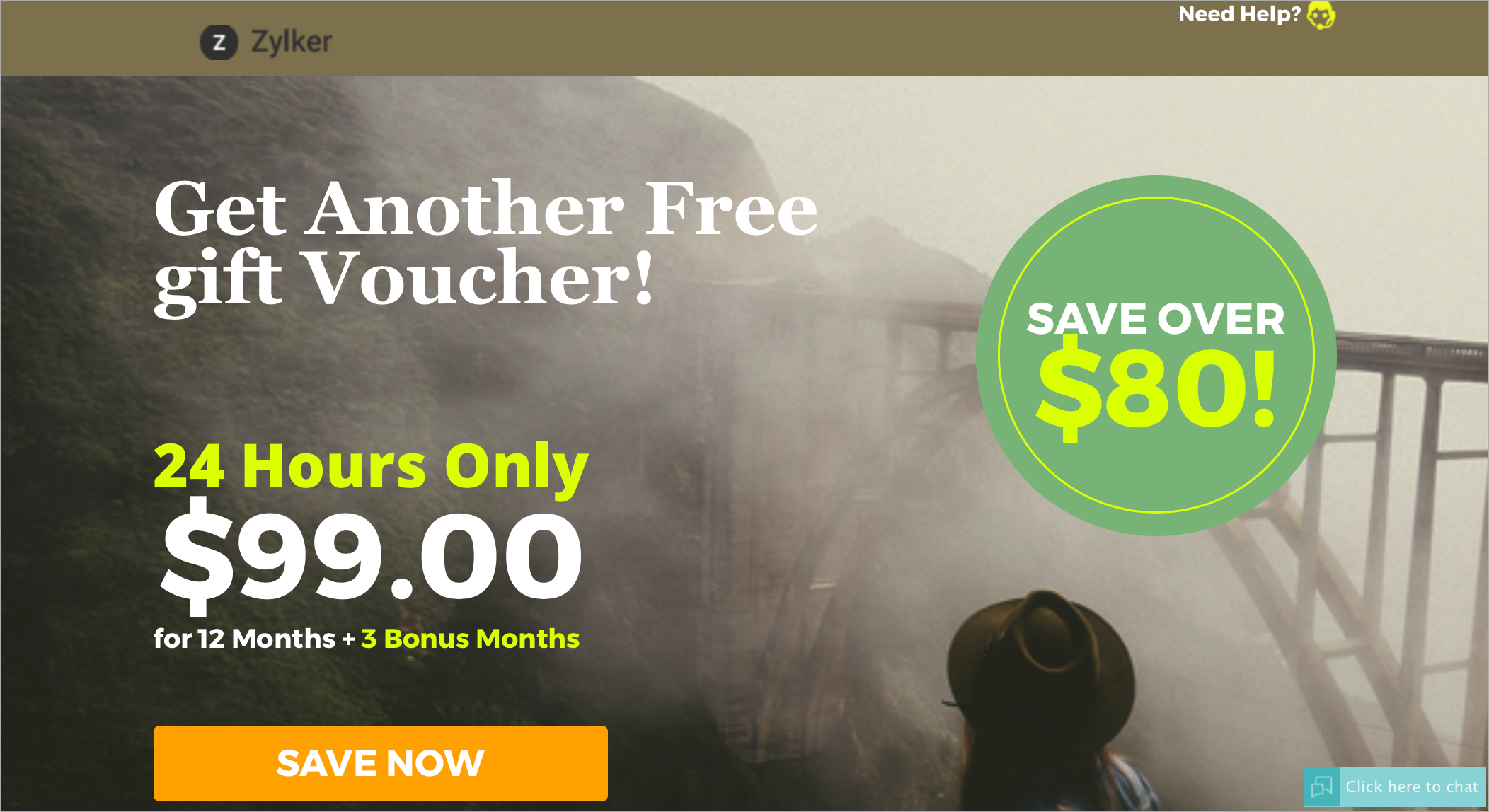
Configuring Zoho SalesIQ to your Unbounce page
- Log in to your Unbounce account.
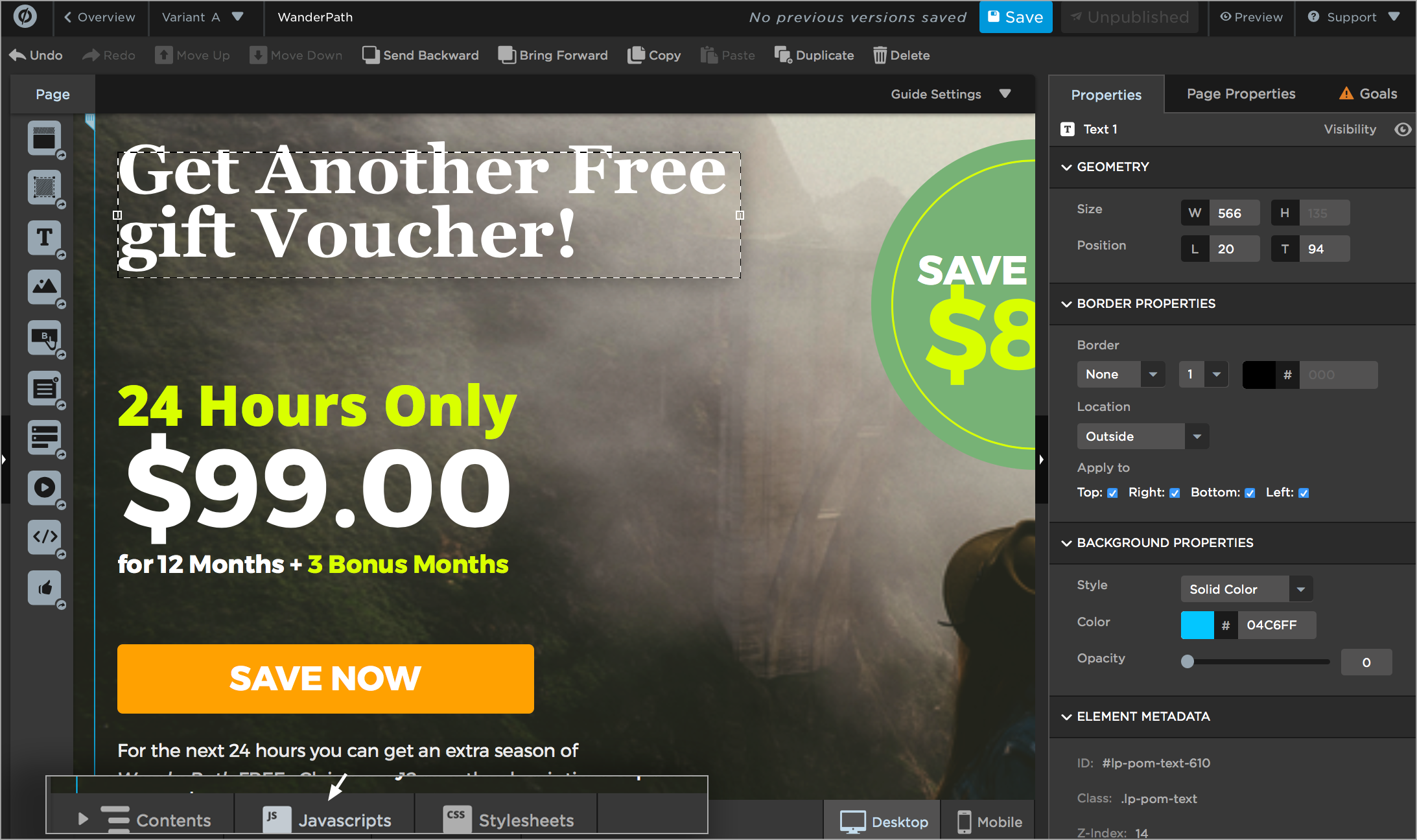
- Select the page in which you wish to add live chat, click 'Edit'.
- Click “Javascript” on the bottom.
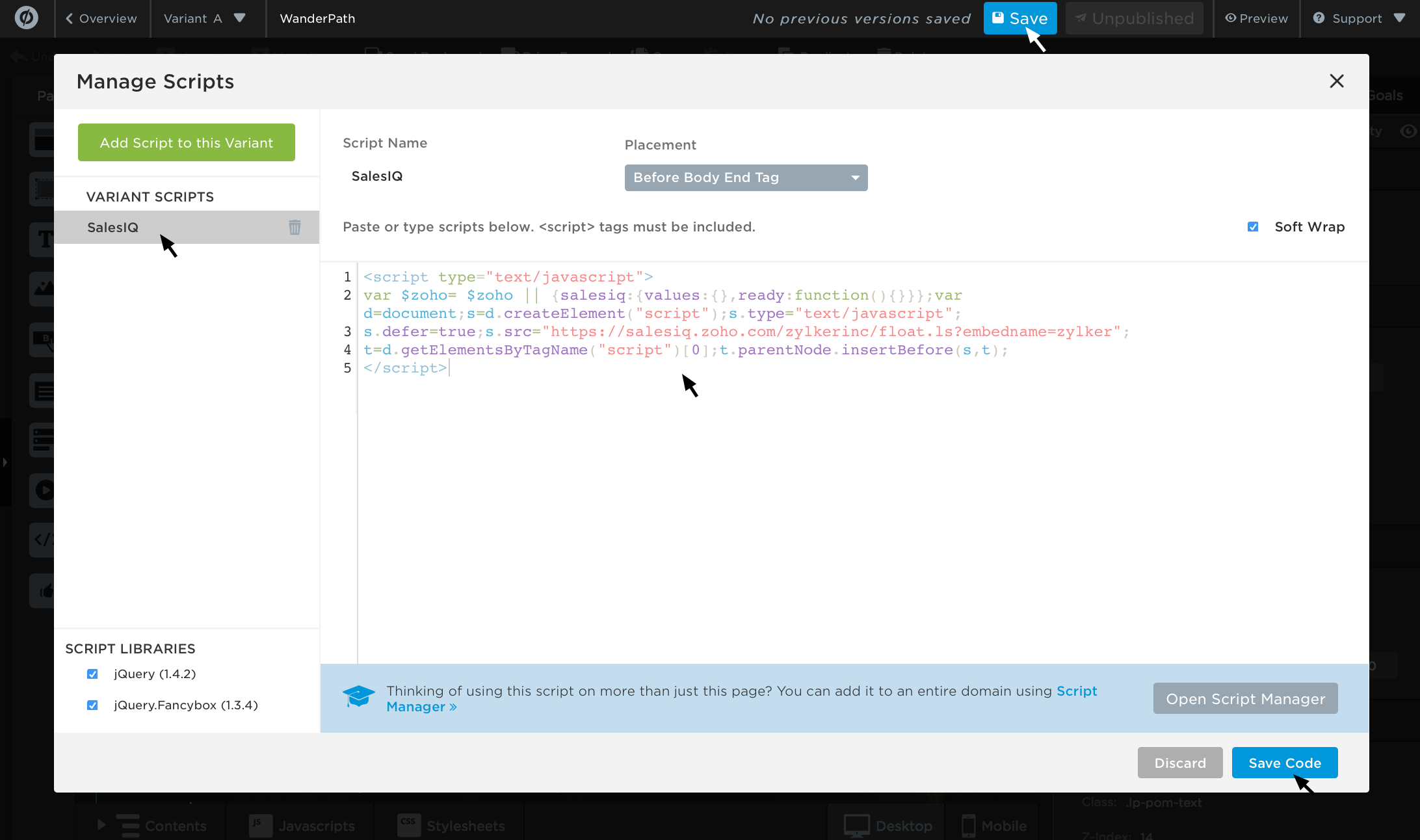
- Paste your Zoho SalesIQ code and click “Done” then "save".
Getting Zoho SalesIQ Code Snippet
- Login to your Zoho SalesIQ Operator console.
- Navigate to Settings -> Websites, click on the name of the website you are attempting to include in a page.
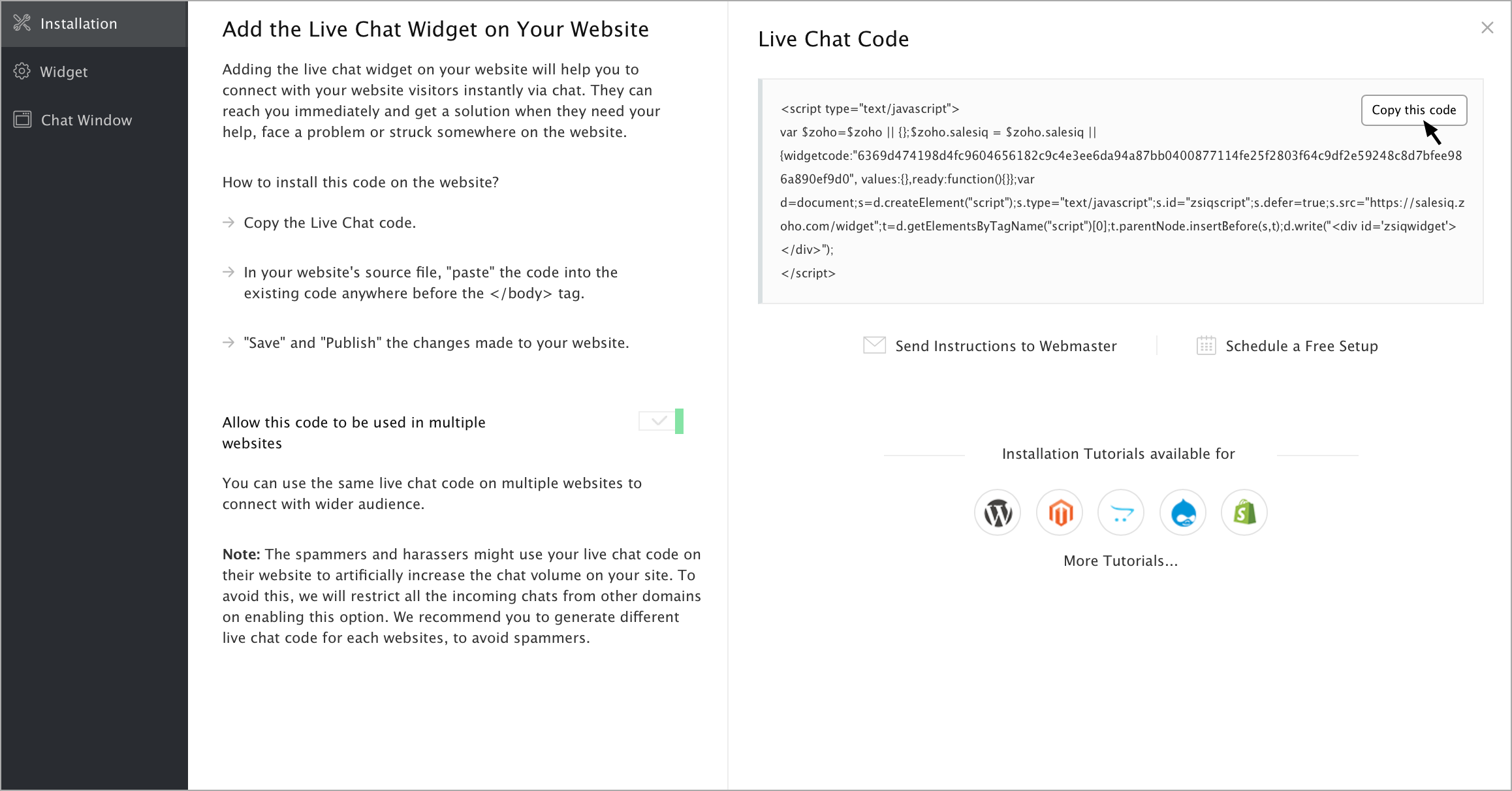
- Select Live Chat. In the Installation section, click Copy this code to copy the code snippet.
Note: To receive live chat notifications you should be logged in to https://www.zoho.com/salesiq/