

Live Chat integration with Hubspot
Get your live chat events organised into your hubspot dashboard.
Once you have pasted the Zoho SalesIQ script into your webpages, the script will automatically detect the Hubspot code available in your website. If everything is in place, Zoho SalesIQ will start reporting events to your Hubspot automatically. All you have do is enable Hubspot in the embed settings.
Setting up Zoho SalesIQ with Hubspot
Once you have pasted the Zoho SalesIQ code into your website follow the below instruction to enable the integration and push your live chat events data to your Hubspot dashboard.
- Login to your Zoho SalesIQ.
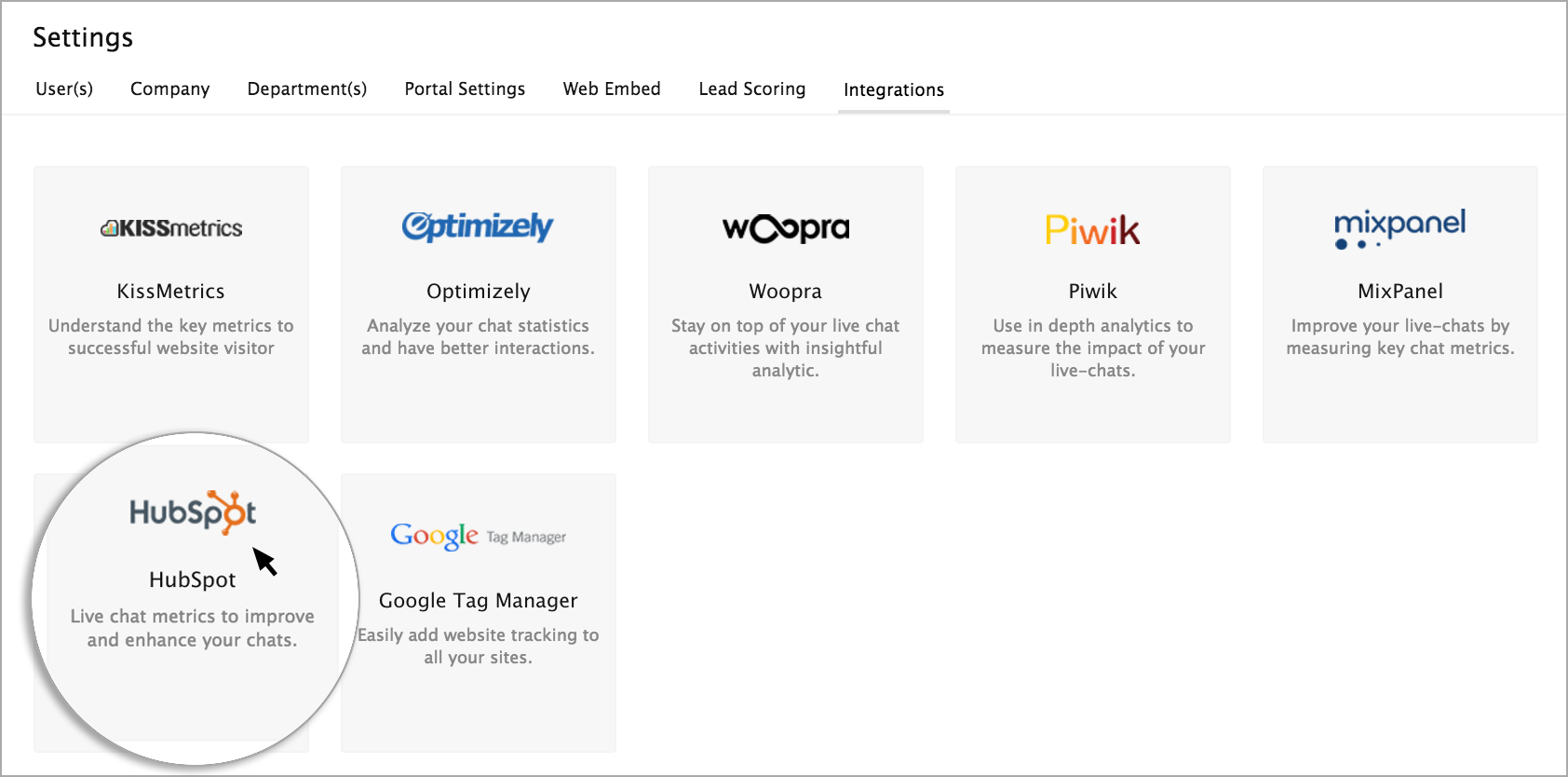
- Go to Settings > Integration tab, select Hubspot.
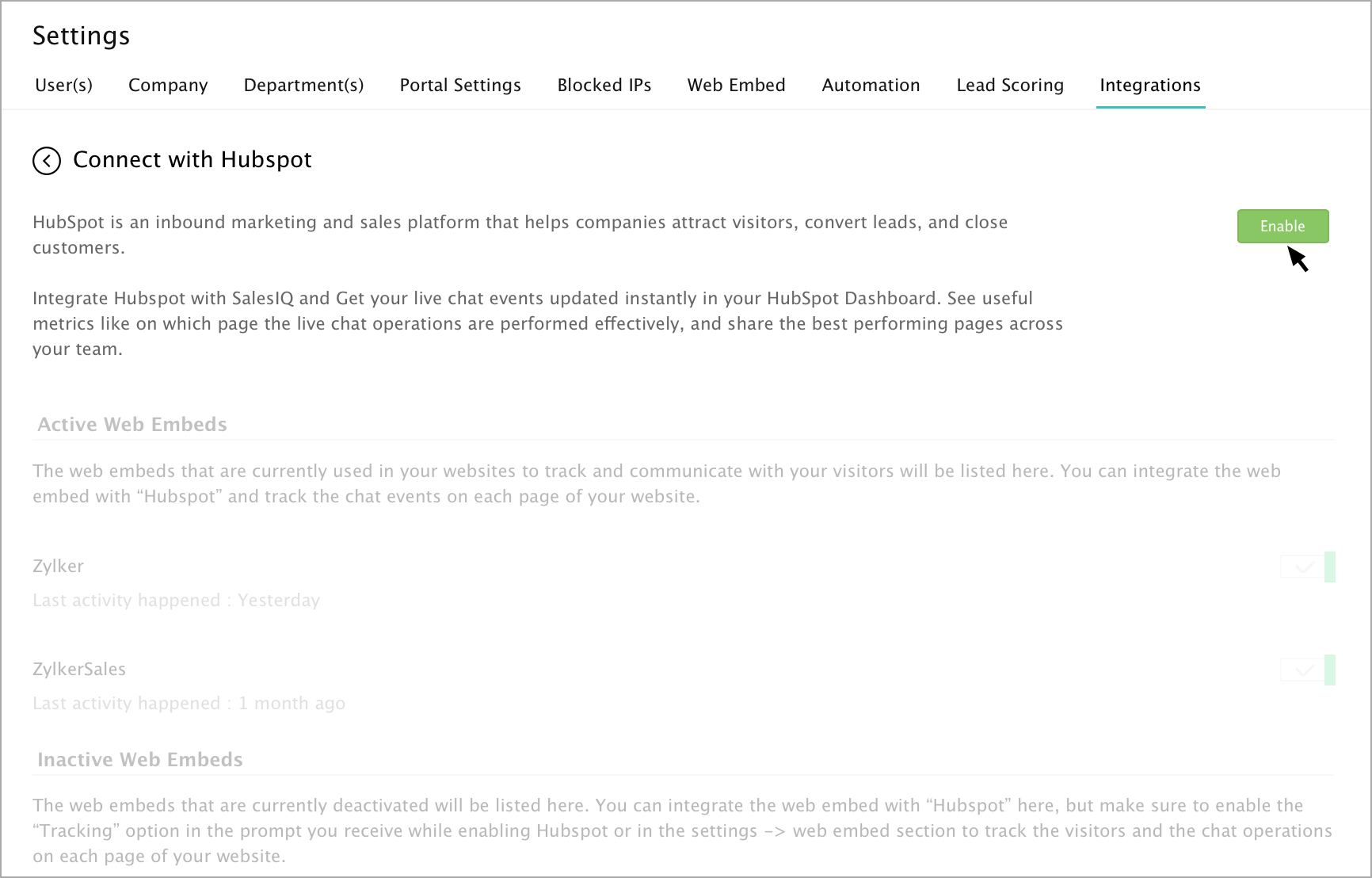
- In the Connect with Hubspot page, click Enable button.
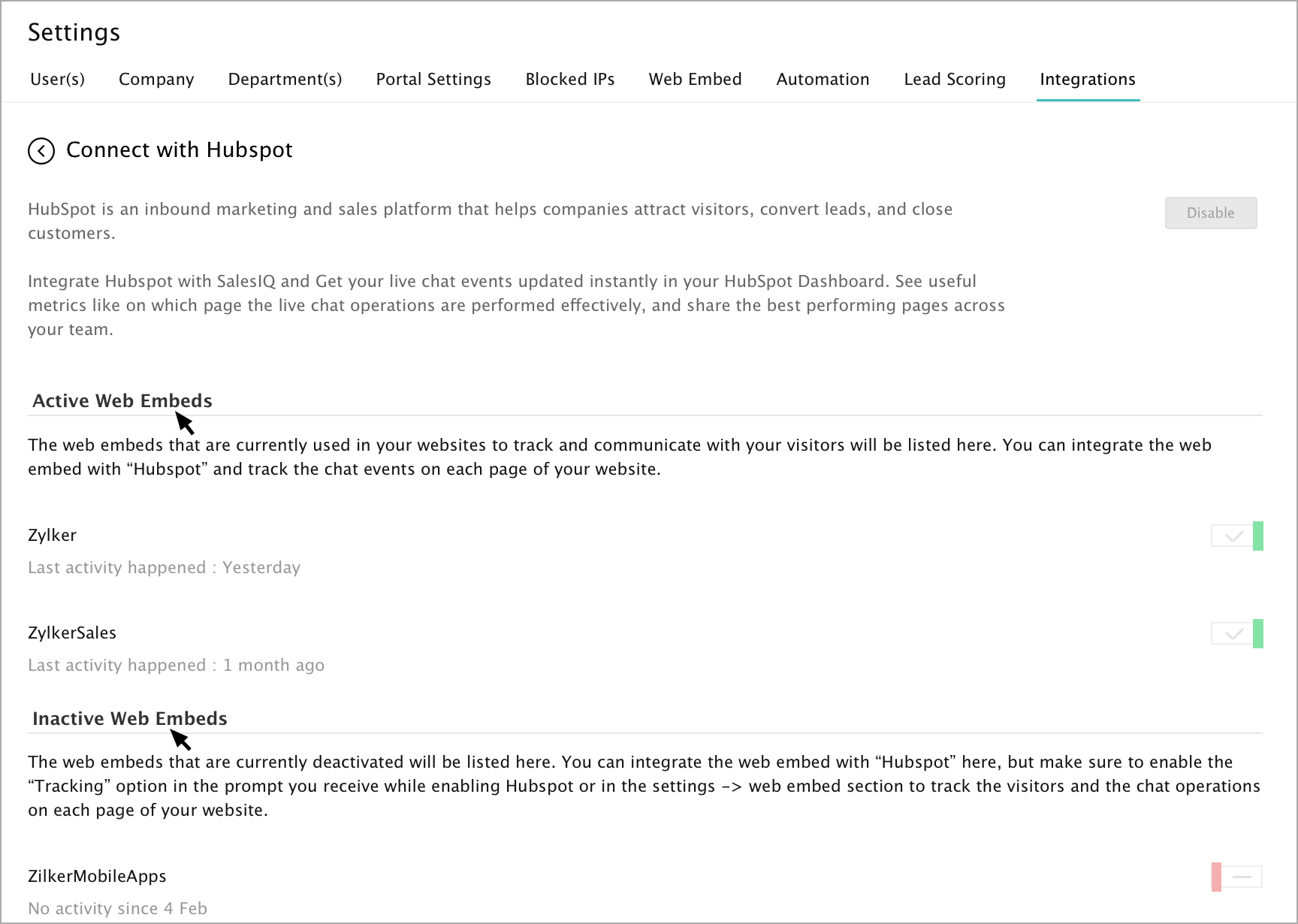
- The Active Web Embeds and Inactive Web Embeds will be listed in the page.
What are the events tracked in Hubspot?
| Events | Description |
| Button Clicked | Number of clicks on the Zoho SalesIQ chat button. |
| Chat Closed | Number of clicks on the Close (X) icon in the chat window. |
| Chat Minimized | Number of clicks to minimize the Zoho SalesIQ chat window. |
| Bubble Closed | Number of clicks on the Close(X) icon on the chat bubble. |
| Chat Connected | Number of chat sessions with the visitors. |
| Chat Ended | Number of chats ended by the visitors. |
| File Transferred | Number of file transfers made by the visitors. |
| Chat Printed | Number of chat transcripts printed by the visitors. |
| Chat Mail Sent | Number of chat transcripts emailed by the visitor. |
| Rating submitted | Number of ratings submitted by visitors. |
| Feedback submitted | Number of feedback messages submitted by visitors. |
| Chat Triggered | Number of auto and proactive chat initiated to the visitors. |
| Chat Initiated | Number of visitor initiated chats. |
| Offline Message Submitted | Number of offline messages submitted by the visitors. |
| Chat Missed | Number of chats missed by the SalesIQ users. |
| Chat Ended by visitor | Number of chats ended by the visitors. |
Note: Events tracking is available only in Hubspot enterprise version.