How to integrate MailChimp Campaigns with your SalesIQ?
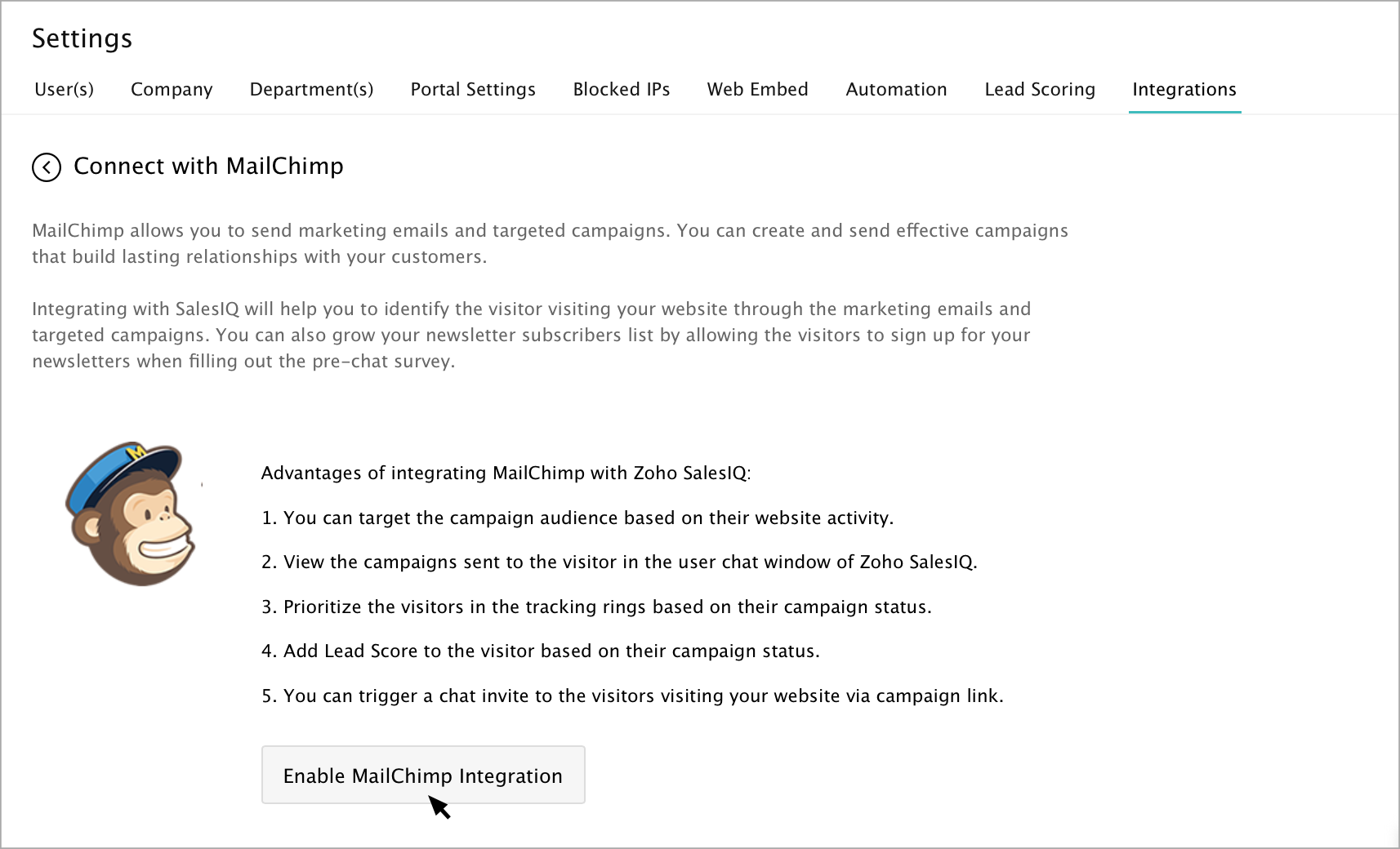
To integrate MailChimp campaigns with SalesIQ, go to SalesIQ -> Settings -> Integrations. Navigate to MailChimp, and click on the Enable integration button in the welcome page.
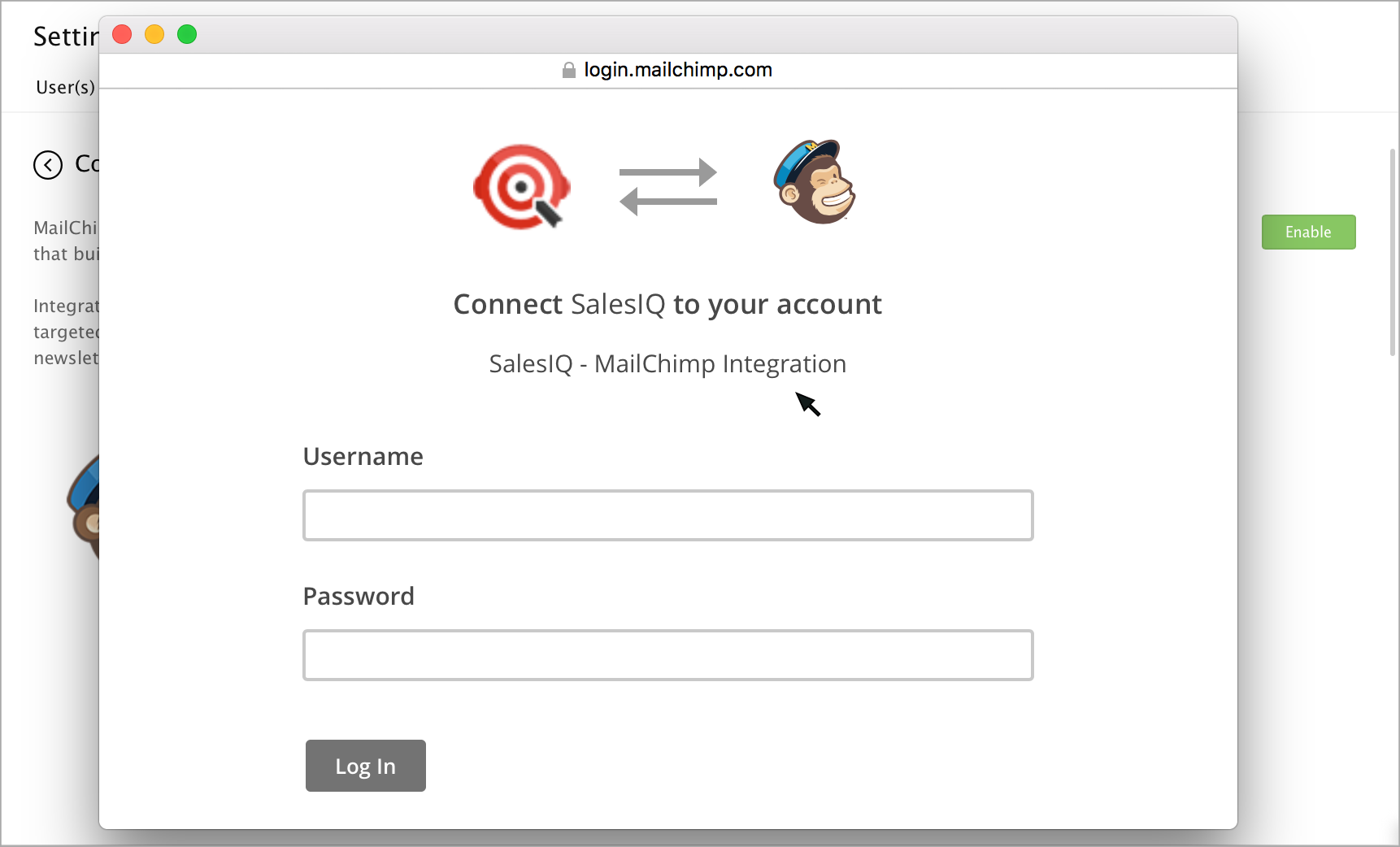
The MailChimp - SalesIQ integration page appears in a new window.
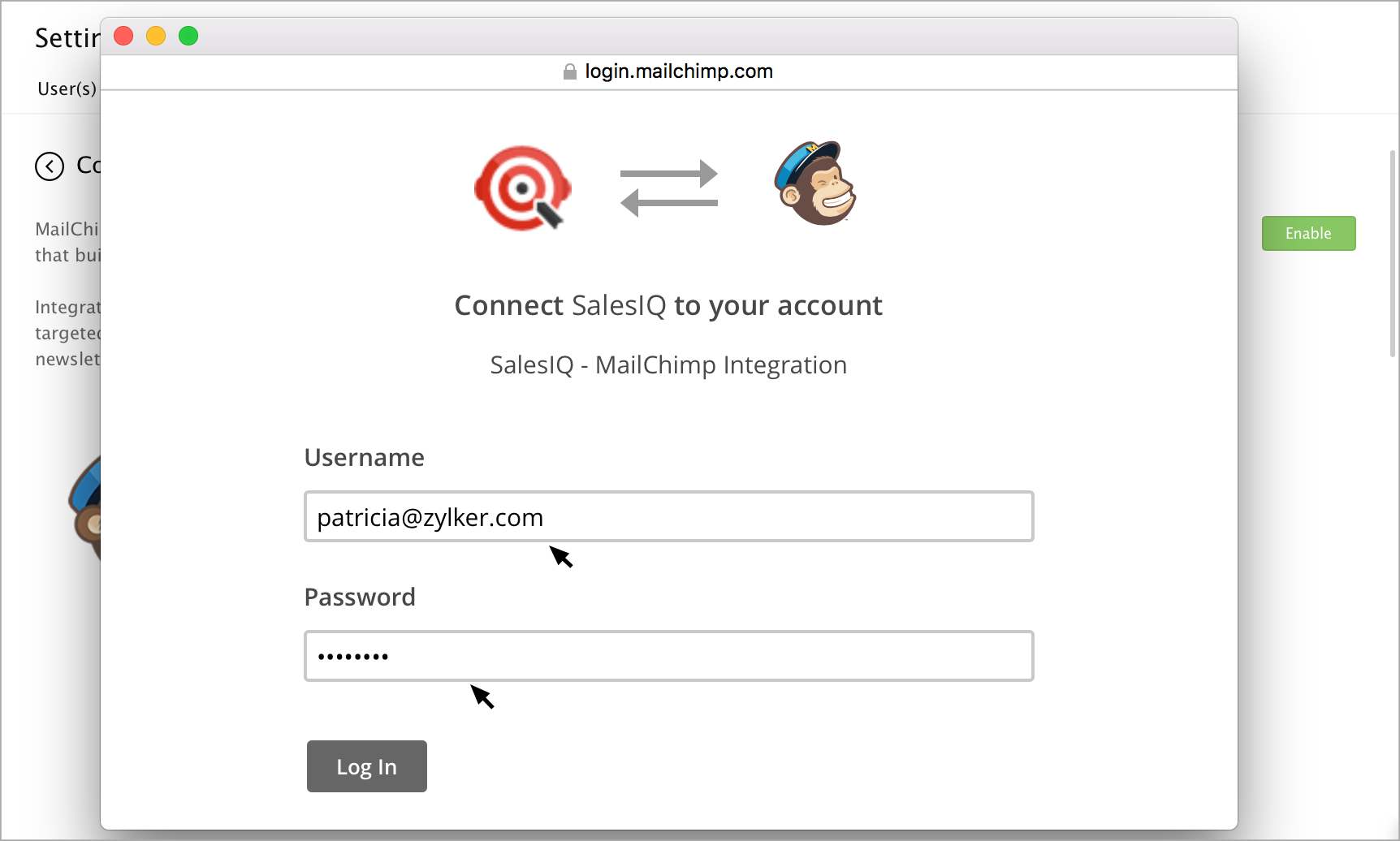
Enter your MailChimp Username and password, and click Log In.
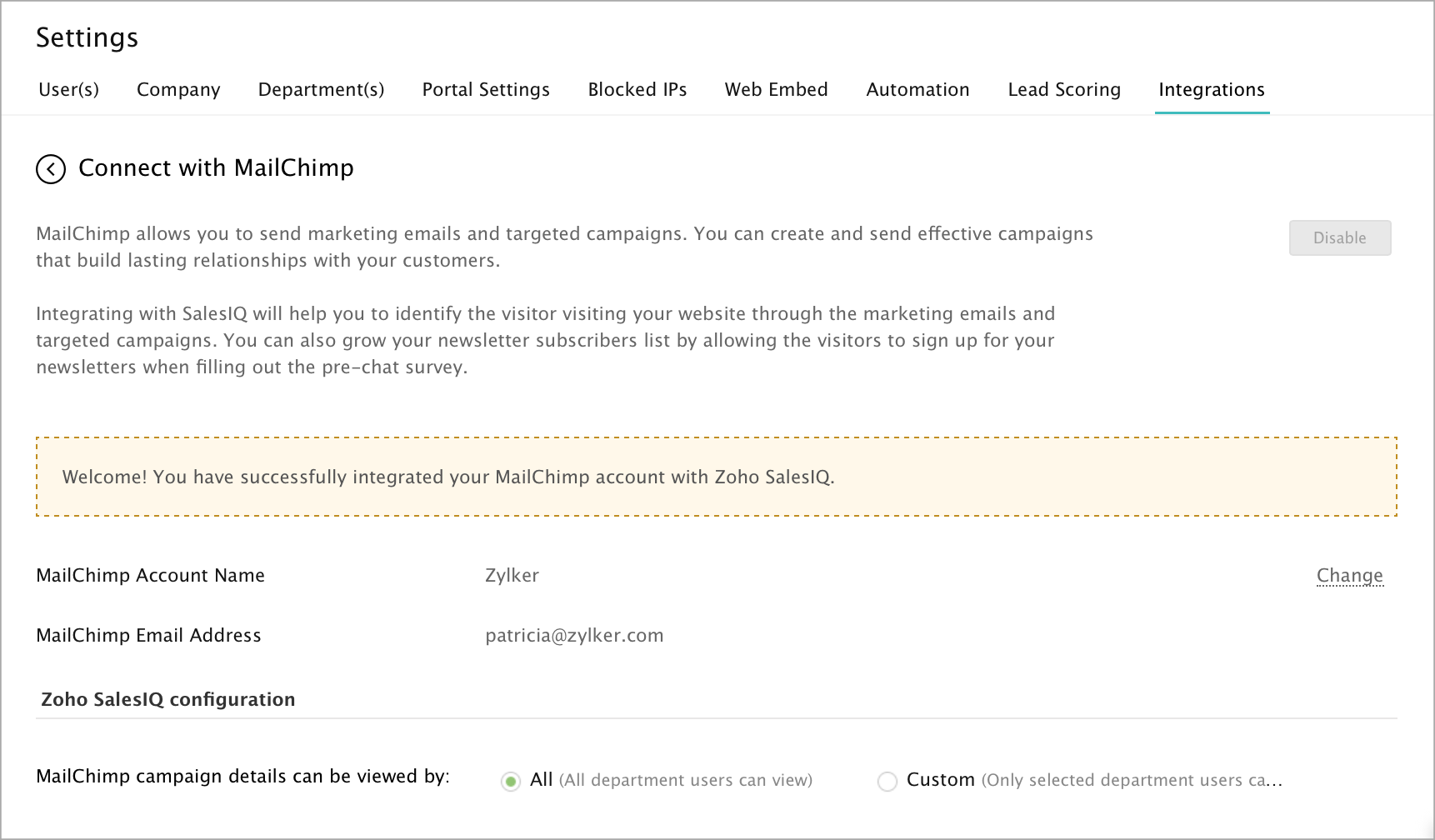
Your MailChimp account is now integrated with SalesIQ.