
Integrating Zoho SalesIQ Chat Widget with Zendesk Help Center

How to Add Zoho SalesIQ to Your Zendesk Help Center?
- Go to your Zendesk help center, select “Customize design” in General drop-down.

- Click “Edit theme”.

- Select a page from the menu.

- Paste the Zoho Zoho SalesIQ code snippet in the template’s HTML.
- Click “Save” at the top of the sidebar to save your changes.
- Publish the changes.

Getting your Zoho SalesIQ Code Snippet
- Login to your Zoho SalesIQ Operator console.
- Navigate to Settings -> Websites, click on the name of the website you are attempting to include in a page.
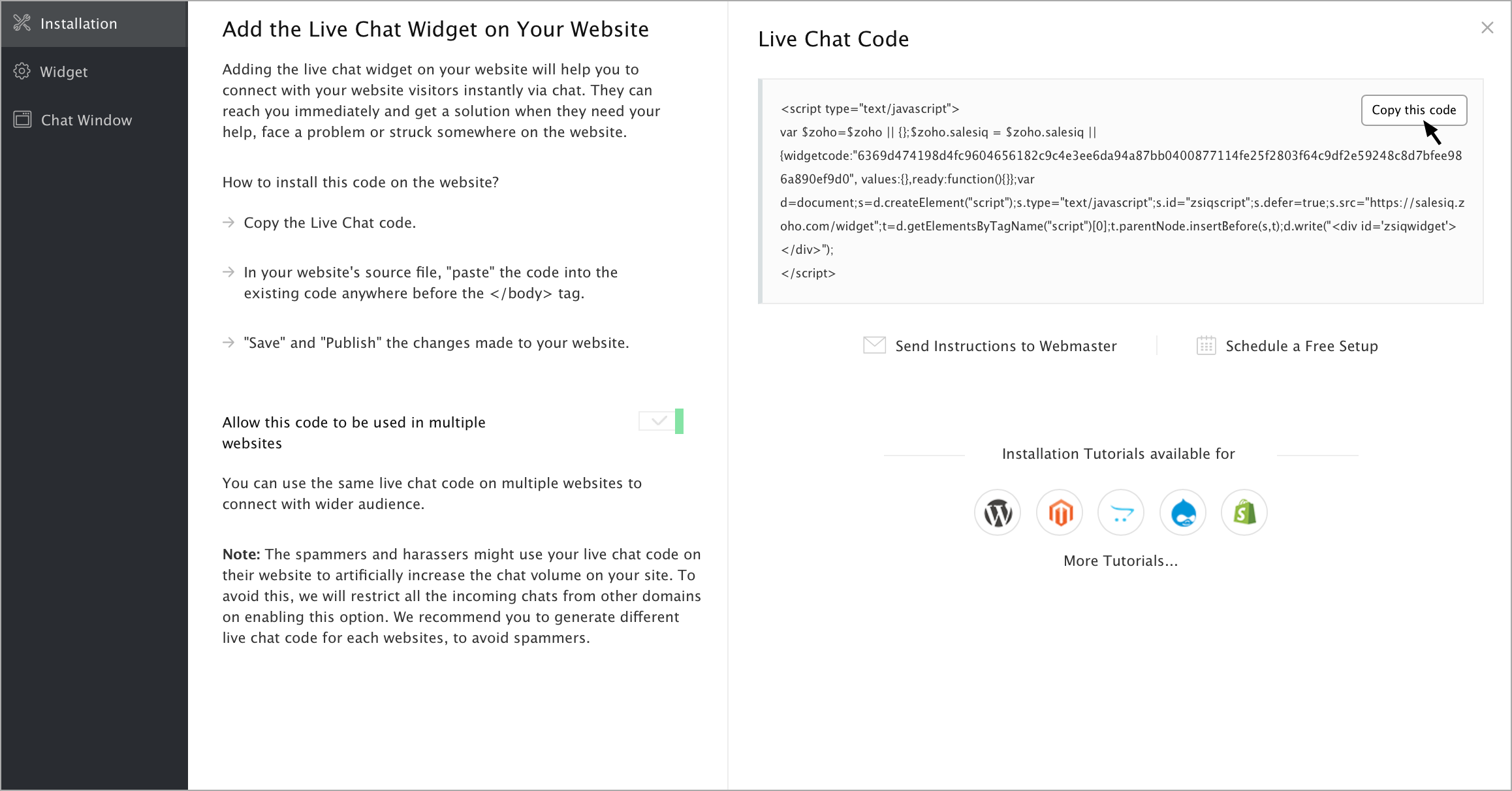
- Select Live Chat. In the Installation section, click Copy this code to copy the code snippet.
Note: To receive live chat notifications you should be logged in to https://www.zoho.com/salesiq