How to initiate chat triggers based on Campaign UTM variables?
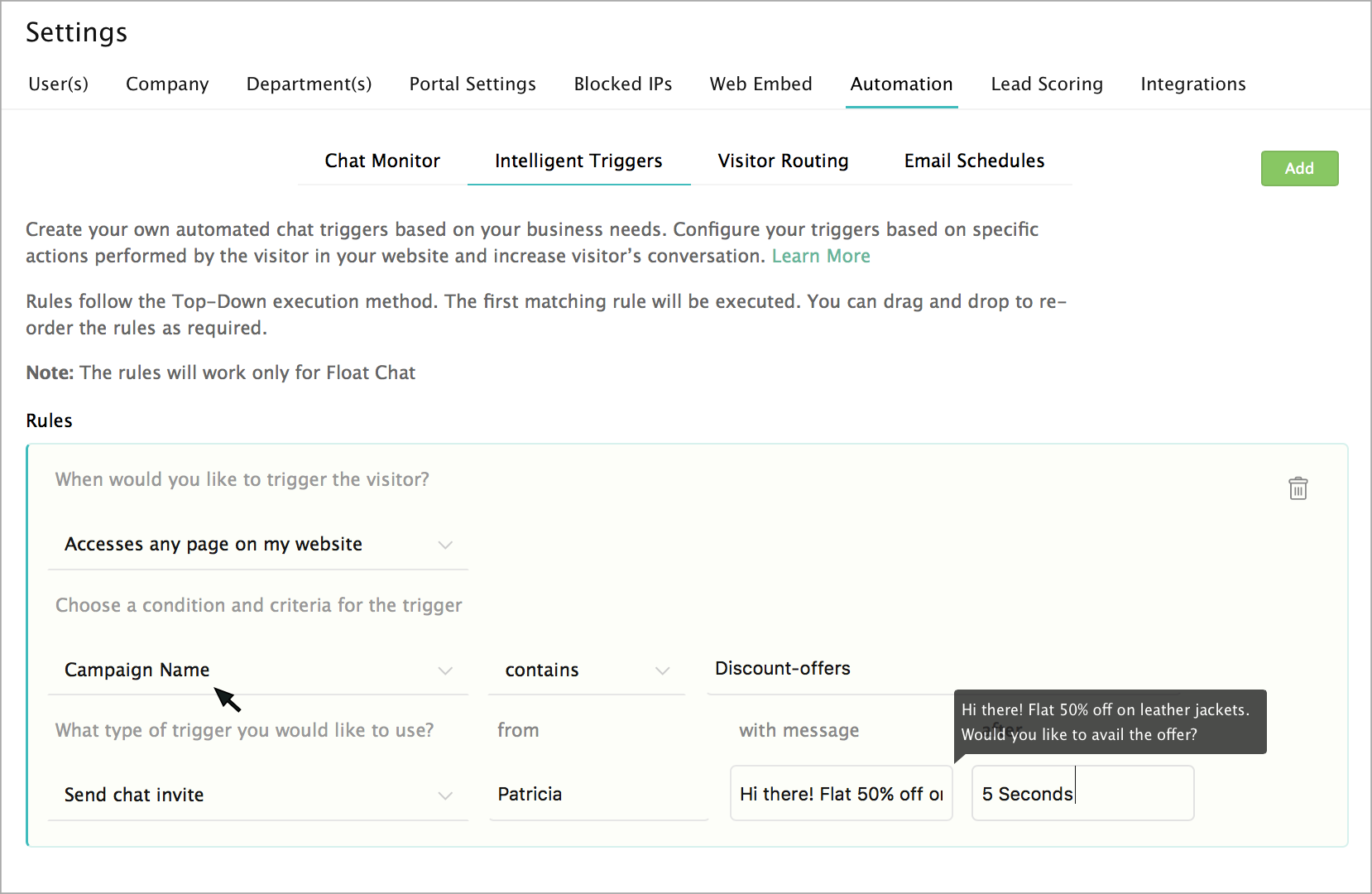
To automate proactive chat triggers, or to set up an action for your chat widget in the website conditions based on campaign UTM variables, do the following:
- In the Settings, select the “Automation” tab, and click on the "Intelligent Triggers" to set your required Campaign UTM filters.
- Select the required "condition" from the list, followed by setting up your "criteria" for your conditions.
- Enter a value for the set condition.
- Then, "Select an action" from the list followed by setting up your required time to trigger the action.