
How to set chat triggers to the website visitors from a specific email campaign?
You can set a special trigger to the visitors visiting your website from the email campaigns you have sent.
- In settings ->Automation ->Intelligent triggers ->Add.
- Choose when would you like to execute this trigger to the visitor in "When the visitor" section.
- Now select "MailChimp Campaigns" condition in "And if" section.
- The emails campaigns sent from your MailChimp Campaigns will be listed in the next drop-down. Choose an email campaign.
- Then choose an action based on which you would like to trigger the website visitor.
- Select the type of trigger action you would like to perform to the website visitor in the drop-down.
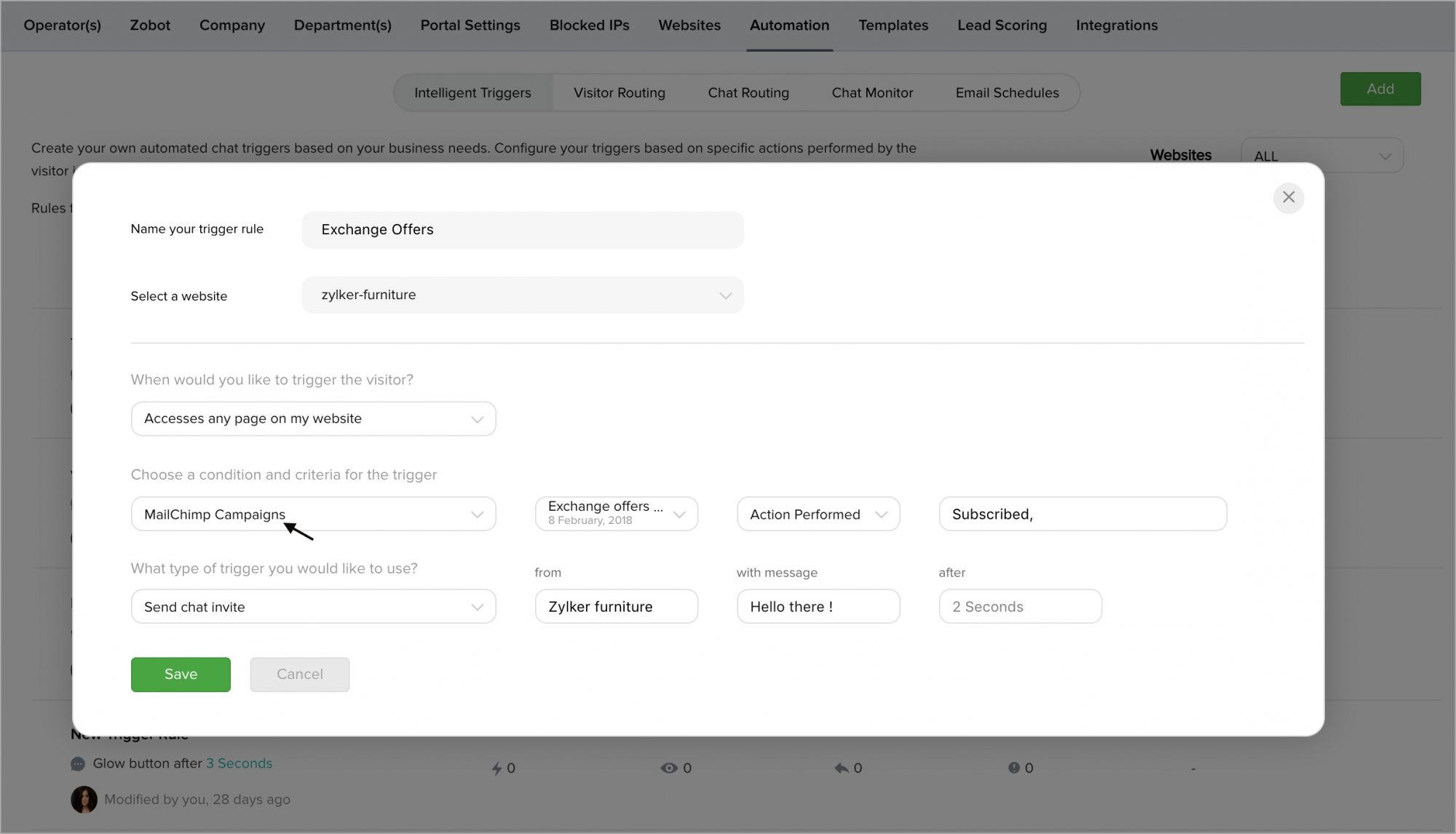
Now when the visitor visits your website from the specified email campaign, then the action you have set (open chat window) will be triggered.