ZOHO
SalesIQ
Features
Solutions
Customer Service
Sales
Ecommerce
Financial service
Travel
Real Estate
Education
Restaurants
Startups
Pricing
Customers
Integrations
Resources
Knowledge Base
Product Tour
Ebooks
Blog
Webinars
Log into SalesIQ
Home
Help Center
Add SalesIQ Code
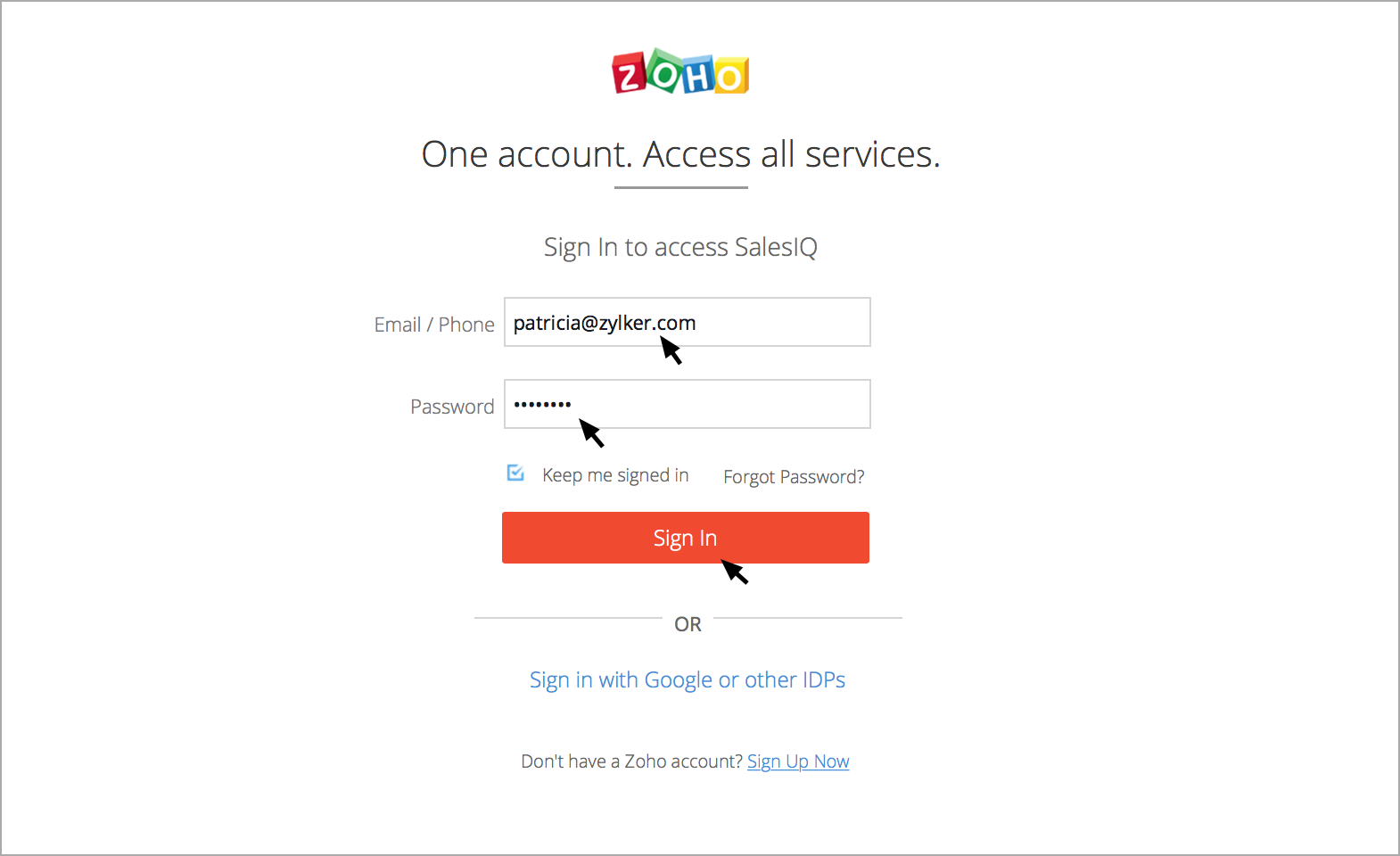
How do I Log into Zoho SalesIQ?
Go to
Zoho.com/SalesIQ
Enter the login credentials in the sign in page, and click on the
Sign In
button.
Was this article helpful?
Yes, thanks!
Not really
Share this post :
Facebook
Twitter
Top
Still can't find what you're looking for?
Write to us:
support@zohosalesiq.com