

- 16K
Customers
- 3M
Users
- 75M
Reports
Where most dashboard tools leave you stranded

Too hard to use without tech skills
Your marketing team needs to track campaign performance, but they're stuck waiting on IT to build reports. Sales managers can't pull their own numbers without learning SQL. When insights require a data analyst's help for every little change, decisions get delayed and opportunities slip away.
Takes hours to build simple dashboards
What should be a 10-minute task turns into an afternoon project. Dragging fields, tweaking filters, fixing formatting issues. By the time your dashboard is ready, the data's already outdated. Your team spends more time wrestling with dashboard tools than actually analyzing what matters.
Important data stuck in different systems
Your sales data lives in your CRM, financial numbers sit in your finance tool, and marketing metrics are trapped in Google Analytics. You're copying and pasting between spreadsheets, trying to piece together a complete picture. When critical insights are scattered across disconnected tools, you're essentially flying blind.


Build dashboards fast: Built for every expertise level
Drag, drop, and create
Zoho Analytics' visual builder lets anyone create professional dashboards in minutes. Just drag data fields onto your canvas and drop them into place. Marketing managers, sales directors, and team leads can all build exactly what they need without writing a single line of code or submitting IT tickets.

Ask AI to create for you
Skip the building process entirely. Just tell Ask Zia, your AI assistant, what you need: "Show me Q3 sales by region" or "Compare customer retention across segments." Within seconds, you'll have a report. Ask follow-up questions, drill into specific data points, or explore new angles through natural conversation. It's like having an expert analyst who responds instantly, any time you need answers with our AI-powered analytics solution.

Works with 500+ data sources
Connect your CRM, marketing tools, databases, spreadsheets, and cloud apps in one place. No more manual exports or scattered data. Our data connectors support Salesforce, Google Analytics, MySQL, QuickBooks: everything to give you one complete view of your business.
Always fresh data
Set your sync schedule once, hourly, daily, or real-time, and forget about manual updates. Your dashboards refresh automatically with real-time data visualization so your team always works with current numbers. Make confident decisions knowing your data is never outdated.

Dashboards you can actually use
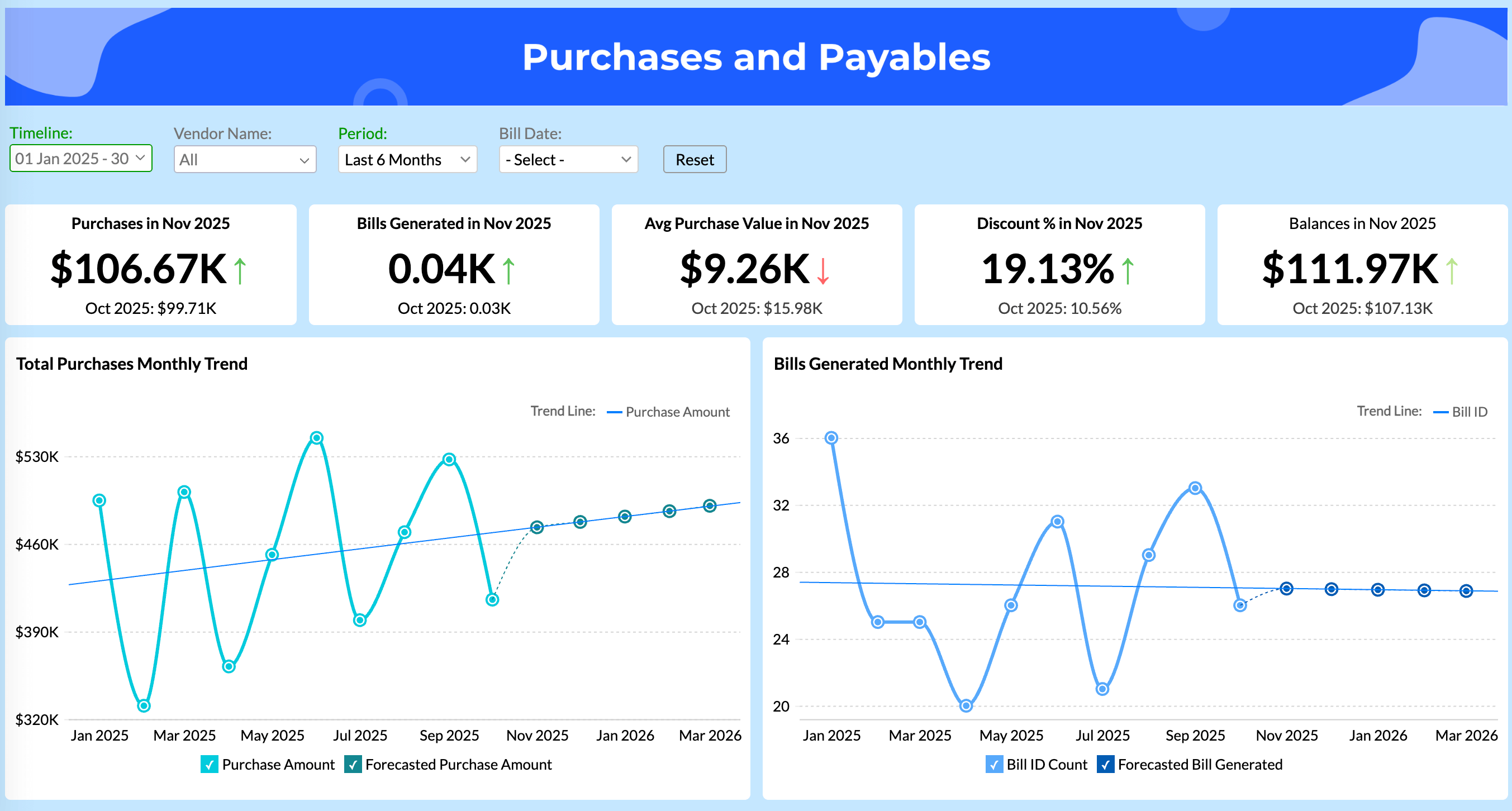
Apply filters on dashboards. Drill from big picture to granular detail. Slice by date, region, or custom segments instantly. No rebuilding reports or waiting on IT. Explore your data freely and answer questions the moment they arise.
Smart AI insights
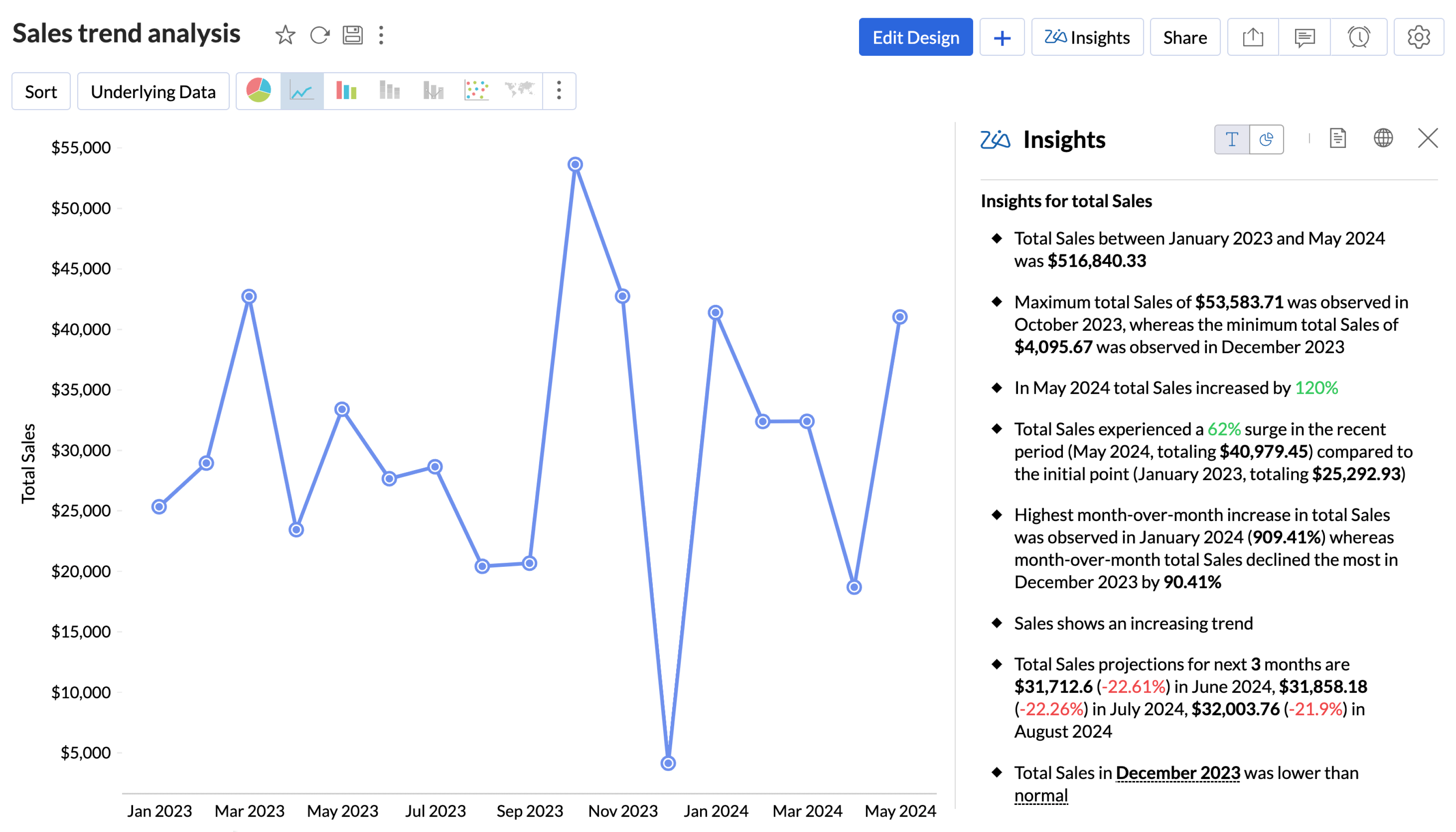
Zia automatically spots trends, explains what's driving your metrics, and predicts what's coming. Ask "Why did conversions drop?" and get intelligent answers, not just charts. It surfaces hidden opportunities and alerts you to risks before they become problems.
Work together without worry
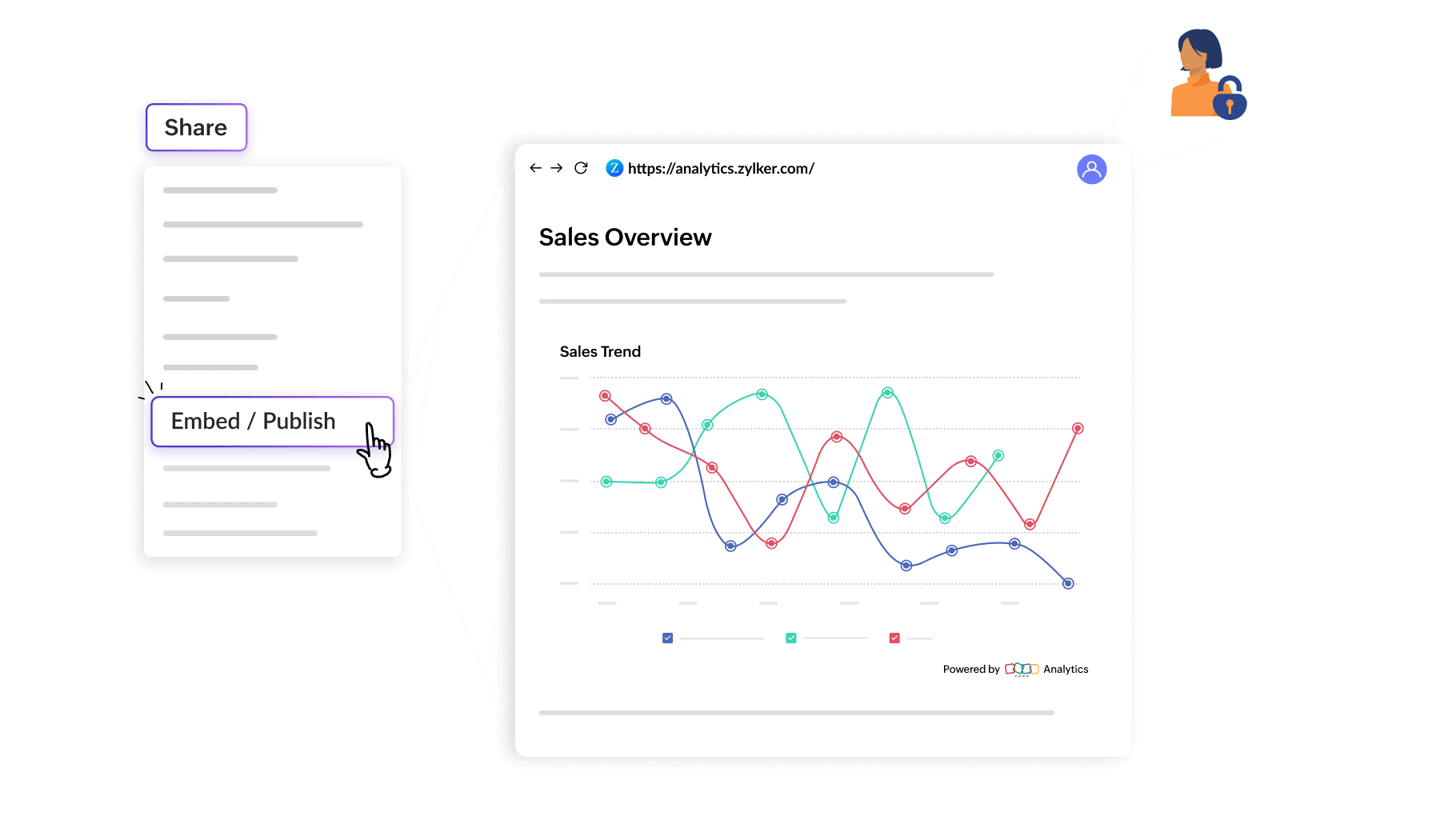
Share dashboards with precise permission controls. Team members comment directly on charts, tag colleagues, and discuss insights without switching apps. Keep sensitive data secure with robust security and governance while ensuring everyone who needs access has it.

Share anywhere
Embed live dashboards in your website or portal. Send secure links to stakeholders. Schedule automated email reports for weekly digests. Push updates to Slack or Teams. Get the right insights to the right people, exactly when and where they need them.
Built for every business size and need
Zoho Analytics Dashboards app
Access and interact with your business dashboards on the go with the Zoho Analytics Dashboards app. Swipe through KPIs, apply filters, drill down into details, and receive AI-powered alerts so you never miss an important insight. Learn more
Ready-made dashboard templates
Start fast with 100+ pre-built dashboard examples for sales, marketing, finance, HR, and operations. Track KPIs like revenue growth, customer acquisition, inventory levels, or employee performance. Customize any template to match your needs or use them as-is for instant insights.See dashboard examples
White label for your brand
Embed analytics directly into your products or client portals with full white-label customization. Remove Zoho branding, match your color scheme, and provide analytics under your own domain. Perfect for SaaS companies, agencies, and businesses offering analytics to customers.Learn more
Over 17,000 businesses choose Zoho Analytics as their BI partner
See all customer stories
"Zoho's BI platform is a consolidation of the capabilities of, say, 27 other companies into one unified product."






4.4/5
4.4/5
4.4/5
4.4/5
4.3/5
8.7/10





Frequently Asked Questions
What is dashboard software?
- Dashboard software connects to your data sources and turns them into live, visual reports (charts, KPIs, tables) so teams can monitor performance and act quickly.
How is dashboard software different from business intelligence tools?
- Dashboard software focuses on visualizing data through interactive charts and reports. Business intelligence tools offer broader capabilities including data warehousing, advanced analytics, predictive modeling, and comprehensive reporting. Dashboards are one component.
Can I embed dashboards into my product or application?
- Yes. Zoho Analytics offers white-label embedding with full customization. Embed analytics into your website, app, or client portals with full white-label customization using APIs, iframes, or direct embedding with your branding.
Is there a free AI-powered dashboard builder available?
- Zoho Analytics offers a free AI-powered online dashboard builder. Create dashboards just by uploading a CSV file in under 60 seconds.
Where can I see real-world dashboard examples?
- Browse our sample template gallery featuring 100+ pre-built dashboards across sales, marketing, finance, HR, and operations. See live examples and customer success stories on our website showcasing actual business implementations.
Can dashboard software be used for financial reporting?
- Absolutely. You can track revenue, expenses, profit margins, cash flow, and budget variance with finance analytics. Connect accounting software like Zoho Books, QuickBooks, or Xero, create automated financial statements, and generate compliance-ready reports and dashboards.
Is there dashboard software built specifically for sales teams?
- Yes. Zoho Analytics integrates with CRMs to track pipeline, quota attainment, win rates, and rep performance. Sales analytics include monitoring deals in real-time, forecasting revenue, and identifying bottlenecks with sales-specific dashboards and metrics.
Do I need technical skills to create dashboards?
- No technical skills required. Use drag-and-drop builders or simply ask Zia AI what you need. Pre-built templates and intuitive interfaces mean anyone can create professional dashboards in minutes without coding or training.
How many data sources can I connect?
- Zoho Analytics integrates with 500+ data sources, including popular CRMs, marketing tools, finance apps, databases, and files.
How often does my data refresh?
- You control it. Schedule automatic syncs at intervals that fit your needs (e.g., hourly or daily) or refresh on demand.
What makes dashboards "interactive"?
- Dashboards with interactive data visualization features include applying filters, drill down, click through to underlying records, compare periods, and run what-if scenarios.