From creative chaos to creative flow: A smarter content collaboration platform for designers
- Last Updated : April 28, 2026
- 193 Views
- 4 Min Read

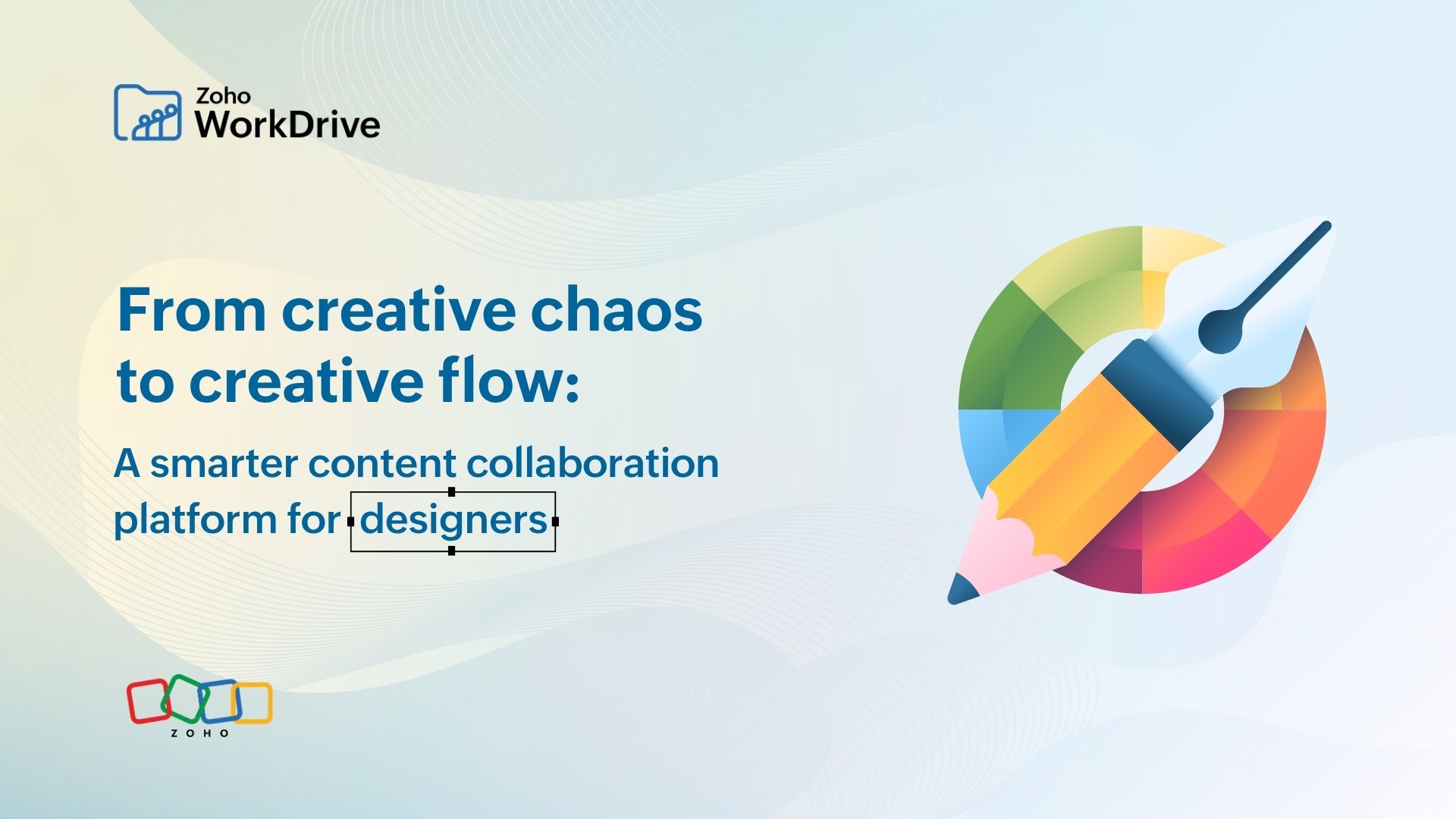
April 27 marks International Design Day—a celebration of the thinkers, creators and storytellers who bring ideas to life.
Designers don’t just create, they bring order to a chaotic world of ideas and creative briefs. They turn a blank canvas into something that makes us say, “Wow.” A great design doesn’t just look good; it communicates, persuades, and leaves a lasting impact.
But here’s the part we don’t talk about enough.
Behind every beautiful design is a folder named “Final_v7_use_this_one.psd.” And inside that? Pure, creative chaos. If you’re a photographer, a freelance designer, or part of a design team, your day probably looks like this:
- 9:00 AM – A new brief lands
- 11:00 AM – Assets scattered across drives, chats, and emails
- 12:00 PM – Ideas begin to take shape
- 2:00 PM – Creative flow hits
- 5:00 PM – Design submitted
- 6:00 PM – “Just a couple of changes” (and we all know it doesn't end there)
Creativity isn’t the hard part. Managing everything around it is. This is where Zoho WorkDrive changes the game.
Fastrack your creative process (from chaos to flow) with WorkDrive
Here’s how you can streamline your design execution without your files and assets being scattered across tools.
For photographers and individuals: Your work deserves better than hard drives
Photographers deal with volume—thousands of high-res files every shoot. Their usual workflow is to shoot images, dump them in a drive, edit the files, and send them for approvals.
But what really happens in between? Panic when a file gets deleted accidentally, limited storage space, and "message failed" errors while sending bulky files.
If this sounds familiar, WorkDrive offers a more reliable way to manage your work:
- Store and organize large photo collections effortlessly.
- Share client galleries without sending bulky files.
- Access your work anytime without carrying physical drives.
Your work stays safe, accessible, and client-ready.
For freelance designers: Your solo studio, organized
When you’re working solo, you’re not just designing; you’re managing projects, coordinating with clients, and tracking file versions. With WorkDrive you can:
- Structure and organize all client projects.
- Share polished portfolios as secure external links
- Track versions without creating duplicate files
Spend less time managing files and more time designing.
For agencies: Where collaboration doesn’t break creativity
Agencies thrive on collaboration but often struggle with fragmented tools and processes.
WorkDrive helps teams:
- Collaborate on files without relying on multiple tools.
- Collect feedback in one place.
- Centralize brand assets with controlled access.
Because “Where is the latest logo?” shouldn’t be a daily question.
Features that actually speed things up
Here’s where Zoho WorkDrive becomes more than just storage—it becomes your creative enabler.
Locate files instantly
With AI-powered smart search, you can find files using names, content keywords, or even visual elements within the file. Next time you’re on a client call and they ask for the latest invoice or design version, you can pull it up in seconds—no scrambling through folders, no guesswork, no delays.
Provide contextual feedback
Comment directly on media files, creatives, and design assets using file annotations. This works across formats, including images and videos. Instead of scattered feedback like "change background at 1:53 seconds,” clients can leave time-stamped comments on the exact frame.
Collect branding assets
Use custom upload links to gather logos, fonts, color palettes, and other assets from clients or vendors all in one place. No more chasing files across email and chat. Everything is submitted, stored, and organized centrally from the start.
Replace longer meetings
Enable asynchronous communication with WorkDrive Snap by recording and sharing quick walkthroughs. Instead of scheduling calls, your client will now be able to record a short explanation with context and share it instantly.
Work on local files
Working on heavy design files locally? Use WorkDrive Genie to sync files between your desktop and the cloud automatically. Edit files locally (like within Photoshop or video files), and sync changes automatically—no manual uploads, no version confusion.
Automate approvals
Repeated back-and-forths for feedback and approvals can slow everything down. Set up workflows to automate your file organization, content workflow, and design approval process. Instead of manually tracking each step, create automated workflows for design reviews and approvals.
Deepdive into a real use case: From scattered files to seamless design workflows
When your work revolves around design, precision isn’t optional—it’s everything. That's the story of ArtiCad. Founded over 30 years ago, ArtiCad has grown from a small four-person business in the UK to a global company with operations across North America, Ireland, South Africa, and distribution partnerships in Australia and New Zealand.
At its core, ArtiCad helps designers bring spaces to life through kitchen, bedroom, and bathroom design software, including 2D, 3D, and virtual reality experiences. But behind these immersive design experiences was a real operational need: Managing files, media, and collaboration at scale.
As the business expanded across regions and departments, so did the complexity of managing information. They needed a system that could store and organize large volumes of files, enable easy sharing, secure sensitive documents, and provide quick access to product media.
With Zoho WorkDrive, ArtiCad brought structure to this complexity.
- File storage and management became seamless.
- Teams could share files effortlessly, both internally and externally.
- Sensitive data was securely stored with encryption and access controls.
- Documents could be integrated directly within Zoho Projects, making collaboration smoother.
The impact? Faster access, better collaboration, and real business value.
One of the biggest wins was using WorkDrive as a centralized media library for marketing and sales. ArtiCad built a shared repository of product images, videos, documentation, and key assets. Now, teams can instantly access everything they need and share it with customers on the spot without any delays.
Watch the full case study.
In conclusion: Great design deserves better systems
While we celebrate the final output—the visuals, the campaigns, the experiences—the real story of design lies in everything behind it. The ideas. The iterations. The constant back-and-forth. And yes—the chaos.
As teams grow, projects scale, and expectations rise, managing files isn’t just an operational task anymore; it’s a creative enabler. Tools like Zoho WorkDrive don’t just organize files, they remove friction, streamline collaboration, and give creatives something invaluable.
Here’s to less chaos behind the scenes, faster workflows, smoother collaboration, and fewer “final_final_v2” moments. Because great design doesn’t just deserve appreciation. It deserves better systems that help it thrive.
Happy International Design Day!