- HOME
- Best practices
- What is a shared mailbox? How it works, and when to use one
What is a shared mailbox? How it works, and when to use one
- Published : March 23, 2026
- Last Updated : March 23, 2026
- 778 Views
- 6 Min Read

It starts the same way every morning.
One person opens the inbox, and another replies from their own account “just to help.” Someone then forwards a message to the wrong person from the same mailbox, and a customer follows up because nobody responded.
Then the internal pings begin: “Did anyone handle this?” “Who owns this?” “Can you resend the last email?”
Now multiply all that by the pace of modern work. The average worker receives about 117 emails a day and skims many of them.
As volume increases, teams start missing replies, duplicating work, and losing accountability unless ownership and handoffs are structured.
This structure is what a shared mailbox is designed to provide. It replaces guesswork with defined responsibility, preserves sending identity, and ensures that every conversation has a clear next step.
Zoho TeamInbox strengthens this model with built-in traceability and role-based controls, so shared email can scale without increasing operational risk.
What is a shared mailbox?
A shared mailbox is a single email account accessible to multiple team members to manage team conversations. Examples include support@, info@, and sales@.
This setup promotes open communication by allowing designated employees to view and respond to messages, preventing delay when someone is unavailable or leaves the team.
A shared mailbox vs. a user mailbox
Shared mailboxes allow multiple users to access a single mailbox for team communication (e.g., info@). Permissions are granted through individual credentials, not shared passwords, preserving security and proper offboarding control.
User or regular mailboxes are licensed personal email addresses (e.g., john@) accessed with private credentials.
Factor | User mailbox | Shared mailbox |
Primary owner | One person | A team |
Access model | Individual login | Individual credentials with shared access |
Workflow | Personal follow-ups and folders | Shared handling and shared visibility |
Continuity | Breaks during handoffs | Maintains history across handoffs |
Accountability | Harder to trace team actions | Clearer team-level responsibility |
Scale fit | Weak for multi-person coordination | Built for multi-person coordination |
How does a shared mailbox work?
A shared mailbox is simple to use. However, its effectiveness for teams comes from replacing informal email habits with defined operating behavior.
To evaluate whether a shared mailbox will work for your organization, you need to understand three mechanics: permissions, sending identity, and the team’s communication behavior.
1. Access permissions
Administrators typically grant different levels of access, such as read-only, full-access, and send permissions. The point of this is control. Not everyone should be able to reply, delete, or reassign conversations, especially in the finance@ or legal@ inboxes.
2. Sending emails from a shared address
When you send an email from a shared mailbox, the recipient perceives a shared identity rather than an individual’s.
Depending on the platform, permissions for sending from a shared mailbox often include options like "send as" or "send on behalf."
Send as: Email appears to be sent by the shared mailbox identity.
Send on behalf: Email appears to have been sent by the user “on behalf of” the shared mailbox identity.
In practice, this matters for brand consistency and clarity. A customer contacting support expects a reply from support@, not an individual’s mailbox.
3. Reading and responding as a team
Traditional shared mailboxes allow multiple users to read and reply to the same thread, but they often lack visibility into workflow.
To address that gap, you need more than shared access. You need a defined operating behavior built into the inbox itself.
With TeamInbox, you can introduce clear assignment rules, track response progress, and manage conversations without relying on informal coordination.
A shared mailbox vs. a distribution list
Distribution lists and shared mailboxes are often confused because both involve multiple people and a single address, but their purposes differ.
A distribution list forwards a copy of an email to each member’s personal inbox. There’s no single shared view, and context can splinter across individuals.
A shared mailbox allows teams to handle incoming messages collectively, without relying on forwards, CC chains, or team members’ memories to track progress.
Factor | Distribution list | Shared mailbox |
Reply behavior | Replies happen from individual inboxes. | Replies happen from the shared address. |
Context preservation | Copies are fragmented, living across multiple inboxes. | A continuous thread is accessible to the whole team. |
Visibility | No single source of truth. | One shared view of threads. |
Collaboration | Limited, relies on forwarding and chat. | Designed for shared handling. |
Accountability | Ownership is unclear. | Clearer ownership and traceability. |
Use case | One-way communication: announcements and broadcasts. | Two-way, multi-person task management: customer support, cross-team collaboration. |
At small volumes, the distinction between the two may seem minor. As communication scales, however, your choice directly affects response consistency, accountability, and governance.
Benefits of using a shared mailbox
Key benefits of shared mailboxes include improved organization, better accountability, and enhanced security in communications.
Organizations see measurable improvement across core business outcomes, including:
1. Reduced response delays and measurable throughput
When inboxes act as informal task lists, missed emails translate directly into longer resolution times and frustrated customers.
For support teams (support@) handling high inbound volume, even small reply delays compound into SLA breaches and ticket backlogs.
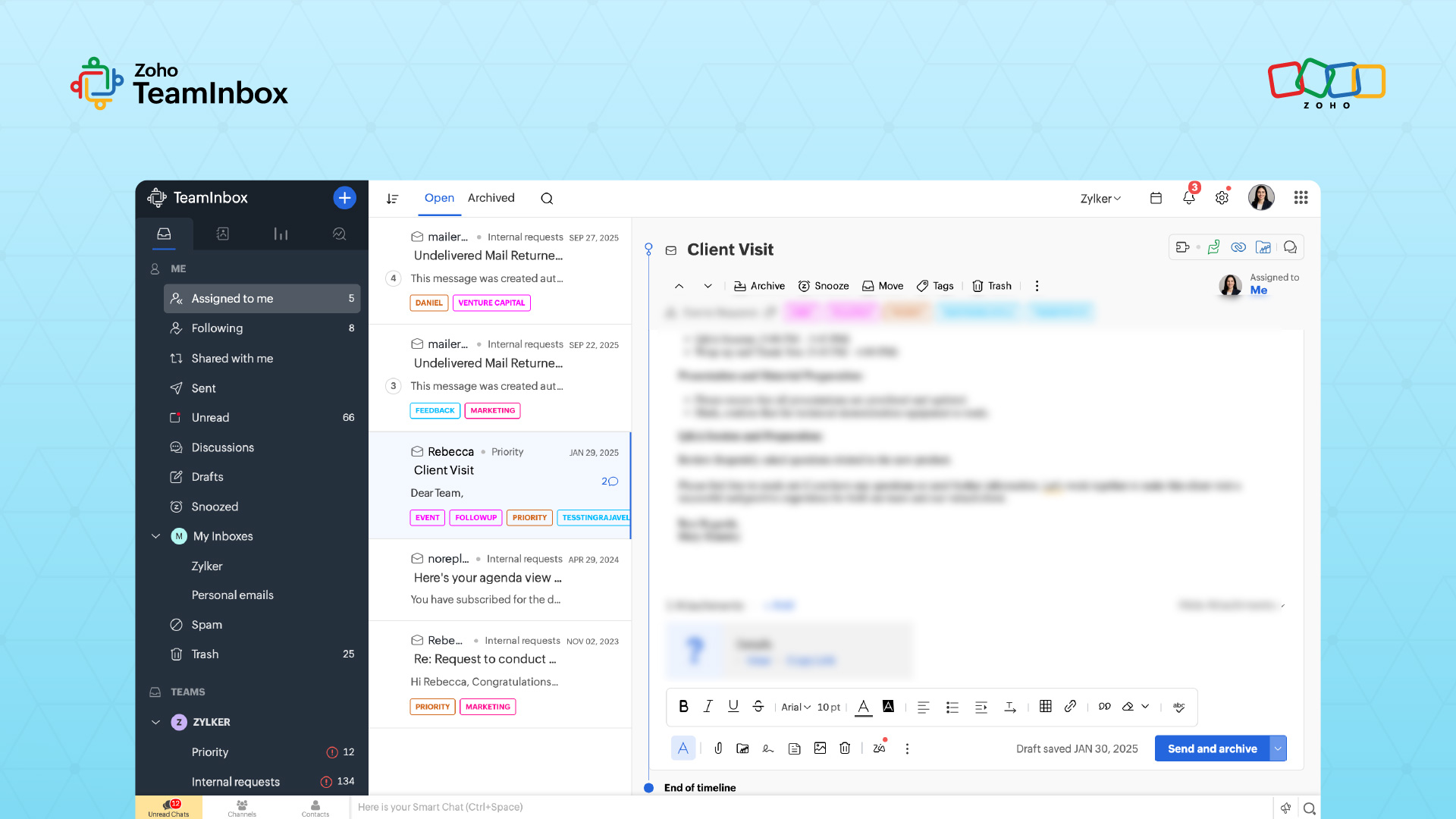
With TeamInbox, you handle group emails in a way that makes every conversation a well-managed queue, where delays and pending replies are clearly surfaced, and performance is easily tracked.
2. Fewer dropped leads and requests
In shared inboxes like sales@ and marketing@, ambiguity creates leakage, increasing the likelihood that leads and customer requests slip through the cracks.
Defined ownership reduces that revenue risk. With TeamInbox, you can assign ownership explicitly and retain traceability from first contact to resolution.
3. Faster cycle times without internal friction
Teams often rely on reminders, chat nudges, and side conversations to keep email moving, all of which add coordination overhead.
This is useful for HR/recruiting teams (careers@, hr@) managing applications and employee queries, where time-off gaps can easily delay responses.
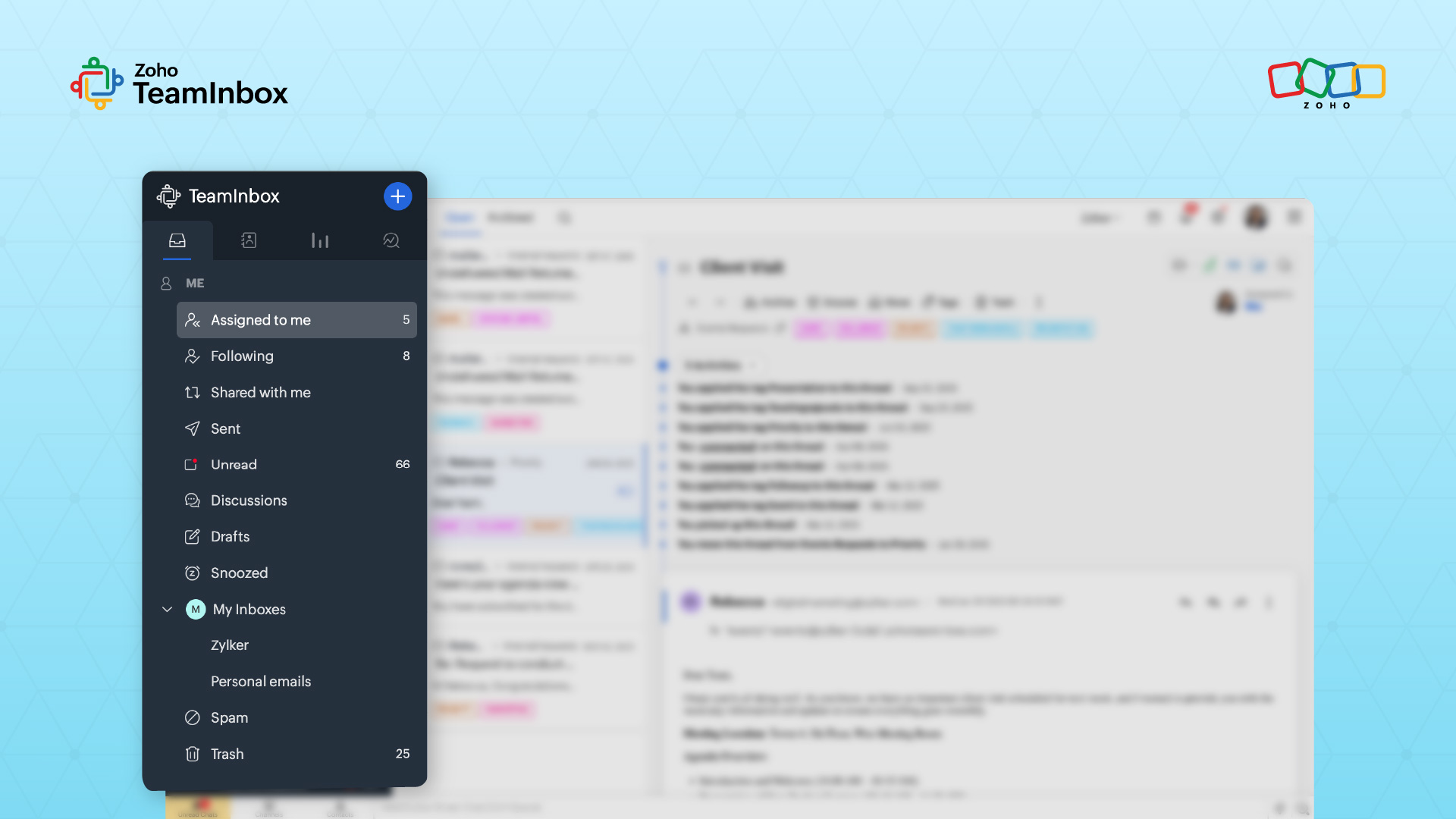
Shared mailbox workflows reduce that friction by embedding timing signals directly into the inbox. Zoho TeamInbox supports this with notification features like snooze and follow, allowing teams to resurface conversations at the right time without manual reminders.
4. Stronger governance and audit defensibility
For high-compliance inboxes like finance@, IT@, and legal@, documented actions and traceability are crucial.
Unclear actions, deleted messages, or inconsistent replies introduce regulatory risk.
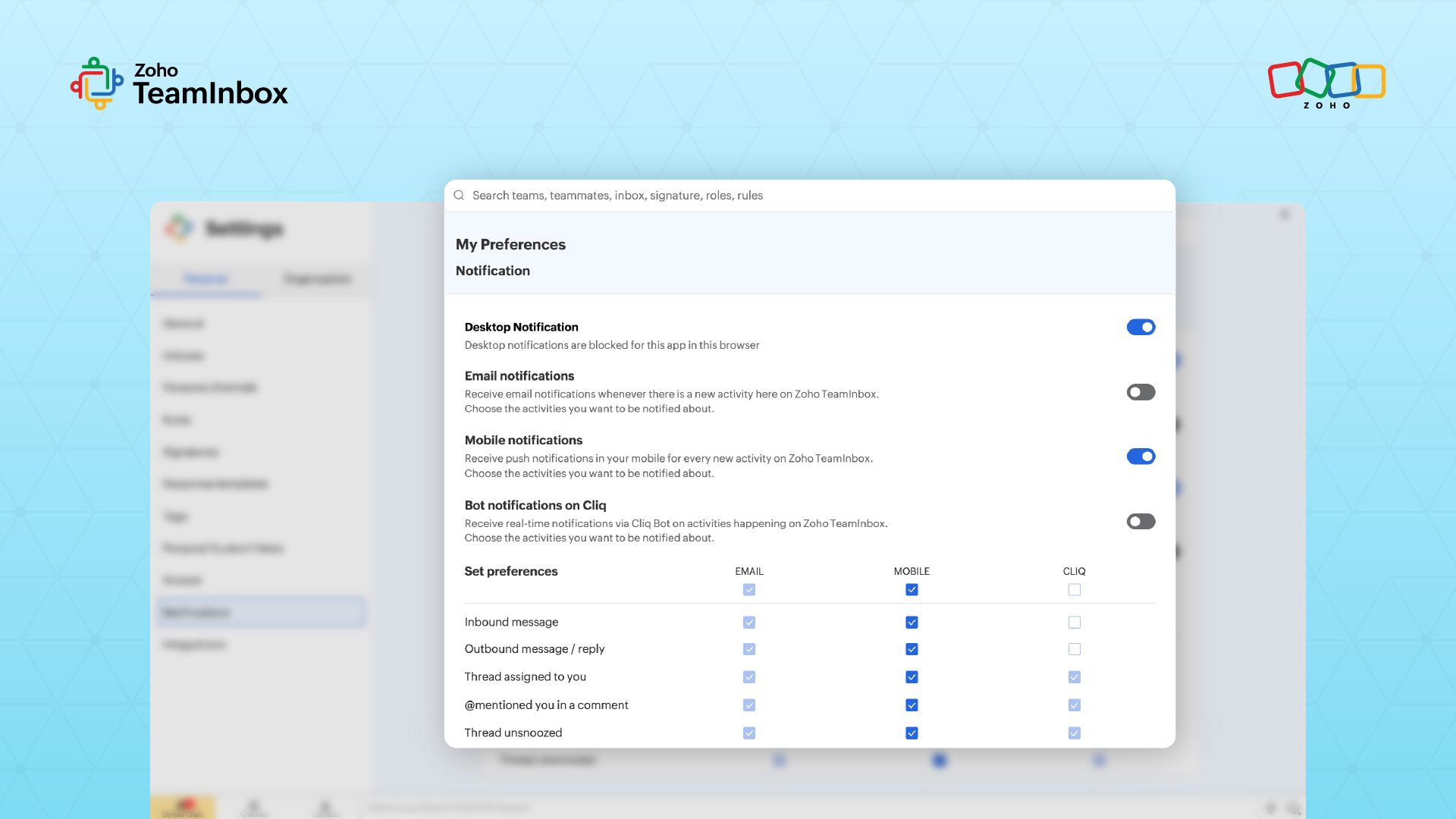
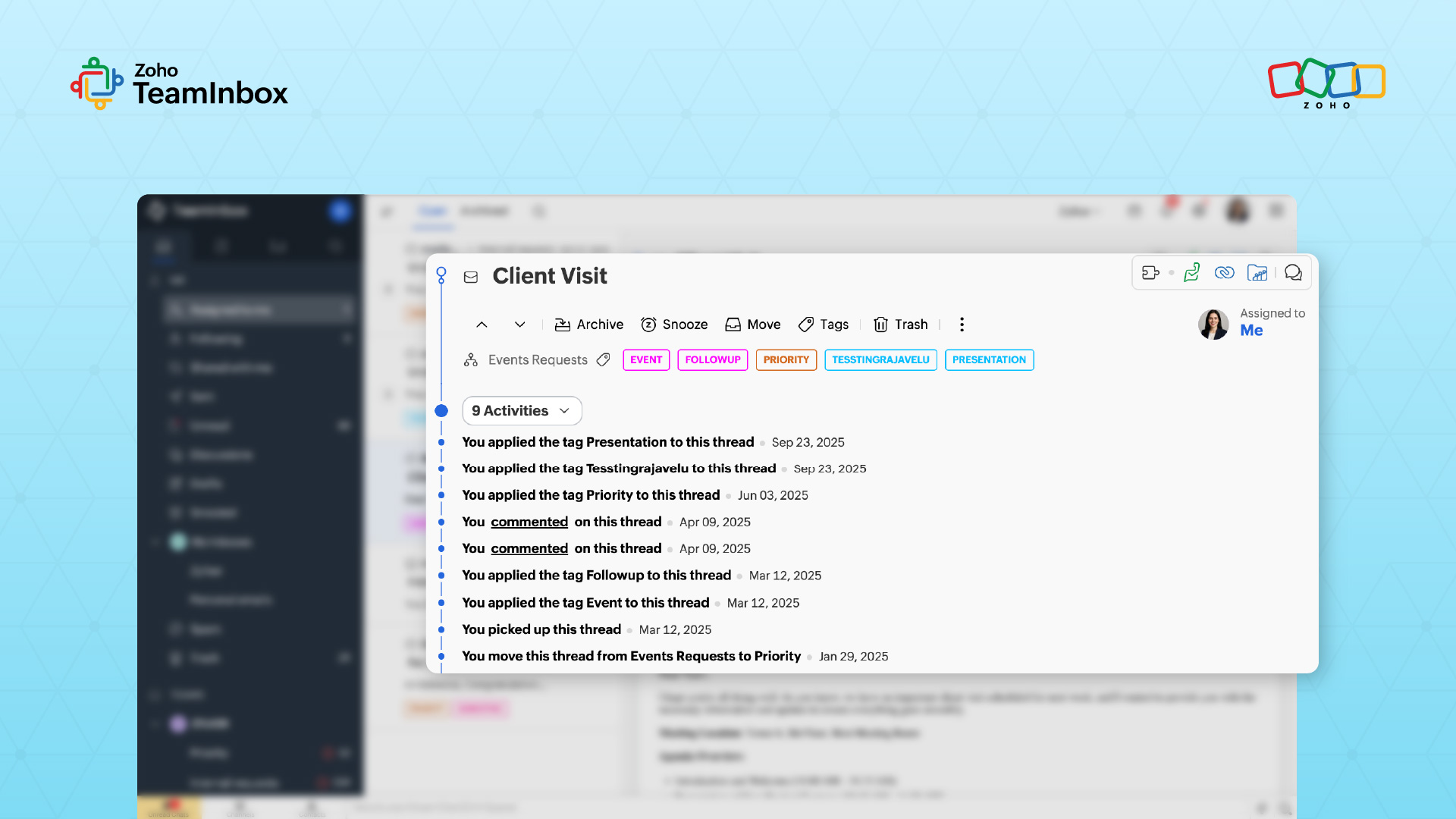
With activity timelines, read tracking, and tamper-resistant logs, TeamInbox ensures that your team’s email actions are traceable and defensible.
Best practices to keep a shared mailbox organized
A shared mailbox centralizes communication, but it can get noisy without simple employee operating habits.
Here’s how to best set up a shared mailbox:
Keep the structure simple and consistent: Avoid deep folder hierarchies. Instead, use a small, consistent set of tags, labels, and views as a rule of thumb across all conversations.
Treat archiving as a completion signal: Archive threads only when outcomes are confirmed to keep the working queue clean and status signals accurate.
Keep coordination within the email thread: Use internal notes or discussions in the message to clarify the current context or next steps.
Separate active work from pending responses: Not all emails require immediate action. Create views that distinguish between threads waiting on your team and threads waiting on external replies. This prevents stalled conversations from hiding urgent work.
5 things to look out for in a shared mailbox tool in 2026
If you’re evaluating shared mailbox tools, use this checklist.
Individual access without shared credentials: Avoid the risk of shared credentials. Tools must provide individual access to improve security and streamline employee offboarding.
A unified conversation ledger: Look for tools that prevent context splitting across personal inboxes, forwards, and side channels.
Role-based permissions: Ensure access levels reflect real responsibilities, so actions like replying, deleting, or reassigning stay intentional and controlled.
Lightweight organizational controls: Opt for simplicity, like using tags, views, assignment features, and thread-level workflows. These scale more effectively than complex folder trees.
- Email-first collaboration: Because email remains the external system of record for customers, partners, and vendors, your internal collaboration application should be integrated into the shared mailbox tool.
Shared mailbox supports scalable and accountable email operations
Email remains a primary channel for customer communication, revenue conversations, and compliance documentation. A shared mailbox introduces a level of discipline into team email by standardizing how responses are delivered.
That consistency becomes increasingly important as organizations scale and operate in regulated environments.
When email handling is structured and traceable, governance is easily defensible, and any effort in retrieving files for audit remains relatively steady regardless of inbox volume.
Try Zoho TeamInbox for free and bring structured governance and coordinated handling to your team’s shared mailbox.
 Ganeshkiran Arasu
Ganeshkiran is a Growth and Digital Marketing manager at Zoho. He's passionate about writing content that actually helps — breaking down how products solve real, complex problems and what genuine collaboration looks like in practice. When he's not crafting strategies with his team, he's keeping tabs on the latest industry trends — always with a cup of tea in hand.