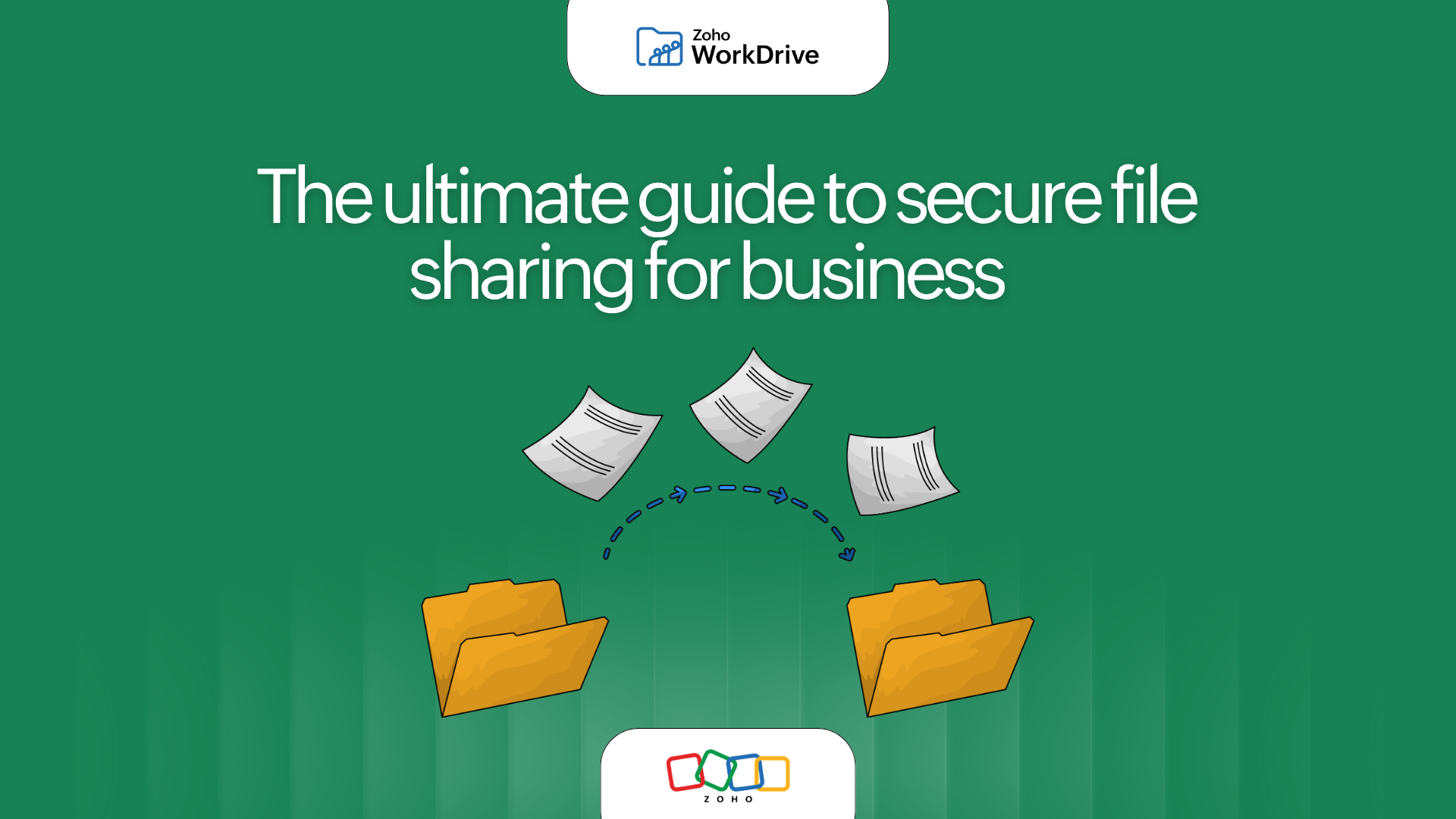
The ultimate guide to secure file sharing for business
- Last Updated : June 15, 2026
- 143 Views
- 6 Min Read

In 2021, vulnerabilities in Accellion's legacy File Transfer Appliance (FTA) exposed sensitive business data across multiple organizations, including enterprises, universities, healthcare providers, and government agencies. The incident served as a reminder that file sharing is no longer just a productivity function—it's a critical component of business security and governance.
Secure file sharing is the process of transferring, accessing, and collaborating on files using encryption, authentication, access controls, and activity tracking to protect business information from unauthorized access and accidental exposure. Unlike email attachments or unmanaged transfer tools, secure file sharing platforms give SMBs and enterprises a controlled, scalable, and trackable way to collaborate without compromising security, governance, or productivity.
According to IBM's Cost of a Data Breach Report 2024, the average cost of a data breach rose to $4.88 million. As businesses collaborate across employees, vendors, contractors, regulators, and distributed teams, secure file sharing has become a business necessity rather than an IT consideration.
Here are some key takeaways:
The average cost of a data breach reached $4.88 million in 2024 (IBM).
68% of breaches involve a human element, including misconfigurations, credential misuse, and social engineering (Verizon DBIR 2024).
Secure file sharing combines encryption, access controls, audit trails, and governance to protect business data.
Traditional methods like email attachments and unmanaged file transfers create visibility and compliance challenges.
Modern businesses need secure collaboration systems that support internal and external sharing at scale.
Platforms like Zoho WorkDrive combine security, governance, and collaboration in a centralized workspace.
What is secure file sharing?
Secure file sharing is the process of transferring, accessing, and collaborating on files using controlled permissions, encryption, authentication, and activity tracking to protect business data from unauthorized access or accidental exposure.
Unlike email attachments or ad hoc transfer tools, secure file sharing platforms help businesses maintain visibility and control over how files are shared, accessed, edited, and stored.
Why businesses can’t rely on traditional file sharing methods
Email attachments, chat platforms, and consumer file-sharing tools were never designed for modern business collaboration.
Large attachments create duplicate versions of files, inboxes become repositories for critical documents, and once a file leaves the system, organizations often lose visibility into how it is accessed or distributed.
This challenge is compounded by shadow IT—the use of unauthorized software or storage services by employees outside approved IT systems. Gartner estimates that 30–40% of enterprise technology spending is associated with shadow IT initiatives, creating governance and security blind spots.
According to Verizon's 2024 Data Breach Investigations Report, 68% of breaches involve a human element, highlighting how risky unmanaged sharing practices can become.
Common limitations of traditional file sharing include:
No centralized access control
Limited visibility into file activity
Version confusion across teams
Risk of sensitive data exposure
Difficulty meeting compliance requirements
Scattered permissions and unmanaged links
Limited governance as teams grow
For organizations handling contracts, financial records, customer information, intellectual property, or regulated data, these risks compound quickly.
Secure file sharing vs traditional file sharing
Capability | Email attachments | Consumer cloud storage | Enterprise secure file sharing |
Encryption | Limited | Varies | Yes |
Access controls | Minimal | Basic | Granular RBAC |
Audit trails | No | Limited | Comprehensive |
Version control | Poor | Basic | Advanced |
Link expiration | No | Sometimes | Yes |
Governance controls | No | Limited | Yes |
Compliance support | Low | Moderate | High |
External collaboration | Difficult | Moderate | Secure and controlled |
Role-based access control (RBAC) allows administrators to assign file access permissions based on user roles rather than individual users.
Why secure file sharing matters for modern businesses
Protects sensitive business data
Secure file sharing platforms use encryption, password protection, role-based permissions, and access controls to prevent unauthorized access.
This is critical for industries handling confidential or regulated data, including finance, healthcare, legal, and enterprise services.
Enables safer external collaboration
Businesses frequently share files with clients, vendors, freelancers, and partners. Secure sharing ensures external collaboration doesn’t compromise internal systems or expose sensitive information unintentionally.
Improves operational control
IT and business teams gain complete visibility into file activity, including who accessed files, when files were downloaded, what changes were made, which sharing links remain active, and how data moves across teams and external stakeholders.
IBM reports that organizations take an average of 258 days to identify and contain a breach, making visibility and auditability essential components of risk management.
Supports compliance and governance
Modern businesses must comply with frameworks like GDPR, HIPAA, SOC 2, and industry-specific regulations.
Secure file sharing platforms support compliance through:
Audit trails
Retention policies
Access controls
Data loss prevention (DLP) capabilities
Governance workflows
Compliance failures can cost organizations millions annually through penalties, remediation, and operational disruption.
Scales with distributed work
Hybrid and remote teams require constant file access across locations and devices. Secure cloud-based collaboration keeps workflows seamless without compromising security.
Essential features every secure file sharing platform should offer
Not all file-sharing tools are built for business-grade security. Here’s what organizations should prioritize when evaluating a secure collaboration platform.
Granular access permissions
Control who can:
View
Edit
Download
Share
Comment on files
Permissions should work at team, folder, and file levels.
Password-protected sharing links
Public links without safeguards are risky. Secure sharing should allow password protection and expiration dates for external access.
Encryption at rest and in transit
Files should remain encrypted during upload, storage, and transfer.
Activity logs and audit trails
Businesses need visibility into user actions for accountability, governance, and security monitoring.
Version control
Teams should always work on the latest file version without duplicate confusion.
Data loss prevention measures
The platform should reduce the risk of accidental exposure, unauthorized downloads, or uncontrolled sharing.
Centralized administration
IT teams need unified control over users, permissions, devices, and sharing policies.
Common secure file sharing mistakes businesses make
Even businesses with strong security intentions can introduce risks through inconsistent collaboration practices.
Using personal storage accounts for work files
Employees prioritize convenience, but unmanaged tools create major governance gaps and security blind spots.
Sharing files without expiration dates
Permanent links increase the risk of unauthorized long-term access.
Giving broad permissions by default
“Anyone with the link can edit” remains one of the most common collaboration risks.
Relying entirely on email attachments
Attachments create fragmented file versions and eliminate visibility after sending.
Lacking visibility into external access
Without audit trails, businesses cannot monitor file activity or detect suspicious behavior.
Here's a simple secure file sharing checklist for businesses
Use this checklist to evaluate your current approach:
- Encrypt files during storage and transfer
- Use role-based access controls
- Enable password-protected external sharing
- Set expiration dates for links
- Maintain version history
- Track file activity and downloads
- Centralize file administration
- Replace email attachments for collaborative work
- Audit external access regularly
- Use a scalable cloud-based platform
How businesses use secure file sharing in real scenarios
Client collaboration
Agencies and service firms securely share proposals, contracts, deliverables, and creative assets with clients while controlling access.
Remote team collaboration
Distributed teams access shared files in real time without relying on scattered email threads.
Vendor and partner communication
Businesses exchange financial documents, project files, and operational records securely with external stakeholders.
Enterprise document management
Large organizations centralize collaboration while maintaining governance across departments and regions.
Limitations of secure file sharing platforms
No file sharing platform can eliminate risk entirely. Organizations still need:
Strong user training
Multi-factor authentication
Governance policies
Regular permission audits
Incident response plans
Secure file sharing reduces risk significantly, but security remains a shared responsibility between technology, administrators, and end users.
Why Zoho WorkDrive is built for secure file sharing
Modern businesses need more than basic file transfer. They need secure collaboration that scales.
Zoho WorkDrive combines cloud collaboration, centralized control, and enterprise-grade security to help teams share files confidently with internal and external stakeholders.
With Zoho WorkDrive, businesses can:
Share files securely without relying on email attachments
Set granular access permissions for teams and external users
Create password-protected and time-bound sharing links
Maintain centralized visibility into file activity
Collaborate on files in real time
Organize files with structured team folders
Scale securely across distributed teams and departments
Instead of juggling disconnected tools and ad hoc transfers, WorkDrive gives businesses a unified workspace for secure collaboration and controlled file sharing.
Secure collaboration starts with controlled sharing
The average cost of a data breach reached $4.88 million in 2024, while 68% of breaches involved a human element. As businesses increasingly collaborate across distributed teams, vendors, and partners, secure file sharing has become a foundational requirement for protecting sensitive information.
Organizations need platforms that combine collaboration with governance, visibility, and control—not just file transfer.
Zoho WorkDrive helps SMBs and enterprises centralize content, enforce access controls, maintain auditability, and collaborate securely across teams and external stakeholders. Instead of relying on email attachments and fragmented tools, businesses can build a secure, scalable foundation for modern collaboration.
Frequently asked questions
What is the safest way to share files for business?
The safest way to share business files is through a secure file sharing platform that offers encryption, access controls, password-protected links, activity tracking, and centralized administration instead of relying on email attachments.
Why is secure file sharing important for businesses?
Secure file sharing helps businesses protect sensitive data, reduce unauthorized access, improve compliance readiness, and collaborate safely with employees, clients, and external partners.
Is cloud file sharing secure for enterprises?
Yes. Enterprise-grade cloud file sharing platforms use encryption, permission controls, audit logs, and governance features to provide secure and scalable collaboration.
How does secure file sharing differ from email attachments?
Email attachments create duplicate files and offer little visibility after sending. Secure file sharing platforms provide controlled access, centralized management, version control, and activity tracking.
What should businesses look for in a secure file sharing platform?
Businesses should look for encryption, granular permissions, audit trails, governance controls, scalability, centralized administration, and real-time collaboration features. Zoho WorkDrive is designed to help SMBs and enterprises collaborate securely at scale.