How many GB in a TB? Storage units explained
- Last Updated : August 12, 2026
- 153 Views
- 7 Min Read

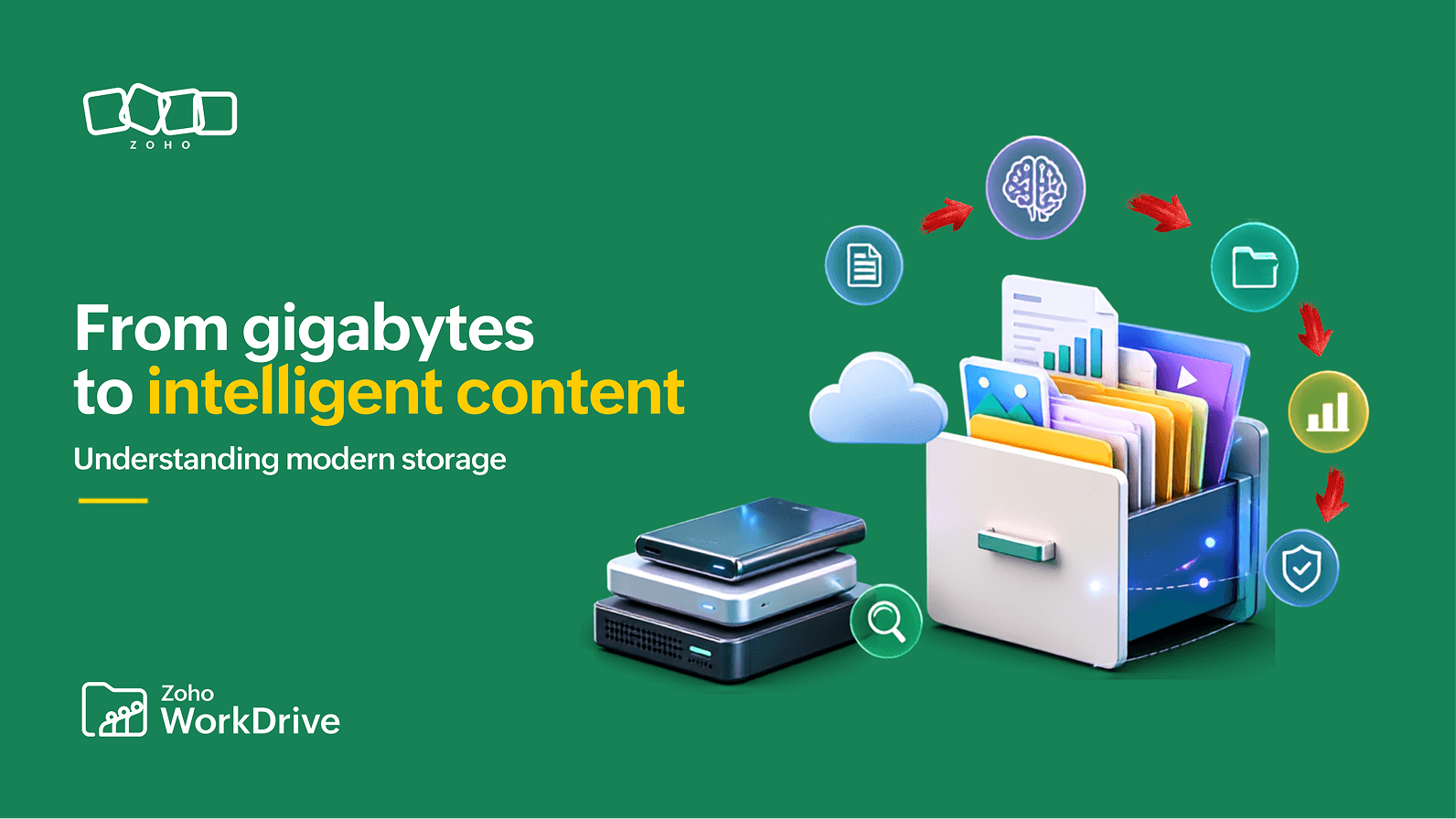
A terabyte (TB) is a unit of digital storage equal to one trillion bytes. Storage manufacturers define 1 TB as 1,000 gigabytes, while computer operating systems have traditionally displayed the same capacity using binary calculations, where it appears as approximately 931 GiB.
Storage often feels unlimited when a device is new. A few documents, presentations, photos, and downloaded files barely affect the available capacity. Over time, however, applications grow, project folders multiply, videos accumulate, and cloud workspaces retain years of content. Eventually, a warning appears—or a newly purchased drive shows less space than expected—and storage becomes something you suddenly need to understand.
The most common question is straightforward: How many gigabytes are in a terabyte? The familiar answer is either 1,000 GB or 1,024 GB, depending on the measurement convention being discussed. Understanding the distinction helps explain storage specifications, estimate capacity, and make sense of why a drive may look smaller after it is connected to a computer.
Quick answer: How many GB are in a TB?
Storage manufacturers use the decimal system:
1 TB = 1,000 GB
Computing has traditionally used binary groupings:
1 TiB = 1,024 GiB
The terms are often used interchangeably in everyday conversations, which is why many explanations say that 1 TB equals 1,024 GB. Technically, however, the International Electrotechnical Commission uses terabyte (TB) for the decimal unit and tebibyte (TiB) for the binary unit.
Storage unit overview
Unit | Decimal measurement | Binary measurement |
Kilobyte / kibibyte | 1 KB = 1,000 bytes | 1 KiB = 1,024 bytes |
Megabyte / mebibyte | 1 MB = 1,000 KB | 1 MiB = 1,024 KiB |
Gigabyte / gibibyte | 1 GB = 1,000 MB | 1 GiB = 1,024 MiB |
Terabyte / tebibyte | 1 TB = 1,000 GB | 1 TiB = 1,024 GiB |
Petabyte / pebibyte | 1 PB = 1,000 TB | 1 PiB = 1,024 TiB |
Why does a 1 TB drive show approximately 931 GB?
A new external drive may be advertised as 1 TB but display approximately 931 when connected to a computer. This does not mean that part of the capacity is missing.
The manufacturer has supplied one trillion bytes, following the decimal definition of a terabyte. When those bytes are divided into binary units, the calculation produces approximately 931 gibibytes. Some operating-system interfaces label that figure as “GB” even though “GiB” is the more technically precise term.
Measurement | Commonly used by | Mathematical base | Capacity |
Decimal | Storage manufacturers | Powers of 10 | 1 TB = 1,000,000,000,000 bytes |
Binary | Computing systems | Powers of 2 | 1 TB ≈ 931 GiB |
The difference is similar to describing the same distance in kilometres and miles. The displayed numbers change because the units change, while the underlying distance remains the same.
The IEC introduced the terms kibibyte, mebibyte, gibibyte, and tebibyte to make this distinction clearer. Under this convention, 1 TiB equals exactly 1,024 GiB, while 1 TB remains the decimal unit equal to one trillion bytes.
Formatting and system files can reduce the space available to users slightly further, but the main reason a 1 TB device appears as approximately 931 is the difference between decimal and binary measurement.
How much can 1 TB store?
The practical value of a terabyte depends on the files involved. A collection of text documents consumes far less space than high-resolution video, design source files, or system backups.
As a rough guide, 1 TB could hold hundreds of thousands of small office documents or photographs, but far fewer large videos and creative project files. Compression, resolution, format, version history, and application data can all change the result, so storage estimates should be treated as approximations rather than guarantees.
For an individual user, 1 TB may provide enough room for years of documents, applications, photographs, and personal videos. Business storage grows differently because multiple people continuously create, revise, share, and retain content.
Consider a typical project. It may begin with research notes and a planning document, then expand to include presentations, spreadsheets, proposals, contracts, screenshots, meeting recordings, design files, and final deliverables. Previous versions are often retained for reference, while downloaded copies and local backups may remain long after the project closes.
The pattern repeats across an organization. Human resources manages applications, identity documents, onboarding records, reviews, and exit paperwork. Finance retains invoices, expense claims, purchase orders, tax records, and audit documentation. Marketing produces campaign briefs, images, videos, presentations, and brand assets. Product and engineering teams maintain specifications, test reports, technical documentation, release materials, and customer feedback.
Most of these files are modest in size. Their combined volume becomes substantial because they are created across many teams and retained over long periods. At an organizational level, that growth appears in the everyday content produced while work is being completed.
When is GB enough, and when do you need TB?
Gigabytes remain useful for measuring individual files and personal device capacity. A PDF may be a few megabytes, a presentation several dozen megabytes, and a recorded meeting one or more gigabytes.
Terabytes become relevant when planning for collections of content rather than isolated files. A team may need to account for active project files, archived records, large media assets, synchronized copies, backups, and version histories. Retention requirements can further increase demand because content may need to remain available for several years.
Choosing between GB and TB therefore depends on more than the size of today’s files. It also depends on how many people create content, which formats they use, how often files are revised, and how long the organization must retain them.
Adding capacity remains necessary as those needs grow. However, additional storage does not automatically make the information easier to use.
From storage capacity to intelligent content management
Cloud storage has made capacity easier to expand. Organizations no longer need to install a new server every time their files grow; storage can often be increased through a subscription or administrative setting.
Yet greater capacity does not help employees when they're searching through deeply nested folders, downloading duplicate copies, or working from outdated documents. It does not establish who owns a file, which version has been approved, how long a record should be retained, or who should be allowed to access it.
These questions become more important as the volume of content increases. A document creates business value when people can find it, understand its context, verify its status, and use it securely in the right workflow.
Intelligent Content Management is an approach that combines secure cloud storage with collaboration, version control, metadata, governance, AI-powered discovery, and workflow automation to manage the lifecycle of organizational knowledge.
This foundation also matters when organizations introduce AI. An AI system working with duplicated, outdated, or poorly organized content may retrieve the wrong information or produce an answer without the necessary context. Search and AI experiences become more dependable when the underlying content is structured, governed, and connected to clear access controls.
Zoho WorkDrive supports this approach by giving organizations a central environment in which teams can organize content, maintain version histories, control access, collaborate, automate workflows, and search across business information. Storage remains essential, but it becomes part of a broader system designed to keep content useful as it grows.
Conclusion
A terabyte is commonly described as either 1,000 GB or 1,024 GB because decimal and binary measurement conventions are often mixed in everyday language. More precisely, 1 TB equals 1,000 GB, while 1 TiB equals 1,024 GiB. The same distinction explains why a 1 TB drive may appear as approximately 931 GiB on a computer.
Knowing the conversion helps when comparing devices, estimating cloud capacity, or planning backups. For organizations, however, the larger challenge begins after the files have been stored. As everyday work produces more documents, recordings, versions, and business records, teams need a reliable way to organize, retrieve, protect, and govern that information.
Storage capacity tells you how much content a system can hold. Content management determines how effectively that information can continue supporting the business.
Key takeaways
Storage manufacturers define 1 TB as 1,000 GB, or one trillion bytes.
Binary computing uses units such as GiB and TiB, based on multiples of 1,024.
A drive sold as 1 TB commonly appears as about 931 GiB because the same bytes are being expressed through a different measurement system.
Storage fills through the gradual accumulation of ordinary files, versions, recordings, and backups.
As business information grows, organization, access, search, and governance become as important as capacity.
Frequently asked questions
How many GB are in a TB?
In decimal measurement, 1 TB equals 1,000 GB. In binary measurement, the corresponding unit is a tebibyte: 1 TiB equals 1,024 GiB. The terms are frequently mixed in everyday usage, which is why 1 TB is sometimes described as 1,024 GB.
Why does my 1 TB drive show only 931 GB?
Manufacturers label 1 TB as one trillion bytes. When a computer expresses those bytes using binary units, the result is approximately 931 GiB. The capacity has not disappeared; it is being displayed through a different measurement convention.
What is a tebibyte?
A tebibyte, abbreviated TiB, is the IEC binary unit equal to 1,024 gibibytes. It was introduced to distinguish binary storage measurement from the decimal terabyte.
Which is larger: GB or TB?
A terabyte is larger than a gigabyte. In decimal measurement, 1 TB contains 1,000 GB.
Is 1 TB enough storage?
For many individuals, 1 TB is sufficient for documents, applications, photographs, and videos. Business requirements vary according to team size, file types, retention periods, backups, and the amount of content created through collaboration.
How much is 500 GB in TB?
Using decimal measurement, 500 GB equals 0.5 TB. A device sold as 500 GB may display approximately 465 GiB when its capacity is shown using binary units.
What is Intelligent Content Management?
Intelligent Content Management combines storage with capabilities such as collaboration, version control, metadata, governance, search, AI-assisted discovery, and workflow automation. Its purpose is to keep organizational content useful, accessible, and controlled throughout its lifecycle.