Electronic signature vs. digital signature: Which should you use?
- Last Updated : August 7, 2026
- 81 Views
- 5 Min Read

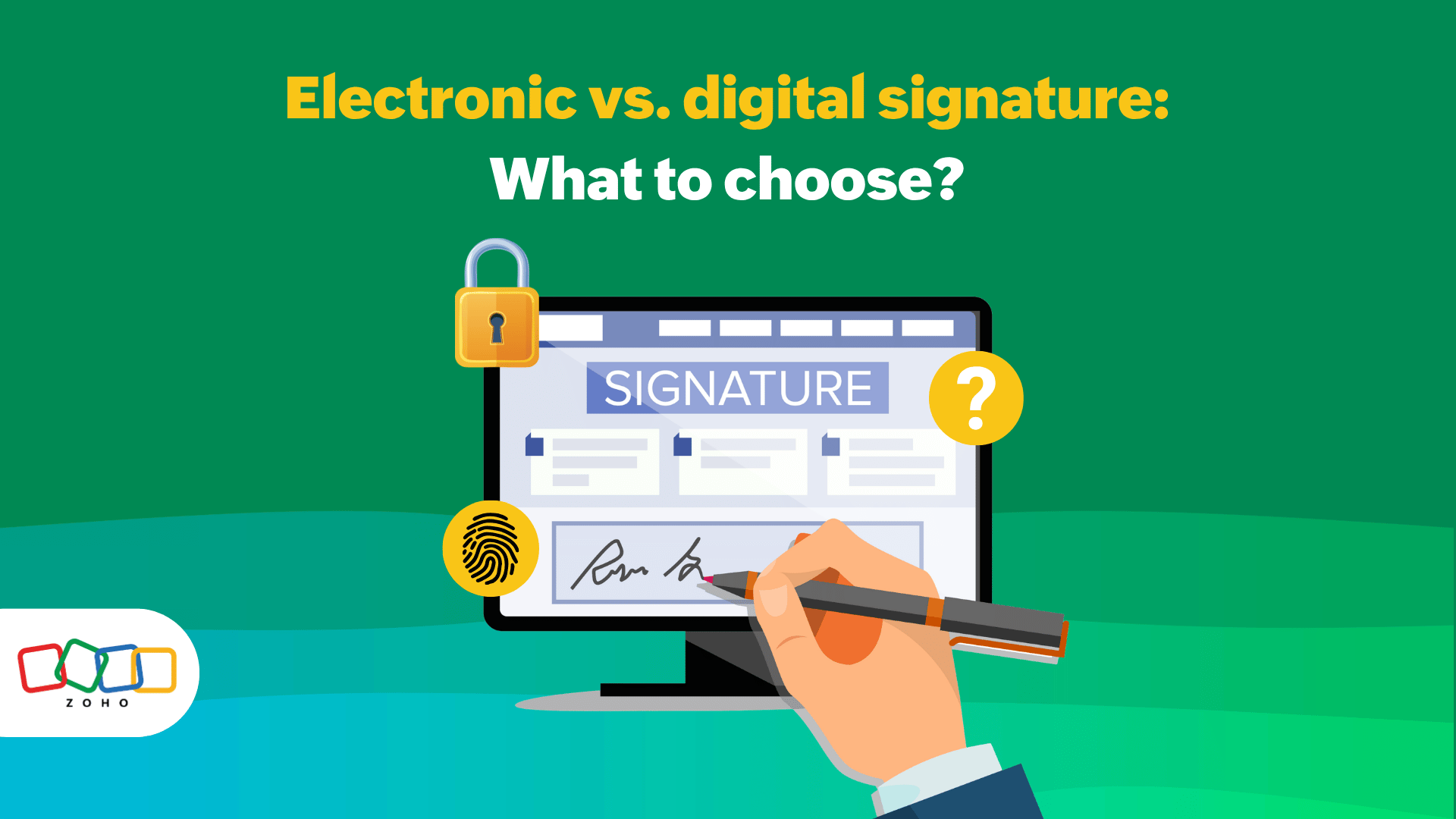
You have an electronic contract ready to go, but every department behind you needs to keep their accountability in check. This is exactly where teams get slowed down or stuck and the question keeps popping up: So, do you just need an electronic signature, or do you need a digital signature?
For an electronic contract, an electronic signature is the broad legal term for any electronic method used with the intent to sign. A digital signature is a narrower cryptographic method that can implement an electronic signature while adding stronger identity verification and tamper evidence. They’re related, but not identical.
Electronic signature vs. digital signature: The core distinction
The simplest way to understand is this: An electronic signature is usually the legal category, whereas a digital signature is the technical mechanism. In the U.S., the ESIGN Act defines an electronic signature broadly as an electronic sound, symbol, or process attached to or logically associated with a contract or record. The same law also says a contract or signature cannot be denied legal effect solely because it’s electronic.
Digital signatures are more specific. As cryptographic signatures, they’re used to authenticate the identity of the signatory, detect unauthorized modifications to data, and support non-rejection. In other words, they do more than capture intent by also giving you technical evidence tied to the document itself.
In the EU, the eIDAS regulation makes the distinction even clearer by defining electronic signatures broadly, then separating out higher-assurance forms such as advanced and qualified electronic signatures. Under that framework, qualified electronic signatures receive the equivalent legal effect of handwritten signatures, while other electronic signatures still cannot be rejected solely for being electronic.
Electronic contract signing: side-by-side criteria
The comparison below brings those legal and technical ideas into one place.
Criteria | Electronic signature | Digital signature |
What it is | A broad legal concept for signing electronically | A specific cryptographic way to sign electronically |
Main purpose | Capture intent and agreement | Prove signer identity more strongly and show if the file changed |
How it works | Can be a typed name, a clicked checkbox, a drawn signature, or a signing workflow | Uses cryptographic keys, certificates, and signature validation |
Tamper evidence | May exist, depending on the platform and workflow | Core feature; the signature helps reveal whether signed data was altered |
Identity assurance | Can range from basic to strong, depending on process | Usually stronger because identity and integrity are verified cryptographically |
Best fit | Routine agreements, approvals, and everyday business workflows | Higher-assurance, regulated, or tamper-sensitive documents |
Legal position | Often valid if the law’s requirements are met and intent is clear | Often used to implement stronger electronic signatures, not a separate legal universe |
What teams should ask | “Did we capture intent, consent, attribution, and a usable record?” | “Do we also need encrypted proof, certificate-based trust, or stronger evidence?” |
Note that there’s a bit of nuance to this. A digital signature isn’t automatically “more legal” against other verification methods. For many business agreements, the actual legal question is whether the signing process captures intent, attribution, consent where required, and a record that can be retained and reproduced later. In the U.S. consumer context, ESIGN also cares about things like consent to electronic records and the ability to access and retain them.
Which signature type fits your electronic contract workflow ?
If your team handles standard business paperwork, approvals, vendor forms, sales documents, HR acknowledgments, or other fast-moving workflows, an electronic signature is often the more practical fit. It’s built for speed, usability, and lower friction. That matters because the best signature workflow is the one people can actually complete without turning a two-minute task into a full work day.
If your organization deals with regulated documentation, cross-border trust frameworks, and similarly sensitive approvals, then digital signatures are far better. That is especially true when the workflow needs stronger proof that the signed file hasn’t been altered after execution.
For SMBs, the decision is often about balancing speed and control. If the main problem is getting contracts signed quickly and consistently, a standard electronic signature workflow may be enough. Otherwise, when the main problem is proving authenticity, surviving audits, or supporting higher-assurance use cases, digital signatures are worth serious consideration.
A good rule of thumb to follow is if the risk is mostly friction from too many moving parts, then start with electronic signatures and keep it simple. If the risk is mostly proof-based, evaluate digital signatures. Finally, if the risk is workflow issues around the contract, then address the content process around signing first.
How WorkDrive fits in the contract signing workflow
Documents get emailed around. People work on the wrong version. Supporting files arrive from multiple sources. Later, someone asks who accessed a certain file on a certain date and suddenly everybody becomes very interested in the audit trail.
Such a surrounding workflow is where WorkDrive comes into play. Its Admin Dashboard is the answer for properly controlling these workflow cases because it gives admins roles and permissions, live activity visibility, detailed activity reports and an audit trail, shared-item management, and centralized control over how files are accessed and shared.
WorkDrive’s security layer supports the governance side of contract handling with encryption at rest as well as transit, two-factor authentication, role-based permissions, and expiring external links, over internal-only versus external sharing. For an enterprise contract process, that means you aren’t just sending files, you’re controlling exposure around them.
Finally, if your electronic contract workflow depends on collecting supporting documents from customers, vendors, or internal stakeholders, Collect Files gives you custom upload links, expiration windows, user details, collection reports, and isolated uploads so one sender doesn’t see another sender’s files.
FAQ
1. Is an electronic signature legally valid for an electronic contract?
Yes, most of the time. In the U.S., the ESIGN Act says a signature or contract cannot be denied legal effect solely because it’s electronic, and it defines electronic signatures broadly. But validity still depends on the surrounding legal requirements, the context, and—especially in some consumer scenarios—consent and record-retention obligations.
2. Is a digital signature the same thing as an electronic signature?
No. An electronic signature is the broader legal category. A digital signature is a specific cryptographic method that can be used to implement or strengthen an electronic signature by helping verify identity and document integrity.
3. Which is better for an electronic contract: an electronic signature or a digital signature?
It depends on the workflow risk. If you need speed and usability for routine business agreements, electronic signatures are often the practical choice. If you need stronger technical proof, tamper detection, or certificate-based assurance, digital signatures are the better fit.
4. Do SMBs need digital signatures for every contract?
Usually not. Many SMB workflows can run well with a standard electronic signature process, provided that intent, attribution, and record retention are handled properly. Digital signatures become more relevant when assurance requirements go up or the organization must prove integrity more rigorously.
5. How does Zoho WorkDrive help with contract signing if it’s not the signature itself?
Zoho WorkDrive helps manage the workflow around the contract: controlled access, secure external sharing, document intake, activity reports, audit trails, and governance after the document is signed. That reduces version confusion and gives teams a clearer, more auditable process.
Wrapping up
If your team is choosing between electronic signatures and digital signatures, don’t stop at the signature method. Look at the file workflow around the electronic contract, too. Zoho WorkDrive gives teams and enterprises a cleaner way to organize contract files, collect supporting documents, and keep an understandable trail before and after signing.
If that sounds like the part of the process you actually want to fix, then start a free trial of Zoho WorkDrive now and experience it for yourself!