Cloud storage isn't content management: The enterprise blind spot
- Last Updated : May 12, 2026
- 193 Views
- 6 Min Read

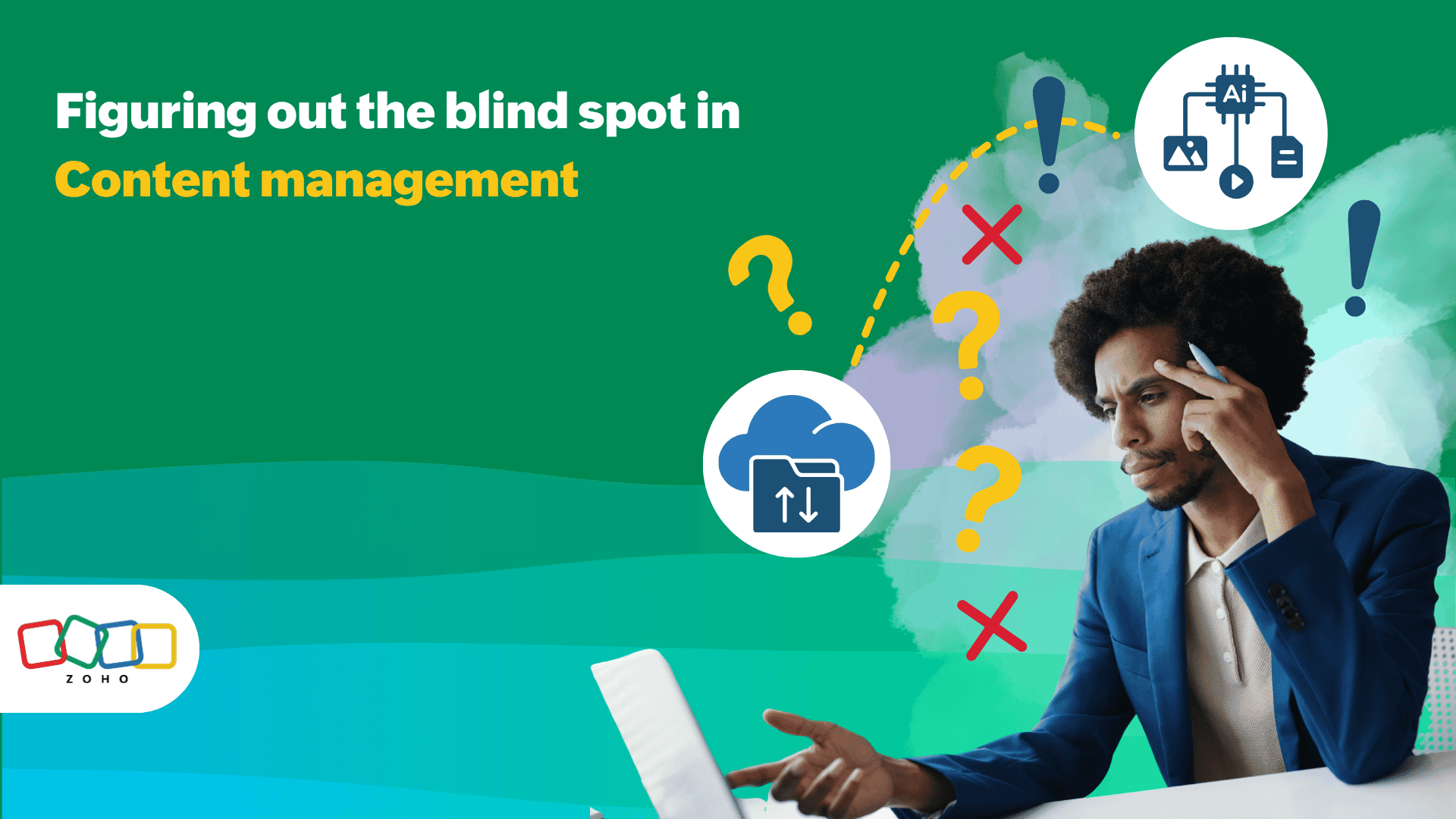
You know the moment: you have a shared folder full of files but work is still stalling.
A comparison deck is due. The legal team needs the latest contract. The finance team wants the complete pricing details being offered to new clients. Someone shares a link, someone else downloads a copy, and five minutes later your team is discussing another file as if the last one has disappeared.
At that point, the problem is not a lack of storage. It's a lack of clarity.
The problem is only getting more expensive. Microsoft’s 2024 Work Trend Index found that 68% of people say they struggle with the pace and volume of work, while users in Microsoft 365 spend 60% of their time in email, chat, and meetings rather than in creation tools. In other words, most teams are already working through a layer of digital noise before they even get to the file they need.
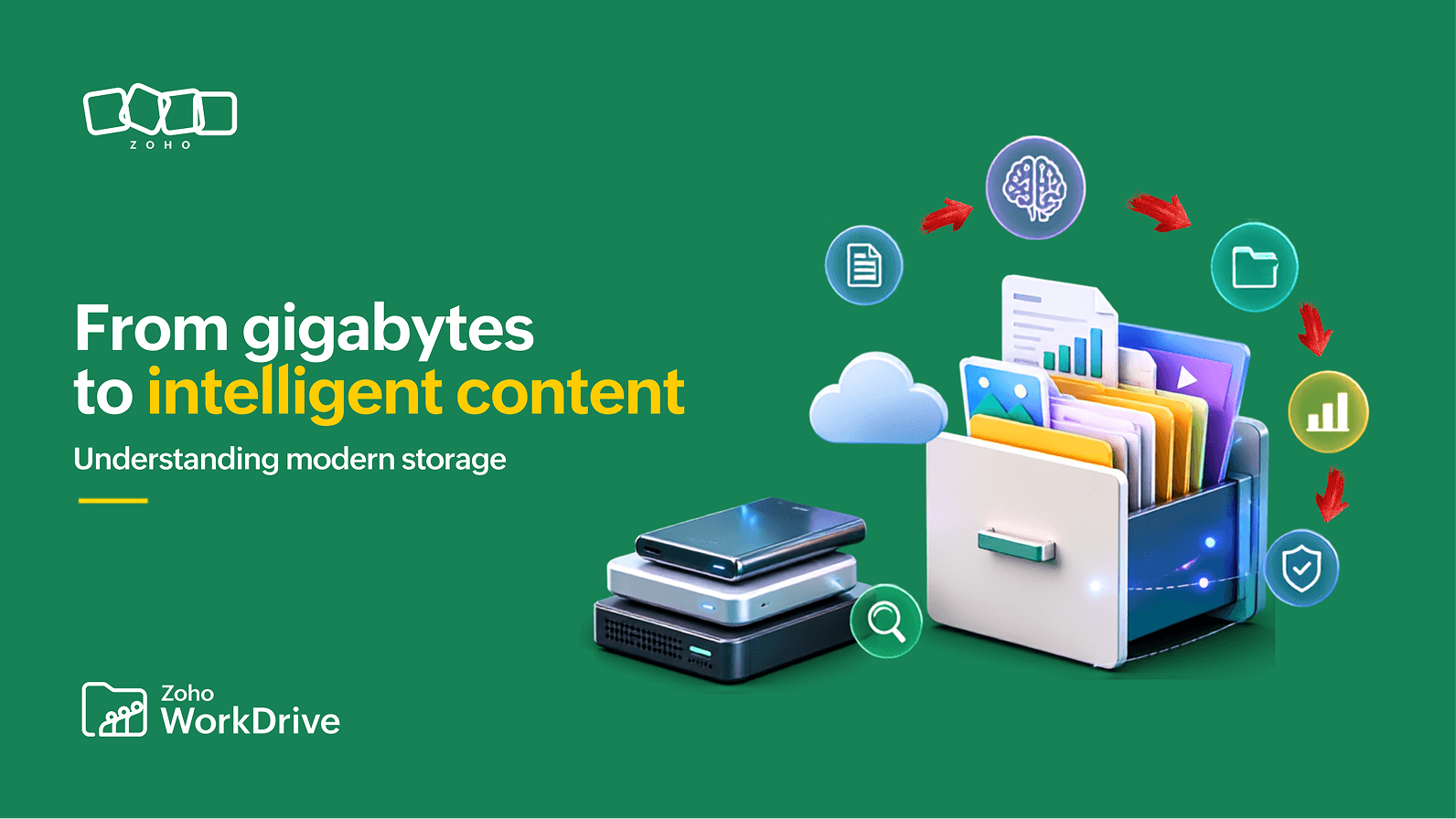
If you have been following the WorkDrive Digest, this probably sounds familiar. We have already talked about why cloud storage helps with flexibility and scaling, why content intelligence matters when information piles up, and why workflows matter when sharing a file quietly turns into a business process. The key idea is that storage is where content sits; content management is how content becomes usable.
Why the market keeps training us to think storage first
A part of the blind spot is honestly understandable.
The market still introduces these products as storage products. Google Drive leads with messaging focused on "secure cloud storage and file sharing." Likewise, Dropbox’s business plans still position team storage as the primary function, then layer on security, sharing, and collaboration tools.
That framing is not wrong. Cloud storage does help teams solve problems around access, syncing, and scaling. But it also nudges buyers into a narrow mental model: if files are in the cloud, the job is done.
Enterprise content has never really behaved like a neat stack of files. Campaign assets, onboarding packets, design files, meeting recordings—they all carry context that a folder tree alone cannot fully represent.
That is exactly why AIIM defines enterprise content management as more than storage: it is the combination of strategies, methods, and tools used to capture, manage, store, preserve, and deliver information across its lifecycle so it can support business goals. The emphasis is on intelligent capture, delivery to the right people and processes, and compliance.
What content management actually means
Let’s define the terms plainly, because this category can get acronym-heavy fast.
Cloud storage is the layer that lets you store, sync, access, and share files online.
Content management is the discipline of making those files governable, searchable, versioned, secure, and usable across business processes.
Intelligent enterprise content management is what happens when that managed content also becomes understandable to the system itself, so it can be searched more precisely, structured with metadata, routed through workflows, protected by policy, and used as context for AI and automation.
That distinction matters more now because enterprise data is increasingly unstructured. IBM says that roughly 80% of enterprise data is unstructured, living in PDFs, emails, folders, and other inaccessible places. Less than 1% is in a format directly suitable for AI use.
How the blind spot turns into a data junkyard
This is the part enterprises usually notice a little late. The cloud starts as a clean slate. Then the organization grows, more apps get added, teams start copying files across systems, external collaborators get involved, and the temporary workarounds and breaking of established work conventions become permanent habits.
Before long, your storage layer starts acting less like a knowledge system and more like a digital junkyard:
Files are technically available, but difficult to find with confidence
Important context lives in people’s heads, side spreadsheets, or email threads
Duplicate versions pile up
Approvals happen outside the document trail
Sensitive content is shared too broadly or without enough traceability
This is where the assumption that “AI will fix it" fails. If your content is scattered, weakly classified, and hard to verify, AI will inherit that mess. Or, to put it in more official terms, your primary folder tree and everything following it can’t become intelligent just because you put a chatbot near it.
Intelligent enterprise content management in practice
If you strip away the buzzwords, intelligent enterprise content management usually comes down to three practical shifts:
Your files become easier to understand
WorkDrive search can deliver results based on more than file names; you can even search for keywords inside file content, text inside images, and even detected objects in images via smart search and OCR capabilities. That means you are not limited to remembering what someone named a file last Friday.
WorkDrive’s Data Templates push that one step further. They let you associate files and folders with custom information so you can later search and manage them with the Data Templates filter. In practice, that means a file can carry business context like client, region, renewal date, project type, or department.
Your content becomes governable, not just shareable
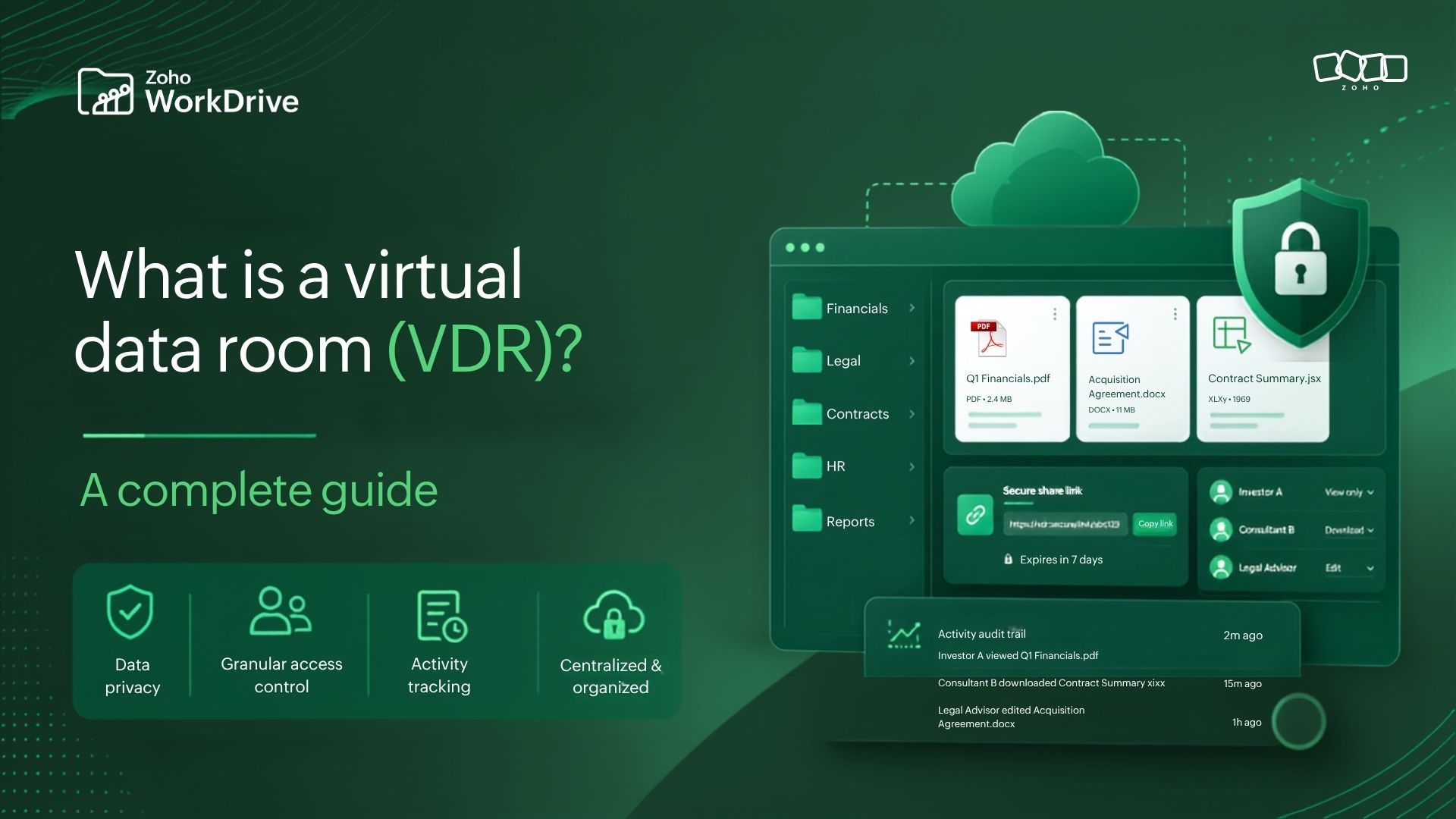
WorkDrive’s Team Folders give departments and cross-functional groups secure shared workspaces with role-based permissions. The basic idea is simple: instead of files bouncing around as individual attachments and personal uploads, the team works from a shared content layer where access is governed by role.
Then you add controls that preserve integrity:
WorkDrive offers unlimited version history, automatically saving a new version whenever a file is updated, which helps with recovery, accountability, and auditing.
Marking files as final lets you lock a completed file into a read-only state so approved content does not get casually edited after sign-off.
Activity reports let admins view and export team activity for legal and auditing purposes.
External share links can include passwords, expiration dates, download restrictions, and user detail requests for better visibility into who accessed what.
And for sensitive information, WorkDrive’s DLP layer is where content management starts showing its real flexibility. WorkDrive’s DLP works by protecting sensitive information tied to compliance, business continuity, and customer trust based on your organization’s rulings.
Your content starts moving through the business, not around it
We have often pointed out that modern content collaboration evolved from basic file storage but doesn't always result in process optimization. WorkDrive’s workflow builder addresses that gap with trigger-based automation around file and folder events. A file upload can trigger a review, move to the next stage, notify the next stakeholder, and maintain an audit trail while doing it. Workflows also support external users, so clients, vendors, or partners can participate in structured approvals as well.
Custom Functions let teams go beyond basic move/copy actions and connect WorkDrive workflows with other Zoho apps and third-party platforms.
Lastly, Zia-powered features help turn content into a more usable knowledge layer. For example, File Suggestions surfaces relevant files before you even start searching, which helps you begin the next task quickly.
This is a meaningful shift because content is no longer static. It can play a more dynamic role in the flow of work.
Closing the blind spot
We have talked about content intelligence as the next step beyond just collecting files and how this extends to building workflows that reflect real organizational processes. We have talked about revamping collaboration stacks so content is not just stored but meaningfully connected to the way teams operate. WorkDrive 6.0 pulls those threads together to deliver a strong combination of content, security, and intelligence.
Intelligent enterprise content management tells you what a file means, who should act on it, what policies apply to it, and what happens next. It connects your files to the people, processes, and decisions that depend on them.
Now, this is really the enterprise blind spot: Organizations still frequently buy cloud storage as if the main objective is keeping files online and out of local drives. But as content volume grows, as compliance pressure rises, and as AI depends more on context than on raw file piles, that storage-focused mindset starts showing its limits. The teams that move ahead will be the ones that treat content as an operational system, not just a cloud inventory.
So what’s the bottom line?
Cloud storage is still an important part of the enterprise content ecosystem that supports scale, access, and collaboration. But it is only a starting point. WorkDrive is building on this foundation to deliver deeper search results, enrich structured metadata, and strengthen security and governance. There's a lot more to look forward to in the near future.
So, if you are rethinking how your organization handles content, this is a good time to look beyond basic storage and explore what intelligent enterprise content management can actually do in practice.