From dashboard to APIs: Zoho PDF Editor's 2025

Wishing you all a very happy and prosperous new year!
2025 was a year of transformative growth for Zoho PDF Editor. We added new capabilities like splitting or combining PDFs, adding watermarks, and collecting e-signatures via popular digital signing services to give you greater flexibility and control while editing your PDFs.
We also rolled out PDF editing APIs to make it easier for you to add PDF editing capabilities to your web app. Here's a quick overview of all the new capabilities that we added to PDF Editor this year, plus a sneak peek into the exciting updates we've planned for 2026!
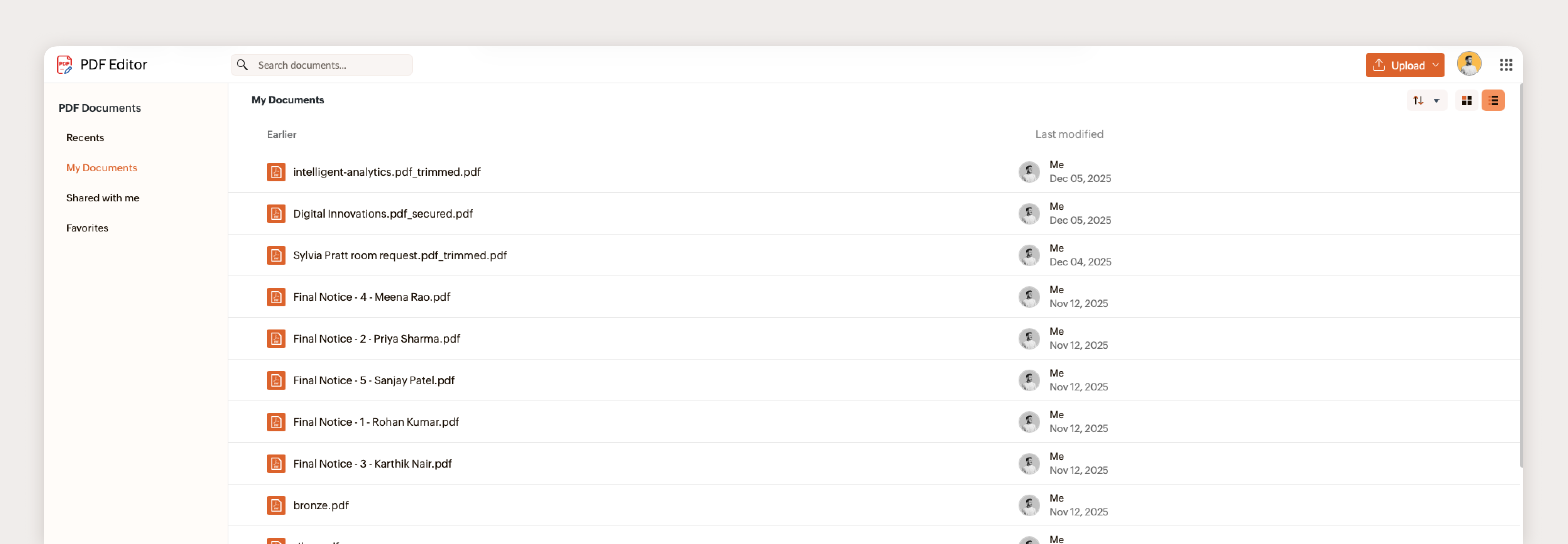
All-new PDF dashboard
Easily upload PDFs and also view all your existing PDFs in a single view with the new dashboard.
Organize PDF pages
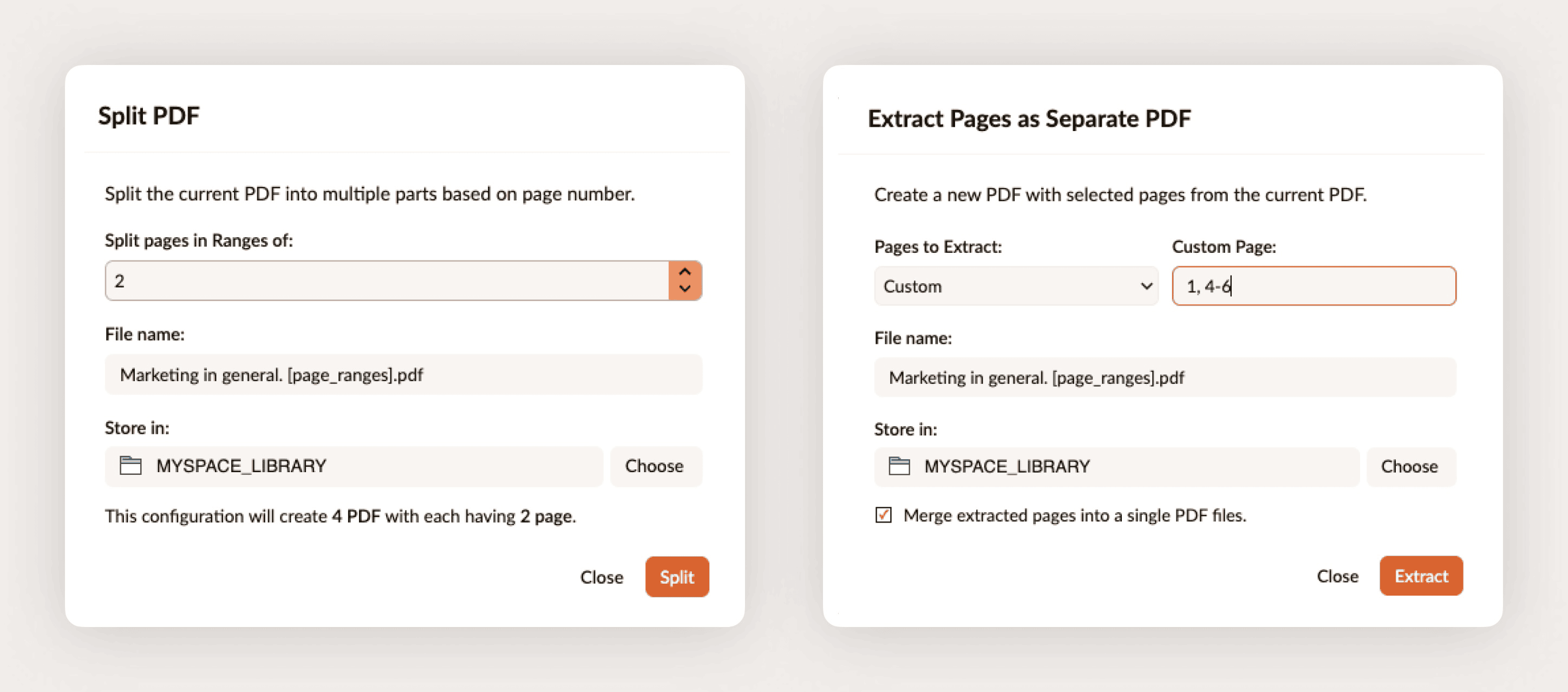
Organize and manage PDFs more granularly with these capabilities:
- Combine PDF documents
- Split or extract PDF pages
- Rotate PDF pages
- Replace PDF pages
- Export PDFs or PDF pages as images
PDF content customization and editing
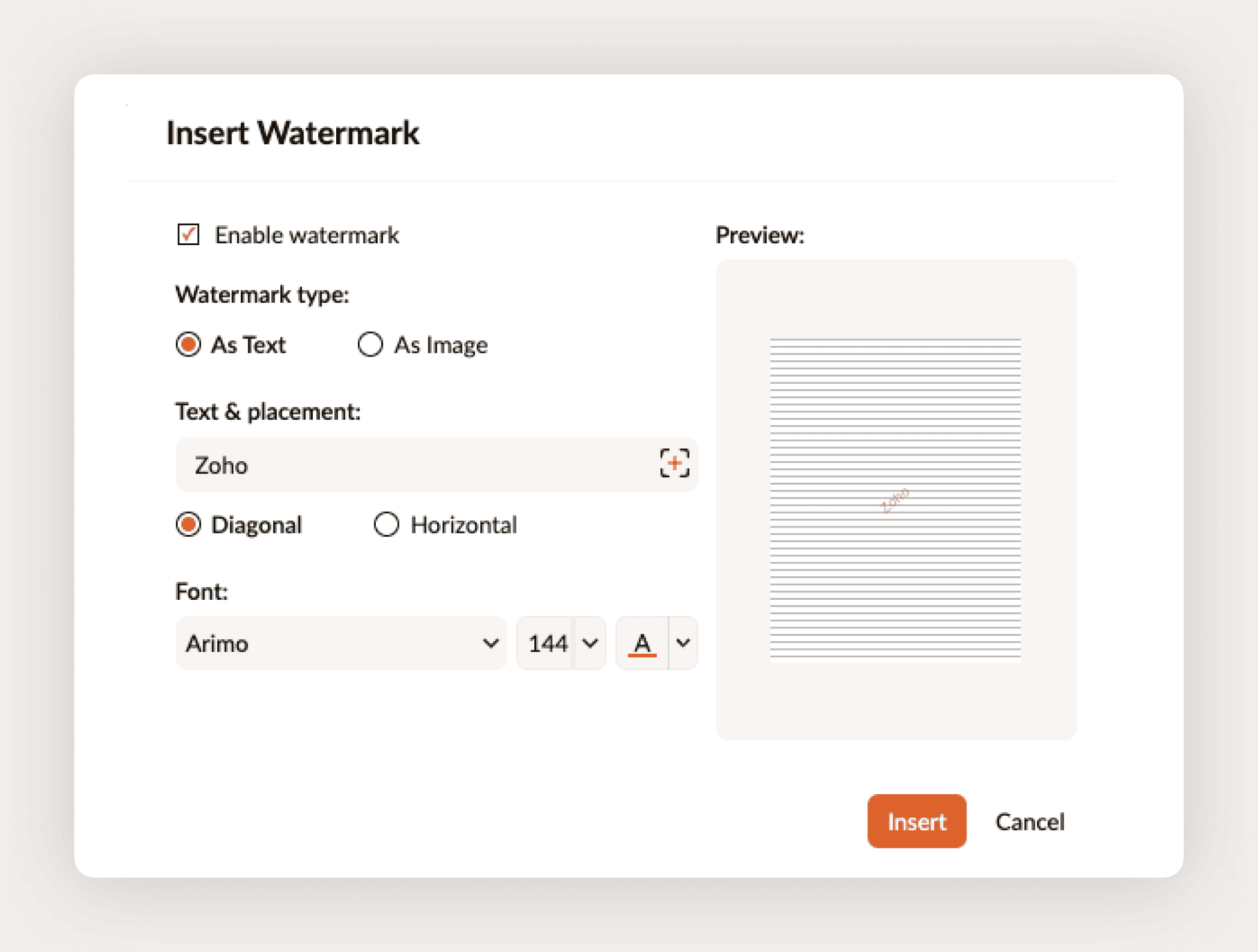
- Add watermarks: Insert text or image watermarks to maintain brand consistency and also prevent unauthorized use of your PDF documents. Learn more.
- Insert wet signatures: Sign PDFs by inserting a scanned wet signature as text, an image, or from Zoho Sign. Learn more.
- Send PDFs for signing: Collect digital signatures via popular signing services like Zoho Sign, Adobe Sign, Docusign, or Signeasy. Learn more.
- Password protect PDFs: Secure your PDF documents and protect confidential information with a password to restrict viewing, copying, and printing. Learn more.
Form creation and signature collection
- Support for automatic fields: Insert fields such as Date, Author Name, and Document Name, that are dynamically populated with appropriate values to ensure the consistency and accuracy of information in the document. Learn more.
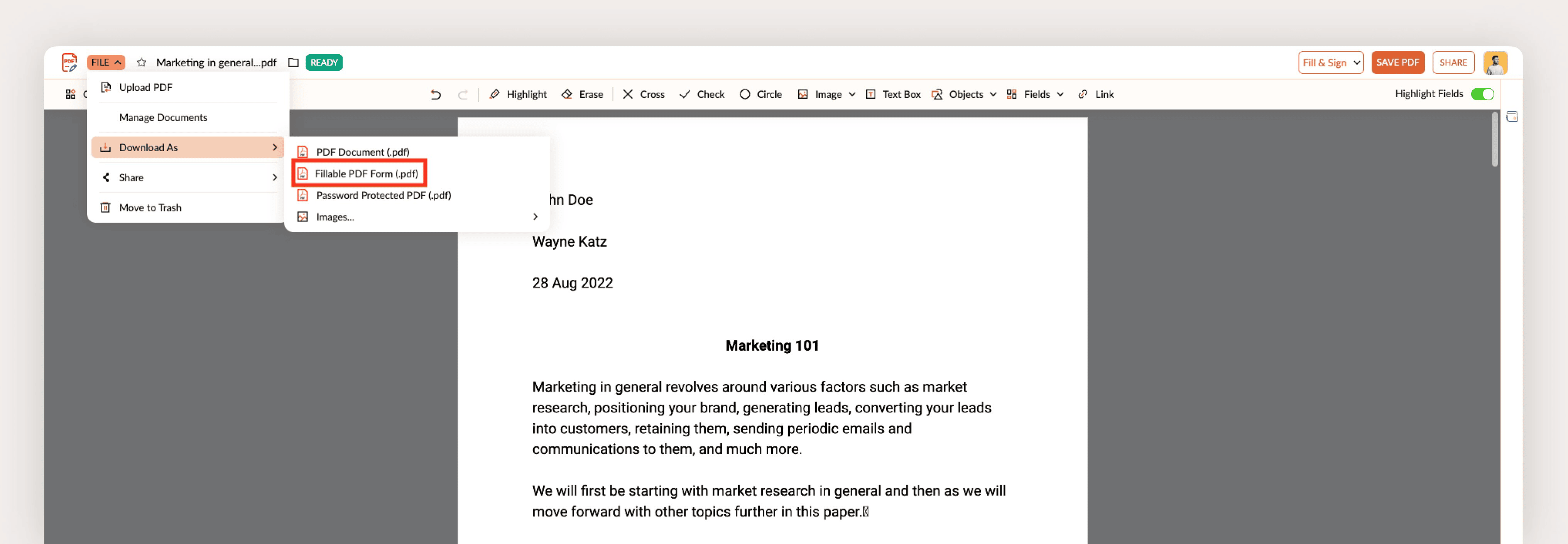
- Export PDFs as fillable PDFs: Transform your static PDFs into interactive fillable PDF documents and download them as PDF forms. Learn more.
Brand new cloud-based PDF editing APIs
Easily add PDF editing tools to your web apps with Zoho PDF Editor's REST APIs.
| Category | Action |
PDF management | Upload PDFs |
PDF editing | Insert images in PDFs |
| Add PDF pages | |
| Insert and update links in PDFs | |
Organization and structure | Split PDFs |
| Extract PDF pages | |
| Replace PDF pages | |
| Rotate PDF pages | |
| Delete PDF pages | |
| Insert page numbers | |
| Insert watermarks | |
| Duplicate PDF pages | |
Advanced PDF options | Fill PDFs |
| Get fields data from PDFs | |
| Flatten PDFs | |
Security and protection | Password protect PDFs |
| Remove passwords from PDFs |
What's Cooking for 2026?
We have an exciting line up of high-impact features for PDF Editor in 2026, including:
- Support for larger PDFs (1,000+ pages) for heavy-duty document management.
- Redacting sensitive information to keep your confidential data safe when sharing
- Bulk find-and-replace APIs to automate text updates across multiple PDF files at once.
- Desktop app to edit local PDFs without signing in.
- Viewing and editing password-protected PDFs (with the correct credentials, of course!).
- Inline PDF text editing to easily edit PDF text.
- Expanding the PDF APIs library to add more PDF editing capabilities to your web apps.
That's all for now!
Let us know your suggestions and feedback about these new updates at support@zohopdf.com or support@eu.zohopdf.com or in the comments below.
Once again, from all of us at Zoho PDF Editor, have a Happy New Year!



Comments