Draft, edit, and collaborate on agreements and contracts with Zoho Sign


A major part of the document creation and signing process involves creation, collaboration, and alteration. Consider a scenario where a signing workflow is assigned and the document is sent out in the traditional way. In this case, creating, editing, or adding comments to the document or the overall workflow is a task that requires manual intervention and time-consuming labor, and it stunts the progress made on the workflow, increasing overall turnaround time.
End-to-end agreement management
Without digitization or automation, the process involves drafting multiple document versions; conversations being scattered all over the place in lost threads and countless messages; and missed comments leading to increased errors and document turnaround time. In the traditional pen-and-paper method—or even with minimal digitization—there’s a possibility that when the document is typed out and then edited, the context of the document could be lost or changed in the process. The signing workflow is then interrupted and restarted, reducing the efficiency of the overall process.
A workaround for this roadblock involves allowing users to draft or generate documents quickly using AI without having to switch between applications. Editing and commenting on the document digitally allows for a seamless, uninterrupted workflow. Making minor, necessary changes or comments on the document won’t affect the overall signing process.
Document creation, annotation, and commenting
Document creation: Drafting or creating documents with AI within Zoho Sign.
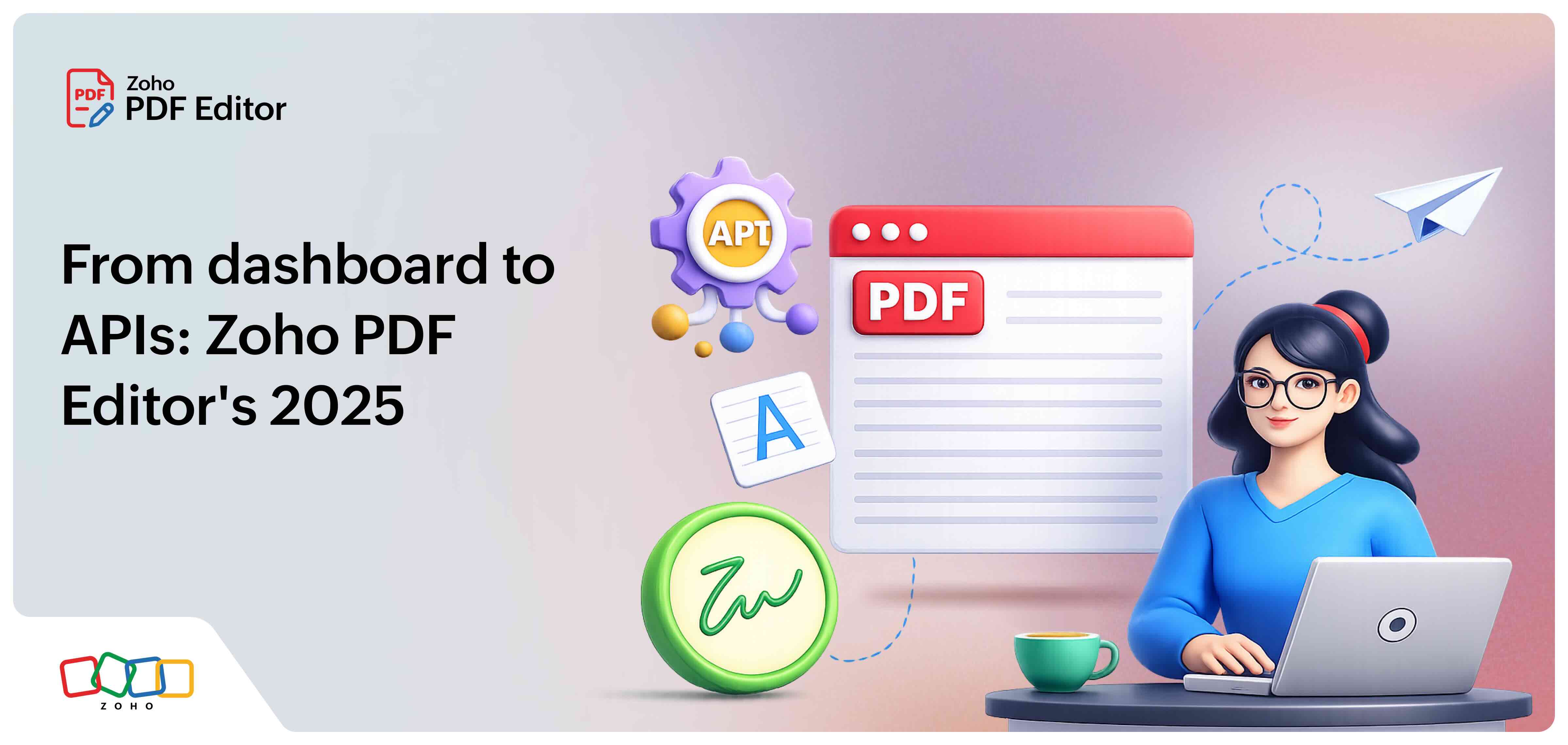
PDF editor: Edit PDF documents after the document has been sent out for signature.
Document commenting: Signers and senders can comment within the context of the document.
How can these features help you?
Create or draft with Document creation
Create and draft agreements swiftly with Zoho Sign using the Document creation feature to create documents without switching between applications. Generate documents on the go and allow users to reduce the overall document turnaround time for an efficient signing workflow. This feature can be used to send documents out for signature, sign documents yourself, or create customizable templates.
Make alterations with PDF editing
Zoho Sign allows users to use the Edit Document feature to perform these actions after the document has been sent out for signing:
Organize by rearranging or changing the order of the pages.
Highlight important parts.
Erase unnecessary sections.
Add a check mark or a cross mark.
Circle a section of the document.
Upload or insert a URL of an image.
Insert textboxes to the document.
Attach barcodes, QR codes, and a watermark to the document.
Add the date: Today's Date, Dynamic Today's Date, Document Created Date, Document Last Edited Date, or Create Custom Date Field
Embed a link in the document.
Collaborate with commenting
Document commenting allows senders and recipients to leave a comment within the content of the document without altering it. This transparent flow of conversation speeds up document turnaround time by allowing signers to comment and ask questions directly in the document so that the authors can resolve them quickly. By commenting in the document without leaving the app, Zoho Sign keeps the conversation in one place instead of scattered in multiple places, improving organization and efficiency in the signing workflow.
Did we catch your attention with our latest features? Try them out now and let us know what you think!
If you're interested in trying out our features and would like a step-by-step guide, visit our knowledge base articles on PDF editor, Document commenting, and Document creation.
If you have any questions or feedback, reach out to us at support@zohosign.com or connect with us through the comment section below. Happy signing!

Comments