- HOME
- Email sending
- Sending multi-language transactional emails
Sending multi-language transactional emails
- Published : June 30, 2026
- Last Updated : June 30, 2026
- 173 Views
- 9 Min Read

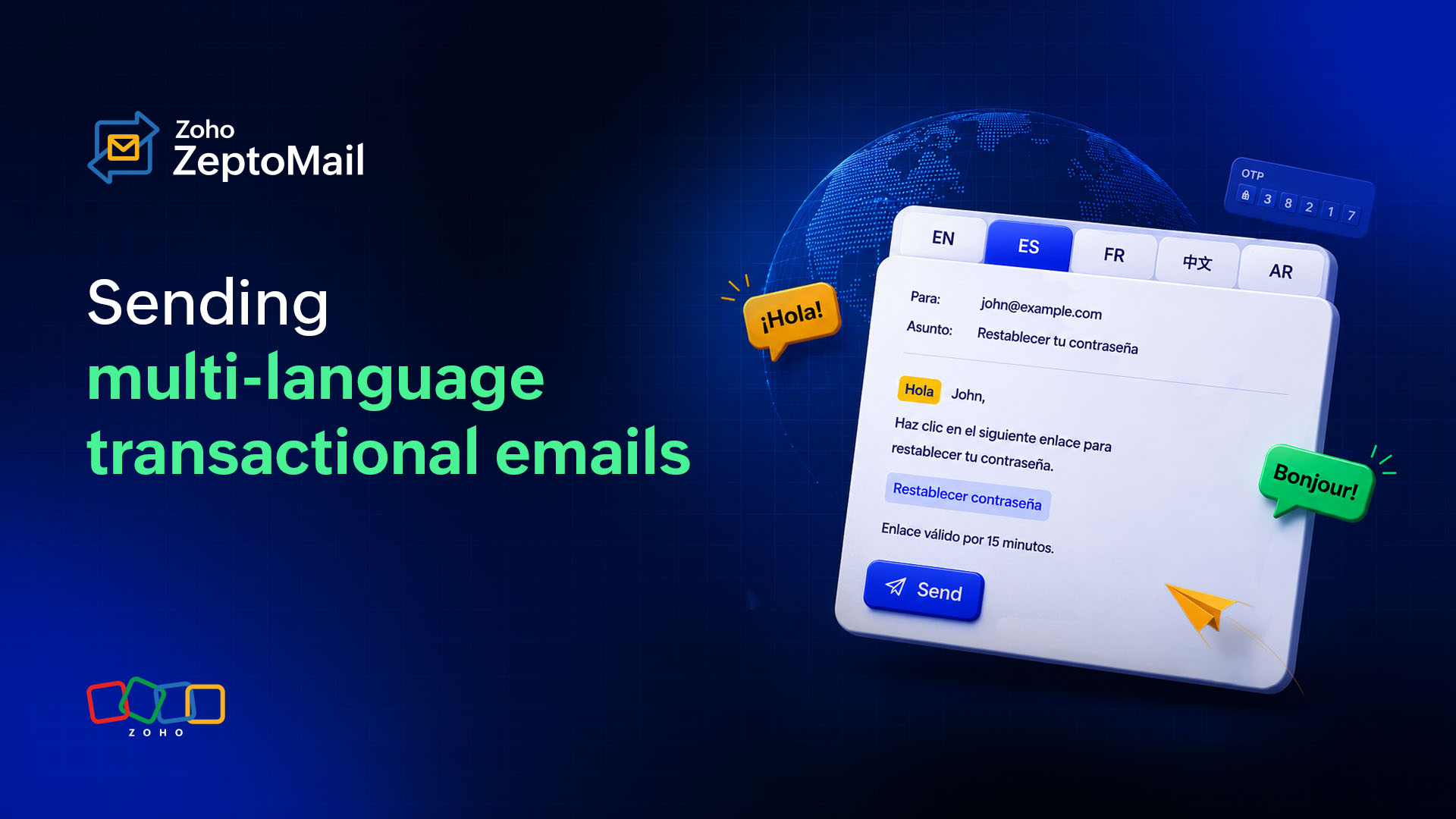
A user in Tokyo receives a password reset email in English. They complete the reset, probably, but the friction in the process is real and measurable. Research on localized UX consistently shows that users are significantly more likely to complete an action when the interface, including transactional communication, is in their native language. For transactional emails specifically, where the entire purpose is to prompt an action or confirm one, sending in the wrong language isn't just a UX oversight, it's a conversion problem.
This article covers how to create and operate multi-language transactional emails properly. The technical decisions that matter, the operational traps teams fall into at scale, and how to measure whether your localization effort is actually working.
Why language-matched transactional emails are a business requirement, not a nice-to-have
Conversion and trust
Transactional emails have the highest open rates of any email category because they’re expected and tied to an action the user just took. That attention is valuable real estate. When the email arrives in a language the recipient doesn’t comfortably read, you've wasted the moment. Worse, for high-stakes messages like payment confirmations, shipping updates, or account security alerts, language mismatch actively undermines trust.
The effect compounds in B2C contexts where your user base spans regions. A Brazilian customer who signed up in Portuguese and receives a billing failure notice in English is more likely to churn than escalate. The friction of processing a foreign-language message at a stressful moment is enough to push them toward a competitor who communicates clearly.
Legal dimension
GDPR compliance in the EU has a less-discussed implication for communications. Several EU member states have data protection guidance or consumer communication regulations that expect businesses to communicate in the user’s language under certain conditions. France’s Loi Toubon is the most cited example, legally requiring that commercial communications to French consumers be in French. Germany has similar commercial code expectations. For SaaS businesses operating across the EU, this isn’t a theoretical risk. It surfaces during vendor due diligence and in consumer complaints to data protection authorities.
Even where language requirements aren’t strictly codified, regulators evaluating GDPR consent flows and notification practices look favorably on companies that communicate clearly in the user’s language. It’s evidence of good-faith transparency, and that perception matters during audits. As your user base expands, the legal surface for language compliance grows with it.
Defining your locale strategy
Strategy
Before touching templates or APIs, you need two things settled: which locales you’re actually supporting, and what "supporting" means at each tier.
Most teams make the mistake of combining their list of active user locales with the list of locales they’re ready to maintain. If you have users in 35 countries but only have the capacity to properly translate and maintain templates for 10 languages, you need a tiered model. Tier 1 locales get full, human-reviewed translations with pluralization and formatting handled correctly. Tier 2 locales get machine translation with a defined review schedule. Tier 3 locales fall back to English (or your closest tier 1 language) until usage justifies investment. This framework prevents the worst outcome: shipping low-quality machine-translated emails to a large user base and not finding out until trust metrics drop.
Document your locale tier decisions explicitly. This becomes the input to your fallback logic and the benchmark against which you measure translation quality over time.
Template architecture
There are two broad approaches to managing multi-language transactional emails: a single template with locale-driven variable substitution, or a separate template per locale. Each has tradeoffs.
The single-template approach uses a content block structure where body text is a variable populated from a localization file or translation service. This works well when templates are relatively simple and the translation pipeline is automated. The risk is that variable-driven content removes structural flexibility. If your German translation is 40% longer than the English source (common, given German’s compound noun density), your layout may break without additional guards.
Separate templates per locale give designers and translators full control over layout and formatting, but they multiply your maintenance surface. A change to a shared element—your logo, footer links, a legal disclaimer—has to be propagated across every locale variant. Teams that start with separate templates and grow to 15+ locales typically regret it by the time they’re managing a template change across 60 files.
A hybrid approach tends to work best in practice. A shared structural template with locale-specific content blocks and a separate template variant flagged by language family for layout-impacting differences (RTL languages, significantly longer strings). The structural shell is maintained once; the content layer is maintained per locale.
Locale routing and fallback logic
Your sending logic needs to handle three cases cleanly: the user has an explicitly set language preference, the user's locale can be inferred (from browser data, signup country, or phone number prefix), or neither is available. For the third case, you need a defined fallback, which is typically English, but this should be a deliberate product decision, not a default you inherited.
The locale identifier passed to your email service should follow IETF BCP 47 tags (fr-FR, pt-BR, zh-Hant) rather than ISO country codes alone. This matters because pt is ambiguous between Brazilian Portuguese and European Portuguese, which differ enough in vocabulary and register to be meaningfully different in customer communications. A billing email addressed to "Você" (Brazilian Portuguese) versus "V. Exa." or "o/a utilizador/a" (European Portuguese) signals whether you’ve actually localized or just translated.
Fallback chains should be built as a priority list. Exact locale match → language match without region → closest related language → defined default. If you have fr-FR but not fr-CA, a Canadian French speaker receiving fr-FR content is still significantly better served than receiving English. Define these chains explicitly in your routing logic rather than relying on implicit behavior in your email platform.
Character encoding and RTL support
Always send in UTF-8. This is non-negotiable for any multilingual deployment and most modern ESPs default to it, but it’s worth auditing templates explicitly. Legacy template files or copy-pasted content from word processors can introduce encoding artifacts that corrupt non-Latin characters in ways that only appear in certain email clients.
Right-to-left language support (Arabic, Hebrew, Persian, Urdu) requires more than encoding. Your HTML template needs dir="rtl" set on the <html> or relevant container elements, and your CSS needs to mirror padding, margin, and text-alignment rules. Many email templates use text-align: left hardcoded throughout. In an RTL context, this reads as right-to-left text left-aligned in a left-to-right container, which looks broken regardless of how good the translation is.
Test RTL emails in actual email clients. Gmail’s RTL rendering differs from Outlook’s in ways that can’t be caught by browser preview alone, and mobile email clients on iOS and Android handle bidirectional text differently depending on OS version. Build an RTL-specific QA checklist that includes testing on at least three major clients before considering a language ready for production.
Operational challenges at scale
Translation workflow and template sync
The biggest operational failure mode isn’t technical, it’s process. Teams build out localization for their initial set of transactional emails, then ship a new email type (a new subscription tier, a referral program, a two-factor authentication flow) and forget to route it through the translation workflow. Users in non-English locales receive the new email in English because no one had a checklist item that said "new email template triggers a translation request."
The fix is structural. Every new transactional email should have locale coverage documented as a launch requirement, sitting alongside QA and deliverability setup in your release checklist. Translation requests for transactional content should have a fast-track SLA distinct from marketing copy because a password reset email can’t wait two weeks in a localization queue.
Dynamic content
Dynamic values inside transactional emails are a localization surface that’s easy to overlook. A subscription renewal email that says "Your plan renews on 05/06/2025" means May 6 in the U.S. and June 5 in most of Europe. Dates should be formatted using locale-aware libraries before being passed into the email template, not formatted as raw date strings from a database timestamp.
Currency displays follow similar logic. "$1,200.00" is fine for U.S. users but confusing when billing a German customer in euros. Germany uses a period as a thousands separator and a comma as a decimal separator, the reverse of U.S. convention. Always format currency values server-side using locale-aware libraries before injecting them into email variables.
Pluralization is the subtlest problem. English has two plural forms (one item/two items). Arabic has six. Russian has three. Polish has four, with complex grammatical rules governing which form applies. If your transactional email reads "You have [N] message(s) waiting," the (s) approach is lazy English-centric copy that reads as broken in most other languages. Use a library that supports Unicode CLDR plural rules and ensure that your translation files include all plural variants for every locale. This is one of the most common quality gaps in i18n for emails, and one of the most visible to native speakers.
Subject line localization
Subject lines aren’t just translated body copy. They operate under inbox-level constraints. Character limits vary by device, localized spam filter patterns differ by regions’ dominant ISPs, and the cultural register for urgency ("Action required" vs. a softer prompt) varies significantly across markets. Japanese email culture, for instance, tends toward more formal and indirect subject lines than U.S. conventions. A direct translation of an English urgency-driven subject line can read as aggressive or alarming to a Japanese recipient.
Treat subject line localization as a separate task from body copy translation, ideally with in-market review from someone familiar with local email conventions, not just language fluency.
Measuring whether your localization is working
Segment performance by locale
Most teams track transactional email performance in aggregate, which hides localization failures. Split your open rate, click-through, and conversion data by locale from the start. A localized confirmation email underperforming against your baseline open rate in a specific region is an early signal of either a deliverability issue (the email is landing in spam for that region’s ISPs) or a translation quality problem (the subject line doesn’t carry the same urgency in the target language).
Connect email analytics to your product analytics to track downstream actions like whether locale-specific transactional emails are completing their intended purpose.
Deliverability considerations by region
Email deliverability isn’t uniform across regions. ISPs in China (QQ Mail, 163, Sina Mail) apply very different filtering rules than Gmail or Outlook, and if your user base has significant coverage there, you need to test specifically against those providers rather than assuming your global deliverability configuration applies. Japan’s major providers (Docomo, au, SoftBank) historically applied aggressive filtering that treated foreign-IP senders with suspicion, meaning your sending domain reputation and authentication setup (SPF, DKIM, DMARC) need to be airtight before you’ll see reliable inbox placement in those markets.
Authentication configuration is a sender responsibility regardless of which email infrastructure you use. Ensure your DKIM signing covers the full character range in your from-name fields if you're using localized sender names. Some teams set the "From" display name to a localized string and inadvertently introduce encoding issues at the authentication layer, causing sporadic delivery failures that are hard to trace.
Testing multi-language emails before they reach users
Testing transactional emails in multiple languages requires more than running a standard pre-send QA pass. There are three layers to get right.
Rendering
The first is technical rendering. Special characters, diacritics, and non-Latin scripts must display correctly across email clients and client behavior varies significantly by region. Gmail, Outlook, and Apple Mail are obvious targets, but if your locale coverage includes Russia, you should be testing in Mail.ru. Korean users disproportionately use Naver Mail. These regional webmail clients have their own rendering quirks and aren’t covered by most standard email testing tools.
Functionality
The second layer is functional accuracy. This means verifying that dynamic variables are rendering correctly in every locale variant, not just the source language. A date that formats correctly in en-U.S. may appear as raw timestamp data or in an unexpected format in a locale that wasn’t explicitly handled.
Native review
The third layer is native speaker review before a locale goes to production. Machine translation and even professional translation can produce copy that is grammatically correct but tonally off in a specific market. A single review pass by someone who reads the target language as their primary language, not just a proficient translator, catches these issues before they reach users at scale. This is particularly high-value for subject lines and CTAs, where a subtle register mismatch has a direct effect on engagement.
A practical checklist
Before you build:
Audit your current transactional email inventory. List every email type, its trigger, and which locales currently have a translation.
Define locale tiers (full translation, machine translation with review, English fallback) based on your user distribution and maintenance capacity.
Choose your template architecture (shared with content variables vs. per-locale templates) based on template complexity and how many locales you’re targeting in the first year.
Establish a locale fallback chain for each language family using IETF BCP 47 identifiers.
During implementation:
Audit all templates for hardcoded text-align: left, directional padding, or layout assumptions before adding RTL languages.
Move all dynamic values (dates, currencies, counts) to server-side locale-aware formatting before template injection.
Add ICU MessageFormat or an equivalent pluralization library to your i18n stack if any email copy contains numeric variables.
Build an RTL-specific QA checklist and test against real email clients, not just browser previews.
Operationally:
Add locale coverage as a required line item in your transactional email release checklist.
Keep transactional email strings in a separate namespace from product UI strings in your TMS.
Set up locale-segmented reporting in your email analytics from day one.
Schedule a quarterly audit of locale data freshness to verify that users are receiving emails in the language they actually prefer, not the language your system inferred years ago.