- HOME
- Feature Spotlight
- Zoho Writer adds conditional logic and AI assistance to formulas: A step toward dynamic document automation
Zoho Writer adds conditional logic and AI assistance to formulas: A step toward dynamic document automation
- Last Updated : July 13, 2026
- 183 Views
- 3 Min Read

Hi users,
We're happy to announce that we've expanded the scope of Zoho Writer's formulas to include string-based formulas for dynamic string operations and conditional formulas, which lets you create personalized documents for different business scenarios.
This update includes AI-based formula assistance powered by natural language processing (NLP) to help you create new formulas, as well as review and refine existing ones, simply by describing what you need in plain language.
Highlights of Writer's formula enhancements
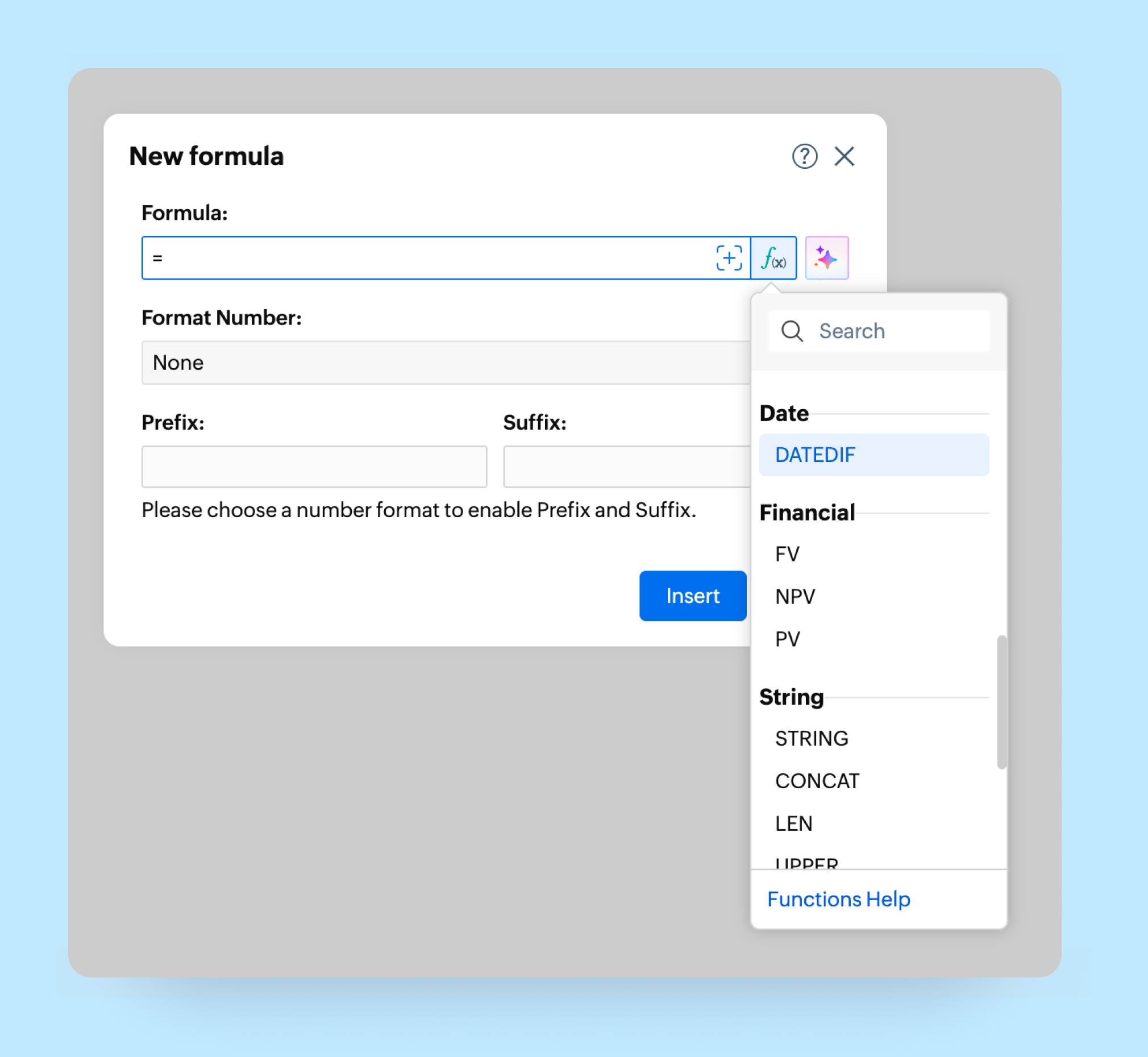
New String formulas
We've introduced 12 new string formulas in Zoho Writer to help you dynamically manipulate and transform text content. For example, you can use CONCAT ("Zoho", " ", "Writer") to display Zoho Writer, UPPER("writer") to display WRITER, or LEFT("Document", 3) to display Doc in your documents.
| Formula | Syntax | Description |
| STRING | =STRING(value) | Converts a value to text format. |
| CONCAT | =CONCAT(text1, text2, ...) | Combines multiple text values into a single string. |
| LEN | =LEN(text) | Returns the number of characters in a text string. |
| UPPER | =UPPER(text) | Converts text to uppercase. |
| LOWER | =LOWER(text) | Converts text to lowercase. |
| LEFT | =LEFT(text, num_chars) | Returns the specified number of characters from the beginning of a string. |
| RIGHT | =RIGHT(text, num_chars) | Returns the specified number of characters from the end of a string. |
| MID | =MID(text, start_num, num_chars) | Returns characters from the middle of a string, starting at a given position. |
| TRIM | =TRIM(text) | Removes leading and trailing spaces from text. |
| FIND | =FIND(find_text, within_text) | Returns the starting position of one text string within another. |
| SUBSTITUTE | =SUBSTITUTE(text, old_text, new_text) | Replaces occurrences of text within a string. |
| PARSENUM | =PARSENUM(text) | Extracts numeric values from text. |
Conditional formulas in merge templates
Zoho Writer's merge templates now support conditional formulas. This enables you to configure multiple if-else branches within the same formula to generate different personalized documents, based on the input, using just one template.
For example, imagine you run a travel agency. Each tour booking's total cost depends on the number of travelers and the number of days. A group with 1 to 10 travelers for two days might be charged one rate, 11 to 15 for three days a different rate, 16 to 25 for five days another rate, and so on. So, when a customer submits a group booking request, you need to calculate and share the trip's cost with the customer based on this slab and the number of days.
With the new conditional formula in Writer's merge templates, you can automatically calculate and return the trip's amount based on the number of travelers and the number of days in the data source, and share it with the customer—without creating multiple templates to achieve this.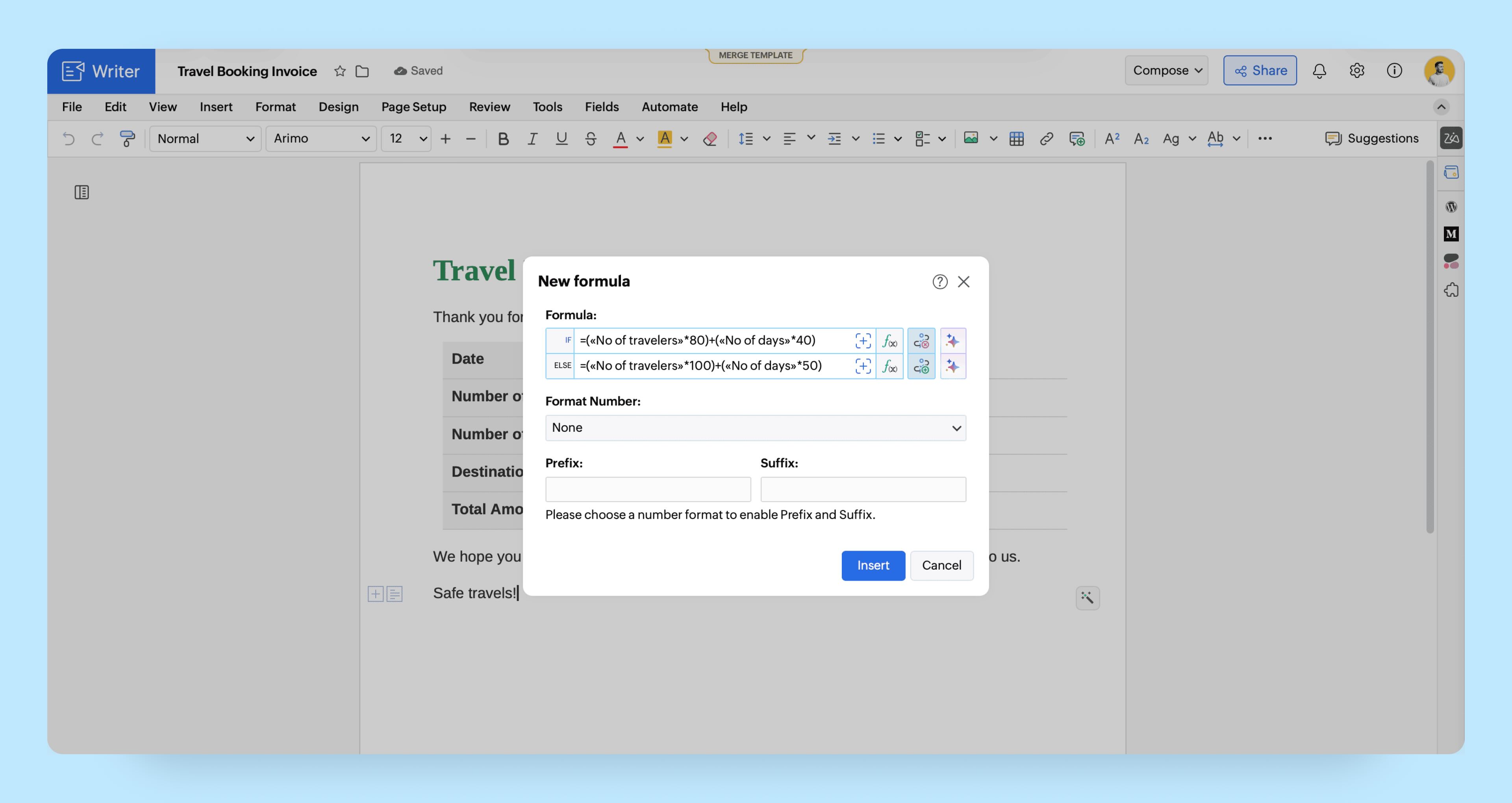
Interactive AI-powered formula assistant
Zia, Zoho Writer's AI-driven assistant now helps you refine and create formulas too. You can use simple English sentences to create new formulas that meet your needs. Besides creating new formulas, Zia can also fix a formula's syntax issues, and also provide suggestions to improve your existing formulas, helping you create and refine formulas faster.
Let’s say you manage monthly billing for a training institute. You need to apply a late fee when a payment is overdue by more than 30 days, and it would be helpful to display relevant information, including the count of customers who currently owe a late fee. For this, your formula has to compare the due date with the current date, calculate overdue days, apply the late fee when the condition is met, and show the count of customers for whom the late fee is charged in the output document.
You can simply describe your requirement in plain English to Zia, like “Compare «Due_Date» with «Current_Date». If overdue days are more than 30, add late fee from «Late_Fee_Rate» on table total, and display the number of users charged with late fee.” Zia will generate the required formula so you can quickly apply the calculation in the same merge template.
Add created formulas to Quick Parts
Once you generate a formula, manually or using the AI-formula builder, you can add it to Quick Parts for reuse across your documents.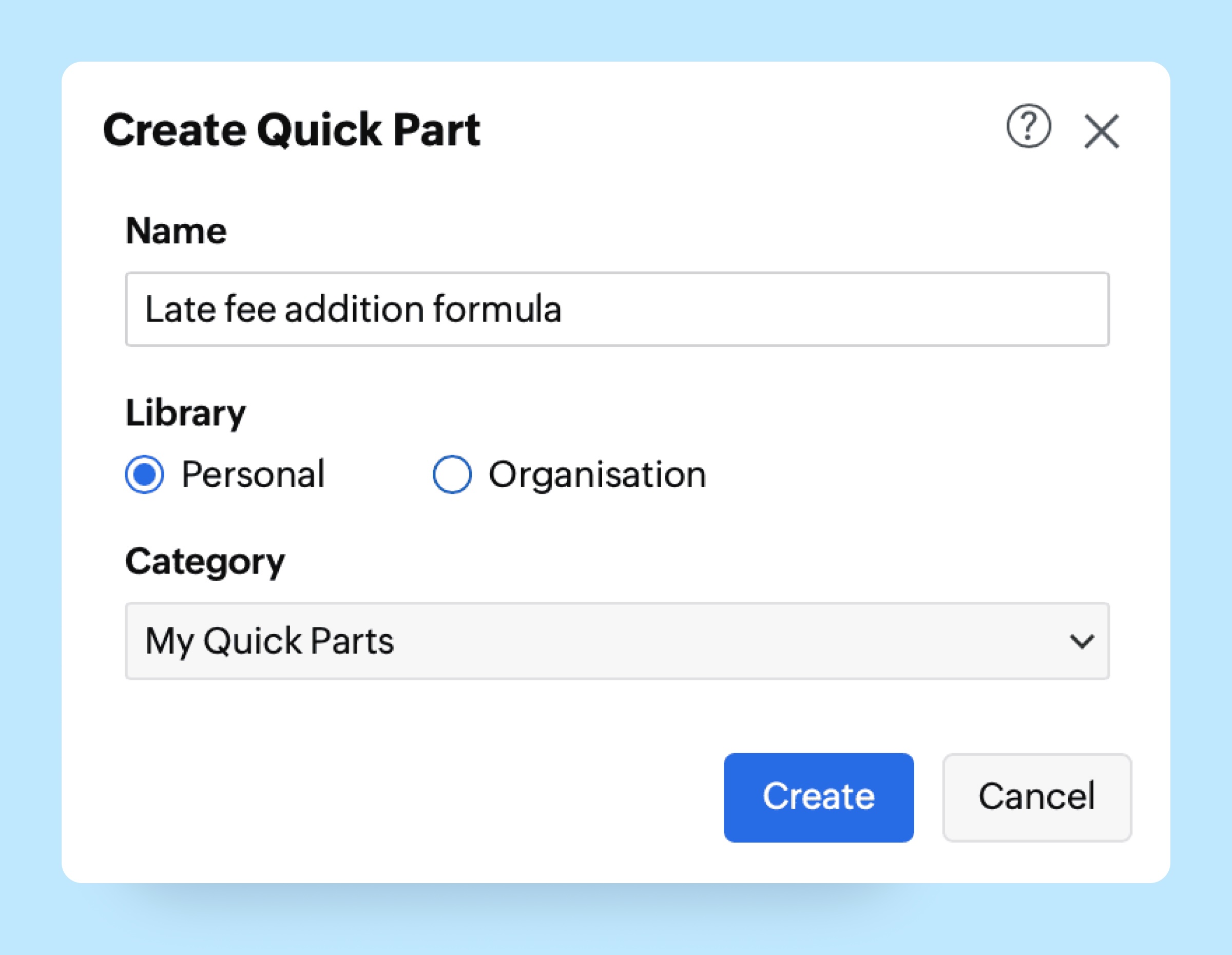
Check out our user guide to learn how to use these formula enhancements in your documents.
If there's a formula you'd like to see added to Zoho Writer, let us know in the comments or email us at support@zohowriter.com or support@eu.zohowriter.com. Please note, there is a chance that some existing formulas might be affected by the enhancements in the formula engine. If you face any such issues, please contact our support team for assistance.