Event-driven document automation using webhooks in Zoho Writer
- Last Updated : January 12, 2026
- 678 Views
- 2 Min Read

Instantly generate and send documents based on triggers from any form builder, business app, or automation workflow.
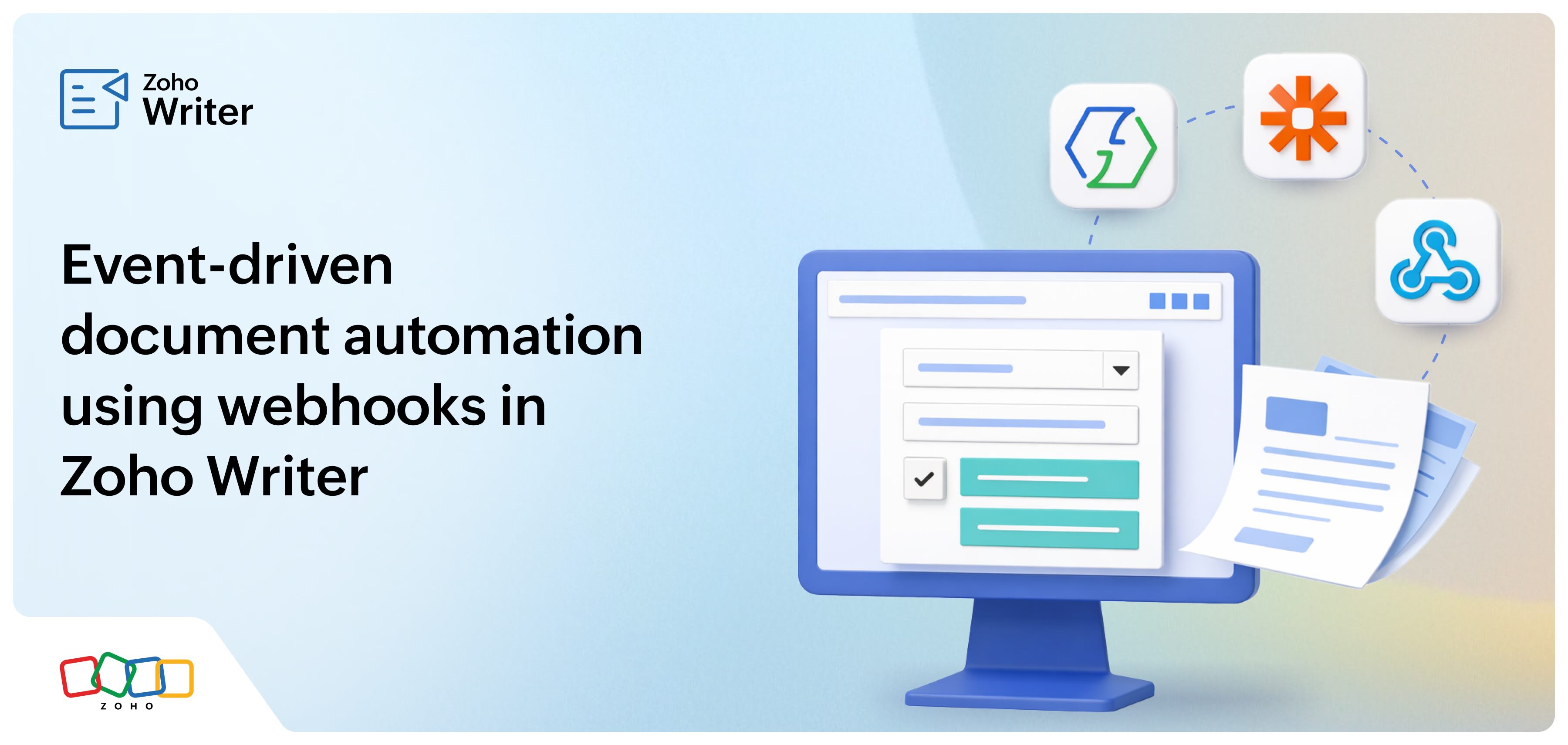
We are excited to introduce webhook support in Zoho Writer's merge templates. With this powerful feature, you can connect Writer with any form-based app, other business apps within or beyond the Zoho ecosystem, or automation workflows configured on Zoho Flow, Zapier, or similar tools. This allows Writer to trigger document generation based on real-time events.
Read on to understand how webhooks can supercharge your document workflows and see a couple of real-world examples.
Feature: Trigger document generation as soon as a user submits a completed form built using any form app.
Business scenario:
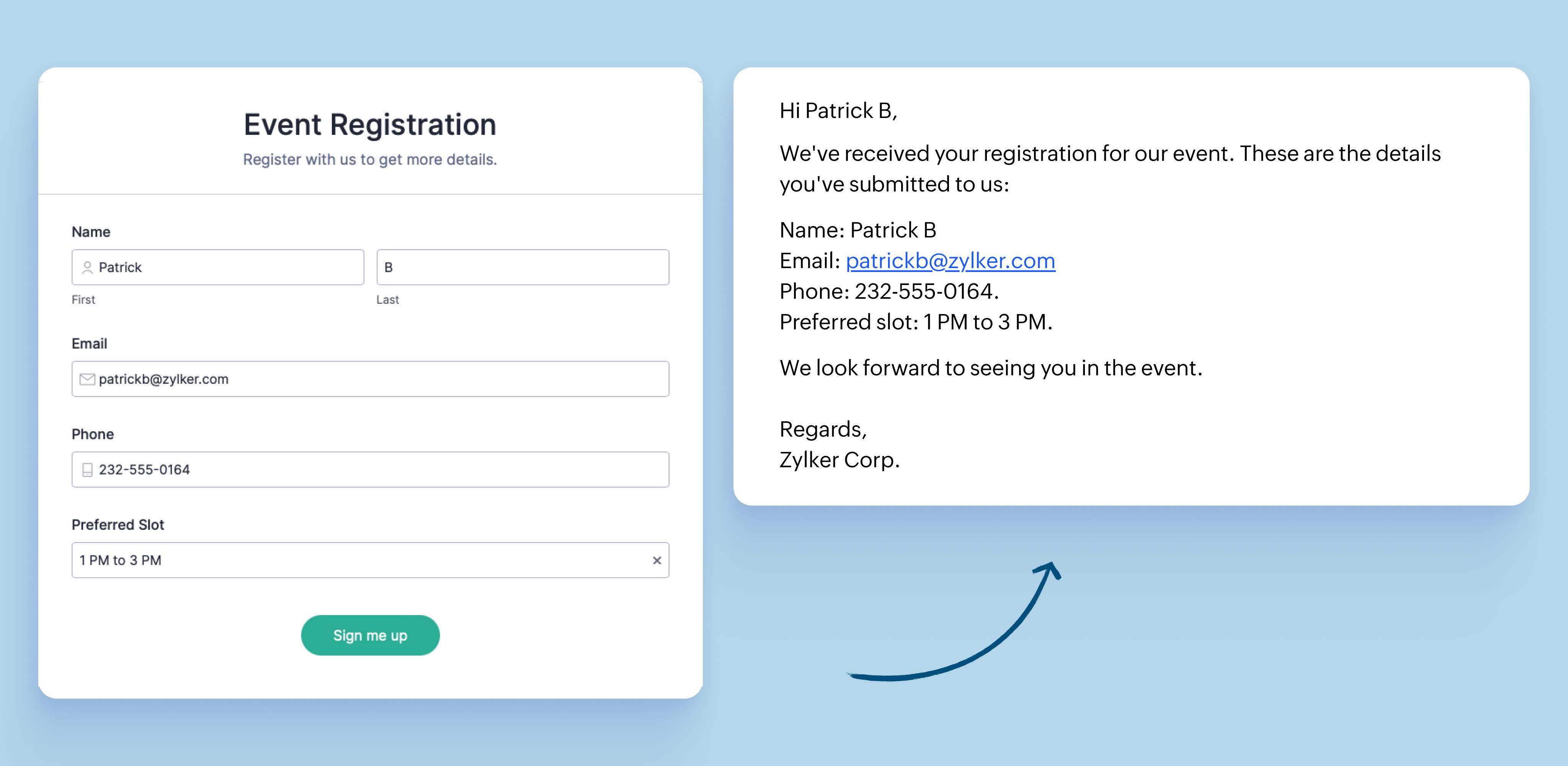
Zylker Corp hosts an event and collects the event registrations using a form created on Google Forms, Fillout, or a similar form builder app. When a user fills out the event registration form and clicks the submit button (trigger event), an event acknowledgment needs to be generated and sent to the user.
How Writer's webhook-based integration solves this:
- Create an acknowledgment template in Zoho Writer
- Select Merge and email as the post-merge action and generate a webhook URL for the template
- In the form builder app, use this URL to connect the Writer template to the registration form
- Set form submission as the webhook's trigger
Now, as soon as a user fills out and submits the form, the webhook will push the specified fields from the form to the Writer template, generate a personalized acknowledgement and email it to the user.
Feature: Use webhooks to trigger document generation based on events happening in your business apps
Business scenario:
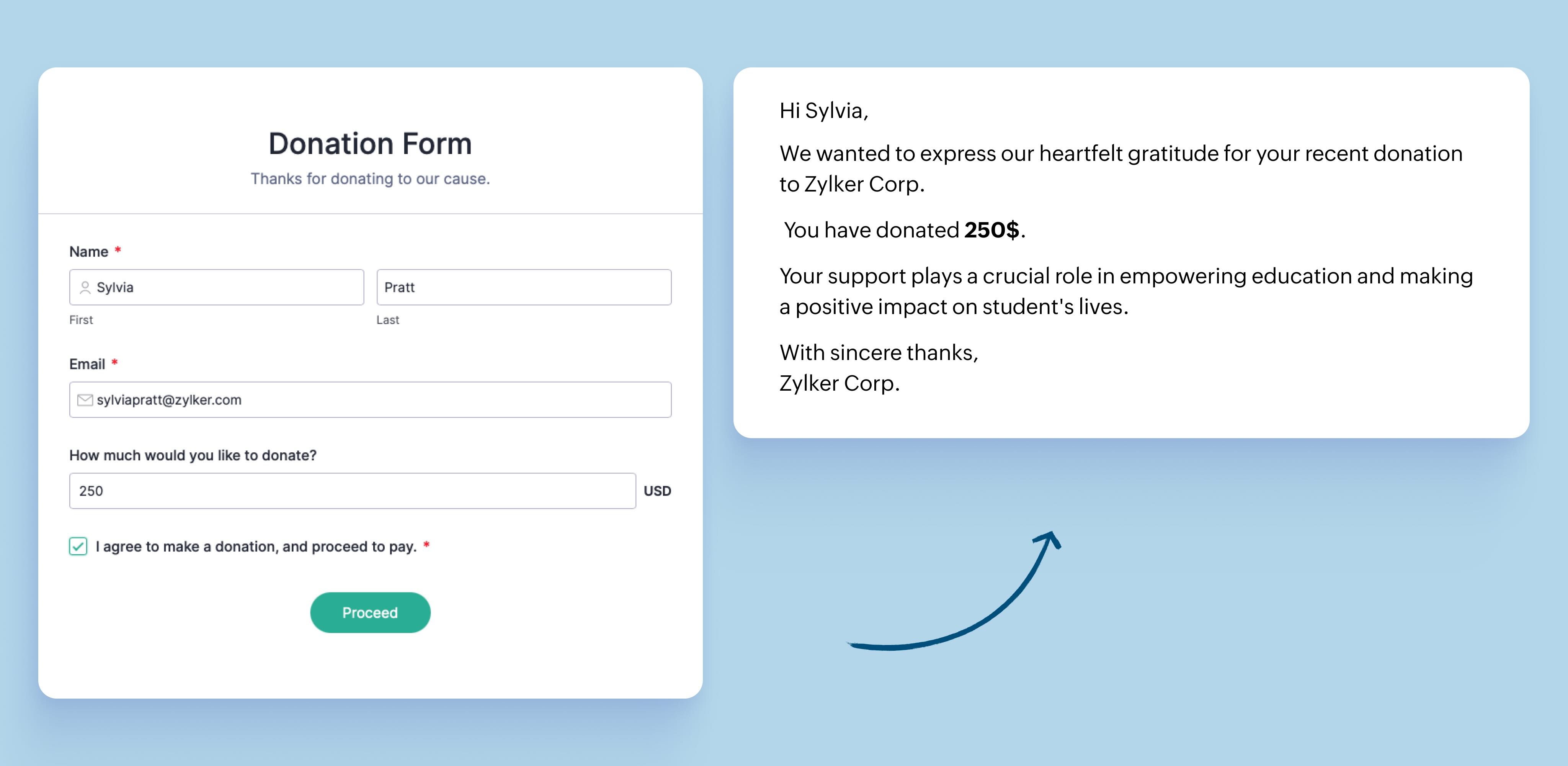
Zylker Corp wants to send a payment receipt to each customer as soon as they complete their payment (trigger event).
How Writer's webhook-based integration solves this:
- Create a payment receipt template in Zoho Writer
- Select Merge and emailas the post-merge action and generate a webhook URL for the template
- In the payment app, use this URL to connect the app to the receipt template in Writer
- Set payment success as the trigger for the webhook
Now, whenever a user makes a payment and payment status field is marked as completed, the webhook will automatically push the specified fields from the payment app to the receipt template in Zoho Writer, which then generates and emails a personalized invoice to the user.
Zoho Analytics as a data source
We have also added Zoho Analytics as a data source in Writer's merge templates. Now, you can automatically insert specific charts and views' fields directly into your merge templates. When you generate business reports, Writer will automatically fetch the most recent data from Zoho Analytics and ensures your report is up to date with the latest information. Learn more.
Try triggering document generation with incoming webhooks and start connecting Writer to all your business apps! Check out our user guide for step-by-step instructions to generate webhook URL for a merge template.
We'd love to hear your feedback, please reach out to us at support@zohowriter.com or support@eu.zohowriter.com.