- HOME
- All Products
- Collaboration
- AI collaboration at work: The mindset and habits that make it effective
AI collaboration at work: The mindset and habits that make it effective
- Published : September 3, 2026
- Last Updated : September 3, 2026
- 21 Views
- 8 Min Read

Key takeaways
- AI collaboration and AI assistance aren’t the same. Collaboration is iterative and produces outcomes neither party would reach alone.
- The gap between collaboration and assistance shows up in how you engage with the output.
- Six specific habits move you from assistance to genuine collaboration starting today.
- Even well-run AI collaboration has predictable challenges—the confidence gap, over-reliance, context drift, and data exposure.
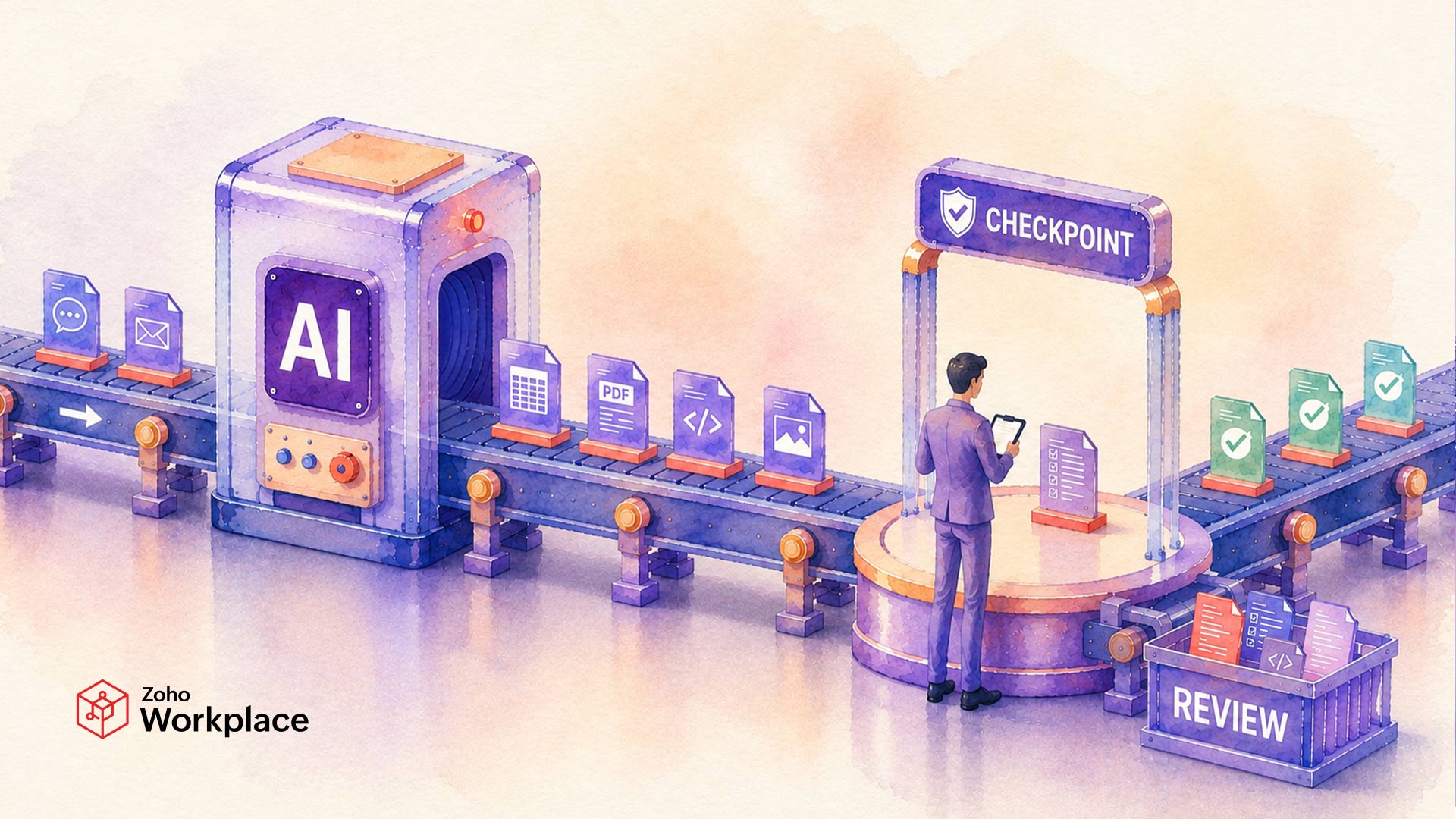
AI collaboration is the working relationship between a human and an AI tools, where each contributes what the other cannot. The human brings undocumented context, judgment, and accountability. The AI brings speed, breadth, and the ability to process information at scale. When those two inputs work together, the result is better than either could produce alone.
According to the EY 2025 Work Reimagined Survey of 15,000 employees across 29 countries, 88% of employees use AI at work, but mostly for basic tasks like search and summarization. Only 5% use it in advanced ways to genuinely transform how they work. The rest are using AI as a faster version of Google and calling it collaboration.
This article covers the difference between human–AI collaboration and AI assistance, the habits that close the gap, and the challenges to manage along the way.
AI collaboration vs. AI assistance: What’s the difference?
Human–AI collaboration is an iterative exchange where your thinking shapes what AI produces, and what AI produces shapes your thinking. AI assistance is simpler. You know what you want, you ask for it, you get it. The output might be useful, but it doesn’t not change how you approached the problem.
The distinction shows up clearly in practice. Two employees are given the same task: Prepare talking points for a client meeting about a missed deadline. The first pastes the situation into AI and takes the generic output about “taking accountability” and “maintaining open communication.” Done in five minutes—AI assistance.
The second tells AI that the client’s primary concern is her team’s workload, not the timeline, that the delay came from a third-party vendor, and that the goal is to reset expectations without damaging the relationship. They review the output, flag the first two points as sounding defensive, ask AI to reframe them around the client’s team’s impact, and iterate twice more. Twenty minutes—AI collaboration.
The same EY survey found that when AI is used effectively, it can unlock up to 40% more productivity gains — but only 28% of organizations are on track to achieve this. The gap is not the tool. It is the mode of engagement.
How to improve human–AI collaboration: Six habits to start today
Set your bar before you see the output
Before you prompt AI for anything that matters, spend 60 seconds writing down what a good response must include. What’s the goal? What would make this output wrong or unusable?
Most people evaluate AI outputs against an implicit, unstated standard—which means “good enough” tends to win by default because there’s nothing concrete to compare against. Writing down your criteria first forces clarity about what you actually need, and that clarity shapes both how you prompt and how you evaluate. The sequence matters: define good first, then prompt.
Give AI its constraints
“Write a follow-up email to a client” produces a generic email. “Write a follow-up email—we missed the deadline, the client is frustrated but still cooperative, we cannot offer a discount, and the goal is to preserve the relationship” produces something usable.
The difference isn’t the task description. It’s the constraints. An observational study on context engineering that analyzed 200 human-AI interactions found that context completeness may be the dominant factor in output quality—more so than prompting technique. Practitioners and AI writing guides consistently reinforce this: Specifying constraints, purpose, and audience produces more accurate, situation-specific responses. Most employees don’t tell AI what cannot be done, what has already been tried, or what failure looks like in their specific situation. Those three constraints are what separate an output that reflects your actual situation from one that reflects AI’s defaults.
Make AI argue against you
The most underused mode in human–AI collaboration is using AI to pressure-test your own thinking rather than confirm it.
Before finalizing a decision, a proposal, or a plan, ask AI: “What’s the strongest argument against this approach?” or “Where is this weakest?” or “What would someone who disagrees with this say?” Research on confirmation bias in AI oversight shows that people consistently seek confirming evidence when evaluating AI output—which means AI used for validation reinforces existing assumptions rather than challenging them. Deliberately inverting this by asking AI for counterarguments is one of the most direct ways to use AI’s breadth productively. This mode is available in any AI tool but most employees have never tried it.
Give specific feedback, not a new prompt
When an AI output falls short, the instinct is to re-prompt with the same request and hope for a better result. This rarely works because it doesn’t tell AI what was wrong.
Specific diagnosis does. “The tone here is too formal for the relationship we have.” “You’re solving the wrong problem—the real issue is X, not Y.” “The main point is buried in the third paragraph; lead with the outcome instead.”
A University of Cambridge Judge Business School study found that iterative back-and-forth between human judgment and AI output drives improvement—and that human–AI pairs who declined to iterate consistently underperformed. A comparative study in Frontiers in Computer Science reached the same conclusion: Iterative engagement, not one-shot prompting, produces meaningfully better outcomes.
Bring AI into the problem, not just the solution
Most employees reach for AI once they know what they want. The entry point that produces the most value is earlier—when you’re still figuring out how to approach a problem.”Here’s the situation, here’s what I’m trying to achieve, and here are two approaches I’m considering. What am I not seeing?”
“Here’s the situation, here’s what I’m trying to achieve, and here are two approaches I’m considering. What am I not seeing?" As Search Engine Journal’s analysis of AI productivity notes, most employees use AI at the execution layer to handle tasks like drafting and formatting. The judgment layer—deciding, ideating, and critiquing—is where AI’s breadth matters most and where it’s used least. Bringing AI in while you’re still orienting to a problem, rather than after you’ve already decided how to solve it, is one of the fastest ways to shift from assistance to genuine collaboration.
Learn where AI will mislead you in your specific work
“Always verify AI output” is not useful guidance. Knowing specifically where AI tends to go wrong for your type of work is.
AI failure patterns are domain-specific and largely predictable. A Stanford study published in the Journal of Legal Analysis tested general-purpose AI models on more than 800,000 verifiable legal questions and found hallucination rates between 58% and 88%—far higher than these same models produce on general tasks. Legal is an extreme example, but the pattern holds across professional domains. AI errors cluster around domain-specific terminology, specialized procedures, and niche edge cases that are underrepresented in training data.
To develop this calibration, for the next few weeks, revisit a handful of AI outputs and check whether they were accurate and situationally appropriate. Within a short time, you’ll have a reliable map of where to trust and where to verify.
What challenges come up during human–AI collaboration, and how do you avoid them?
Over-reliance and judgment atrophy: When you regularly accept AI output without scrutiny, you practice passive consumption rather than active judgment. Researchers studying AI reliance have flagged this as a design concern: The more consistently you defer to AI without engaging critically, the less you exercise the underlying judgment the collaboration is supposed to support. The fix is keeping the evaluation and final call on your side of every collaboration. Periodically doing lower-stakes tasks entirely without AI keeps the underlying skill from degrading.
Context drift: In longer or complex collaborations, AI loses track of constraints you established earlier in the thread. Output quality drops gradually and responses start feeling generic again—not because the AI got worse, but because it has less context to work with. Treat your prompt like a brief that needs refreshing. When you start a new thread or notice quality slipping, restate the key constraints from scratch rather than assuming the AI has retained them.
Data and confidentiality exposure: Sharing sensitive client information, internal strategy, or proprietary data with consumer AI tools creates real compliance and security risk. Cyberhaven research found that 71.7% of AI tools used in workplaces are high or critical risk, and 39.7% of all enterprise AI interactions involve sensitive data. Before putting anything sensitive into an AI prompt, apply the same judgment you would before forwarding it to an external party—because effectively, you are.
The “good enough” trap: AI output is often passable—clear, structured, free of obvious errors. The risk is that passable becomes the default standard. When you repeatedly accept outputs that clear the bar without pushing for better, your floor rises but your ceiling drops. The habit that prevents this is Habit 1: Define what good specifically looks like before you see the output, not after. “Is this usable?” is a different bar from “Is this the best version of this?”
Loss of original voice: For anyone who writes as part of their job—reports, emails, proposals, client communications—heavy reliance on AI drafts can gradually erode a distinctive style. Individual output seem fine, but the cumulative effect is that your writing starts to sound generated even when you’re working without AI. The way to prevent this is to write first drafts yourself on communications that carry your name and reputation, and use AI to pressure-test, restructure, or refine rather than originate.
What better human–AI collaboration looks like in your daily work tools
The habits above apply regardless of which AI tools you use. But the gap between using AI and genuinely collaborating with it narrows significantly when AI is embedded in the tools where your work already happens, rather than sitting in a separate application you switch to after the fact.
In Zoho Workplace, Zia works inside the applications where daily work takes place: drafting and refining content in Zoho Writer, surfacing relevant information in Zoho Mail, generating summaries and action items in Zoho Meeting, and organizing shared content in Zoho WorkDrive. Because Zia operates on the context of your actual work rather than on generic input, habits like constraint-giving and specific feedback are easier to develop—the AI already knows what you’re working on.
FAQ
What’s the difference between human–AI collaboration and AI assistance?
AI assistance speeds up a task you already know how to do. Human–AI collaboration is iterative. The AI’s output influences how you think about the problem, and your thinking shapes what AI produces next. Collaboration changes both the output and the reasoning behind it. Assistance only changes the speed.
Why is human–AI collaboration not delivering results for most employees?
Most employees use AI at the execution stage, with minimal context, and accept first outputs without criteria to evaluate them against. According to IDC, organizations that focus on improving human–AI collaboration rather than just measuring raw productivity see significantly better outcomes. The tools are capable of more; the habits are the gap.
How quickly can someone improve their human–AI collaboration?
The habits in this article can improve outputs on the first day you apply them. Developing calibration—knowing specifically where AI fails in your type of work—takes a few weeks of deliberate attention.
Do you need technical skills to collaborate effectively with AI?
No. The habits that improve human–AI collaboration are about how you think and what context you bring, not technical knowledge. The most important skills are clarity about what you want, willingness to give specific feedback, and the discipline to check where AI gets it wrong for your work.
What makes AI collaboration different when it’s built into workplace tools?
When AI is embedded in the tools where your work already happens—your email, your documents, your meetings—it starts with the context of your actual work rather than generic inputs. That makes the output more relevant, the habits easier to build, and the confidentiality risks easier to manage within your organization’s existing security policies.
 Diksha Uniyal
Diksha works at the intersection of brand strategy, content marketing, and influencer collaborations, helping shape the stories behind modern workplace technology. She enjoys creating content that helps businesses communicate, collaborate, and grow more effectively. Outside of work, she spends her time reading, creating music, and finding inspiration in the small, often overlooked moments of everyday life.