- HOME
- All Topics
- Collaboration and Digital Workplace
- Application rationalization framework: How to decide which tools to keep, replace, or retire
Application rationalization framework: How to decide which tools to keep, replace, or retire
- Published : August 27, 2026
- Last Updated : August 31, 2026
- 0 Views
- 6 Min Read
Nobody plans a tangled software stack. It usually arrives one reasonable decision at a time.
Marketing buys a reporting tool. Operations adds a workflow app. A project team needs somewhere to work with an outside partner, so it opens another account. Each purchase solves a real problem. Then a year passes and the company has three products that can build the same dashboard, two places to approve the same request, and at least one subscription owned by somebody who left six months ago.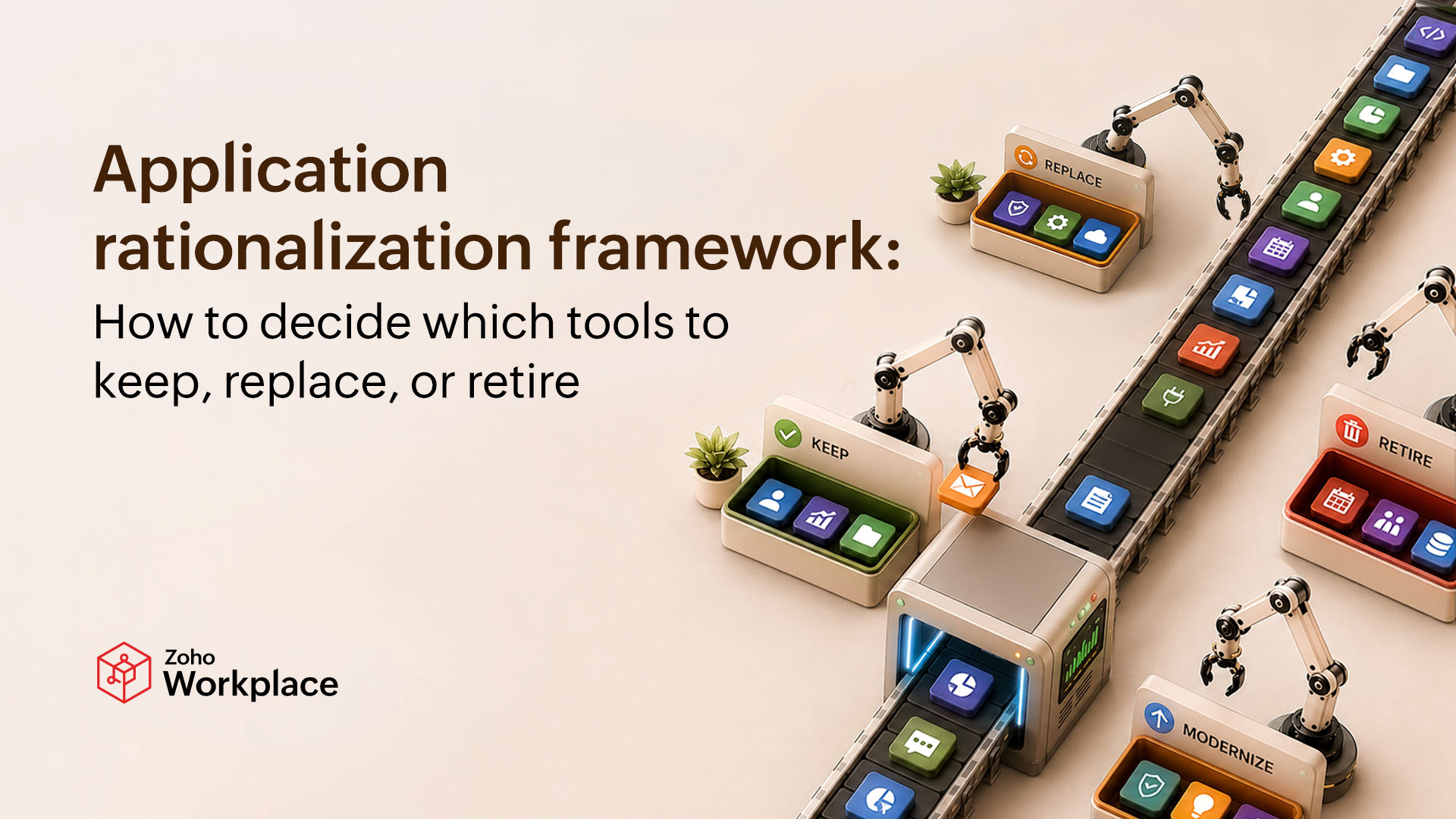
Start with the list you know is incomplete
Procurement can tell you what the company bought. Finance can find subscriptions paid on corporate cards. The identity team knows which applications use single sign-on. Department heads remember the specialist products they approved for one team. None of them has the whole list.
Pull those records together and give every application a named owner. Record the purpose, users, annual cost, contract and renewal dates, the data it handles, authentication method, integrations, vendor support, and the business process it keeps running. Include internally built systems and free tools used for company work. “We don’t pay for it” isn’t the same as “it creates no risk.”
The inventory may look like routine admin, but it often reveals the details that change the decision. Microsoft’s application-modernization guidance recommends examining the software, data, infrastructure, costs, and organizational readiness involved before planning the next move. AWS makes much the same case in its guidance on portfolio discovery: Understand how important an application is, where it sits in its lifecycle, what depends on it, and what runs underneath it before deciding its future.
Usage figures help, although they’re easy to misuse. A payroll application opened twice a month may be indispensable. A chat tool used every day may duplicate a product the company already owns. Login data can expose shelfware. It cannot tell you, on its own, whether a system matters.
Decide what you mean by “application”
Ask a sales manager to point out the CRM and you’ll get one answer. Ask the IT team and you may hear about the CRM, an identity connection, several data pipelines, a reporting service, and custom code that sends information to finance. The software team may describe a customer portal as one application even though it contains a group of services running across several Kubernetes workloads.
Those are not competing descriptions. They’re different layers of the same service.
It helps to keep three layers visible during the review:
- Business applications support recognizable work such as sales, accounting, support, or document collaboration.
- SaaS products are externally supplied tools that may overlap in users, features, or data.
- Technical applications include custom systems, cloud services, databases, clusters, and the workloads that deliver a business capability.
Do not flatten those layers into one score. Replacing a SaaS product is a different exercise from refactoring a custom system. A user-facing tool may look ready for retirement until somebody discovers that it still feeds three reports and a nightly finance process.
Judge value and health separately
Single scores look wonderfully decisive in a spreadsheet. They also hide the most useful part of the discussion.
An application can be important to the business and technically unhealthy. In fact, that combination is often the clearest case for replacement or modernization. It’s not a reason to retire the capability.
Begin with business value. Which process does the application support? Who relies on it? What stops if it’s unavailable for a day? Look for evidence in completed work, revenue supported, time saved, service levels, adoption by the intended users, and the quality of the decisions the system makes possible.
Then look at technical and operational health. Check security findings, vendor support, reliability, accessibility, integration quality, data portability, performance, and the amount of administration the tool demands. Ask who can maintain it. A critical application understood by one employee and documented nowhere is both valuable and fragile, which is an uncomfortable but useful thing to know.
Cost deserves its own view. The subscription price is only the obvious bit. Add implementation, support, training, storage, infrastructure, integrations, and the time employees spend working around limitations. Check whether the company pays elsewhere for the same capability. Zoho’s discussion of a unified collaboration suite makes the broader point: A fragmented stack also costs time through context switching, separate administration, and information stranded between tools.
Cloud-native systems need a closer look because one invoice may cover several services with different owners and very different usage. Workload-level Kubernetes cost visibility can separate spending and resource consumption by workload, namespace, or allocation group. That evidence may expose an expensive service or a badly over-provisioned workload. It still doesn’t decide whether the business application should stay. It simply gives the team something better than a shared cloud bill and a hunch.
Look for duplicated work, not matching feature lists
Two products both advertise chat, file sharing, automation, or analytics. It’s tempting to circle one in red and call the duplication solved.
The real question is whether the work can move without losing something the business needs. Similar products may serve different users, security boundaries, or outside partners. Products with completely different labels may duplicate the same step. A form builder and a workflow platform, for example, can both collect requests, route approvals, and alert a team.
Follow a real process from beginning to end. Use a customer request, purchase approval, project handoff, or support case. Note each application, repeated login, exported file, copy-and-paste step, and point where context disappears. The exercise has a habit of finding friction that no feature-comparison sheet will show.
A connected suite can remove several handoffs, as Zoho’s overview of unified workflows illustrates. But consolidation only works when the destination can handle the actual process, and people will use it. Moving five awkward steps into one application still leaves five awkward steps.
Give every application a future
Keep and cancel aren’t enough. A useful review needs room for four outcomes.
Keep
Some applications simply earn their place. People use them, they do the job well, and replacing them would create more trouble than value. Keep those tools—but make sure someone remains responsible for each one. Record what it costs and when it should be reviewed again. Otherwise, “keep” can easily become “leave it alone forever.”
Replace
The license comparison is only the beginning. Moving to a replacement may involve exporting data, rebuilding integrations, training users, paying for two systems during the transition, and dealing with an early termination fee. There’s usually a short period when familiar work takes longer because everybody is hunting for buttons in the new interface. Put that disruption into the calculation.
Modernize
A useful application doesn’t have to be discarded simply because the technology behind it is showing its age. It may only need a different foundation.
Retire
Don’t begin by canceling the subscription. First, find out where its data must go and what still connects to it. Reports, automations, service accounts, audit records, and forgotten integrations can keep an apparently obsolete system alive. Confirm the retention rules, test the exports, and make sure the replacement is working before removing access or infrastructure. Recovering data from a canceled product is a miserable—and often expensive—way to discover that retirement wasn’t finished.
Make decisions in a sensible order
The same short sequence works for most applications:
- Confirm the purpose and owner. If nobody can explain why the tool exists, investigate before declaring it useless.
- Collect evidence. Bring together usage, cost, risk, support, feedback, dependencies, and process impact.
- Score business value and technical health separately. Don’t bury one inside the other.
- Check overlap and alternatives. Compare complete workflows rather than marketing checklists.
- Estimate the cost of change. Include migration, training, integration, disruption, and any period of running two systems.
- Choose keep, replace, modernize, or retire. Record the reason, owner, dependencies, approval, and target date.
- Review what changed. Compare costs, usage, and reliability, then check whether employees have recreated the old workflow in another unofficial tool.
A popular system may need urgent replacement because it’s unsupported and exposed. Exceptions are normal. Unexplained exceptions are where trouble starts.
Do it again before the stack grows back
The portfolio begins changing the moment the review ends. Teams hire people, test products, launch services, and build integrations. Treat rationalization as a one-off cleanup and the same sprawl will return with different logos.
A lightweight review at renewals, budget planning, acquisitions, major process changes, security events, and the end of large projects is usually enough. Ask owners to reconfirm the purpose, users, cost, and future of their applications. Keep the decision and its reasoning somewhere the next reviewer can find it.
The goal isn’t to have the smallest possible stack. It’s a portfolio the company can explain. Once you know what each tool does, what it costs, what depends on it, and why it still belongs, the renewal discussion becomes a business decision instead of the annual ritual of staring at a spreadsheet and asking, “Does anybody know what this one is?”
 Gary Stevens
Gary Stevens is the CTO of Hosting Canada, a website that provides expert reviews on hosting services and helps readers build online businesses and blogs. Gary specializes in topics on cloud technology, thought leadership, and collaboration at work.