What small businesses need to know about omnichannel inboxes
- Published : July 17, 2026
- Last Updated : July 17, 2026
- 165 Views
- 9 Min Read
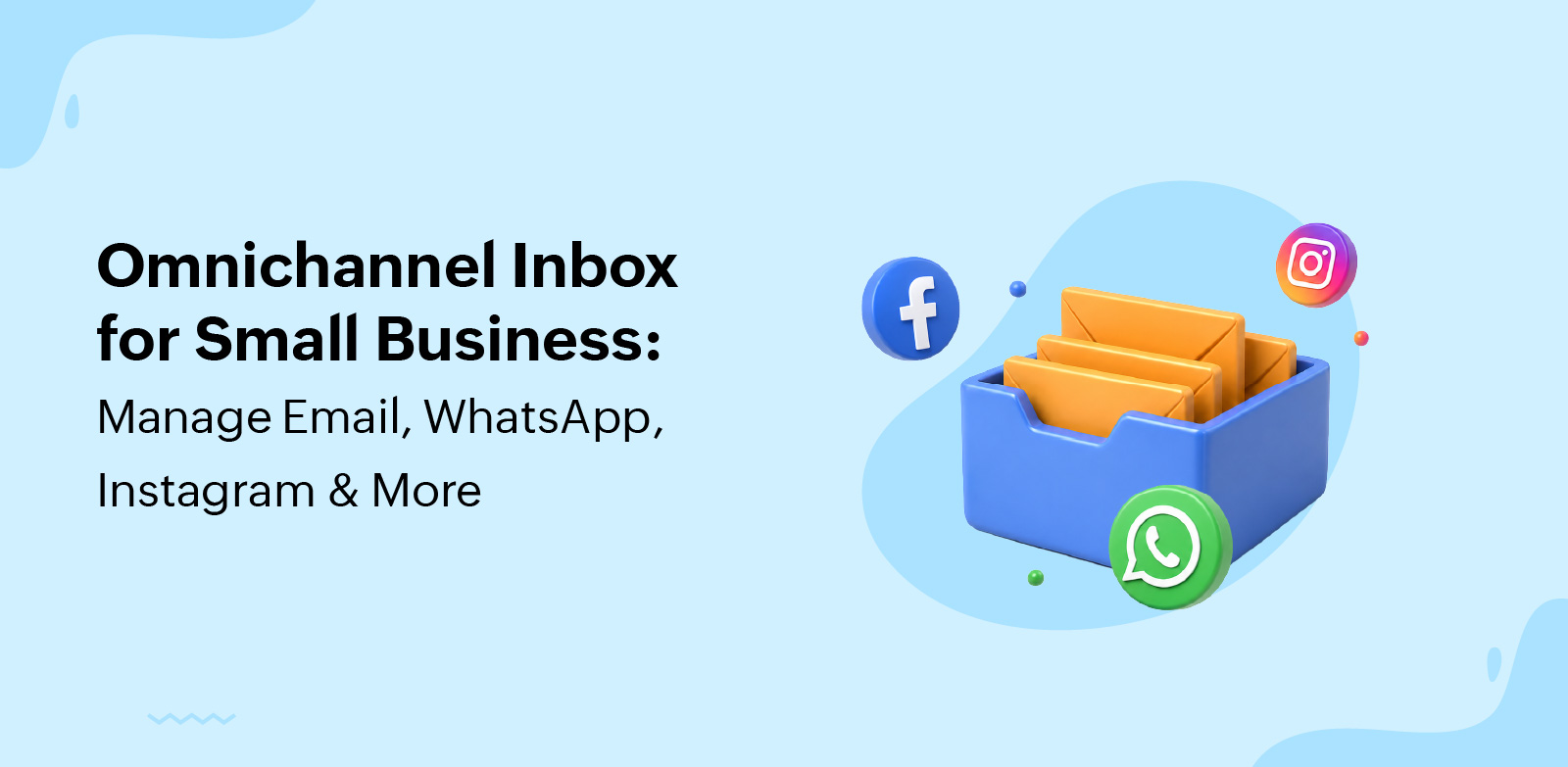
A customer asks about a product on Instagram, sends their email for a quote, and then pings your WhatsApp number two days later to ask for an update. Your team checks five apps, three people open the same DM, and someone replies with information the customer already received yesterday.
For most small teams, this isn’t an edge case; it’s a Tuesday. Messages get buried, no one owns the thread, and customers repeat themselves because nobody has the full picture.
An omnichannel inbox fixes this by pulling every customer conversation into one workspace, with context and ownership intact across channels.
This guide covers what that looks like in practice for small teams using Zoho TeamInbox, how it differs from similar tools, which channels it handles, and how to set it up without complicating your workflow.
What is an omnichannel inbox, and how can small business teams use one?
An omnichannel inbox is a shared workspace where customer conversations from communication channels such as email, WhatsApp, Instagram, Facebook Messenger, SMS, and live chat are centralized, assigned, and tracked, preserving a single customer conversation history across touchpoints.
An omnichannel customer service software manages customer inquiries to maintain continuity and consolidate customer data across multiple communication channels. Your support team sees the customer’s previous interactions, the channel they used, and the context behind their question, so the reply picks up where the last message left off.
How it differs from nearby tools
An omnichannel inbox overlaps with several other customer service tools, so the differences are worth spelling out before you evaluate your options.
Shared inbox vs. omnichannel inbox
A shared inbox typically focuses on team access to one channel; usually email addresses like support@ or sales@. An omnichannel inbox extends that shared-workspace idea across multiple customer support messaging channels at once.
Help desk, CRM inbox, and social inbox differences
A help desk centers on tickets, queues, and customer service operations. A CRM inbox ties conversations to sales pipelines and customer records. A social inbox concentrates on social media DMs and comments. An omnichannel inbox spans these by prioritizing a single continuous customer thread, regardless of which channel each message arrives on.
Omnichannel vs. multichannel messaging
Multichannel means your business is reachable in several places. Omnichannel means your business can recognize the same customer and continue the same conversation across those places without asking them to start over.
Capability | Omnichannel inbox | Multichannel messaging | Shared inbox | Help desk |
Multiple channels in one view | Yes | Partial | Usually one channel | Often ticket-based |
Conversation continuity across channels | Yes | No | No | Limited |
Team assignment and ownership | Yes | Varies | Yes | Yes |
Ticket workflows and SLAs | Optional | No | Light | Core focus |
Best fit | Small teams managing several channels | Businesses present on many apps | Teams sharing one email address | Support-heavy operations |
The takeaway for a small business with a limited team is that these tools solve overlapping but different problems. If your team mostly shares one email address, a shared inbox may be enough. If customers reach you through several apps and expect continuity, an omnichannel inbox is the better fit.
Why an omnichannel inbox for a small business setup matters when messages come from everywhere
Most small teams don’t realize they have a messaging problem until something breaks. This section covers the signals that suggest you’ve outgrown native apps, the benefits of consolidating, and the risks a unified setup helps you avoid.
Signs you’ve outgrown native apps
The earliest signs that show native apps aren’t enough are operational. You’ll notice them in your day-to-day rhythm before they show up in customer feedback.
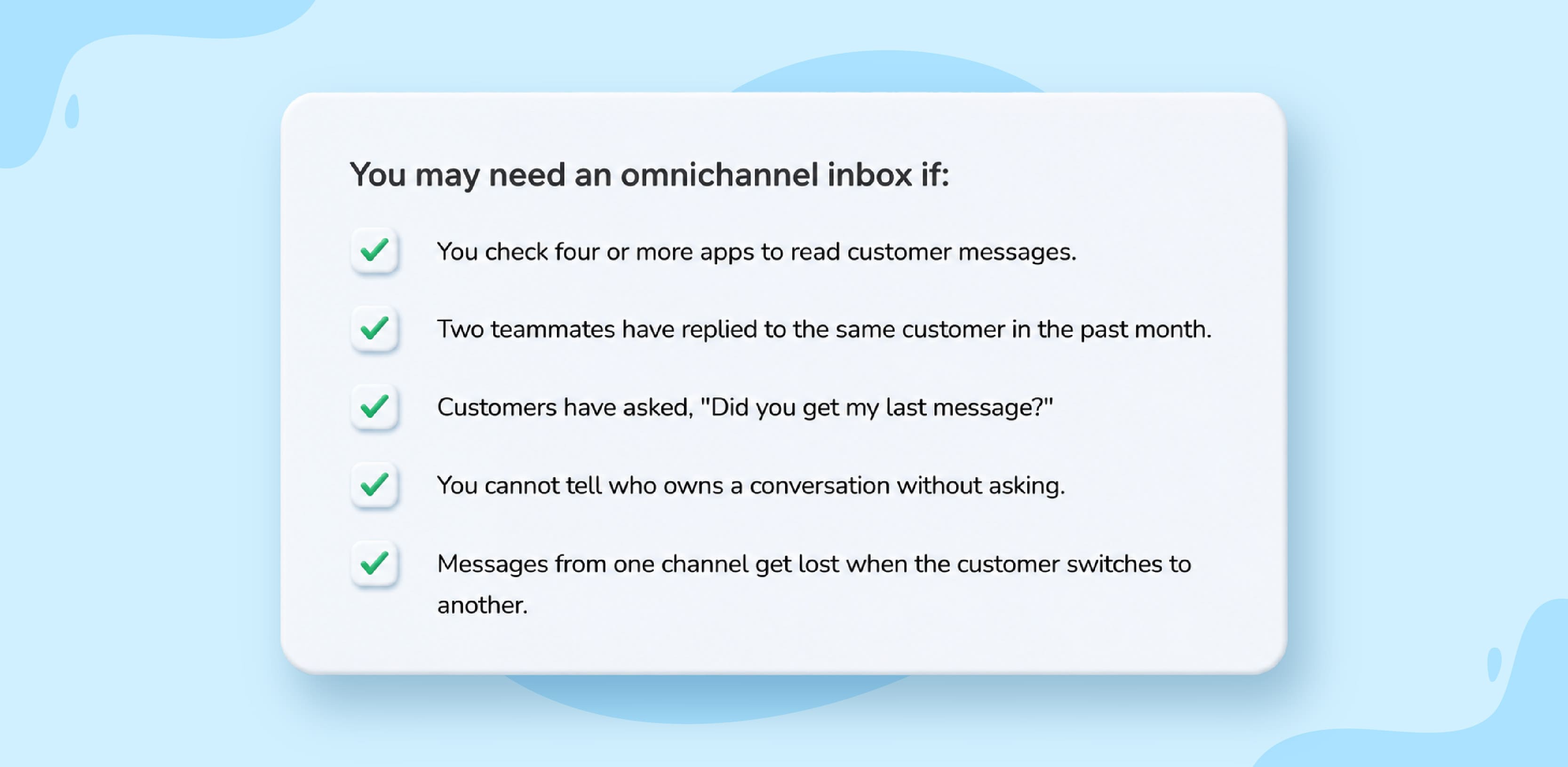
Gmail, Instagram DMs, WhatsApp Business, Facebook Page Inbox, and SMS each get checked in separate tabs or phones.
More than one teammate replies to customers without coordinating responses first.
Customer messages get buried during busy hours, holidays, or product launches.
Customers repeat their order number, name, or question because context is scattered across apps.
No one can answer the simple question, “Who’s handling this customer query?”
Key benefits for lean teams
When five-person and ten-person teams centralize channels, the wins compound quickly. Fewer messages slip through because every channel surfaces in one queue, and reply times shrink because your team stops switching between apps to track down a thread.
Coordination also gets easier. Internal comments replace screenshots forwarded over chat, assignments make ownership visible, and saved replies keep the tone consistent across people and shifts.
The customer support experience improves in ways that customers can feel. They receive faster responses, aren’t asked the same question twice, and follow-ups land in the channel they originally used. Accountability becomes clearer because each support conversation has an owner, a status, and a history that your team can audit.
The risks it helps prevent
Without consolidating customers’ information, the failure modes are predictable. Two teammates reply to the same Instagram DM with different answers; customer context is lost when a thread jumps from email to WhatsApp; tone drifts depending on who picks up the message; and customer records end up fragmented across apps that don’t talk to each other.
As a result, your overall customer satisfaction ratings decline, and team performance is impacted. Omnichannel support software helps streamline communication to enhance customer satisfaction.
Example: An Instagram DM becomes an email follow-up
A customer messages your Instagram account asking whether a product ships internationally. She shares her email so you can send a formal quote, then emails two days later to confirm pricing. With an omnichannel inbox, your team sees the original DM and the email as one thread and replies without having to ask her to repeat anything.
How to manage email, WhatsApp, Instagram, and more from one workspace
Centralizing channels is only useful if the workflow behind them is clear. This section walks through how messages move from arrival to resolution, what each channel needs from your team, and how context carries across support conversations.
How the workflow works from the initial message to the reply
The flow looks similar regardless of which channels you connect. You link each channel to the team inbox; incoming messages consolidate into a single queue, and the system identifies the customer or creates a new profile.
From there, the conversation is routed or tagged by topic, assigned to an owner, and opened for internal discussion via comments or mentions. Your teammate replies from the same channel the customer used, and the full exchange is stored in the customer’s profile for next time.
The customer never sees any of this. They just receive a faster, more informed reply from the channel they chose.
Channel-specific considerations
Each channel has its own etiquette and constraints. A unified inbox doesn’t erase those differences; it gives your team a single place to honor them.
- Email and live chat
Email conversations rely on threading, so replies should keep subject lines and history intact. Internal notes and shared drafts help multiple teammates contribute to one reply. Live chat works on a faster clock, often expecting responses within minutes, so routing rules and availability settings matter more. WhatsApp and SMS
Both channels assume opt-in or prior consent, and WhatsApp Business uses approved message templates for certain outbound messages. Replies should be concise because customers read them on mobile, often between other tasks.Instagram and Facebook Messenger
DMs are private, but comments on posts are public and visible to other shoppers. When a comment raises a sensitive issue like a refund or order problem, your team should acknowledge it publicly and move the detailed discussion into DMs.
Social comments and public replies
Public replies set the tone for everyone watching, so ownership and approval rules matter. Decide in advance who can reply publicly, what tone to use, and when to escalate before posting.
Keeping customer context across channels
A unified conversation history is the feature that makes the difference. Your team sees the entire customer journey, their previous interactions, the channels the customer has used, tags from earlier conversations, and, if integrated, order details or account history.
That continuity means a teammate picking up a WhatsApp message can see that the customer emailed last week about the same order, and reply with the right context immediately.
Example: A WhatsApp inquiry becomes an assigned support conversation
A customer messages your WhatsApp number saying their order arrived damaged. The conversation is tagged “order issue,” assigned to your support lead, and discussed internally with a quick comment confirming the refund policy. Your teammate replies on WhatsApp with the resolution, and the full thread, including the customer’s earlier email about the original purchase, stays attached to her profile.
Channel | Common use case | Response expectation | Inbox consideration |
Quotes, formal requests, order confirmations | Within a few hours to a business day | Threading, shared drafts, internal notes | |
Live chat | Pre-sales questions, quick support | Within minutes | Availability rules, routing |
Order updates, quick questions | Within an hour | Opt-in, templates, mobile-friendly replies | |
SMS | Notifications, short confirmations | Within an hour | Consent, brevity |
Product discovery, DMs, comments | Within a few hours | Public vs. private replies | |
Facebook Messenger | Page inquiries, support | Within a few hours | DM ownership, escalation rules |
The pattern is that faster channels need stricter routing, public channels need clear ownership before replying, and every channel syncs in to provide contextual support. Your inbox setup should reflect those differences.
Key features to look for in an omnichannel inbox that small business teams can grow with
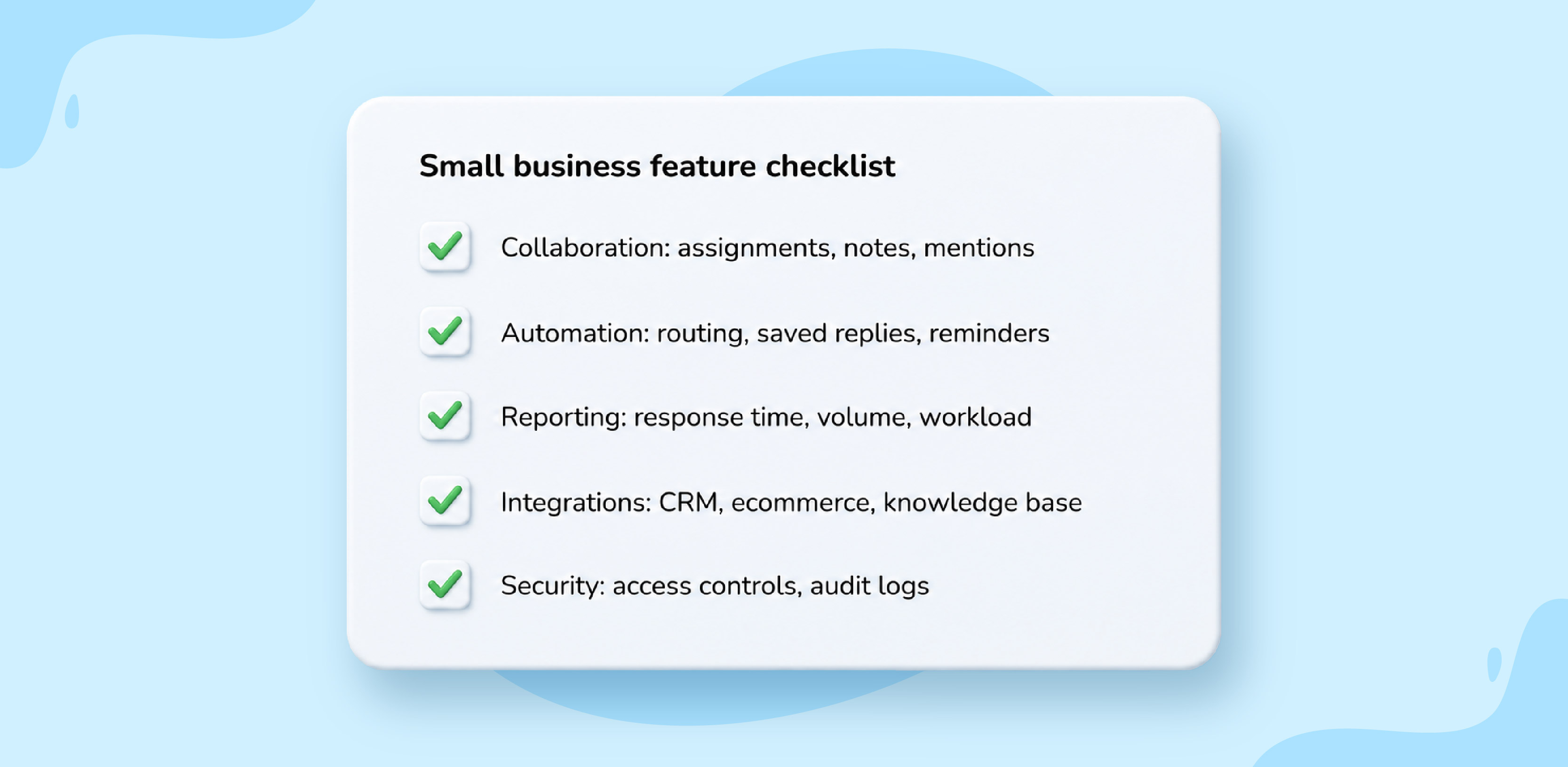
Feature lists can get overwhelming, so the goal here is to focus on what actually matters for a lean team. Treat this as a working checklist for basic features that every “all-in-one inbox” solution should have to assist customers.
Collaboration features that prevent confusion
The core value of a shared workspace comes from how your team interacts inside it. Look for conversation assignment, internal notes, mentions, shared drafts, collision detection that flags when two people are replying to the same message, and clear ownership visibility on every thread.
Small business teams can use Zoho TeamInbox to support team collaboration in customer email conversations, with assignments, comments, mentions, and visibility into who owns each thread being consistent across messaging apps.
Automation features that save time
Automation should reduce repetitive work without removing the human judgment that your customers expect. Useful starting points include tagging, auto-assignment based on channel or topic, saved replies for common questions, autoresponders for after-hours messages, and response-time reminders.
Additional features, such as reply drafting, conversation summaries, or deflection for repetitive questions, also help in shared inbox management.
Reporting features that show whether replies are improving
Look for comprehensive analytics, such as average response time, resolution time, conversation volume by channel, agent workload distribution, missed-message counts, and basic customer satisfaction signals.
Integrations that matter for small businesses
Integrations cut down on tab switching and bring context into the reply window. The ones worth prioritizing are your CRM, ecommerce platform, order or inventory system, knowledge base, and team chat tool.
A simple omnichannel inbox setup roadmap for small businesses
A phased rollout works better than connecting every channel on day one. This roadmap keeps the project manageable for a small team.
Start with your two or three busiest channels
Pick the channels that carry the most customer messages today—which are usually email, WhatsApp, and Instagram—for product-led small businesses. Connecting fewer channels first lets your team build good habits before expanding.
Define ownership and escalation rules
Decide who picks up new messages by default, when a conversation should be assigned versus left in a shared queue, when to escalate to a manager, and the response time you expect for each channel. Write these rules down so new teammates can follow them without guessing.
Add saved replies and light automation
Build saved replies for your five to ten most repeated questions, set tags for common issues such as “refund,” “shipping,” or “product question,” and add basic routing rules. Hold off on advanced automation until your team is comfortable with the inbox.
Measure and improve after launch
After three to four weeks, review response times, missed messages, workload balance across teammates, and volume by channel. Use those numbers to adjust ownership rules, saved replies, and routing.
Where Zoho TeamInbox fits into a small business’s omnichannel inbox strategy
Zoho TeamInbox plays a specific role inside a broader omnichannel setup. Here’s where it fits and where to evaluate other tools alongside it.
Use Zoho TeamInbox when shared email ownership is a major pain point
Many small businesses first experience communication overload at shared email addresses such as support@, sales@, or info@. Zoho TeamInbox helps your team manage those shared email conversations with clearer assignments, internal team collaboration through comments and mentions, and visibility into who owns each thread.
Position it as part of a broader communication system
If your business also handles WhatsApp, Instagram, SMS, and live chat, map out how each channel fits into your overall inbox strategy. Zoho TeamInbox can serve as the shared email collaboration layer inside that larger setup.
Bring every customer conversation into a system your team can trust
The shift from scattered apps to one shared workspace is less about software and more about giving every message context, ownership, and a clear next step. An omnichannel inbox helps your small business reply faster, avoid duplicate work, and keep customer history intact across channels.
If shared customer email is one of the busiest parts of your communication workflow, Zoho TeamInbox can help your team assign conversations, collaborate internally, and keep ownership clear as part of a more organized customer messaging process.
FAQ
1. Can an omnichannel inbox connect conversations if customers use different contact details?
Matching customer communications depends on the available identifiers, such as email or phone number, and on how customer profiles are set up.
2. Do omnichannel inboxes replace native apps completely?
They reduce daily app switching, though native apps may still be used for admin tasks like account settings or ad management.
3. How many people should have access to the inbox?
Give access to anyone responsible for replying to, assigning, escalating, or reviewing customer conversations.
4. Should response-time expectations differ by channel?
Yes. Live chat and messaging channels usually require faster replies than email.
5. What is the biggest setup mistake to avoid?
Connecting channels before defining ownership, escalation, and response-time rules for your team.
 Ganeshkiran Arasu
Ganeshkiran is a Growth and Digital Marketing manager at Zoho. He's passionate about writing content that actually helps — breaking down how products solve real, complex problems and what genuine collaboration looks like in practice. When he's not crafting strategies with his team, he's keeping tabs on the latest industry trends — always with a cup of tea in hand.