- HOME
- How visual remote assistance simplifies customer support and help desk operations
How visual remote assistance simplifies customer support and help desk operations
- Last Updated : July 14, 2026
- 24 Views
- 7 Min Read
Every support call starts the same way: The agent asks what’s wrong, the customer tries to describe it. That works fine for software issues, billing questions, account access, or anything else that lives in a system the agent can pull up. But when the problem is physical, say a blinking error light, a cable that “looks fine,” a device that stopped working after the customer “didn’t do anything”, that’s when description starts leading to chaos.
Miscommunication and guesswork turn a simple two-minute issue into a lengthy, unresolved call, forcing the customer to start over the next day.
This “description problem” isn’t just a frustrating customer experience; it’s significantly more expensive than most help desk teams realize.
Let’s look at the real cost of the description gap
First contact resolution (FCR) is the metric that defines help desk efficiency, and across industries, the average sits at around 70%, according to SQM Group’s 2024 industry benchmarks.
That sounds reasonable enough until you consider the remaining 30%. That unresolved 30% represents a massive drain on resources, where every failed interaction turns into a callback, a frustrated customer, and a doubled support cost.
A significant chunk of those unresolved tickets comes down to one simple barrier: The agent couldn’t accurately see what the customer was experiencing. It’s not that the agents lack the right skills. It’s that they’re working blind when they’re trying to build a mental model from a customer’s words and making diagnostic decisions based on incomplete information. It’s not a training problem; it’s a visibility problem.
So, what happens when your team can actually see the issue?
When agents can see exactly what the customer or field technician is looking at, the entire diagnostic process changes from a guessing game into a guided, collaborative fix.
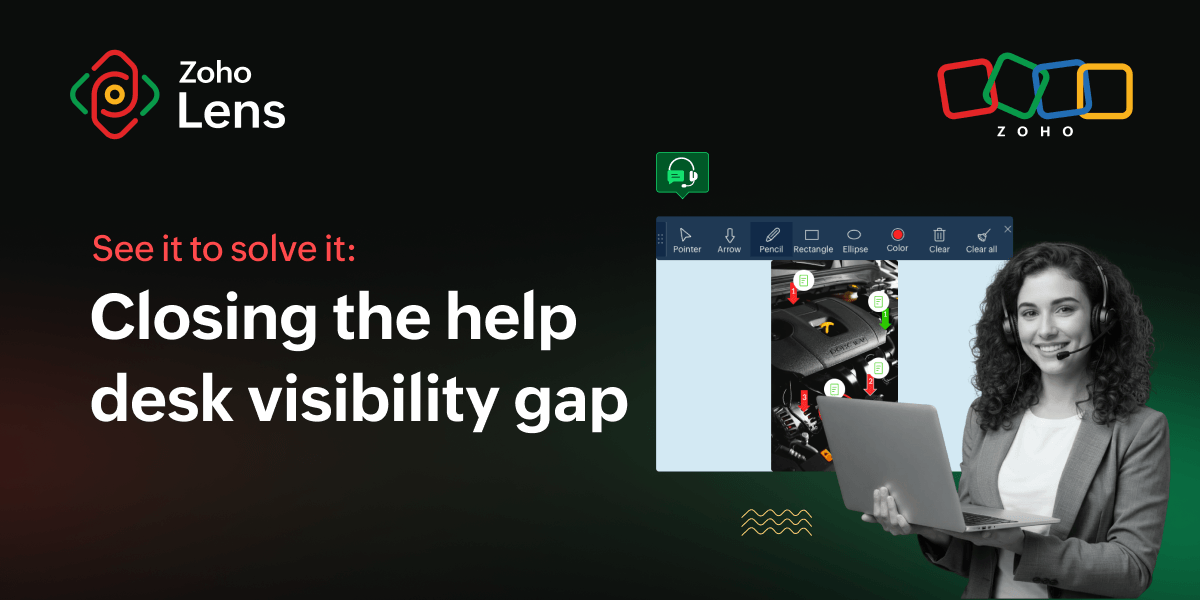
Visual remote assistance makes this possible by giving support agents a live camera view of the physical environment through the user’s smartphone. The customer simply receives a link by SMS or email, opens it, and the agent is looking at exactly what they are looking at within seconds, without any software installation required.
That first minute of a support call changes completely. Instead of asking, “Which cable are you referring to?” the agent can see all of them. Instead of forcing the customer to squint at complex model numbers, the agent can just scan them using OCR.
The interaction shifts from inference to confirmation. And that shift is where the FCR and Average Handle Time (AHT) start to move. Agents don’t just diagnose faster; they diagnose correctly more often on the first attempt because they’re finally working with the exact same information the customer has.
Where does visual remote assistance actually belong? Here are 5 quick wins for your help desk
Not every ticket needs a live video feed. But think about the interactions that constantly result in callbacks or escalations. In almost every case, the failure happens in the gap between what the customer is looking at and what the agent is trying to visualize. When you close that gap with visual remote assistance, the outcome changes instantly.
1. Consumer electronics and appliance troubleshooting
When a customer calls about a device that “won’t turn on” or a setup that “doesn’t look right,” the number of possible causes is large and the customer’s ability to identify the relevant detail is limited. A live camera view lets the agent see the indicator lights, the connection state, the physical setup, and narrow the diagnosis in seconds rather than minutes.
2. IT hardware support for remote employees
IT support teams supporting distributed workforces deal with a version of this constantly: A remote employee has a hardware problem that’s hard to replicate and harder to describe. Visual remote assistance lets the IT agent see the workstation, the peripheral, the error state, and the physical environment, and helps provide over-the-shoulder assistance without being physically present near the hardware.
3. Escalation without the transfer
When a first-line agent reaches the edge of their knowledge, the standard response is a transfer. The customer ends up spending even more time explaining the problem again to the next agent. With visual customer support, the agent can invite a specialist as a guest participant, where both the agents can see the same live view, contribute to the resolution, and resolve the issue in the same call without the customer having to start over.
4. Building a ticket record that doesn’t require a callback
Support quality improves when the ticket record reflects what actually happened. Agents can capture screenshots, record the session, and add notes during the visual interaction, creating a comprehensive record of the customer’s environment that attaches directly to the ticket. Follow-up agents, quality reviewers, and compliance teams all get context without calling the customer back.
5. Reading the numbers without playing 20 questions
Getting a customer to relay serial numbers, model numbers, or error codes accurately over the phone is a slow, error-prone process. Visual assistance eliminates this bottleneck completely. Using built-in OCR, the agent simply scans the text straight from the live video feed. The data is pulled directly into the session, eliminating human error, preventing misdiagnoses, and knocking out a major cause of repeat tickets.
How does remote visual assistance fit into your existing help desk stack?
This is the most practical question a support manager asks first, because it’s crucial for operational continuity during an implementation process.
If your team uses Zoho Desk, agents must be able to launch a live camera session directly from an open ticket. There should be no context switch and the session outcome must feed back into the ticket record automatically. The same applies with Zendesk and Jira, where agents work from inside the tools they already use, and visual remote assistance becomes an option they can invoke when a support interaction calls for it rather than a separate system to manage.
For teams using Zoho SalesIQ for live chat, operators should have the option to initiate a visual session directly from an active chat conversation. This is useful, especially when a text-based chat hits the point where “I’ll need to see it” would move the resolution forward.
The access model on the customer side needs to be just as practical. Customers receive a link by SMS or email and join from their mobile browser, where no app download is required to get started.
Zoho Lens, the visual remote assistance platform, fulfills all of these requirements by integrating with these support and help desk applications. Agents can start a visual assistance session from within the live chat or ticket and the customer can join directly from their mobile browsers.
For access to the full set of AR tools, the Zoho Lens mobile app can be installed in a few seconds. The browser-based route handles the cases where a customer’s device has limited storage or an older operating system. See all of Zoho Lens integrations for the full list of platforms.
The pre-rollout strategy: Setting up visual support for success
Even the most advanced visual assistance tools will fail if your agents refuse to use them or if your customers struggle to connect. Before rolling out a new solution, support leaders need to look past flashy features and focus on practical, day-to-day usability. Here’s what you need to lock down before launch; focus on zero-friction access, secure session documentation, and find the perfect pilot use case to prove the tool’s value to your team.
Pick your starting use case, not your full rollout plan
Visual remote assistance delivers the most value when it’s deployed selectively, where visual context changes the outcome. Consumer electronics troubleshooting, IT hardware support, and complex appliance calls are the most reliable starting points for most teams. Once agents see the impact on those ticket types, wider adoption follows naturally.
Session documentation is a compliance requirement in many industries
Healthcare, insurance, and financial services teams must go beyond basic compliance claims and audit a platform’s data architecture. It’s critical to confirm that all session recordings, snapshots, and audit trails feature encryption at rest and in transit, clear data residency policies, and verifiable adherence to GDPR, HIPAA, and industry-specific privacy laws. Zoho Lens complies with GDPR, HIPAA, and AICPA SOC standards, and offers SSL and 256-bit AES encryption.
The access experience matters more than the feature list
The best visual remote assistance tool is the one your agents actually use and your customers can join without any trouble. Check that session initiation is fast, the customer-side link works reliably on common devices, and the in-session tools don’t require training to use well.
Key takeaways
Solving the “description problem” doesn’t require overhauling your entire support ecosystem. It simply requires giving your agents the visual context they’re currently missing. Here’s a quick recap of why shifting from voice to visual is a game-changer for complex troubleshooting.
An enhancement, not a replacement: Visual support doesn’t replace your existing channels. It gives agents the real-time visual context they actually need to solve the problem at hand.
Zero customer friction: Customers can instantly show the problem without needing to install unfamiliar apps or struggle to explain technical details.
Improved support metrics: Adding visual context directly leads to fewer repeat contacts and significantly shorter handle times for complex issues.
Objective ticket documentation: Case records are based on visual proof of what actually happened, rather than relying on subjective customer descriptions.
Seamless integration: Visual assistance technology is a practical, straightforward addition to your current support stack.
Eliminate the “description problem” entirely. Start your 15-day free trial now.
 Martina Joan
B2B content specialist covering augmented reality, remote assistance, and the future of field operations. Perpetually mid-chapter — let's talk cats, chess, or crochet anytime.