Online order form creator
Welcome to the future of effortless purchasing! Zoho Forms makes creating and managing order forms simpler than ever before. Experience streamlined, efficient transactions with our intuitive platform and eliminate the hassle of cumbersome paperwork.



What are order forms?
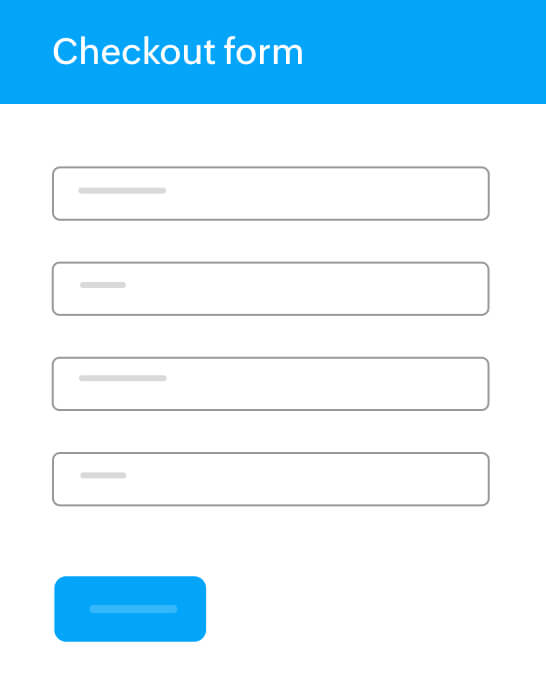
Order forms are online forms designed to collect specific information from customers who wish to purchase goods or services. They typically include fields for essential details such as the customer's name, contact information, shipping address, payment method, and the items they want to purchase. Order forms streamline the purchasing process by providing a structured format for customers to submit their requests, making it easier for businesses to manage orders efficiently.
Why choose Zoho Forms for order form creation?
Zoho Forms is a versatile online form builder that simplifies creating, sharing, and managing order forms. Here’s why businesses prefer Zoho Forms.
Customizability
Zoho Forms allows extensive customization, enabling businesses to tailor forms to their specific needs with various fields settings, themes, templates and types. Start with one of our professionally designed order form templates or create your own custom form to match your brand perfectly.
Easy integrations
Seamlessly connect your order forms with your CRM, social media platforms, and other essential apps. Zoho Forms integrates with a wide range of apps within Zoho as well as third-party apps. This ensures a smooth workflow and helps you manage orders, inventory, and customer information efficiently.
Secure transactions
Be assured that your customers' information is safe and secure with our encrypted forms and 10+ secure payment gateways.
Real-time notifications
Receive instant notifications whenever a new order is placed to stay updated and ensure prompt action.
Data security
Provides robust data security measures, including SSL encryption, CAPTCHA, and GDPR compliance, ensuring customer data is protected.
Efficient management
Easily track and manage all your orders in one centralized location, making order fulfillment a breeze.
How to create an order form? (Step-by-step)
Creating an online order form with Zoho Forms, your go-to order form creator, is quick and customizable. Here’s how to do it:
Step 1: Create your order form your way
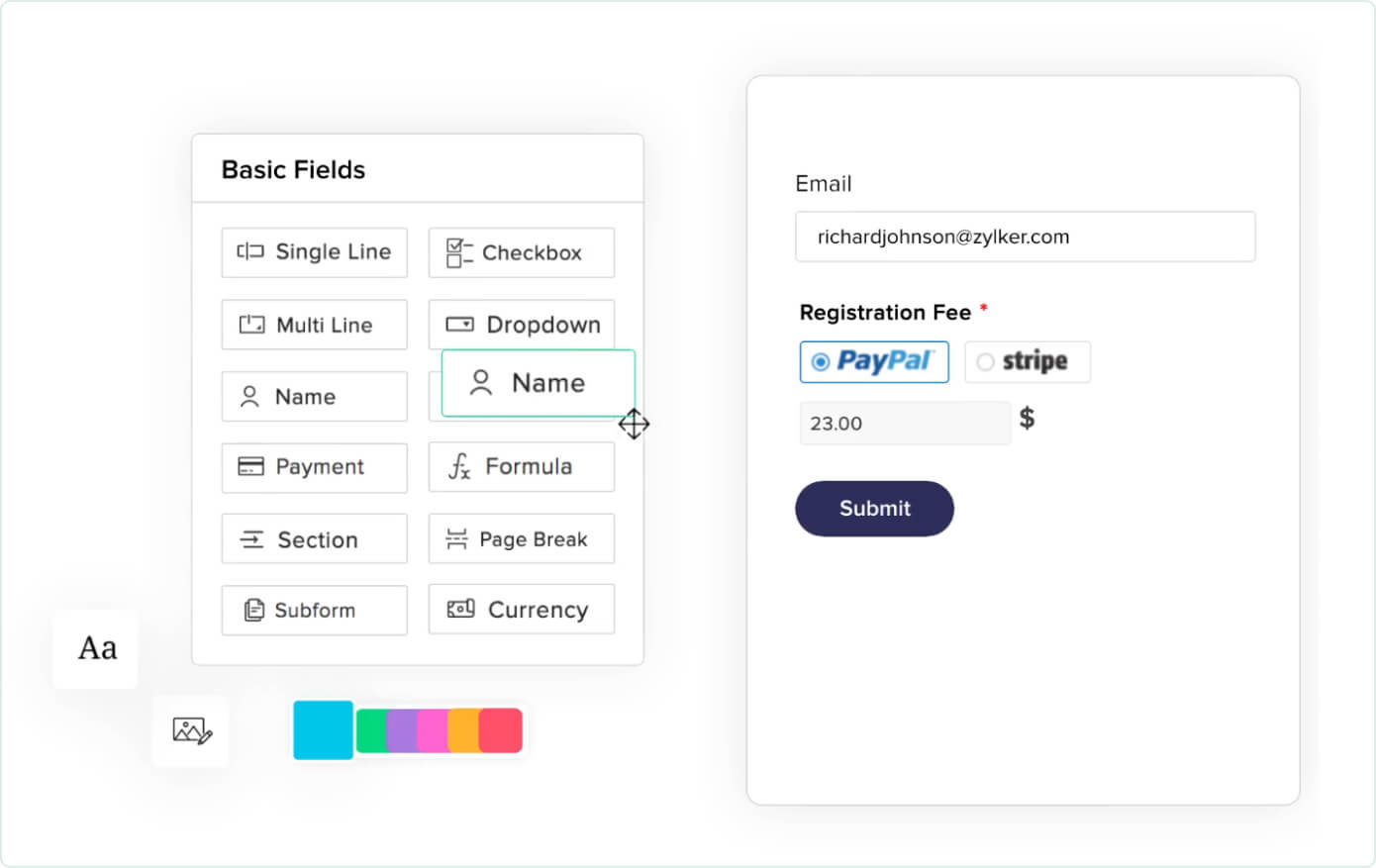
Start from scratch or choose a ready-made order form template—be it for product sales, service bookings, or event sign-ups. Use the intuitive drag-and-drop builder to add fields like customer details, product lists, quantities, pricing, and payment options. You can also use our choice availability property to limit selections like stock or seats. Once full, the option disappears/disables—automatically.
Step 2: Share instantly and start taking orders
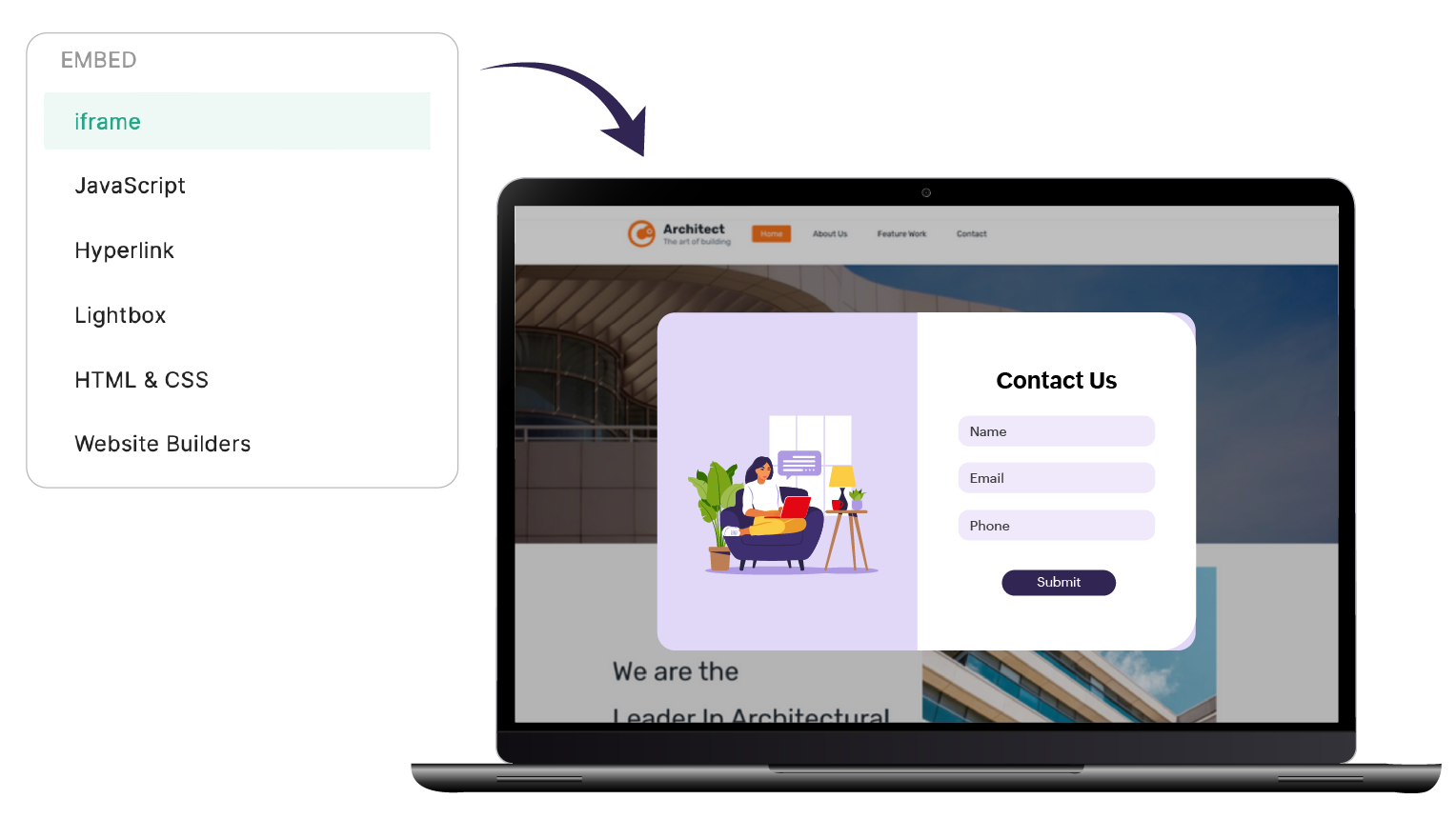
Publish your form using a direct link, QR code, or embed it on your website. Whether shared on social media, email, or chat, your form is mobile-friendly and ready to take orders anytime, anywhere.
Step 3: Track orders and stay in control
View all submissions in real-time. Export them, sync with Zoho Sheets or Zoho CRM, send email alerts, or automate your workflows. Easily manage inventory, tasks, and customer communication—all in one place.

Order forms creator for all businesses
E-commerce
E-commerce businesses can use Zoho Forms to streamline the ordering process. Features such as formula and payment fields help manage online sales efficiently. You can also try out our e-commerce form templates to start with.
Retail
Retail stores can benefit from customizable order forms to track in-store and online purchases. Order form features like integration with CRM and campaign tools can help you maintain customer databases and personalized marketing campaigns.
Manufacturing
Manufacturers can use Zoho Forms for order management and processing, ensuring accurate tracking of bulk orders and schedules. Textbox fields can capture specific requirements for custom-made products.
Service providers
Service-oriented businesses can create service order forms tailored to booking and scheduling services. Automated notifications and calendar integrations help manage appointments and service requests efficiently.
Healthcare
Healthcare providers can use Zoho Forms to collect patient information and manage appointment bookings. Secure data handling ensures compliance with privacy regulations like HIPAA.
Non-profit
Non-profit organizations can utilize order forms for auction events, merchandise sales, and donation collections. Streamline payment processing and manage volunteer sign-ups efficiently, ensuring smooth and organized operations with Zoho Forms.
Frequently Asked Questions
What are order forms and why are they important for my business?
Order forms are online forms designed to collect specific information from customers wishing to purchase goods or services. They streamline the purchasing process by providing a structured format that makes it easier for small businesses to manage orders efficiently.
How can Zoho Forms help improve my business order management process?
Zoho Forms offers customizable templates, easy embed with your website, secure transaction handling, real-time notifications, and efficient order management, allowing you to streamline and automate your ordering process.
What customization options are available with Zoho Forms?
Zoho Forms provides extensive customization options, including professionally designed templates, custom domains, beautiful themes, and a logo upload feature, giving you the ability to create forms that perfectly match your brand's identity.
How does Zoho Forms ensure the security of customer information?
Zoho Forms ensures data security through SSL encryption, CAPTCHA, GDPR compliance, and secure payment gateways to protect your customer's information during transactions.
Can you create your own purchase order form?
Yes, with an online order form creator like Zoho Forms, you can easily build custom purchase order forms without any coding. You can tailor every field—like product name, quantity, and payment options—to suit your workflow.
What software is used to create order forms?
There are various tools available to create online order forms, but Zoho Forms stands out as an intuitive order form creator. It offers drag-and-drop fields, conditional logic, payment integration, choice availability, and real-time notifications—everything you need to streamline your order-taking process.
Is Zoho Forms free to create order forms?
Yes, Zoho Forms offers a free plan that lets you create and share order forms online. You can collect responses, set up workflows, and manage submissions with ease. For advanced features like payment integrations, inventory limits, or form automation, you can explore Zoho Forms' premium plans.
How can I create a free online order form for a small business?
Zoho Forms offers a free plan that lets small businesses create online order forms without any coding. You can start with pre-designed templates, add product fields and pricing, customize the layout, and then embed the form on your website or share it via a link—all at no cost.
What is the best free software for creating online order forms with payment support?
Zoho Forms lets you create free online order forms and accept payments through integrated gateways like Stripe, Razorpay, PayPal, Square, Instamojo, and more. You can collect orders, process payments securely, and share or embed the form without any coding.
How do I set up an online order form?
Using Zoho Forms, you can start by choosing an order form template or a blank form, add fields for customer details, product selection, quantity, and pricing, then configure payment options and workflow settings. Once ready, embed the form on your website or share the link directly with customers.
How can I create a digital order form?
Using Zoho Forms’ drag-and-drop builder, you can create a digital order form by adding the required fields, customizing the layout, and configuring conditional logic or calculations for quantities, shipping, and taxes. Once done, you can publish the form online for customers to place their orders.
What kinds of products typically use an order form for conversions?
Order forms are commonly used for physical goods in retail and manufacturing, service-based offerings like appointments and bookings, event registrations, and non-profit merchandise or donation collections. These categories work well with order forms because they require structured order details, secure payments, and organized follow-up workflows.