- HOME
- Product updates
- Introducing Form Encryption
Introducing Form Encryption
- Last Updated : June 23, 2026
- 865 Views
- 4 Min Read
You've built the perfect form. And you have all the form entries you need. And you have the sensitive data of your respondents.
Who can see it? Who has access to the form entries? What if a breach happens, not on your watch, not through any fault of your own, but because the data was simply... sitting there, readable?
This is the quiet vulnerability most form builders never talk about. The data is collected securely. But are you sure it is stored securely?
This is why we are introducing Form Encryption in Zoho Forms.
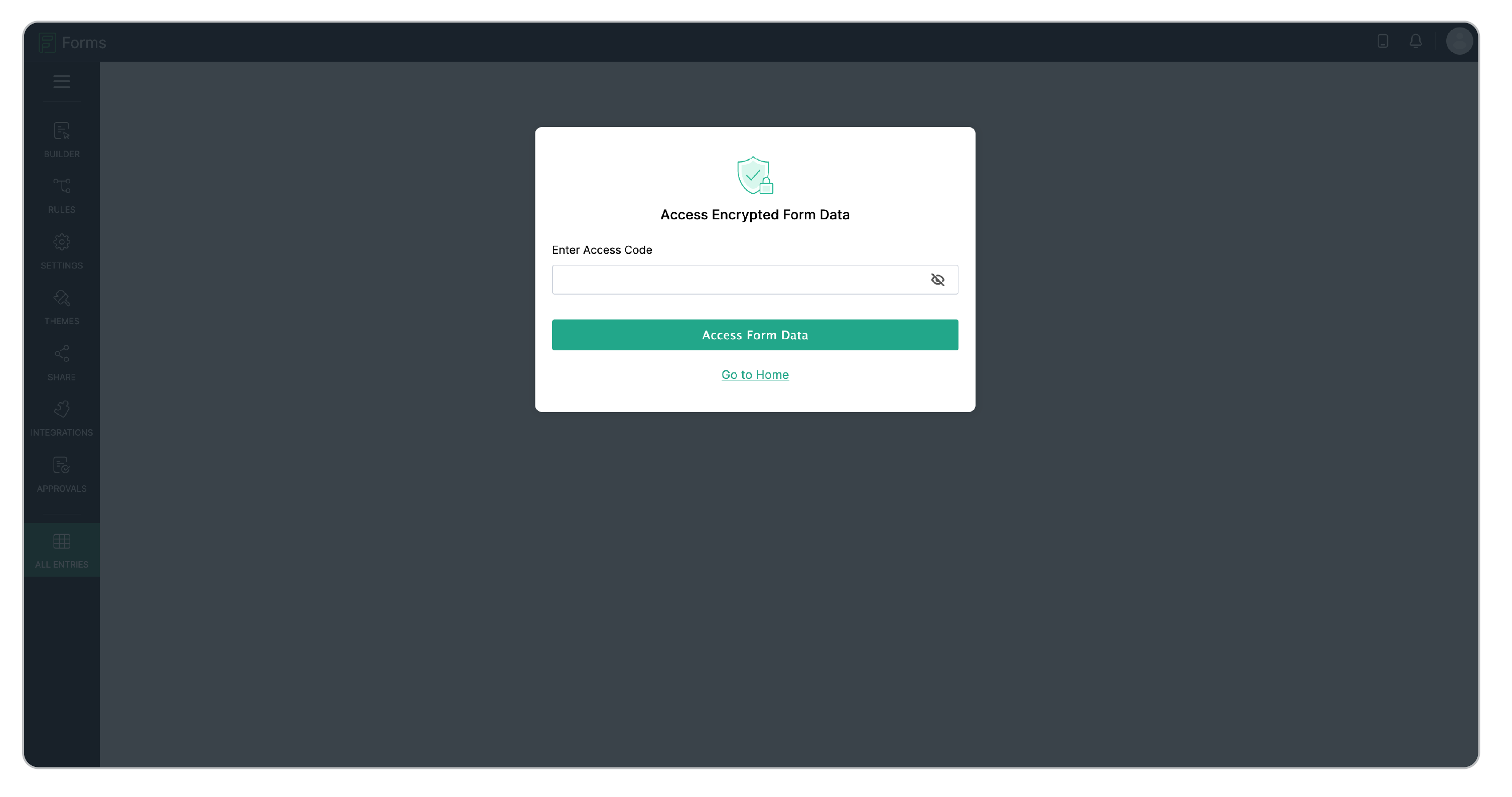
The mechanism is simple but powerful. Every encrypted form is protected by an Access Code that only you set.
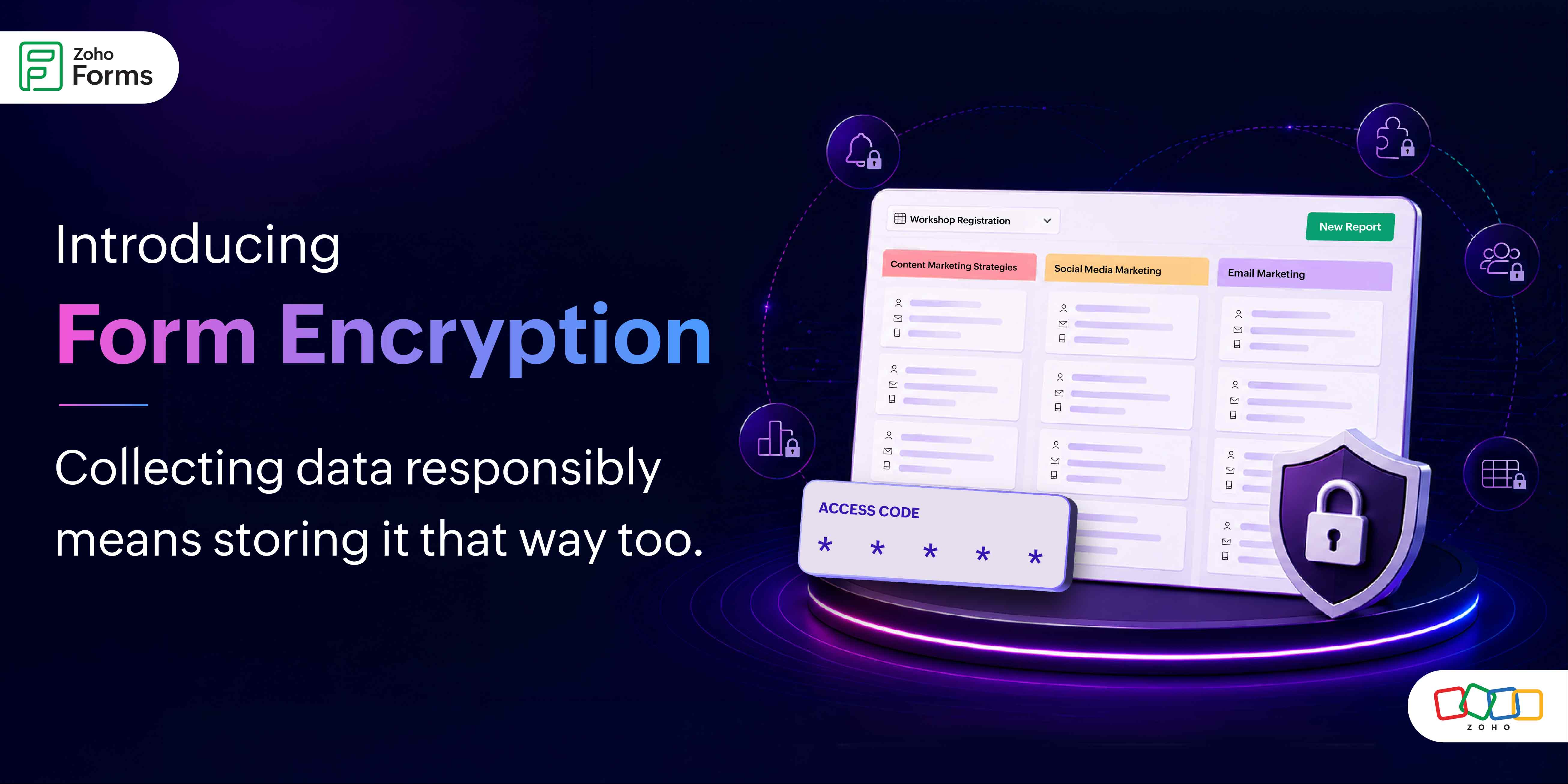
Without this Access Code, the data is unreadable.
To make it more simple to understand, most form tools lock the front door. Form Encryption in Zoho Forms removes the door entirely and replaces it with a vault!
Who needs this?
Anyone collecting data they'd be embarrassed or legally liable to have exposed.
For example, a healthcare clinic using forms to collect patient intake information where the data is sensitive, the regulations are strict and the consequences of a breach aren't just reputational, they're legal.
An HR team running background check acknowledgment forms. Employee records, personal identifiers, policy sign-offs, none of this should be lying around in plaintext. With encryption enabled, only the people who know the access code can open those entries.
A legal firm using forms for client intake. Confidential case details, privilege-sensitive information, client identifiers, the kind of data that, in the wrong hands, could compromise an entire case.
An educational institution collecting student records, consent forms, or health disclosures. Parents expect their children's data to be treated with the highest standard of care.
Form encryption means even if someone gains unauthorized access to the database, they walk away with gibberish.
How it actually works - without the technical overwhelm
Setting up Form Encryption is a two-step process:
1. Organization level first
2. Then, individual form level
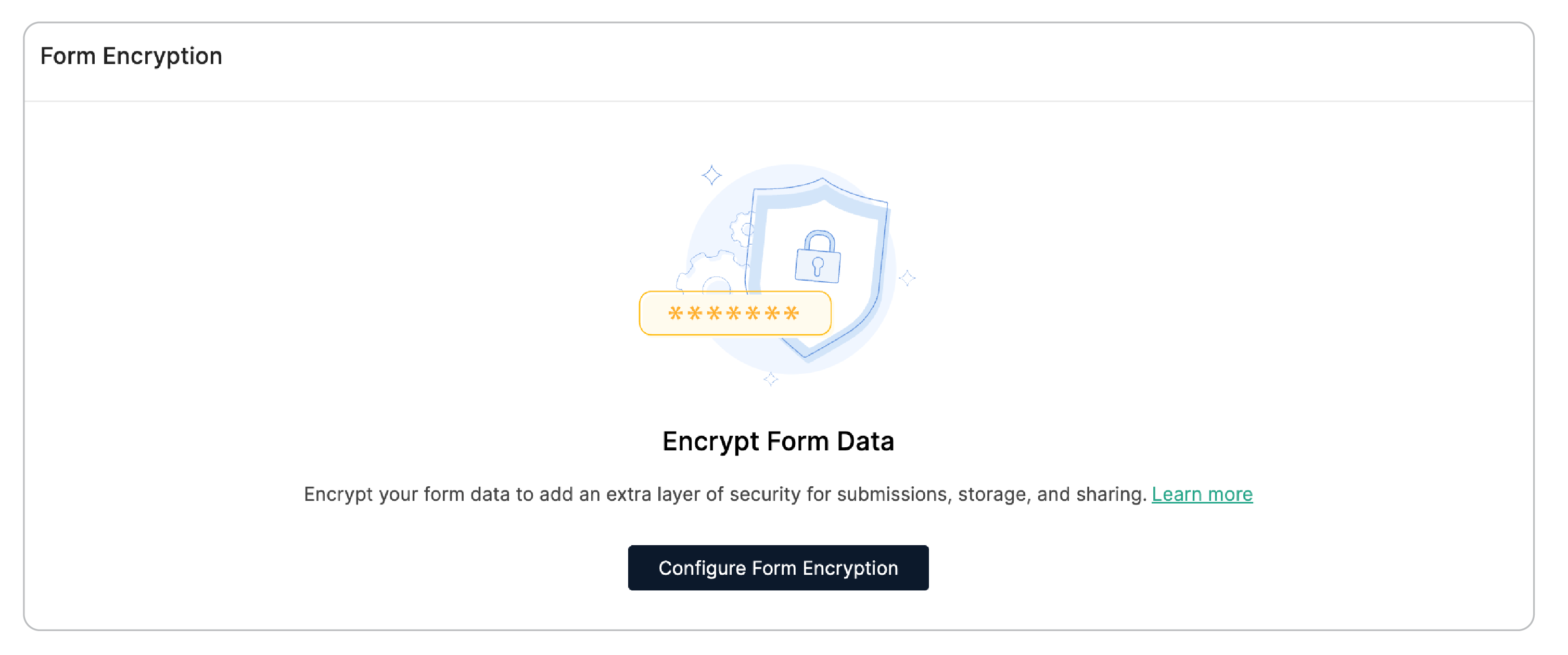
First, your Zoho Forms organization's super admin enables encryption at the org level which is a one-time setup. This is the master switch.
Once it's on, any form admin within the organization can choose to encrypt their individual forms.
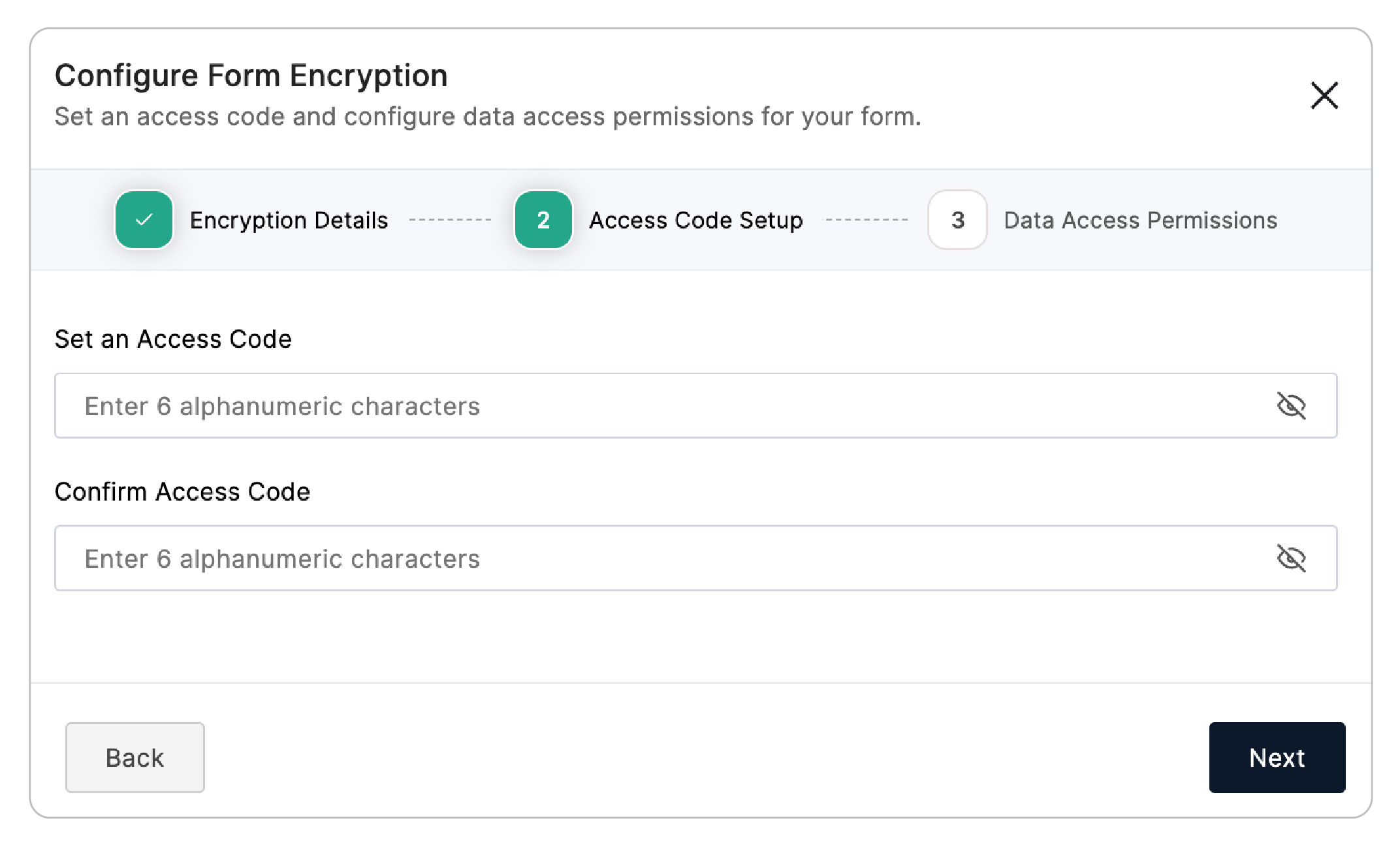
When configuring encryption for a form, you set a six-character alphanumeric Access Code. This code is yours.
If you forget it, you can have it sent to your registered email yourself and that's the only recovery path. There's no "contact support and we'll reset it for you."
Once a form is encrypted, all its entries, reports, approvals, and tasks are locked behind that code. Every time someone tries to view the data, they're prompted to enter it. The session stays open for 30 minutes, then locks again automatically.
And here's the part worth sitting with: once a form is encrypted, it cannot be decrypted. The decision is permanent. It means your data's protection isn't contingent on anyone remembering to re-enable a setting.
The nuance most people will miss and shouldn't
Encryption is a tradeoff, and Zoho Forms is transparent about it.
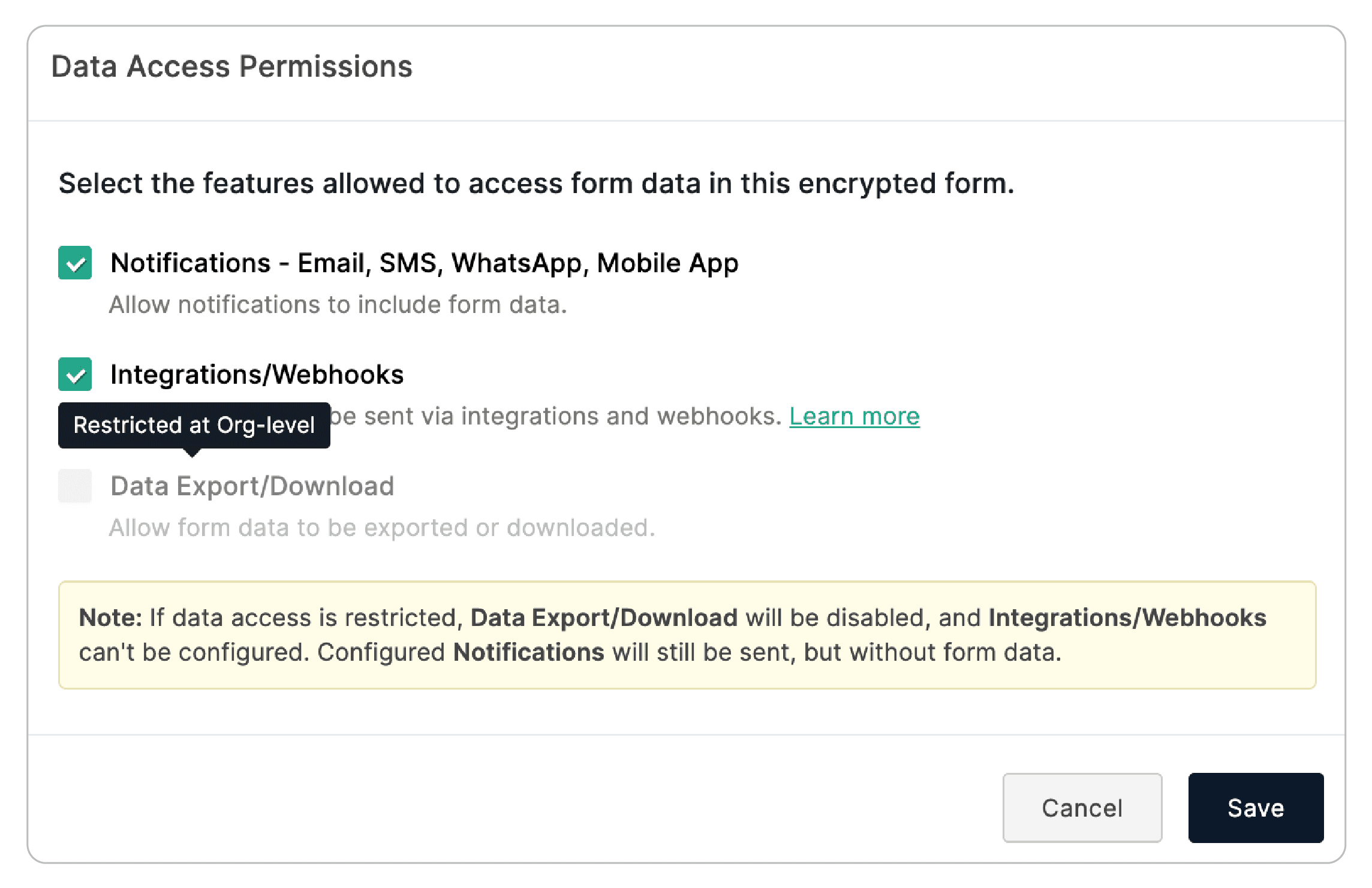
When a form is encrypted, certain features that use form data need to be explicitly permitted.
- Notifications can still go out, but by default, they will not include form field data in the email body.
- Exports can be restricted.
- Integrations and webhooks require deliberate permissions.
The entire point of encryption is that data doesn't flow freely. Organization admins control these permissions at the top level. 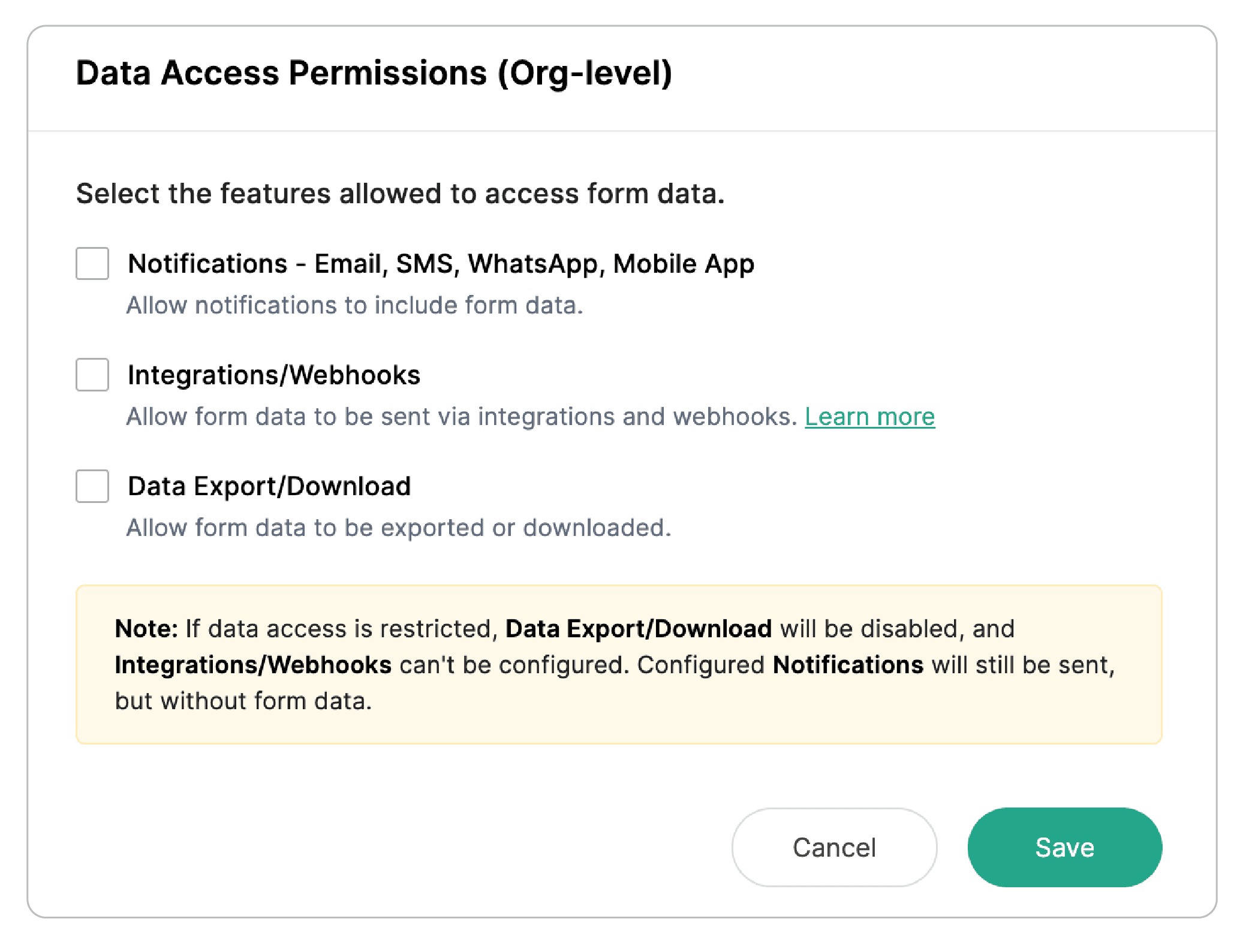
Form admins can customize within those boundaries for their specific forms. It's a layered permission model that gives teams flexibility without compromising the overall security posture.
One important detail
The Zoho Sign field, which lets respondents sign documents directly inside a form, cannot be added to an encrypted form if integrations and webhooks are restricted at either level.
Managing access across a team
Real-world workflows involve multiple people. Zoho Forms builds this into the encryption design.
- Form admins can send the Access Code to collaborators directly via email.
For approval workflows, there's an option to automatically include the Access Code in the notification that approvers receive, so they can access the approvals section without a separate back-and-forth.
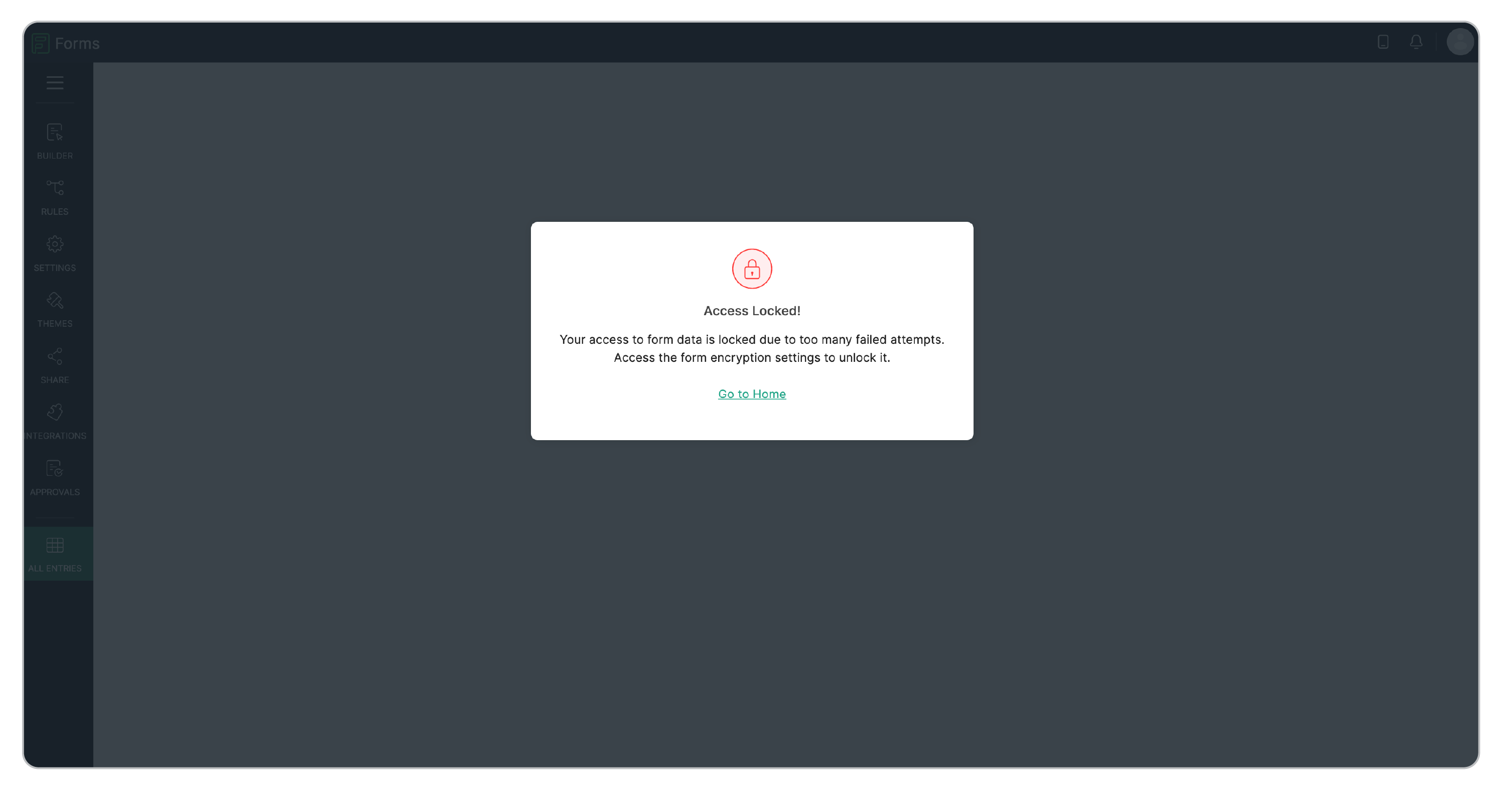
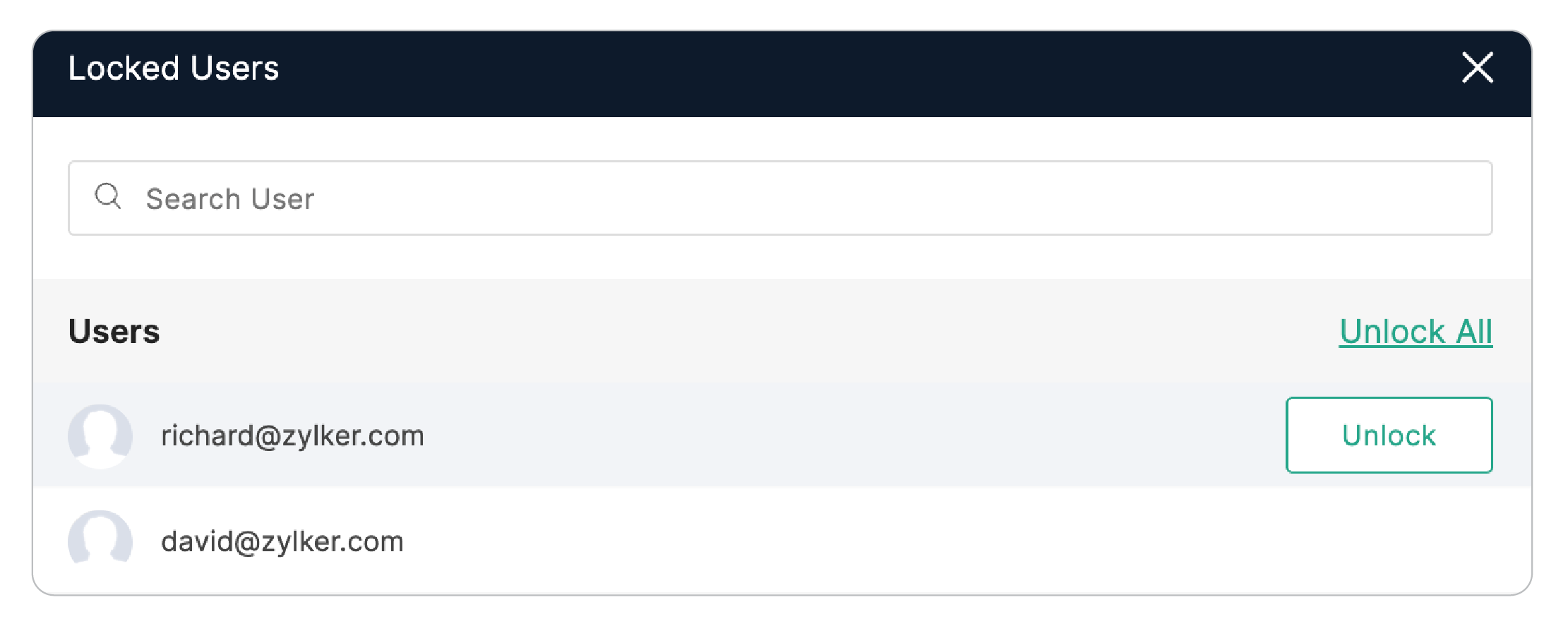
And if a user gets the code wrong five times in a row, their access locks automatically.
The form admin can see a list of locked users and unlock them individually or in bulk. It's the kind of protection that understands human error without punishing it harshly.
What this means for the bigger picture
Data privacy regulations aren't getting lighter. GDPR, HIPAA, and the wave of regional equivalents have made it clear that organizations are responsible for what happens to the data they collect, not just how they collect it.
Form Encryption in Zoho Forms gives teams a way to meet strict data privacy standards without abandoning the flexibility and power of a modern form builder.
For organizations handling personal identifiers, confidential records, or any data that requires a higher standard of care, this form encryption infrastructure makes responsible data collection possible.
A few things to keep in mind before you enable it
- Form Encryption cannot be configured for forms that already have existing records. So if you're planning to encrypt a form, set it up before you start collecting.
- HIPAA-enabled forms and encrypted forms are mutually exclusive; only one can be active at a time.
- The encryption is permanent.
Learn about configuring Form Encryption in detail
Most form tools secure the path data travels. Zoho Forms now secures the place it lives.
Form Encryption closes the gap between "we collected data responsibly" and "we stored it responsibly." For any organization serious about data privacy, not just as a compliance checkbox, but as an actual commitment to the people trusting them with sensitive information, this is the feature that makes that commitment real.
 Samhita V
Samhita is a seasoned product expert at Zoho Forms who blends deep product expertise and user education to help businesses make sense of powerful features without the jargon. Known for her thoughtful storytelling and crisp communication, she adds a subtle creative flair to every piece she writes. With a knack for spotting real-world use cases and adding a touch of fun to her narratives, she’s on a mission to make even the most complex workflows feel approachable. Beyond the desk, she channels her creativity into dance and mural art, finding new ways to infuse her surroundings with color, rhythm, and meaning.