- HOME
- Product updates
- Introducing the Zoho Sign Field
Introducing the Zoho Sign Field
- Last Updated : April 13, 2026
- 1.4K Views
- 3 Min Read
You have built a beautiful form. Respondents fill it out, hit submit, and then... nothing. The process stalls because you still need a signature. So you export the data, open a document editor, paste in the details, send it via email, and wait for a signed copy to come back.
This gap between data collection and document signing is where time, momentum, and deals go to die. It's the invisible friction in workflows that look perfectly digital on paper but are anything but.
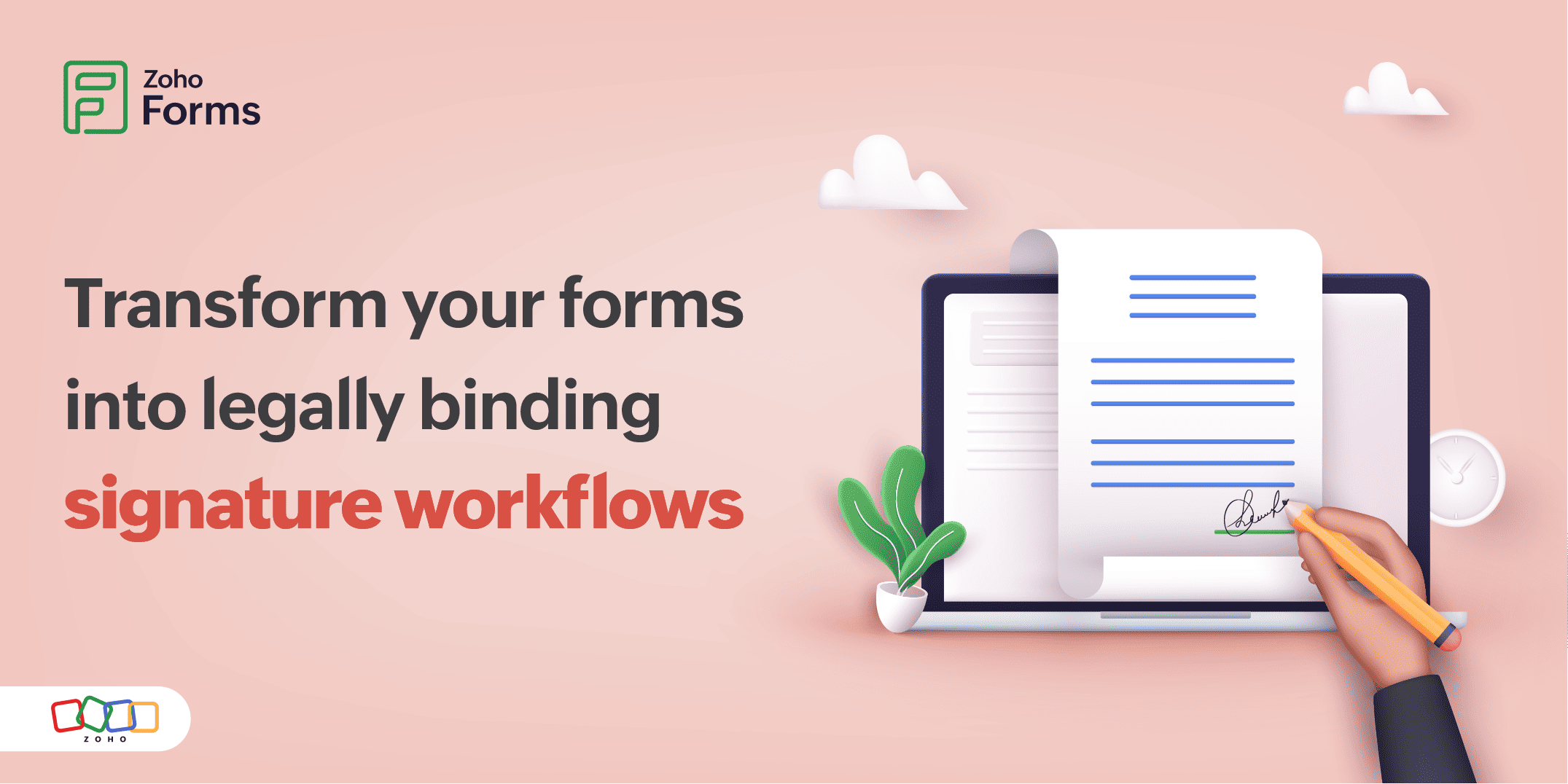
Zoho Forms' new Zoho Sign Field closes this gap entirely. It lets you embed a legally binding signature directly inside your form, so the moment someone fills it out, they can also sign it. Right there. No redirection, no follow-up.
What is the Zoho Sign field?
The Zoho Sign Field is a native form field, except instead of collecting a name or a date, it collects a legally binding digital signature.
What makes it distinctly different from a standard Zoho Sign integration?
It works entirely within Zoho Forms.
You don't need to create a separate document in Zoho Sign, configure it there, and then connect it. Instead, you design your document using the Zoho Forms PDF Editor, map your form fields into it, drop in the Zoho Sign Field, and you are done.
The signed document is generated the moment the form is submitted with all the respondent's data already filled in. It is a fluid experience from form entry to signed contract.
Setting up your signing workflow
The setup process follows a clean, logical sequence. Here's how to go from a blank form to a live signing experience.
Step 1: Build your form
Drag in a Name field and an Email field, these are non-negotiable. Then add any other fields whose values should appear in the signed document: address, lease term, contract amount, date, etc.
Step 2: Design your document
Open the Zoho Forms PDF Editor and create your agreement or contract template. Drag in field labels that correspond to your form fields. When a respondent fills in their name, it automatically populates the right spot in the document.
Step 3: Publish the template
Once your document looks exactly how you want it, with all the right field mappings in place, publish it. This makes it available to select when you configure the Zoho Sign Field.
Step 4: Add the Zoho Sign field
Back in your form builder, drag and drop the Zoho Sign field. A configuration pop-up appears. Map your Name and Email form fields. Set both as Mandatory. Select your published PDF template. Save.
Step 5: Share your form
Share your form and the moment someone submits, their details are merged into the document. They review and sign it on the spot.
You get a legally binding document, instantly!
Additional configuration options worth knowing
- Rename the field to anything that makes sense for your workflow: "Sign Agreement," "Lease Confirmation," "Authorization," etc.
- Set the name that will be used when the signature image is pushed to integrated applications. Keep it descriptive and consistent.
Why this changes everything for form-based workflows
The Zoho Sign field fundamentally transforms the process of document signing for teams that rely on forms.
The traditional workflow requires respondents to check email, open a different app, and re-engage. With this new Field, they never leave the form, which can cause completion rates to go up dramatically. The respondent's form data flows directly into the document template. What they type is what gets signed.
You can embed the signing form on your own website. Visitors don't need to visit an external URL, they fill and sign right on your domain.
Where the Zoho Sign field fits
Real estate and property management
Rental agreements, lease renewals, property inspection reports, maintenance authorization forms: Collect details and signature in one step, every time.
HR and recruitment
Offer letters, NDA agreements, policy acknowledgments, onboarding checklists: New hires fill out their information and sign their offer in the same form.
Legal and professional services
Service agreements, engagement letters, scope of work documents: Clients can sign the moment they review the proposal.
Education and training
Enrollment forms, liability waivers, code of conduct agreements: Students or parents complete registration and sign required documents in one seamless experience.
Events and registrations
Volunteer agreements, media release forms, participation waivers: Participants can sign while registering with no separate signature step required.
The best time to get a signature is the same moment someone says yes.
 Samhita V
Samhita is a seasoned product expert at Zoho Forms who blends deep product expertise and user education to help businesses make sense of powerful features without the jargon. Known for her thoughtful storytelling and crisp communication, she adds a subtle creative flair to every piece she writes. With a knack for spotting real-world use cases and adding a touch of fun to her narratives, she’s on a mission to make even the most complex workflows feel approachable. Beyond the desk, she channels her creativity into dance and mural art, finding new ways to infuse her surroundings with color, rhythm, and meaning.