- HOME
- Product updates
- Lock it before you send it: Introducing Password-Protected PDFs
Lock it before you send it: Introducing Password-Protected PDFs
- Last Updated : July 31, 2026
- 52 Views
- 2 Min Read
Here's the thing about PDFs.
They travel.
You generate one from a form submission - a client intake, a job application, a purchase order, a medical record and the moment it's sent over emails, it belongs to the world. It can be forwarded, saved, screenshotted, opened on any device by anyone.
For a lot of form data, that's fine. A restaurant's event inquiry doesn't need a vault.
But what about the legal agreement a client signed? The financial details someone submitted for a loan application? The personal health information collected before an appointment?
Those PDFs deserve a lock.
Zoho Forms now gives you one.
Introducing PDF Password Protection, a feature built directly into the Default PDF Editor that lets you restrict access to any PDF generated from a form submission.
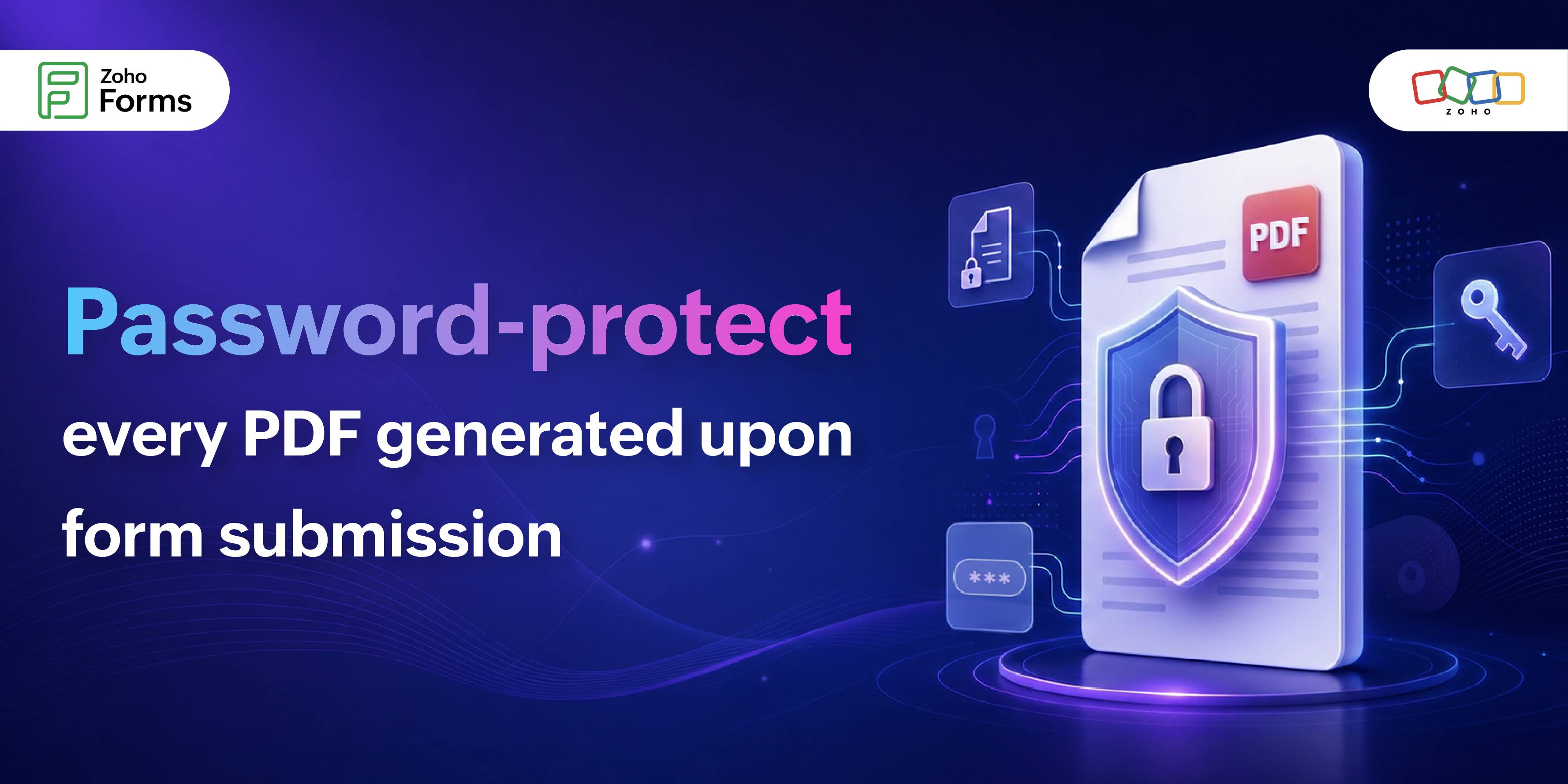
Before anyone can open the PDF, they'll need to enter a password. No password, no access.
But here's where it gets interesting.
The password doesn't have to be something you make up.
You can build the password from the respondent's own answers.
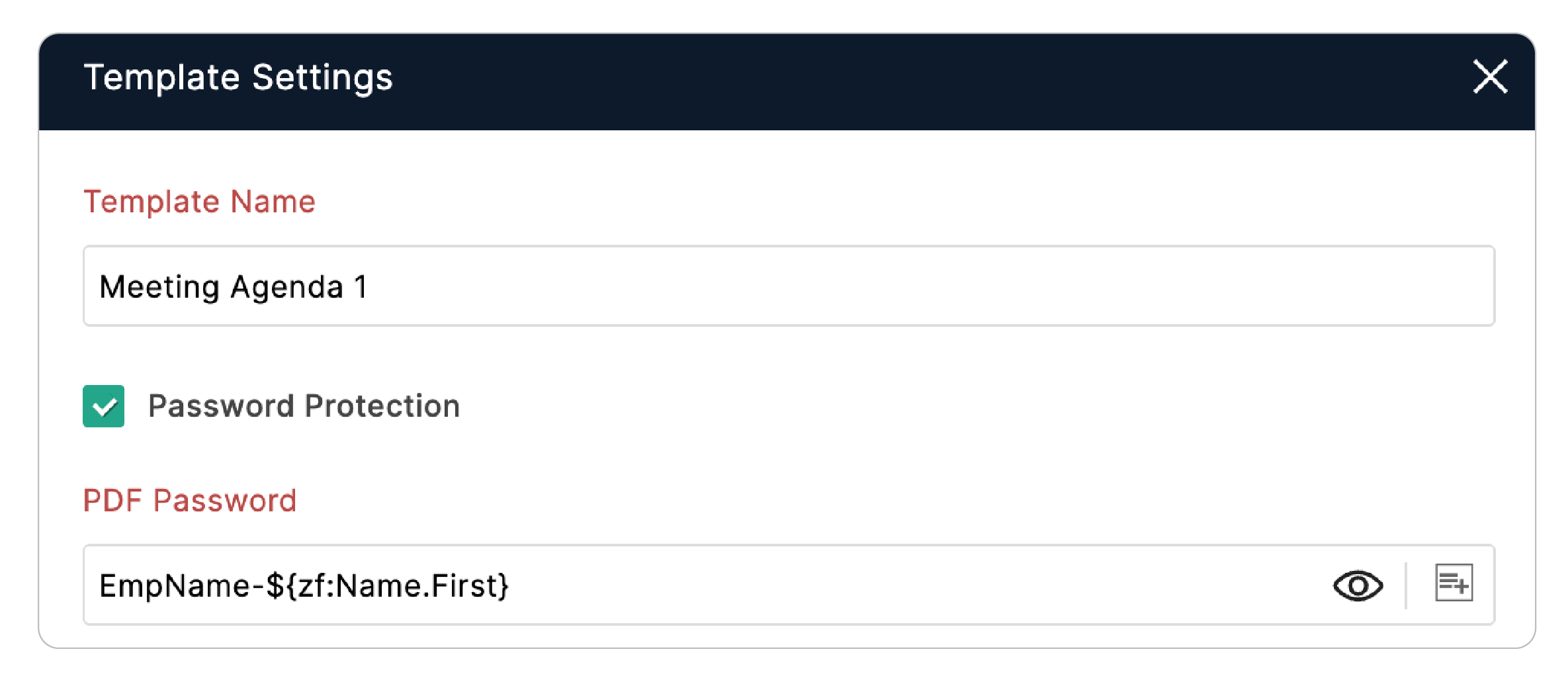
Say you are collecting client intake forms. You can configure the PDF password to be a combination of the client's first name, their date of birth (captured as a Number field), and a static word.
So a password generated is unique to every submission, tied directly to the person who filled it out, and impossible to guess without knowing the respondent's data.
A password is a system. It travels with the document. It doesn't depend on anyone remembering to do something right.
If you're already generating PDFs from Zoho Forms submissions, enabling Password Protection takes less time than it took to read this. Head to your PDF Editor settings and turn it on.
Because the next PDF to leave your system deserves a lock on the door.
 Samhita V
Samhita is a seasoned product expert at Zoho Forms who blends deep product expertise and user education to help businesses make sense of powerful features without the jargon. Known for her thoughtful storytelling and crisp communication, she adds a subtle creative flair to every piece she writes. With a knack for spotting real-world use cases and adding a touch of fun to her narratives, she’s on a mission to make even the most complex workflows feel approachable. Beyond the desk, she channels her creativity into dance and mural art, finding new ways to infuse her surroundings with color, rhythm, and meaning.