
Looking for 123FormBuilder Alternative?
Looking for a form builder that’s more flexible, powerful, and ready for scale? Zoho Forms is the no-code solution built for modern teams. It streamlines workflows, collects data on any device, and connects seamlessly with the tools you already use.
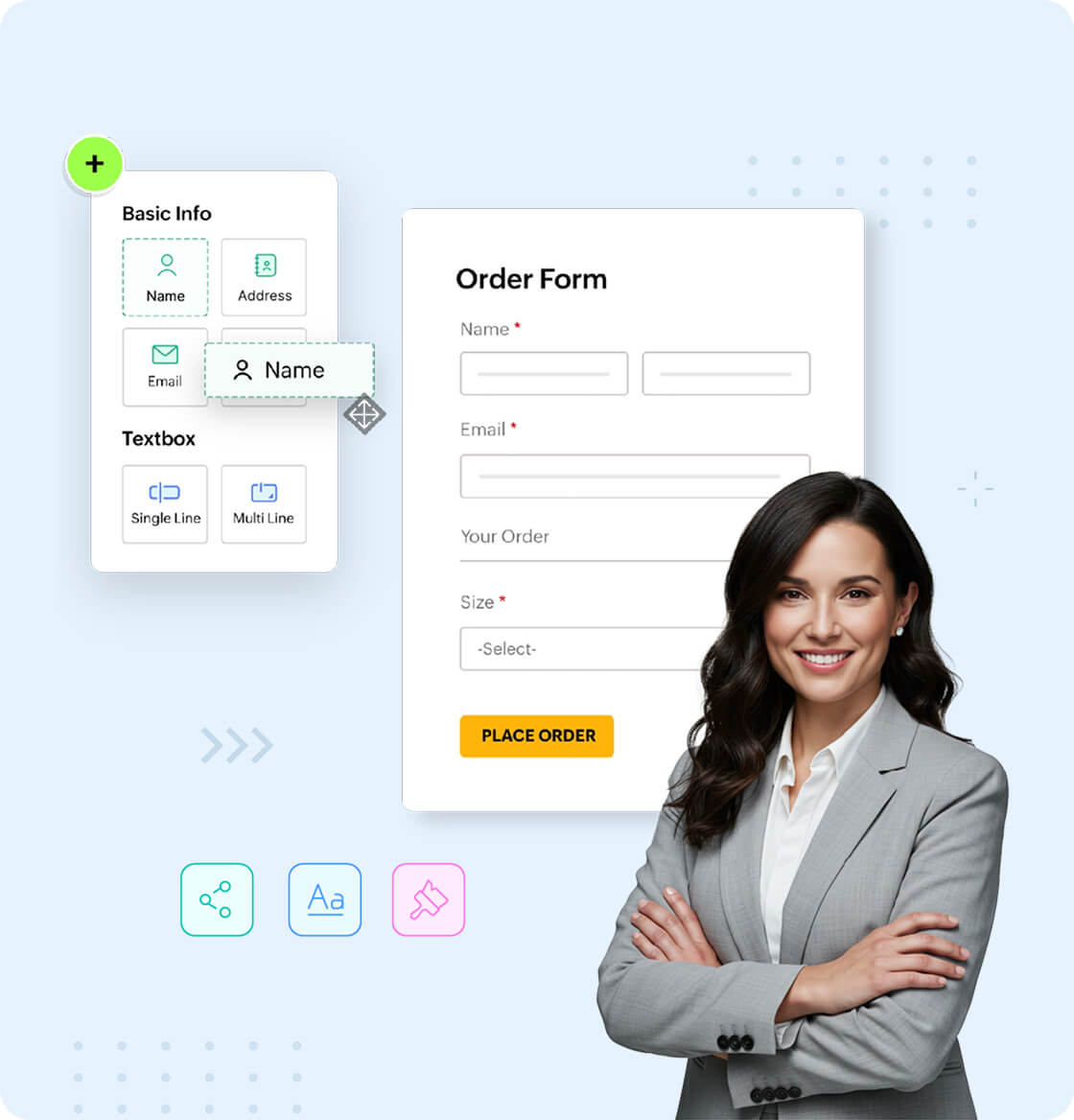
A better way to build forms
More customization. Smarter logic. Easier collaboration.
Zoho Forms makes it simple to get basic forms online, but it also delivers more than just data collection with useful features that growing teams are looking for:
- Advanced form logic: Show/hide fields, set rules, and personalize user journeys with robust conditional logic.
- Branded forms that match your business: Customize fonts, colors, logos, and themes. Host forms on custom URLs.
- 45+ fields: Field types supported includes payment, file upload, subform, signature, prefill webhook, and AI fields.
- AI-powered form generation: Build fully functional forms in seconds using just a prompt, available even on the free plan.
- Unlimited forms: From the Basic plan onwards, unlimited forms are supported.
Automate your workflows
Go beyond data capture. Streamline what happens next.
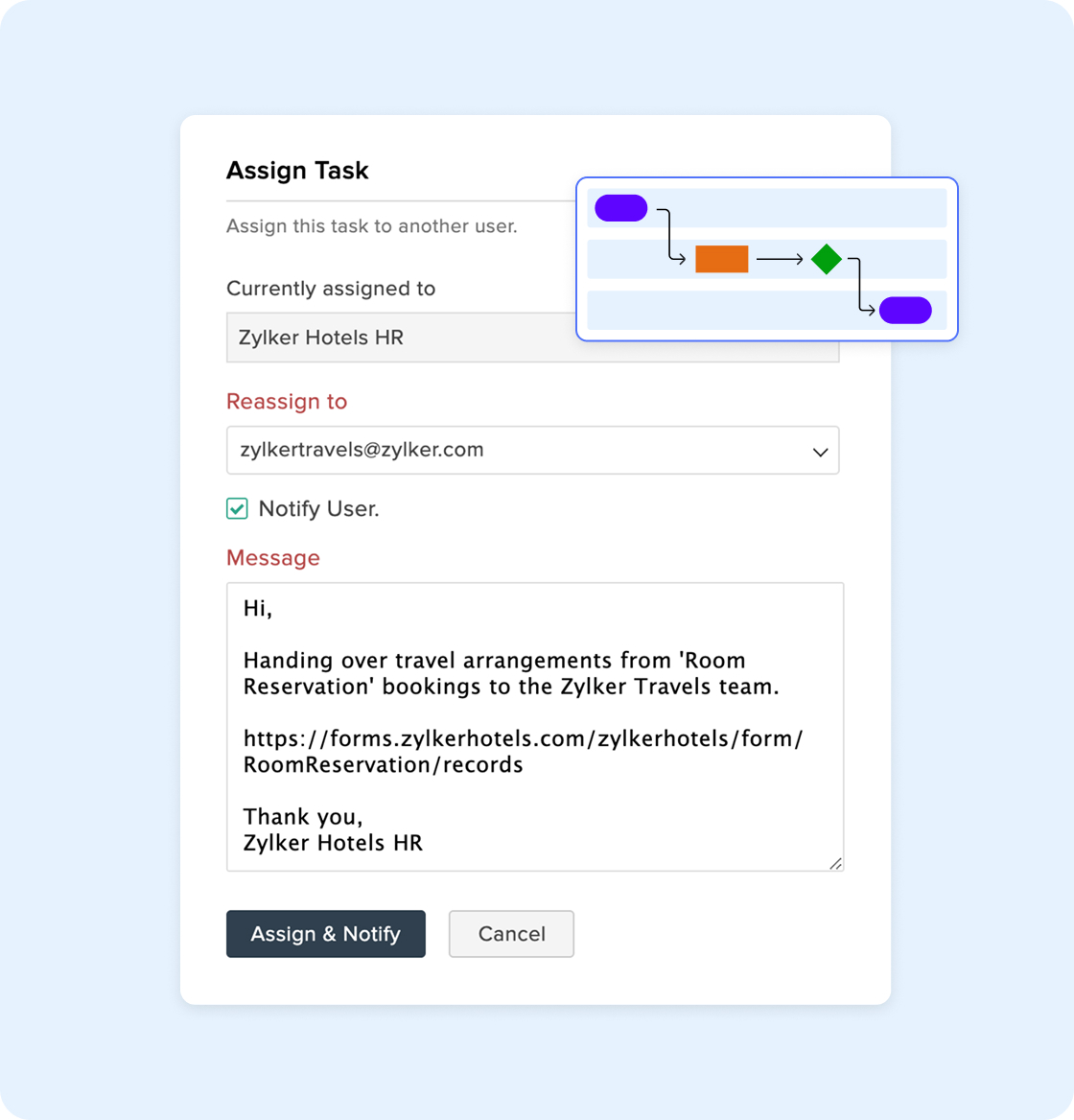
Zoho Forms includes native approval workflows and task assignments. No third-party tools or workarounds required.
- Approval flows: Route submissions for review, conditionally assign approvers, and automate multi-level approvals.
- Task assignment: Turn form responses into trackable tasks with built-in collaboration.
- Email & SMS alerts: Instantly notify teams or respondents. Personalize messages with form inputs.
- Integrations that take action: Push data to Zoho CRM, update Zoho Sheet, raise tickets in Desk, trigger webhooks, or connect with 1000+ apps via Zoho Flow.
Collect data anywhere
Mobile-first forms. Offline support. Kiosk mode.
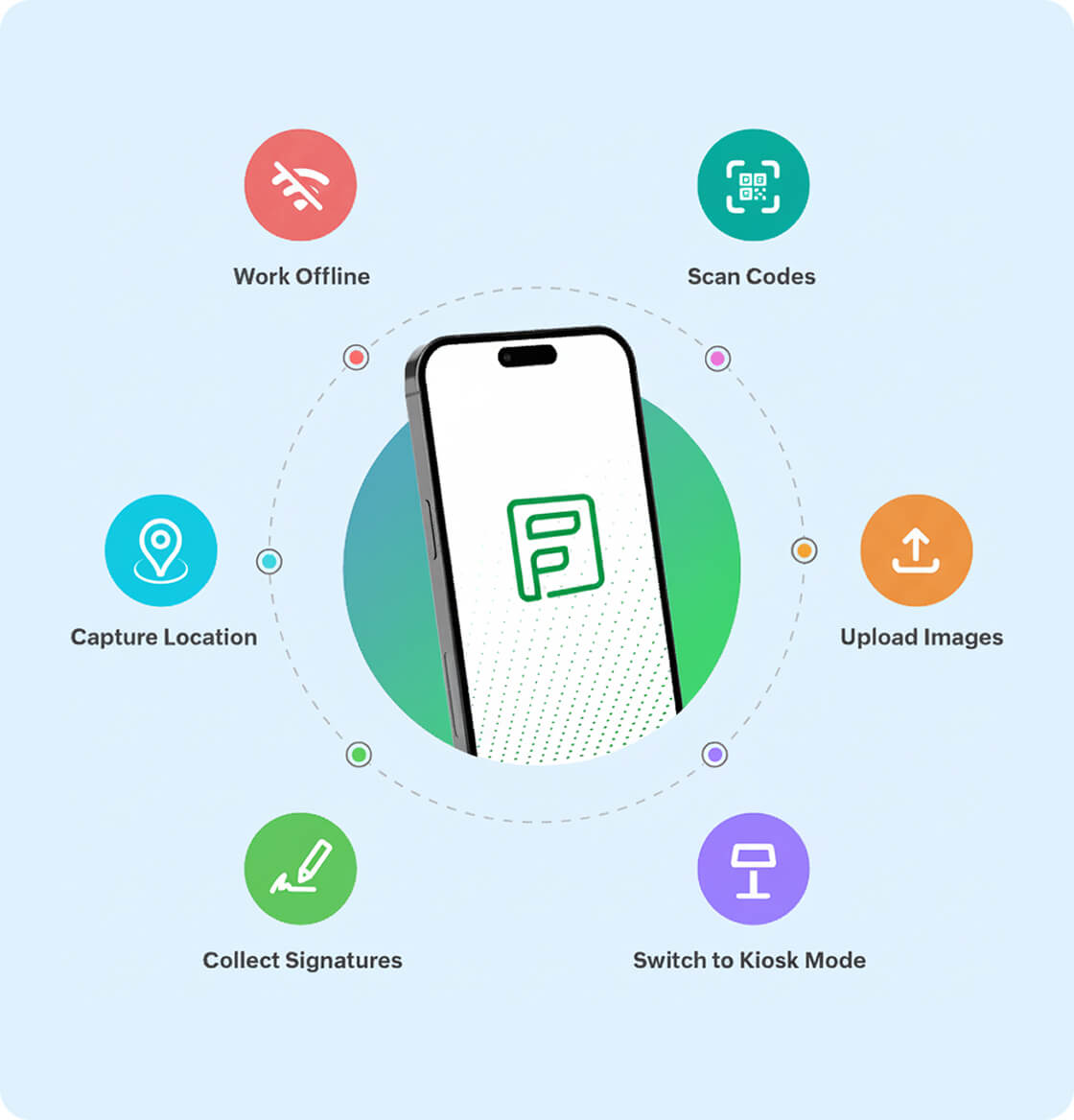
123FormBuilder doesn't offer a mobile app. Zoho Forms provides a superior mobile experience for field teams, events, and remote data collection with its Android and iOS apps.
- Offline form submissions: Collect data without internet on iOS and Android. Sync automatically once online.
- QR code scanning: Autofill fields or access forms instantly using built-in scanner.
- Kiosk mode: Lock forms to a device for repeated use at trade shows, clinics, or public stations.
- Save & Resume: Let users save partially completed responses and return later.
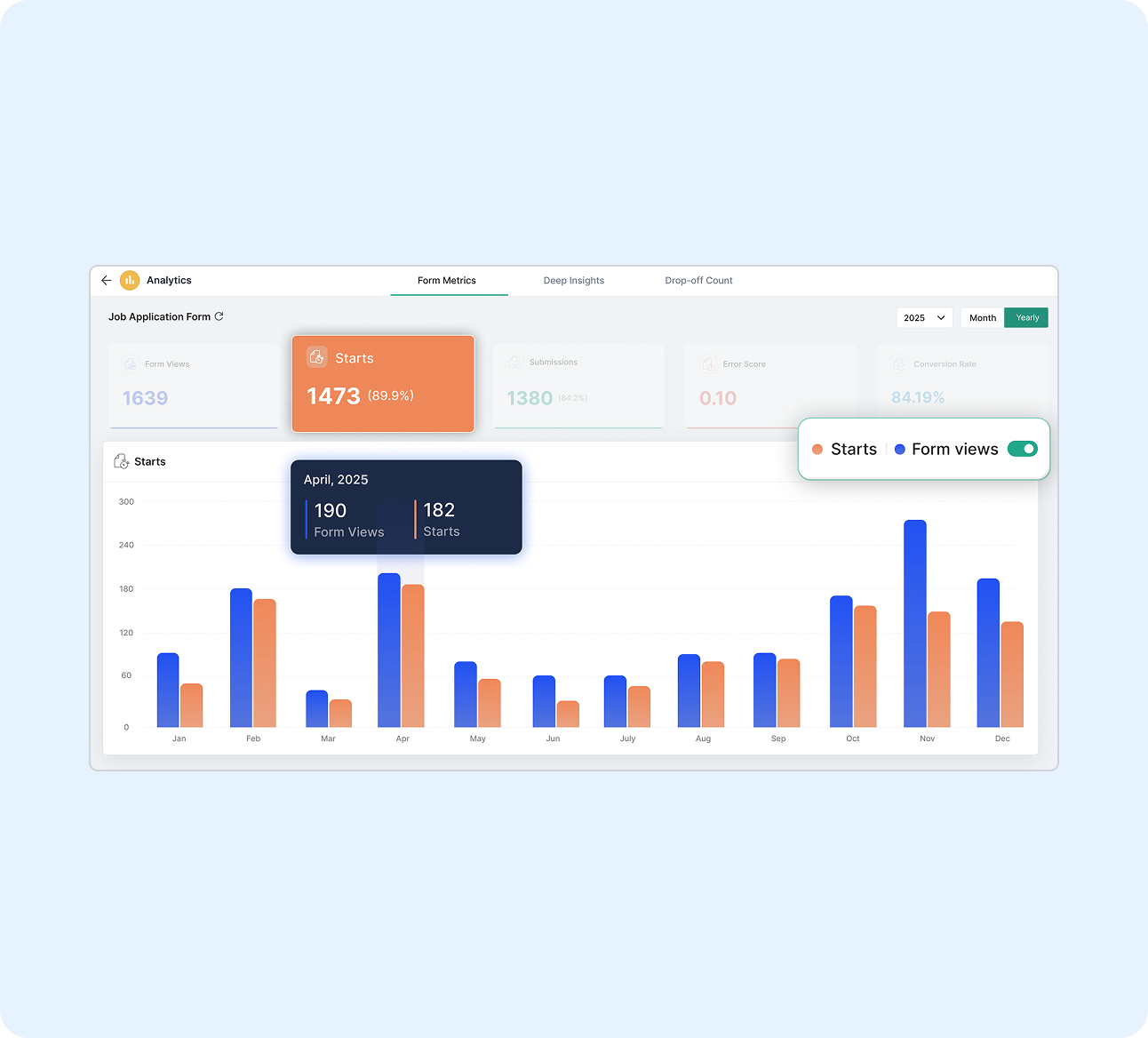
Smarter analytics. Better decisions. Stronger control.
Gain insights. Have full control over your data.
With field-level encryption, audit logs, and industry-standard privacy and compliance practices, Zoho Forms ensures your data stays private and protected.
- Custom reports: Filter, group, and visualize form data.
- Email tracking: See if alerts were delivered, opened, or bounced.
- Response limits & restrictions: Control how and when your forms can be accessed.
- Spam protection: CAPTCHA, domain filters, and double opt-in built in.
- Compliance-ready: Built-in controls help meet data privacy requirements like GDPR and HIPAA .
Designed to grow with you
Plans and features that scale with your needs — no rigid tiers or hidden costs.
Zoho Forms adapts to your growth, giving you the flexibility to expand without switching tools or overpaying.
- Flexible add-ons: Buy extra submissions, storage, or PDFs as needed. No need to upgrade the entire plan.
- Transparent pricing: Free forever plan included. Paid plans offer greater value compared to 123FormBuilder’s tiered restrictions.
- Part of the Zoho ecosystem: Connect effortlessly with Zoho CRM, Projects, Campaigns, and more.
- Built-in scalability: Whether you're running solo or onboarding teams, Zoho Forms supports your scale-up journey.
Features
Zoho Forms
Free plan limits
1 User, 3 Forms, 500 Submissions/month, 200 MB File Storage, Unlimited form views
1 User, 5 Forms, 100 Submissions/month, No File Storage, 1000 form views
Number of forms
Free plan: 3 Paid plans (Basic, Standard, Professional, Premium): Unlimited forms
Free: 5 Gold: 25 formsPlatinum: 100 formsDiamond: 200 formsEnterprise: Unlimited forms
Unlimited forms
Available on all paid plans
Limited by plan except for enterprise plan
Card Forms
Yes
No
Conditional logic or rules
Field/Form/Page Rules, Choice-based field Rules, Deny Submissions, Field-to-Field Comparison
Field Rules & Form Rules
AI form generation
Yes (even in the free plan)
No
File & image uploads
Available in all plans including free plan.
Available in paid plans only.
Convert PDF & Images to Forms
Yes
No
Formula field for calculations
Advanced formula calculations with functions and operators, available on all plans including free plan.
Only basic calculations supported. Available on paid plans only.
Mobile apps & offline use
Native mobile apps (iOS & Android) with offline data collection
No mobile apps
Payments
10 Payment Submissions in free plan
Payments integrations only available in paid plans
Spam Protection
Zoho CAPTCHA, Google reCAPTCHA, Cloudflare Turnstile, OTP Verification, Double Opt-in
Smart Captcha, Google reCAPTCHA
Compliance
GDPR, HIPAA, CCPA, WCAG, SSL
GDPR. HIPAA Compliance available only for enterprise customers.
Frequently Asked Questions
Many users switch from 123FormBuilder due to its limited free plan, rigid pricing, and restrictions on lower-tier features. The free plan allows just 100 submissions per month, no file storage or payment support, limited fields per form, no webhooks, and only 1000 form views. Even the Starter paid plan (Gold) supports only 25 forms and lacks key features like webhooks that are essential for automation.
In contrast, Zoho Forms offers a truly free plan with 1 user, 3 forms, unlimited form views, 500 submissions/month, file storage, payments, AI form generator, conditional logic, mobile apps with offline mode, webhooks, and deep integration support. Paid plans unlock even more like unlimited forms, advanced automation, multi-level approvals, and strong native integrations—without hidden costs or restrictive tiers.
Yes. 123FormBuilder can be significantly more expensive due to its tier-based pricing and restricted features. For example, Zoho Forms' Basic plan offers 10,000 submissions, while 123FormBuilder offers the same at nearly twice the price. Zoho also provides flexible add-ons that let you scale specific features without switching to a higher plan. In contrast, 123FormBuilder requires costly tier upgrades that bundle features you may not need.
Zoho Forms offers field-level encryption, SSL encryption, audit logs, role-based access, and compliance with GDPR, HIPAA, CCPA, and WCAG standards. For spam control, it provides Zoho CAPTCHA, Google reCAPTCHA, Double opt-in, OTP verification, and Cloudflare Turnstile. In contrast, 123FormBuilder restricts data encryption and HIPAA compliance to expensive higher-tier plans.
Yes! Zoho Forms lets you generate fully functional forms using a simple prompt, convert uploaded PDFs or images into forms, translate fields and messages into multiple languages, and auto-generate meaningful thank-you pages and email content. 123FormBuilder doesn't support AI form generation or offer any AI-powered features.
Yes. Zoho Forms provides extensive customization through an intuitive drag-and-drop builder and visual settings for fonts, colors, branding, and layouts—no CSS required. You can apply pre-built themes, set conditional rules for field visibility, and customize success pages and email alerts without touching code. Advanced users can still use custom CSS if needed, but it's not a requirement.
Zoho Forms is optimized for performance with a lightweight form engine and ensures smooth load times; even for long, multi-page forms. Rendering performance remains consistent for complex workflows, particularly when using conditional logic or embedding in high-traffic websites.
When choosing an alternative to 123FormBuilder, prioritize tools that offer:
- Unlimited forms across all paid plans
- Native mobile apps with offline data collection
- Flexible add-ons instead of relying solely on third-party like Zapier
- Robust conditional logic and automation workflows
- AI-powered features for form generation and translation
- Security and compliance (e.g., GDPR, HIPAA) across affordable tiers
Zoho Forms ticks all of these boxes, while 123FormBuilder limits many of them to premium plans, making it less scalable for fast-growing teams.
Make the switch to Zoho Forms
Thousands of businesses around the world rely on Zoho Forms for everything from simple contact forms to complex multi-step workflows. Switch to Zoho Forms today and unlock a world of possibilities for your data collection and workflow automation.