- HOME
- Threat types
- Understanding lateral movement in cyberattacks
Understanding lateral movement in cyberattacks
- Last Updated : March 24, 2026
- 263 Views
- 9 Min Read

Most cyberattacks don’t cause real damage at the point of entry; they unfold after. What may begin as a single compromised account, often through a phishing email or credential theft, can quickly escalate into a widespread security incident as attackers move laterally across users, systems, and internal communications silently.
According to CrowdStrike, the average time for an attacker to begin moving laterally is now less than 90 minutes, with some attacks progressing in just minutes. This leaves organizations with a very small window to detect and contain threats before they spread.
In lateral movement, attackers exploit the trust built into internal environments. By using compromised email accounts, hijacking existing conversations, and reusing stolen credentials, they can expand their access and target more sensitive users and systems by operating under the radar of traditional security measures. In this article, we’ll explore what lateral movement is, the stages of lateral movement, techniques to detect these attacks, and the ways in which they can be prevented.
What is lateral movement?
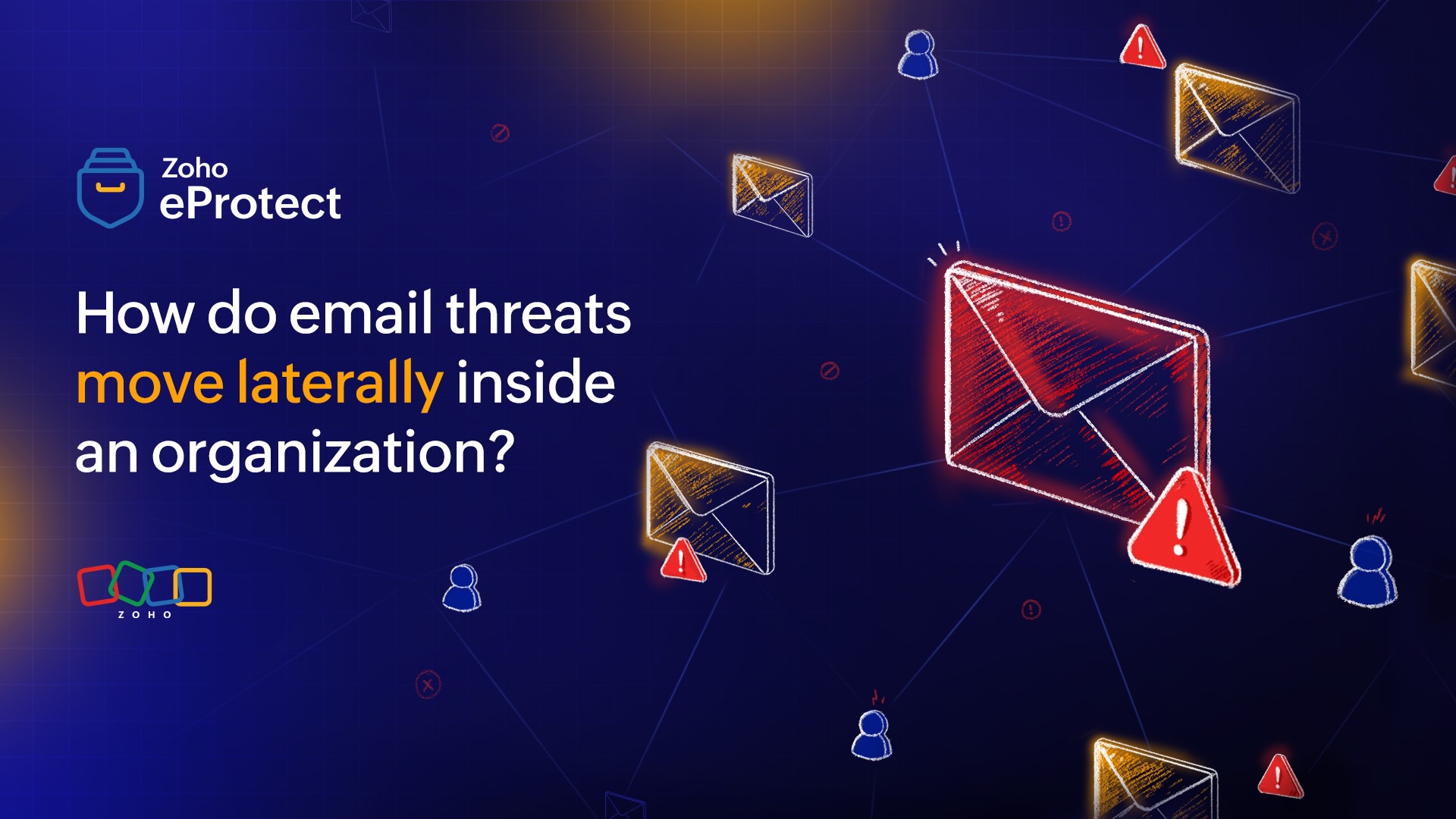
Lateral movement is an attack technique where attackers move across systems, accounts, or applications within an organization after gaining initial access. These attacks use stolen credentials, trusted connections, and legitimate tools to navigate the internal environment and expand their control.
In most cases, the initial breach, which occurs through phishing or credential theft, only provides limited access. To reach high-value targets such as financial systems, executive accounts, or sensitive data, attackers must move laterally. This involves accessing other user accounts and interacting with internal systems while appearing like a legitimate user.
Lateral movement is particularly dangerous because it blends in with normal activity. Since attackers rely on trusted communication channels like email, their actions often bypass traditional security defenses that focus on external threats. In the context of email security, lateral movement takes the form of internal phishing, email thread hijacking, and credential reuse. A single compromised mailbox can be used to target multiple employees, making email one of the most effective channels for spreading threats within an organization.
The stages of lateral movement
Threat actors perpetuate lateral threat movement in several stages to gain a foothold on sensitive endpoints and individuals. In this section, we’ll discuss the different stages and what they aim for in each one.
1. Initial access
Initial access is typically achieved through phishing campaigns, credential harvesting, leaked passwords, or exploitation of exposed services such as VPNs, remote desktops, or cloud applications. In email-first attacks, this involves compromising a user’s mailbox through stolen credentials or session tokens. Attackers may also exploit weak authentication controls to establish a valid session. At this stage, access is usually limited to a single account or endpoint, but it provides legitimate entry into the organization’s internal environment.
2. Reconnaissance
After gaining access, attackers begin monitoring internal activities to understand the organization’s structure and identify high-value targets. This involves identifying users, roles, and permissions, analyzing email conversations to map relationships, and identifying frequent contacts or departments. Attackers may also explore shared drives or collaboration tools to assess accessible resources. The goal is to build a detailed picture of the environment to plan targeted and low-noise lateral movement.
3. Privilege escalation
With a basic foothold established, attackers attempt to elevate their privileges to gain broader access. This can involve exploiting misconfigured access controls, leveraging credential dumping techniques, or reusing harvested credentials across services. In more advanced scenarios, attackers may use token theft, pass-the-hash, or abuse of service accounts to bypass authentication mechanisms. Privilege escalation allows attackers to move beyond user-level restrictions and access sensitive systems and accounts with richer access.
4. Internal spread
During internal spread, attackers move laterally across accounts, endpoints, and services using the access and knowledge gained. In email-centric attacks, this often includes sending internal phishing emails from compromised accounts, hijacking existing email threads, or leveraging trusted communication patterns to deceive users. Attackers may also use legitimate protocols such as RDP, SMB, or SSH to access other systems using stolen credentials, ensuring that they blend in with normal operational activity.
5. Data exfiltration and persistence
In the final stage, attackers focus on extracting value and maintaining long-term access. Data exfiltration may involve transferring sensitive information such as financial records, customer data, or intellectual property through email, cloud storage, flash drives, or hard disks. Simultaneously, attackers establish persistence by creating forwarding rules, adding back doors, secondary authentication methods, or generating API tokens. This ensures continued access even if the initial entry point is detected and remediated, allowing attackers to sustain their presence.
Common ways that lateral threats spread
Cybercriminals use a variety of tactics to gain access to internal systems after their initial access. The most common of them are discussed below.
Internal phishing attacks
Compromised accounts are used to send phishing emails to other employees within the organization. These emails often request credential re-entry, approvals, or file access and may include malicious links or attachments. Because they originate from trusted internal users, they bypass many external email filters and have a higher success rate. This enables attackers to harvest additional credentials and expand access.
Email thread intrusion
Attackers insert themselves into existing email conversations by replying from a compromised account. They leverage prior context such as ongoing projects, invoices, or approvals to introduce malicious content. This technique reduces suspicion, as recipients recognize the context and participants. It is commonly used to target multiple users simultaneously and escalate into fraud or further credential compromise.
Credential-based attacks
Stolen credentials are relayed or reused by threat actors to access additional systems and accounts. This includes password reuse across services, credential stuffing, and techniques such as pass-the-hash or token abuse. Since authentication is performed using valid credentials, these actions often do not trigger traditional security alerts. Successful credential reuse allows attackers to pivot across applications like email, cloud services, and internal tools.
Remote service misuse
Cybercriminals leverage legitimate remote access protocols to move laterally between systems. Common methods include using RDP, SMB, or SSH with compromised credentials to access endpoints and servers. These protocols are typically allowed within internal networks, making malicious activity difficult to distinguish from normal administrative operations. This technique enables direct system-to-system movement without requiring malware deployment.
Privilege escalation
Attackers exploit misconfigurations or weak access controls to gain higher-level permissions. This may involve accessing admin accounts, abusing delegated privileges, or leveraging exposed service credentials. Elevated privileges allow attackers to bypass restrictions, access sensitive systems, and perform actions such as creating new accounts or modifying security settings, accelerating further lateral movement.
Why do attackers move laterally?
Threat actors choose to move laterally inside an organization instead of launching external attacks as it benefits them in several vital ways.
- Gain trusted internal access: After initial compromise, attackers operate using legitimate accounts and channels. Internal activity is less scrutinized than external traffic, allowing them to blend in and interact with users and systems without triggering immediate alerts.
- Reach high-value users and systems: Initial access is often limited to low-privilege accounts. Lateral movement enables attackers to identify and target critical roles such as finance, HR, or executives, as well as systems containing sensitive or business-critical data.
- Escalate privileges: Moving across accounts and systems increases the chances of accessing higher-privileged credentials or misconfigured permissions. Elevated access allows attackers to bypass restrictions, control more resources, and accelerate spread.
- Maximize financial impact: Broader access enables attackers to execute high-value attacks such as business email compromise, fraudulent transactions, or large-scale data exfiltration. The wider the reach, the greater the potential financial and operational damage.
- Evade detection: By distributing activity across multiple accounts and systems, attackers avoid concentrating suspicious behavior in one place. Using valid credentials and trusted communication channels further reduces the likelihood of detection by traditional security controls.
How to detect lateral attack spread quickly
Even though threat actors use sneaky ways to move across networks and user accounts, there are certain methods using which you can detect lateral movement in the early stages.
Monitor identity and access anomalies
Detect unusual login activity
Monitor for logins from new locations, IP addresses, or devices. Flag impossible travel scenarios and repeated authentication attempts across multiple systems using the same account.
Identify external access
Track users accessing systems or applications not aligned with their role. Sudden interaction with finance tools or sensitive HR datasets is a strong indicator of lateral movement.
Detect credential reuse patterns
Identify the same credentials being used across multiple systems or accounts within a short time frame. Monitor for authentication attempts that indicate credential stuffing or lateral pivoting.
Track anomalous session activity
Monitor for multiple simultaneous sessions, long-lived sessions, or activity without corresponding login events. Flag session usage across different locations or devices.
Analyze internal communication patterns
Flag abnormal internal email behavior
Identify spikes in internal email volume, especially from a single account. Look for unusual recipient patterns, bulk email sending, or messages sent outside normal working hours. Monitor for repeated link or attachment sharing across users.
Look for abnormal reply-chain activity
Detect replies inserted into existing threads that deviate in intent or content. Watch for unexpected links, attachments, or requests within ongoing conversations, especially when tone or context does not match prior messages.
Monitor lateral movement across systems
Monitor lateral system connections (RDP, SMB, SSH)
Identify unusual connections between endpoints, especially those not typically communicating. Track remote access attempts using protocols like RDP, SMB, and SSH across internal systems.
Identify misuse of admin tools
Detect abnormal use of tools such as PowerShell, PsExec, or WMI. Flag execution patterns that deviate from standard administrative workflows or originate from non-admin accounts.
Detect early-stage attack signals
Identify early reconnaissance signals
Detect activities such as repeated directory queries, access to user lists, or exploration of shared resources. These actions often precede lateral movement.
Detect privilege escalation attempts
Monitor for changes in user roles, permission grants, or access level modifications. Flag attempts to access admin functions or systems without prior authorization and block them if required.
Preventing lateral attack movement
Preventing lateral movement is equally important as detecting it at the right time. Follow the measures outlined below to stop these attacks before they progress.
Strengthen identity and access controls
Enforce strong authentication
Require MFA across all access points such as email, VPN, cloud apps, and admin interfaces. Prioritize phishing-resistant methods such as hardware keys or app-based authenticators over SMS. Enforce conditional access policies based on device posture and risk signals to reduce unauthorized logins using stolen credentials.
Limit access with least privilege controls
Implement role-based access control (RBAC) and ensure users only have access to the resources required for their role. Remove standing privileges and avoid broad group memberships. Regularly review and restrict access to sensitive systems such as finance tools, admin consoles, and shared mailboxes.
Restrict and monitor privileged accounts
Privileged accounts should be tightly controlled and continuously monitored. Use just-in-time (JIT) access to grant temporary privileges instead of permanent admin rights. Log and audit all privileged actions, and enforce separate accounts for administrative tasks to reduce exposure.
Secure communication and collaboration channels
Secure internal email communication
Apply threat detection to internal emails, not just inbound messages. Inspect links and attachments at click time, detect anomalies in sender behavior, and flag suspicious activity within existing threads. Enforce controls such as disabling auto-forwarding to external domains and monitoring mailbox rules for unauthorized changes.
Restrict lateral movement paths within the network
Segment networks to restrict lateral paths
Divide the network into isolated segments based on function and sensitivity. Enforce strict access controls between segments and restrict east-west traffic to only what is necessary. This limits an attacker’s ability to move freely even after initial compromise.
Adopt a zero trust security model
Treat all access requests as untrusted, regardless of origin by following the zero trust model. Continuously verify identity, device health, and context before granting access to resources. Apply granular access policies and enforce re-authentication for sensitive actions to prevent unchecked movement within the environment.
Secure endpoints and infrastructure
Harden endpoints and systems
Regularly patch operating systems, applications, and firmware to eliminate exploitable vulnerabilities. Disable unused services and restrict access to remote management protocols. Enforce endpoint protection controls such as application whitelisting and device compliance checks.
Monitor and control internal traffic
Inspect internal network traffic for unauthorized connections between systems. Restrict the use of protocols such as RDP, SMB, and SSH to approved hosts and users. Implement network-level controls to detect and block abnormal lateral connections.
Improve visibility and response
Automate threat detection and response
Deploy systems that can detect anomalies in real time and trigger automated actions such as session termination, account lockout, or device isolation. Reducing response time using behavioral threat analysis methods is critical to limiting lateral spread once an attack begins.
Regularly audit access and permissions
Conduct periodic reviews of user roles, group memberships, and access rights across systems. Identify and remove excessive or outdated permissions, especially in shared environments and legacy systems.
Strengthen organizational resilience
Train users to recognize internal threats
Educate employees and build a security-first culture to identify suspicious internal emails, unexpected requests, and unusual behavior from known contacts. Emphasize that threats can originate from within trusted accounts, not just external senders.
Maintain reliable backup and recovery systems
Ensure regular backups of critical data and systems, stored securely and tested for restoration. Isolate backups from the main network to prevent compromise during an attack. This reduces the impact of data exfiltration or destructive actions like ransomware.
Wrapping up
Lateral movement is what turns a single compromised account into a widespread security incident. Detecting and preventing this kind of movement requires more than perimeter defenses. Organizations need visibility into internal behavior, especially across email, identity, and access patterns, where most lateral spread begins.
This is where a robust email security solution becomes critical. By monitoring internal email activity, detecting anomalies in communication, and preventing threats like phishing and thread hijacking, it helps stop attacks at the point where they are most likely to spread.
eProtect is a cloud-based email security and archiving solution that protects from malicious URLs with advanced URL protection. The solution offers advanced threat detection mechanisms to protect on-premise and cloud email accounts from evolving email threats. eProtect is the security solution that powers Zoho Mail, a platform that millions of users trust.