- HOME
- Threat types
- Fileless malware: What it is, how it works, and real-world examples
Fileless malware: What it is, how it works, and real-world examples
- Last Updated : May 3, 2026
- 406 Views
- 9 Min Read

For years, cybersecurity defenses were built around the simple assumption that malicious software leaves traces on disk. Antivirus engines scanned files, signatures were matched, and suspicious files were quarantined. This model worked well until attackers found a way around it.
Evolution in malware represents one of the most significant shifts in modern cyberattacks. Instead of relying on traditional files, attackers increasingly operate in memory, using legitimate system tools to execute malicious activity. The result is a form of intrusion that’s faster and significantly harder to detect.
As organizations have strengthened endpoint protection, attackers have pivoted towards techniques that blend seamlessly with normal system operations. Fileless attacks aren’t just one among the new categories of malware. They’re a reflection of the stealth-driven methods that adversaries use today. In this article, we’ll explore how fileless malware works, the techniques used, and the detection and protection measures organizations can use against these attacks.
What is fileless malware?
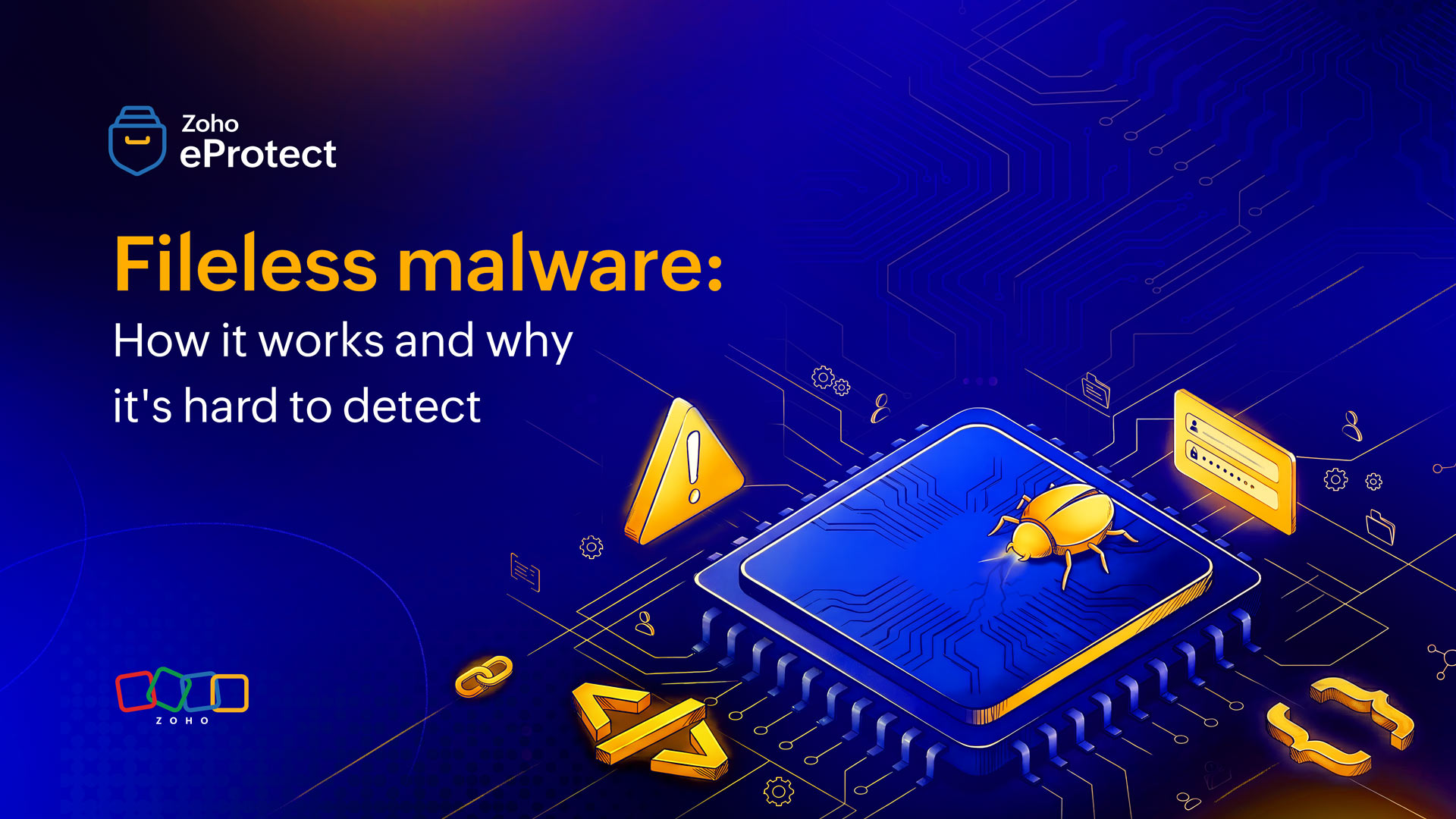
Fileless malware refers to a type of malware that operates primarily in a system’s memory rather than relying on traditional executable files stored on disk. Unlike conventional malware, which uses files that can be scanned and flagged, fileless techniques leverage existing tools and processes already present on the system.
However, the term "fileless" can be slightly misleading. In many cases, there may be a minimal footprint, such as scripts or registry entries, but the core malicious activity avoids writing detectable code to disk. The real payload lives and executes in memory.
What makes fileless malware particularly dangerous is its ability to masquerade as legitimate activity. Instead of introducing foreign programs, attackers abuse trusted utilities like PowerShell or Windows Management Instrumentation (WMI). From a system’s perspective, nothing appears overtly malicious. This technique allows fileless malware to evade traditional defenses.
Fileless malware vs. traditional malware
Even though fileless malware is a type of malware, there are certain important distinctions to understand that help admins detect and prevent these attacks.
| Aspect | Fileless Malware | Traditional Malware |
| Presence on disk | Operates primarily in memory with little to no files written to disk | Relies on executable files stored on disk |
| Execution method | Uses built-in system tools like PowerShell, WMI, or scripts | Executes standalone malicious binaries or applications |
| Detection approach | Requires behavioral analysis, memory inspection, and anomaly detection | Often detected using signature-based scans |
| Use of legitimate tools | Heavily abuses trusted system utilities (LOLBins) to blend in | Typically introduces foreign or unknown executables |
| Persistence mechanisms | Achieved through registry keys, scheduled tasks, or WMI events | Uses files, startup folders, or installed services |
| Visibility to security tools | Low visibility due to minimal footprint and legitimate tool usage | Higher visibility due to identifiable files and signatures |
| Forensic evidence | Limited and often volatile (memory-based, disappears after reboot) | Persistent artifacts available on disk for analysis |
| Complexity of detection | High. Requires advanced tools like EDR and SIEM | Moderate. Can often be handled by traditional antivirus |
| Common entry points | Phishing emails, script-based exploits, in-memory execution | Malicious downloads, infected attachments, drive-by downloads |
How fileless malware works: A lifecycle view
To understand the true impact of fileless malware, it’s essential to know how these attacks unfold in real-world scenarios. While techniques vary, most fileless attacks follow a preset process.
Initial access
The entry point is often deceptively simple. Phishing emails remain one of the most effective delivery mechanisms. A user might receive a document with embedded macros or a link leading to a compromised website. Once the user interacts with the content by enabling macros or clicking a link, the attacker gains an initial foothold. In other cases, exploit kits take advantage of unpatched browser vulnerabilities to execute scripts without user interaction.
Execution through trusted tools
Instead of dropping a malicious file, the attacker executes code using tools already available on the system. PowerShell is a common choice due to its flexibility and deep integration with Windows. Scripts may be obfuscated or encoded to avoid detection, then executed directly in memory. Other tools like mshta.exe or rundll32.exe can also be used to run malicious code under the guise of legitimate processes.
Persistence mechanisms
Even without traditional files, attackers still need to maintain access. Persistence is often achieved through subtle system modifications.
Common techniques include:
- Registry run keys that trigger execution at startup.
- Scheduled tasks that periodically run malicious scripts.
- WMI event subscriptions that execute code based on system events.
These methods ensure that the attack survives reboots without leaving obvious traces.
Privilege escalation and lateral movement
Once inside, attackers often attempt to expand their reach. This involves escalating privileges and moving laterally across systems.
Credential harvesting plays a key role here. By extracting credentials from memory, attackers can impersonate users and access additional resources. Techniques such as pass-the-hash or pass-the-ticket allow movement without needing plaintext passwords.
Command and control (C2)
Communication with external servers is essential for most attacks. Fileless malware often uses standard protocols like HTTPS or DNS to blend into normal network traffic. Commands and data are frequently encrypted or encoded, making it difficult to distinguish malicious communication from legitimate activity.
Data exfiltration or payload delivery
The final stage varies depending on the attacker’s objective. Some campaigns focus on data theft, quietly exfiltrating sensitive information. Others may deploy additional payloads, including ransomware, once the environment has been fully mapped.
Key techniques used in fileless attacks
Most fileless attacks follow one of the below-discussed techniques to gain a foothold on the users’ systems.
Living off the Land Binaries (LOLBins)
Fileless malware often relies on legitimate system tools like PowerShell, certutil, mshta, and rundll32 to execute malicious actions. Because these tools are commonly used for administrative tasks, their misuse blends in with normal activity, making detection significantly harder.
In-memory execution
Instead of writing payloads to disk, attackers execute code directly in memory. This reduces the forensic footprint and helps evade traditional antivirus solutions because there are no files to scan or quarantine.
Reflective DLL injection
This technique involves injecting malicious code into the memory of a legitimate process. By running within trusted applications, the malware avoids detection and operates under the guise of normal system activity.
Process hollowing
In process hollowing, a legitimate process is started and then replaced with malicious code while retaining its original identity. This allows attackers to execute payloads while appearing as a trusted process to security tools.
Script-based attacks
Attackers use scripts such as JavaScript, VBScript, or Office macros to initiate execution. These scripts are often delivered via phishing emails and can trigger in-memory payloads with minimal user interaction.
Registry-based storage
Malicious code is stored within Windows registry keys instead of files. This enables persistence and execution without leaving obvious traces on disk, allowing the attack to remain hidden within normal system configurations.
Real-world examples of fileless malware
Several fileless malware attacks have been successful across the globe. We’ll break down some of them for your understanding.
Poweliks
Poweliks is often cited as one of the earliest true fileless malware families. Instead of relying on executable files, it stored its payload entirely within the Windows registry. This made it extremely difficult for traditional security tools to detect or remove. The malware used PowerShell to execute commands directly from registry entries, effectively bypassing file-based detection mechanisms. Its persistence mechanism ensured that it would reinitialize even after the system restarts.
What made Poweliks particularly effective was its ability to blend into legitimate system activity. Without suspicious files on disk, it operated largely under the radar.
Kovter
Kovter began as a click-fraud malware but evolved into a sophisticated fileless threat. It relied heavily on registry-based storage and PowerShell execution, similar to Poweliks. Over time, Kovter incorporated advanced obfuscation techniques, making it harder to analyze and detect. It also demonstrated how fileless methods could be adapted for different objectives, from financial fraud to broader cybercrime activities.
Its evolution highlights a key trend: Once attackers adopt fileless techniques, they continue refining them for greater stealth and flexibility.
Astaroth
Astaroth represents a more advanced generation of fileless malware. It used legitimate tools like certutil and WMIC to download and execute payloads, avoiding traditional detection methods. The attack chain involved multiple layers of obfuscation, including encoded scripts and hidden execution paths. This made it challenging for security teams to analyze its behavior.
Astaroth’s use of native tools demonstrates how attackers can weaponize trusted components to achieve their goals without introducing obvious red flags.
FIN7
FIN7 is a cybercrime group known for targeting organizations in sectors like retail and hospitality. Their campaigns often combine phishing with fileless execution techniques. Instead of deploying traditional malware, FIN7 frequently uses PowerShell scripts and in-memory payloads to maintain stealth. This allows them to operate within compromised networks for extended periods without detection.
Their approach underscores the strategic value of fileless methods in targeted, high-impact attacks.
Why fileless malware is hard to detect
Lack of a disk footprint
Traditional security tools rely heavily on scanning files. Fileless malware bypasses this entirely by operating in memory, leaving little to no trace on disk. Without a tangible artifact to analyze, detection becomes significantly more difficult.
Abuse of legitimate tools
Fileless attacks often use trusted system utilities like PowerShell and WMI. Because these tools are commonly used for legitimate administrative tasks, distinguishing malicious activity from normal behavior is a major challenge.
Nature of memory-based attacks
Fileless malware operates in memory, so its presence is often temporary. Once the system is rebooted or the process ends, much of the evidence disappears. This makes post-incident analysis particularly complex.
Obfuscation and encryption
Attackers frequently encode or encrypt their scripts and communications. This adds another layer of difficulty for detection systems, which must first decode the content before analyzing it.
Detecting fileless malware
While the red flags with fileless malware attacks aren’t as obvious as it is for traditional malware, there are certain signs that can be spotted by cybersecurity experts.
Behavioral analysis over signatures
Detection strategies must move beyond signature-based methods. Behavioral analysis focuses on identifying unusual patterns, such as abnormal PowerShell usage or unexpected process relationships.
Focus on indicators of attack (IOA)
IOA focuses on suspicious behaviors rather than known signatures, making them more effective than traditional indicators of compromise (IOCs). By tracking anomalies like unusual PowerShell activity, abnormal process chains, and stealthy persistence, IOAs enable earlier and more reliable detection of fileless threats.
Endpoint Detection and Response (EDR)
EDR solutions provide visibility into endpoint activity, enabling real-time monitoring and response. They’re particularly effective against fileless threats because they track behavior rather than relying on file signatures.
Memory forensics
Analyzing memory snapshots can reveal hidden malicious activity. While technically complex, this approach is essential for uncovering threats that never touch disk.
Logging and SIEM correlation
Detailed logging, especially for tools like PowerShell, can provide valuable insights. SIEM platforms can then correlate these logs to identify suspicious patterns across systems.
Network traffic analysis
Even fileless malware needs to communicate externally. Monitoring for unusual network behavior, such as connections to unknown domains or irregular data transfers, can help detect ongoing attacks.
Prevention and mitigation strategies
Ensuring that your organization is safe from such sophisticated attacks is a crucial step towards combating them.
Strengthening email security
Many fileless attacks begin with phishing emails. Advanced email security solutions that include attachment sandboxing and URL scanning can prevent these threats from reaching users in the first place.
Restricting scripting environments
Limiting the capabilities of tools like PowerShell can reduce the attack surface. Features such as constrained language mode can prevent arbitrary script execution.
Application whitelisting
By allowing only approved applications to run, organizations can block unauthorized scripts and binaries. This approach is particularly effective against fileless techniques that rely on script execution.
Identity and access controls
Implementing MFA and strict privilege management can limit the impact of compromised credentials. This reduces the attacker’s ability to move laterally within the network.
Network segmentation and filtering
Segmenting networks and applying DNS filtering can contain attacks and prevent communication with malicious servers. These measures disrupt the attack lifecycle at multiple stages.
The future of fileless attacks
With security measures strengthening, threat actors are finding more innovative ways to access systems.
Rise of AI-generated attack scripts
Attackers are beginning to use AI to generate dynamic scripts that can adapt in real time. This increases the complexity and variability of fileless attacks, making them harder to detect.
Expansion into cloud and SaaS environments
Fileless techniques are extending beyond endpoints into cloud platforms. Attackers are exploiting APIs and legitimate cloud services to execute malicious actions without leaving traditional traces.
Increased abuse of legitimate services
As organizations rely more on integrated tools, attackers will continue to exploit these trusted services. This trend reinforces the importance of monitoring behavior rather than just binaries.
Advancements in defensive technologies
Defenders aren’t standing still. Improvements in behavioral analytics, machine learning, and threat intelligence are enhancing the ability to detect and respond to fileless threats.
Wrapping up
Fileless malware represents a fundamental shift in how cyberattacks are executed. By operating in memory and leveraging trusted tools, these attacks challenge traditional detection methods and require a more sophisticated approach to security. Organizations must move beyond file-based defenses and adopt strategies that focus on layered protection.
eProtect is a cloud-based email security and archiving solution that protects your organization from AI-based email threats. The solution offers advanced threat detection mechanisms to protect on-premise and cloud email accounts from evolving email threats. eProtect is the security solution that powers Zoho Mail, a platform that millions of users trust.