- HOME
- Threat types
- Pretexting attacks: What they are, real-world examples, and how to stop them
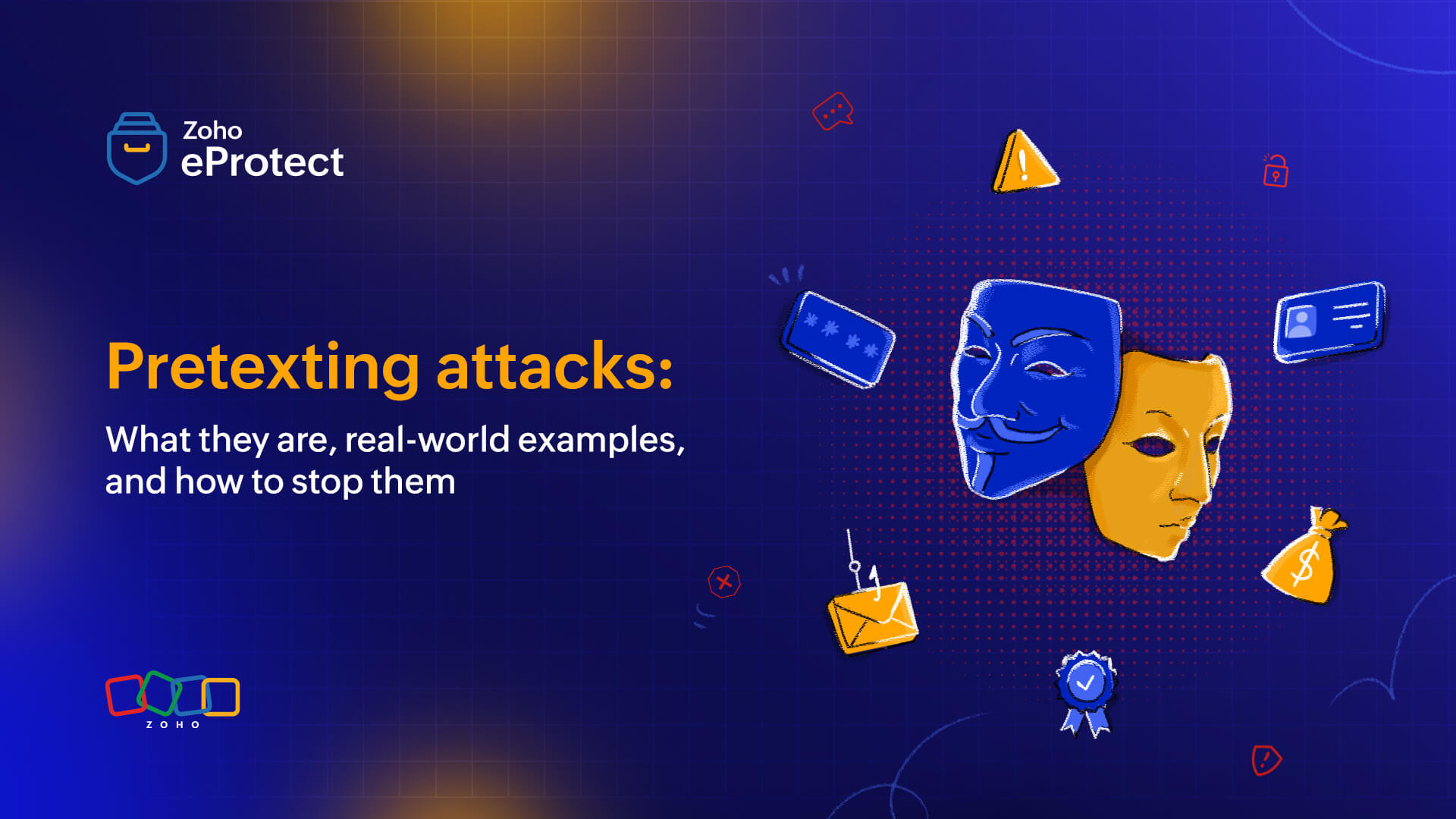
Pretexting attacks: What they are, real-world examples, and how to stop them
- Last Updated : April 1, 2026
- 359 Views
- 5 Min Read

In February 2024, Arup, a multinational engineering and design firm headquartered in London, received a seemingly routine email at its Hong Kong office from its UK chief financial officer. The message was well written, consistent with previous communications, and carried clear executive authority.
Nothing about it looked suspicious.
A follow-up video call was scheduled shortly after. The senior executives on screen were well-known, and their conversation appeared authentic. The instructions were clear, urgent, and confidently delivered. The transaction of $25 million was made.
Only later did the truth emerge.
Every participant on the call was a digital fabrication, a deepfake created by AI. No breaches, no password theft, no malware, no technical intrusion. Arup later confirmed that its IT environment remained fully secure throughout the incident. The attackers never breached the network—they bypassed it by exploiting trust.
This is pretexting.
At its core, pretexting is a social engineering tactic where attackers build a convincing enough story to get people to act: authorizing a payment, handing over credentials, or opening a door they shouldn't. What makes it dangerous is that the attack only needs to be believable.
As deepfake technology gets accessible and more realistic, fabricating a believable scenario has become easier. This article looks at how pretexting plays out in real workplaces and what organizations can actually do about it.
Common pretexting attack examples in the workplace
Pretexting shows up in many forms. Here are the most common ones organizations encounter:
- Business email compromise (BEC)/CEO fraud: A finance employee gets an email that looks like it's from the CEO or CFO. It has an urgent tone, confidential framing, and a request to transfer funds immediately. By the time anyone double-checks, the money is gone.
- IT support scams: Someone calls or emails posing as the internal IT team, claiming there's a problem with the employee's device or account. They ask for a password, remote access, or both to fix the issue.
- Bank or government impersonation: The attacker claims to be calling from the revenue department, investigation agency, or a bank. There's a problem with your account, they say. To sort it out, they need your Social Security number, passwords, or personal details.
- Deepfake/AI voice and video impersonation: Attackers use AI-generated audio or video to convincingly impersonate executives, colleagues, or trusted figures. This tricks victims into revealing sensitive information, performing a financial transaction, or providing unauthorized access to sensitive data and systems. The Arup attack is the clearest real-world example — fabricated executives, a live video call, and $25 million transferred before anyone questioned it.
- Invoice/vendor scams: A scammer poses as a regular vendor, sends a legitimate-looking invoice, and asks the recipient to update payment details to a new account.
- Account update/phishing scams: Scammers send emails that look like they're from trusted companies (e.g., Amazon, DHL, FedEx) stating there is an issue with your account or delivery. The link provided directs to a phishing site when clicked.
- Physical security/tailgating: Someone shows up at the door dressed as a courier or an employee who forgot their access card. An authorized employee holds the door open as a gesture of help.
How to prevent pretexting attacks: Best practices for organizations
No single measure stops pretexting. What works is a combination of trained people, clear procedures, and the right technical safeguards. Here are the best practices organizations can follow to prevent pretexting attacks:
1. Implement continuous security awareness training
- Focus on the human element: Teach employees to recognize the warning signs of social engineering, including high-urgency and unexpected requests for sensitive data.
- Simulate attacks: Conduct regular, simulated pretexting scenarios (phishing, vishing, smishing) to test employee vigilance and train them on what to look for.
- Specialized training: Provide targeted training for employees handling sensitive data or high-level roles (e.g., finance, HR) who are often targeted by BEC attacks.
- Deepfake awareness training: Educate employees on what deepfakes are, the risks they introduce, and how to identify, verify, and respond appropriately to suspected deepfake-based threats.
2. Establish strict verification protocols
- Independent verification: Employees must independently verify the identity of anyone requesting confidential data or system access by using trusted, official contact details already on record. Verification must never rely on contact information provided within the request itself, regardless of the requester’s claimed role or authority.
- Out-of-band verification: All requests must be validated through pre-verified, alternate communication channels such as known phone numbers, established email chains, or official company portals. This ensures verification occurs outside the original request channel, preventing interception or spoofing.
- Callback procedures: All urgent or high-risk requests involving financial transactions or sensitive data changes require mandatory callback confirmation. Employees must confirm such requests via a direct call or an approved internal communication channel before taking any action.
- Physical access and ID verification: Employees must always demand identification from individuals requesting physical access to facilities or sensitive systems.
3. Adopt technology-driven defense measures
- Multi-factor authentication (MFA): Enforce strict MFA for accessing company systems, which prevents unauthorized access even if credentials are stolen.
- Zero trust architecture (ZTA): Organizations must adopt a zero trust architecture rooted in the principle of “never trust, always verify,” treating every user, device, and request as untrusted by default, regardless of whether it originates inside or outside the corporate network.
- Email security: Deploy a multi-layered, enterprise-grade email security solutions like Zoho eProtect, which has advanced anti-phishing and anti-malware protection, along with spoofing and impersonation prevention features.
- Data loss prevention (DLP): Use DLP solutions to detect, monitor, and prevent unauthorized, accidental, or malicious transfer of sensitive data outside an organization.
- AI-based detection: Use AI and behavior analytics tools to detect anomalies in user behavior or communication patterns (e.g., unusual login times, atypical data access).
- Deepfake detection: Deploy deepfake detection tools to identify AI-generated or manipulated audio, video, and images, enabling early detection of impersonation attempts.
4. Strengthen internal policies and culture
- Principle of least privilege: Restrict access to sensitive information so that employees only have access to the data necessary for their roles, limiting the damage if a breach occurs. Implement role-based access control (RBAC) across the organization.
- Open reporting culture: Create a safe, blame-free environment where employees feel comfortable reporting suspicious activities immediately.
- Incident response plan (IRP): Have a clear IRP in place when a pretexting attack does occur. This should include steps for reporting the incident, containing the threat, and recovering from the attack.
- Limiting information sharing: Educate employees to be cautious about the amount of personal or corporate information shared online, which attackers use to make their pretexts more believable.
- Counter deepfake measures: Establish internal policies to ensure that any video or voice request involving financial transactions or sensitive actions are confirmed through a designated communication channel before acting.
Wrapping up
The Arup case didn't happen because of a technology failure. The best technologies were in place. It happened because the employee made a reasonable judgment call based on what they saw and heard, but what they saw and heard had been fabricated entirely by AI.
That's what makes pretexting harder to defend against than most threats. Firewalls don't catch it and antivirus software doesn't flag it because the vulnerability isn't in the systems—it's in human trust.
The organizations that handle this well are the ones that make verification a habit, where people feel safe raising doubts about unusual requests, and where the assumption that something looks legitimate is never treated as good enough reason to act on it.
eProtect is a cloud-based email security and archiving solution that adds a layer of security for email accounts. The solution offers advanced threat detection mechanisms that can secure on-premise and cloud email accounts from emerging email threats. eProtect is the security solution that powers Zoho Mail, a platform that millions of users trust.