- HOME
- Security fundamentals
- Implementing zero trust security in your organization: A step-by-step guide
Implementing zero trust security in your organization: A step-by-step guide
- Last Updated : March 6, 2026
- 893 Views
- 5 Min Read

As organizations increasingly move to cloud platforms and adapt to the new normal of hybrid work, the traditional perimeter-based security model no longer works.
The zero trust security model replaces the old “trust but verify” approach with “never trust, always verify.” It treats every user, device, and connection as untrustworthy until proven trustable. Access is granted only at the minimum level required to perform a task. This model assumes that a breach has already happened and focuses on containing the damage and keeping systems resilient.
This guide outlines six practical steps to implement zero trust effectively and safeguard your organization’s data, systems, and users from evolving cyber risks.
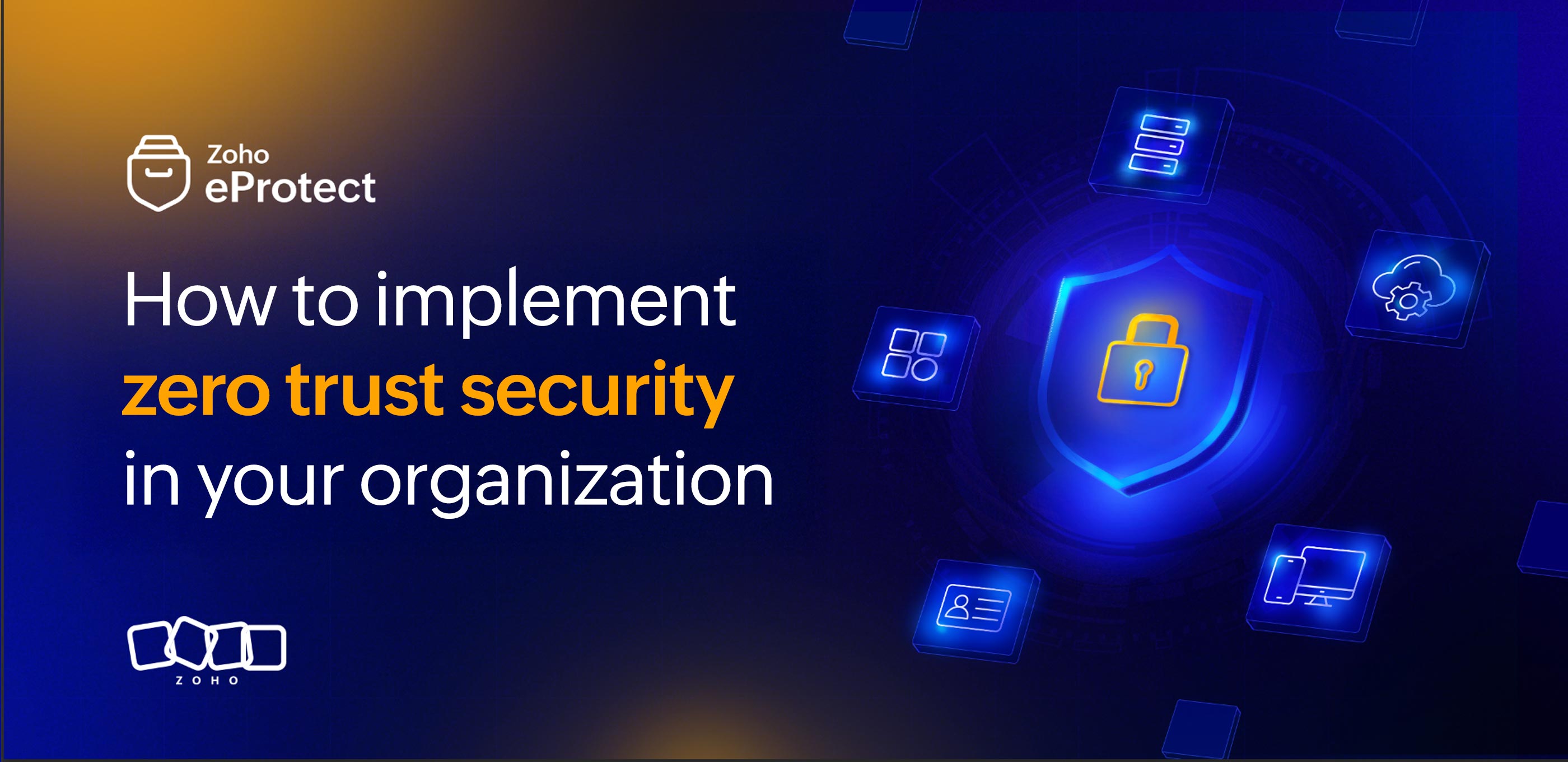
Key steps to implement zero trust in an organization
Implementing zero trust is not a one-time setup. It’s a structured, ongoing process. It involves identifying what needs maximum protection, enforcing strict access controls, and continuously monitoring for threats. Let’s look at how to implement this in steps.
Step 1: Identify and define the protect surface
Zero trust starts by identifying the most valuable and sensitive assets in your organization that must absolutely be protected from cyberattacks. This is called the protect surface.
It includes:
- Data: Confidential or regulated information.
- Applications: Critical business tools such as CRM or ERP systems.
- Assets: Endpoints, servers, or virtual machines.
- Services: Essential business or cloud resources.
Unlike traditional security that focuses on the whole network, zero trust focuses protection to these smaller, highly critical areas.
After defining the protect surface, you’ll map data flow. Mapping data flow helps you understand how data moves between users, devices, and applications. This will, in turn, help you identify where sensitive information travels and where security controls need to be strongest.
Step 2: Strengthen identity and access controls
In a zero trust security model, every user, device, and system must be verified continuously before accessing any resource.
Best practices
- Multi-factor authentication (MFA): Require multiple verification methods to block unauthorized access.
- Principal of least privilege access (PoLP): Give users only the permissions necessary for their tasks.
- Role-based access control (RBAC): Assign access based on job roles and responsibilities.
- Identity and access management (IAM): Centralize identity governance across all applications.
- Privileged access management (PAM): Secure and monitor admin-level accounts closely.
These measures ensure that access decisions depend on the user’s identity, the device’s security status, and the context of the request.
Step 3: Secure devices and endpoints
Endpoints such as laptops, mobile devices, and IoT systems are often the easiest targets for attackers. In this security model, every device must prove it’s secure, compliant, and authorized before connecting to protect area's resources.
Best practices
- Continuous verification: Regularly check user identity, device health, and behavior.
- Endpoint detection and response (EDR): Monitor and detect threats on endpoints in real time.
- Mobile device management (MDM): Secure and manage all devices from a single platform. MDM helps enforce policies, push updates, and remotely wipe lost or compromised devices.
- Restrict unmanaged devices: Block or limit access from unregistered or outdated devices.
- Least privilege principle: Provide minimal access to reduce exposure.
Integrating device verification with identity management adds an extra layer of protection. It ensures that only trusted users using secure devices can access resources.
Step 4: Strengthen network and traffic controls
Even inside your network, no connection should be trusted by default. Zero trust protects communication paths and limits lateral movement if an attacker intrudes.
Best practices
- Micro-segmentation: Divide the network into smaller, isolated zones to reduce the attack surface and stop attackers from moving across systems.
- Zero trust network and access (ZTNA): Grant access to specific applications based on verified identity and device posture, instead of giving broad network access like VPNs do.
- Network access control (NAC): Check whether the device meets security requirements before allowing it to connect. Only compliant devices are granted network access, reducing security risks.
- Traffic inspection: Continuously analyze and log network traffic to identify anomalies using tools like IDS/IPS and SIEM.
- Least privilege connectivity: Allow users and devices to access only the network segments they require for their needs.
By following these measures, organizations can reduce the risk of cyberattacks, both internal and external. If an attack has already happened, these measures can limit the attacker's lateral movement across the network.
Step 5: Enable continuous monitoring and incident response
Zero trust operates on continuous monitoring, which helps you detect unusual activity and enables you to respond quickly to minimize damage.
Best practices
- Security information and event management (SIEM): Collect and analyze logs from across your network to detect suspicious patterns in real time.
- Security orchestration, automation, and response (SOAR): Automate repetitive response tasks and coordinate alerts across tools for faster, more consistent action.
- User and entity behavior analytics (UEBA): Monitor logins, file access, and network use to spot unusual behavior that could indicate insider threats or compromised accounts.
- Threat hunting: Actively search for hidden threats or early signs of compromise that automated tools might miss.
- Incident response planning: Define clear steps for investigation, containment, and recovery.
These practices will help create a proactive, adaptive security posture that evolves with the evolving cyber threat space.
Step 6: Automate and refine security policies
Security policies must evolve as threats, users, and technologies evolve. Automation ensures that these policies remain consistent, adaptive, and scalable without relying on constant manual updates. It also enforces policies in real time, based on user or device behavior. This will reduce human oversight and provides instant threat response like isolating a compromised device. Refining policies ensures that they stay aligned with new evolving threats and business needs.
Best practices
- Automate access reviews: Regularly validate permissions and remove inactive accounts.
- Dynamic policy enforcement: Adjust access automatically based on real time signals such as location or device health.
- Automated threat response: Instantly isolate compromised accounts or systems.
- AI/ML-driven insights: Use machine learning to predict and prevent threats.
Wrapping up
Implementing a zero trust security model isn’t a quick fix for all cybersecurity problems. It’s a continuous process that calls for regular review, the right technology choices, and a change in how people across the organization think about security. Instead of treating it as a one-time project, it should be seen as an ongoing effort to strengthen security and stay ahead of evolving threats.
Real-world case studies like Cimpress show how it helped them protect complex systems, improve visibility, and reduce risks across multiple levels.
In this ever-evolving cyber threat landscape, implementing a zero trust security model in an organization has become essential rather than an option. By continuously monitoring and validating trust at every step, zero trust builds a stronger, more adaptive defense that keeps organizations secure in an ever-changing digital world.