- HOME
- Threat types
- Post-delivery email risk: What happens after an email is delivered
Post-delivery email risk: What happens after an email is delivered
- Last Updated : March 6, 2026
- 322 Views
- 9 Min Read

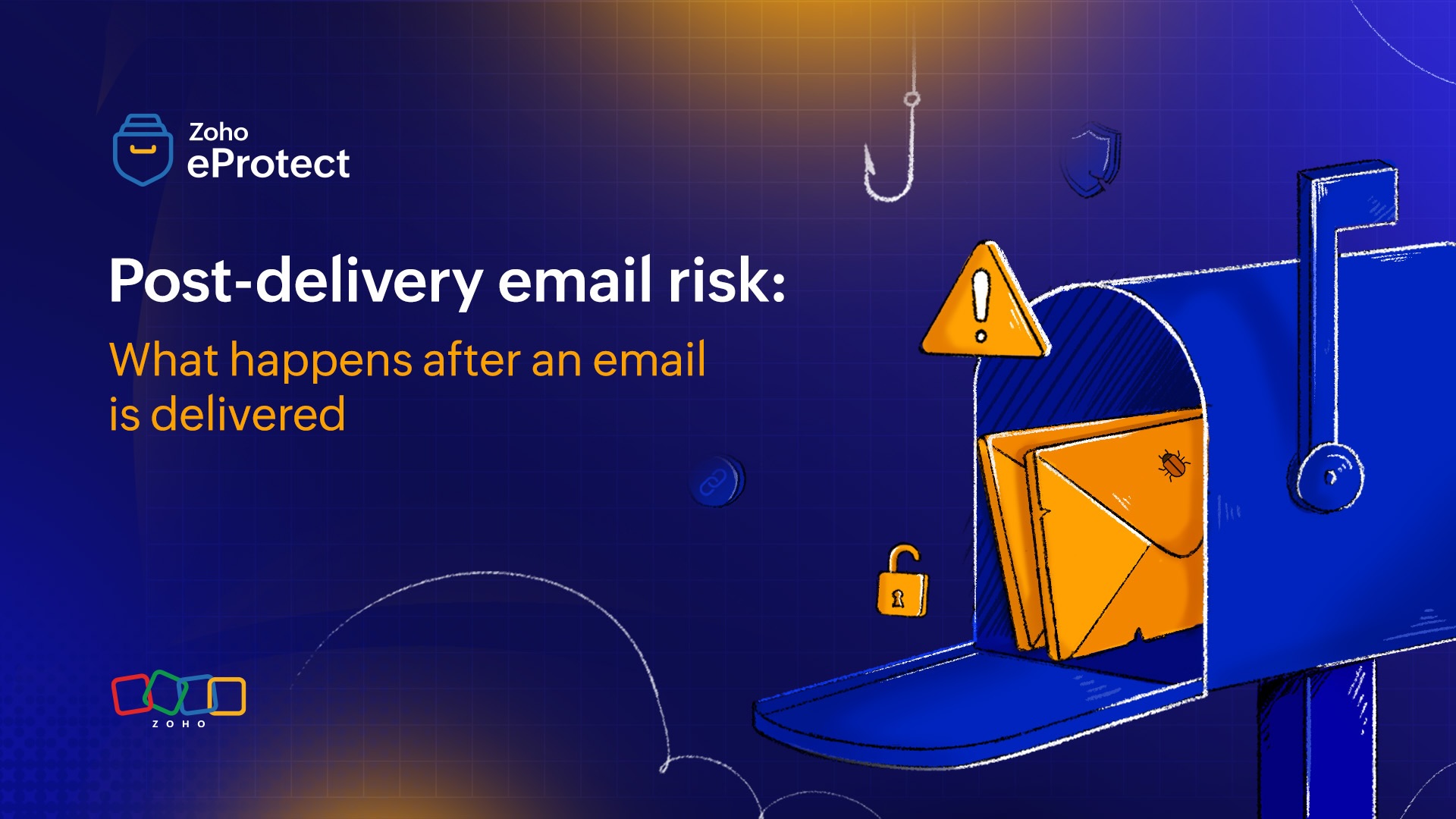
An employee receives what appears to be a normal business email. It could be an invoice, a shared document, or a follow-up in an ongoing conversation. Nothing about it looks suspicious. It gets delivered to the mailbox.
Then comes the part most security teams worry about: what happens next.
A link that seemed harmless during initial scanning may redirect to a phishing page later. An attachment that looked clean at delivery may become risky once a user opens it. A message that feels routine can turn into something far more dangerous when attackers exploit human psychology. Often, the real threat is revealed after delivery, when the email becomes part of someone’s workflow.
This is the core challenge of post-delivery email risk. Modern email attacks are increasingly designed to appear safe at first glance, using advanced evasion techniques. The result is a threat that can evolve after the email has already landed, making traditional gateway defenses necessary, but not always sufficient.
In this article, we’ll break down how emails can become dangerous after delivery, the tactics attackers use to slip past defenses, the warning signs security teams should watch for, and the practical steps organizations can take to reduce post-delivery risk.
What is post-delivery email risk?
Post-delivery email risk refers to any security threat that emerges or succeeds after an email has already been delivered to a user’s inbox. In other words, the email may pass initial security checks at the gateway or mail server, but turn into a threat later. The threat could occur when the user interacts with it, when the attacker changes the underlying content, or when the message becomes part of an ongoing conversation.
This matters because delivery doesn't ensure that it's a secure email. Traditional email security controls are designed to stop threats before they reach the inbox, such as scanning attachments, inspecting links, checking sender reputation, and validating authentication protocols like SPF, DKIM, and DMARC. But attackers increasingly build campaigns that look harmless during that first inspection window, and become malicious only after the email is delivered.
Why are post-delivery attacks increasing?
Post-delivery email attacks are increasing because they work well. As organizations strengthen perimeter defenses, attackers have adapted. Instead of trying to break through obvious controls with malware and other threats, many campaigns now aim to enter the inbox quietly and deliver harm after the message has already been trusted.
We'll explore some of the biggest drivers of post-delivery attacks in this section.
Secure email gateways have improved
Email security tools have become much better at catching known threats before delivery: Suspicious sender infrastructure, malicious file signatures, and high-confidence phishing campaigns are often blocked early. That forces cybercriminals to shift their strategy from getting blocked at the gate to blend in and activate later.
Modern email attacks don’t require malware
A growing number of email-based incidents involve no malicious attachment at all. When the goal is credential theft or financial fraud, the payload is often a convincing message and a believable workflow, not a traditional malware drop. These attacks naturally play out after delivery, inside the inbox.
Attackers exploit trust in familiar tools
People are trained to be cautious with obvious red flags, but most employees are expected to open everyday business emails. Attackers take advantage of this by using legitimate-looking templates, business language, and common collaboration patterns. Post-delivery attacks succeed because they blend into normal productivity by attacking recipients when they're busy and scanning quickly.
Links can change after email delivery
One of the biggest advantages attackers have is that email is static, but the web is not. A gateway may scan a URL at delivery and see a harmless page, but later that same link could redirect users to:
- A credential-harvesting page.
- A fake MFA prompt flow.
- A malware download.
- A verify your account scam.
- Or many other such threat scenarios.
This is why techniques like time-delayed redirects, cloaking, and URL weaponization are so effective. They bypass one-time inspection and activate when the user clicks.
Identity is the new perimeter
As enterprises move to cloud services and SaaS apps, identity becomes the foundation of access. Once attackers compromise a mailbox or steal SSO credentials, they can access important information. That’s why attackers increasingly focus on account takeover via email. The inbox is valuable for data theft, persistence, lateral movement, and impersonation.
Why gateway protection isn’t sufficient
Gateway protection is a critical first layer of defense, but it isn’t sufficient on its own because it mainly evaluates emails at a single point in time. Modern attacks are increasingly designed to appear safe during that initial inspection window, using many modern tactics.
Even when an email passes authentication and content scanning, the real risk can surface later. The gateway can reduce known and obvious threats, but it can’t fully protect against post-delivery behaviors, evolving links, compromised accounts, or the human element that attackers intentionally target once the message is already in the inbox.
Evasion techniques used by cybercriminals
When an attacker sends an email that’s meant to become malicious post-delivery, they use certain evasion tactics to get past security gateways and the human eye. We’ll discuss some of those tactics in this section.
Visual evasion
Visual evasion is when attackers hide malicious intent behind clean visuals using images, branding, and layout to look legitimate while avoiding text-based detection. Because scanners rely on readable text and patterns, visually driven emails can slip through.
Quishing: Quishing uses QR codes to move the attack out of the email and onto a phone. Users scan the code to open a phishing site or login page, bypassing traditional link inspection and reducing visible warning signs inside the inbox.
Email salting: Email salting adds random characters, hidden HTML, or subtle variations to email content so every message looks slightly different. This helps attackers evade detection based on similarity or signatures, making it harder for filters to identify a phishing campaign.
Image-only emails: Image-only emails contain most of the content inside a single image instead of text. This limits keyword-based scanning and makes the message harder to analyze automatically. Attackers use it to mimic invoices, alerts, or login prompts with fewer detectable clues.
Infrastructure abuse
Infrastructure abuse is when attackers exploit legitimate web and email infrastructure to appear trustworthy. Instead of using obviously malicious domains, they rely on compromised websites or misconfigured assets, making links harder to block without disrupting normal business traffic.
Subdomain hijacking: Subdomain hijacking happens when an organization’s subdomain points to an external service that’s no longer in use. Attackers can claim that abandoned resource and host malicious content under a trusted-looking subdomain, making phishing links appear more legitimate.
URL shortening: URL shortening hides the real destination behind a compact link, making it harder for users and security tools to judge risk at a glance. Attackers use it to conceal malicious domains, rotate targets easily, and bypass basic blocklists or keyword checks.
URL randomization: URL randomization creates unique-looking links by adding changing strings, parameters, or paths. Even if the destination is malicious, each URL appears different to scanners. This reduces detection based on repeated patterns and helps attackers scale phishing campaigns more effectively.
Code-level obfuscation
Code-level obfuscation is when attackers hide malicious logic inside scripts, HTML, or files so it’s difficult for scanners to understand intent. By scrambling code and avoiding predictable patterns, they reduce the chances of detection during static analysis and email filtering.
HTML smuggling: HTML smuggling uses an HTML attachment or page to reconstruct a malicious file in the victim’s browser. Instead of delivering the payload directly, the email carries certain parts that assemble into a download after opening, bypassing many attachment-based defenses.
Polymorphic payloads: Polymorphic payloads constantly change their structure while keeping the same malicious function. Each version looks different to signature-based detection, which makes it harder to block reliably. Attackers use this to evade antivirus tools and sandbox verdicts.
Identity compromise
Identity compromise is when attackers gain access by stealing credentials, session tokens, or authentication approvals instead of exploiting software vulnerabilities. Once they control an account, they can impersonate users, access sensitive data, and launch internal phishing without triggering traditional alerts.
Adversary in the Middle (AitM) attacks: AitM attacks sit between the user and the real login page, relaying credentials and MFA in real time. Victims think they’re signing in normally, but the attacker captures session tokens, enabling account access even when MFA is enabled.
MFA bypass: MFA bypass techniques exploit weaknesses in how MFA is implemented or used. This can include stealing session cookies, using AitM phishing, or MFA fatigue tactics. The result is the attacker gaining access without needing the victim’s password long-term.
How can emails change post-delivery
There are various ways in which an email can turn malicious after the email is delivered.
URL weaponization
A URL may appear safe during initial scanning but later redirect to a phishing page or malware site. Attackers use delayed redirects, cloaking, and rotating landing pages so the link becomes dangerous after delivery, often at the exact moment a user clicks.
Delayed malware delivery
Some campaigns avoid attaching malware directly. Instead, the email delivers a clean file or link that later leads to the real payload. This delay helps attackers bypass sandboxes and signature checks, and increases the chances of execution through user-driven steps.
Conversation hijacking
Attackers inject fraudulent requests into legitimate email threads, often from compromised accounts. Because the message appears in an existing conversation, users trust it more. Conversation hijacking is common in voice scams, vendor fraud, and requests that nudge for urgent updates.
Credential and session theft
Post-delivery attacks often focus on capturing logins or session tokens rather than dropping malware. Fake sign-in pages, AitM phishing, and QR-based lures can steal access quickly. Once sessions are hijacked, attackers can bypass many password and MFA protections.
Persistent mailbox presence
After gaining access, attackers may create inbox rules, forwarding, or hidden filters to stay in control and avoid detection. This persistence allows them to monitor communications, wait for high-value moments, and impersonate the victim more convincingly over time.
Internal lateral spread
A compromised mailbox can be used to send phishing emails internally, where trust is higher and external filters may not apply. Attackers can target finance, HR, or IT teams, reuse existing threads, and expand access across the organization rapidly.
Warning signs of post-delivery attacks
Links that behave differently when clicked can indicate post-delivery URL weaponization through redirects, cloaking, or rotating destinations.
Login pages that feel slightly off may be phishing pages designed to steal credentials or session tokens even if the email looked clean.
Unexpected or repeated MFA prompts often signal an attacker is actively attempting account access or using MFA fatigue tactics.
New inbox rules, auto-forwarding, or auto-deletion can indicate mailbox compromise and an attempt to hide attacker activity.
A legitimate thread suddenly shifting to payments or sensitive requests is a common sign of conversation hijacking or vendor impersonation.
Using QR codes instead of normal links may be quishing aimed at bypassing email link scanning and targeting mobile users.
Unusual attachment types or password-protected files are often used to evade scanning and trigger malicious steps only after opening.
Urgent messages with vague context and pressure to act fast are classic social engineering patterns designed to drive clicks and mistakes.
Missing emails, missing replies, or unexpected folder movement can suggest attacker persistence through inbox manipulation.
Sign-ins from new devices, odd locations, or abnormal timings may indicate stolen credentials or session hijacking after the email was delivered.
Protecting from post-delivery threats
A strong protection strategy from post-delivery threats combines putting together multiple ways to reduce damage even when a threat slips through initial gateway checks.
Time-of-click protection
Time-of-click protection analyzes URLs when the user clicks, not just when the email is delivered. This helps block threats like delayed redirects, cloaked phishing pages, and weaponized links that change behavior over time, which are often missed during one-time gateway inspection.
Quick remediation
Even after an email turns malicious, it can be contained. Remediation ensures that once detected, emails can be removed or quarantined across mailboxes, blocking related senders or domains, and preventing additional clicks. Speed matters because post-delivery attacks can spread internally or lead to account takeover within minutes.
Continuous monitoring
Monitoring systems continuously help identify post-delivery threats through mailbox and identity signals like unusual sign-ins, repeated MFA prompts, rule creation, suspicious forwarding, or abnormal sending patterns. These indicators often reveal compromise even when the original email appeared harmless.
Monitor attachment behavior
Attachment behavior can reveal a lot about attacks. Monitor for risky file types and interaction patterns such as HTML attachments, password-protected archives, or files that trigger downloads and external links. This visibility helps stop payload delivery workflows that only activate after the user opens the email.
Security awareness training
Organizations can reduce risk by teaching users how modern attacks work beyond obvious spam through structured security awareness training. The goal isn’t perfection, but faster recognition and reporting so security teams can remediate post-delivery threats early.
Wrapping up
Post-delivery email risk is a reminder that inbox delivery could be the place where real threats begin. As cybercriminals rely more on advanced techniques, organizations need protection that extends beyond the gateway. With the right protection measures and a dedicated email security solution, teams can detect and stop threats even after they land.
eProtect is a cloud-based email security and archiving solution that provides an additional layer of security for email accounts. The solution offers advanced threat detection mechanisms that can secure on-premise and cloud email accounts from evolving email threats. eProtect is the security solution that powers Zoho Mail, a platform that millions of users trust.