- HOME
- Threat types
- Identifying and preventing email spoofing
Identifying and preventing email spoofing
- Last Updated : March 6, 2026
- 488 Views
- 7 Min Read

Staying safe on the internet has become second nature to most of us, especially at work. When an email lands in our inbox, we’re taught to pause, check the sender details, scan the content, and think twice before engaging. While cautious user behavior plays an important role in preventing attacks, it’s rarely enough on its own. Many threats today are designed to blend seamlessly into everyday business communication, making them difficult to spot through surface-level checks alone.
As cybercriminals grow more innovative in the way they distribute attacks, organizations and individuals must take a layered approach to protecting sensitive data. One of the most common ways attackers slip past defenses is by impersonating trusted identities. Spoofed emails often appear legitimate, pass visual inspection, and exploit familiarity rather than carelessness. Even as users become more aware of email-based threats, these subtle tactics continue to succeed. In fact, a 2025 study revealed that over 90% of domains are still vulnerable to email spoofing.
That’s what makes understanding spoofing more important than ever. In this article, we’ll explore what email spoofing is, how it works, how it differs from phishing, the key signs that help identify spoofed emails, and the practical steps you can take to protect both personal and organizational data from this deceptively simple yet highly effective attack technique.
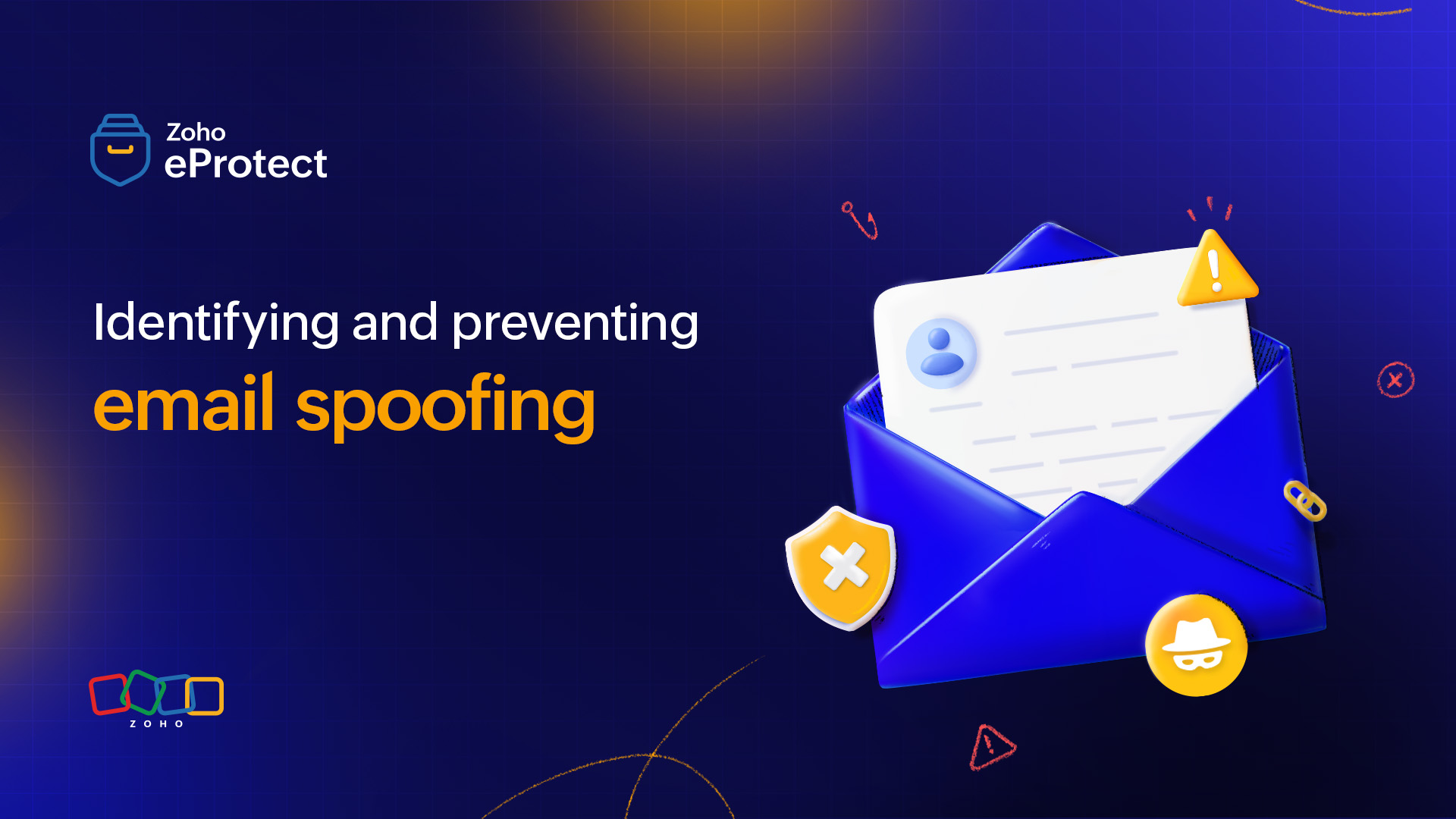
What is email spoofing?
In the simplest terms, email spoofing is digital impersonation. It’s a trick where a scammer masks their true identity by changing the sender information in an email to make it look like it came from a person or company the recipient trusts.
Think of it like a fake caller ID on your phone. Just because the screen says “Mom” or “Your Bank” doesn't mean the person on the other end is actually them. In an email, the attacker spoofs the sender’s name and address to lower the victim’s guard.
Spoofing vs. phishing
While often used together, spoofing and phishing serve different roles in email-based attacks. Understanding the difference helps clear up each attack’s nature and what to look out for.
| Aspect | Spoofing | Phishing |
| Primary goal | Spoofing impersonates a valid identity to gain recipient trust. | Phishing aims to steal sensitive data, credentials, money, or identities. |
| Role | Mostly used as the initial penetration method as part of a larger attack. | Phishing is the final attack in which spoofing may have been used to avoid detection. |
| Sender identity | The sender address, domain name, and user name is manipulated. | May use forged addresses or even compromised accounts. |
| Indicators | Mismatched sender details, failed authentication checks, subtle domain variations. | Urgent language, suspicious links, unexpected attachments, or requests for sensitive information. |
| Technical nature | Largely a technical manipulation of email headers and authentication mechanisms. | More social-engineering driven, relying on psychology and urgency. |
How does spoofing work?
When threat actors craft an email to deceive the recipients, they follow a step-by-step approach to impersonate legit entities.
Exploiting the SMTP model
Email delivery relies on the Simple Mail Transfer Protocol (SMTP), which was designed to prioritize reliable message delivery over strict sender verification. This means email systems inherently operate on trust, accepting sender information as legitimate unless proven otherwise. Attackers take advantage of this trust-based SMTP model to impersonate known senders and domains.
Forging the sender identity
In a spoofing attack, the attacker manipulates the sender information in the email, such as the “From” address or display name, to make it appear as though the message came from a known individual or organization. For this, the attackers alter email headers or use mail servers that allow sender details to be easily modified.
Bypassing authentication checks
When a domain doesn’t have properly configured or enforced email authentication standards such as SPF, DKIM, and DMARC, receiving mail servers have limited ability to verify whether the sender is authorized to use that domain. As a result, spoofed emails can still be delivered to inboxes, even though the sender identity is forged.
Relying on familiarity to avoid suspicion
Once the email reaches the recipient, the attack shifts from technical manipulation to psychological trust. Spoofed emails often reference routine business activities, use familiar names or branding, and avoid obvious warning signs. This makes them difficult to distinguish from legitimate emails through quick visual checks alone, making the attacker successful.
What makes spoofing dangerous?
Spoofing is dangerous because it exploits trust at both a technical and human level. Unlike obvious spam, spoofed emails are designed to blend into everyday communication, making them easy to overlook.
No account compromise required: Attackers can impersonate trusted identities without accessing the real email account.
Exploits familiarity and urgency: Spoofed emails often mimic routine business requests, increasing the likelihood of quick action.
Enables larger attacks: Spoofing is used as the first step to launch phishing campaigns, business email compromise (BEC), or malware delivery.
High impact from a single email: One successful spoofed message can lead to financial loss, data exposure, or operational disruption.
Reputational and compliance risks: Repeated impersonation of a domain can erode trust with customers and partners if left unchecked.
AI-enhanced impersonation: Attackers use AI to mimic the writing style, tone, or signature perfectly, making emails sound and look professional and natural.
Identifying spoofed emails
Even though cybercriminals use innovative techniques to hide their identities, there are a few ways email recipients can identify email spoofing. In this section, we’ll discuss some common indicators to look out for.
Check the sender address
Don’t rely on the display name alone. Spoofed emails often use a trusted display name paired with an unauthorized or lookalike domain. Pay close attention to subtle variations such as character substitutions, extra subdomains, or alternative top-level domains. Also compare the From address with the Reply-To address. Mismatches in these addresses are a common indicator of impersonation attempts.
Inspect the header fields
Learning to read email headers is vital because headers reveal how the message was routed and whether the sender identity was verified. Look for inconsistencies between the From, Return-Path, and Received fields. Pay particular attention to authentication results in the headers, because spoofed emails often show failures or misalignment even if the message appears legitimate in the inbox.
Look for authentication
Authentication checks provide strong technical signals of spoofing. Analyze the email headers and review whether SPF, DKIM, and DMARC have passed and whether domain alignment is intact. A message that fails authentication or passes SPF but fails DMARC alignment should be treated with caution, especially if it claims to originate from a trusted internal or partner domain.
Verify the email content
Spoofed emails are often carefully written to resemble legitimate communication, but technical context can reveal gaps. Look for inconsistencies in how requests are framed, if internal references are missing, or language that doesn’t match established communication patterns. Messages that bypass normal workflows or verification steps should be scrutinized further.
For example, you may receive an email from your CEO requesting that you immediately share a sensitive document that they’ve lost access to. While the email may appear urgent and cause panic, it’s important to pause and question why access was revoked, verify the sender details, and even confirm the question over another mode of communication to ensure authenticity.
Unexpected links or attachments
Even when links or attachments appear benign, inspect them closely. Hover over URLs to check the actual destination and look for shortened links, unfamiliar domains, or encoded URLs. Attachments in spoofed emails may use common file types to avoid suspicion, relying on trust rather than obvious malicious indicators.
Unprecedented requests
Spoofing frequently targets process gaps. Requests for urgent payments, credential sharing, or access changes—especially those that bypass established approval or verification processes—are a strong warning sign. From an operational standpoint, any request that deviates from documented workflows warrants independent verification.
Inconsistent branding cues
Branding inconsistencies can signal impersonation at scale. Look for mismatched logos, outdated templates, incorrect signatures, or formatting anomalies. While attackers increasingly replicate branding accurately, small deviations often remain, especially when emails are sent outside authorized mail systems.
How can you prevent spoofing attempts?
While learning to identify spoofing is important, preventing them from entering your organization’s email environment altogether and falling prey to it is important, too.
Be mindful of the warning signs
Prevention starts with consistent behavioral controls. Build a security culture where users are trained to treat identity-based requests, especially those involving access, payments, or sensitive data, as verification-required events rather than routine emails. From a security standpoint, reducing implicit trust in email as an authority channel lowers the success rate of spoofing attempts.
Implement email authentication
Proper email authentication is foundational to preventing spoofing at the protocol level. Configure SPF to authorize legitimate sending sources, DKIM to cryptographically sign outbound messages, and DMARC to enforce alignment and define handling policies. Moving DMARC from monitoring to enforcement (quarantine or reject) is critical to stopping unauthorized use of your domain.
Flag and report suspicious emails
A clear reporting mechanism enables faster detection and response. When users flag suspected spoofed emails, security teams can analyze headers, authentication results, and sender behavior to confirm impersonation attempts. Centralized reporting also helps identify repeat attack patterns and abused identities.
Monitor traffic regularly
Continuous monitoring of inbound and outbound email traffic helps surface spoofing attempts that bypass initial controls. Pay attention to authentication failures, domain impersonation trends, and anomalous sending patterns. Monitoring DMARC reports provides visibility into unauthorized senders attempting to use your domain.
Conduct audits periodically
Periodic audits help ensure that email authentication and security controls remain effective as infrastructure changes. Review SPF records for outdated or overly permissive entries, validate DKIM key rotation practices, and confirm DMARC policy alignment. Audits also help identify shadow IT or third-party services sending mail on behalf of the domain.
Conduct security awareness trainings
Training should focus on reinforcing verification workflows rather than just spotting suspicious emails. Users should understand when and how to validate identity-based requests through secondary channels. Regular, scenario-based training reduces reliance on intuition and encourages consistent security behavior.
Deploy an email security solution
An email security solution adds enforcement and visibility beyond native authentication controls. Advanced solutions analyze sender behavior, message context, and impersonation patterns to detect spoofing attempts that pass basic checks. When integrated with authentication policies and reporting workflows, these tools significantly reduce exposure to spoofing-based attacks.
Wrapping up
Email spoofing remains effective because it exploits gaps in authentication and implicit trust in email communication. While user awareness helps reduce risk, it cannot compensate for missing or weak technical controls. By understanding how spoofing works and implementing the right preventive measures, organizations can significantly reduce the likelihood of impersonation-based attacks and protect both their users and their domains from misuse.
eProtect is a cloud-based email security and archiving solution that provides an additional layer of security for email accounts. The solution offers advanced threat detection mechanisms that can secure on-premise and cloud email accounts from evolving email threats. eProtect is the security solution that powers Zoho Mail, a platform that millions of users trust.