- HOME
- More
- Security deep-dive
- URL rewriting: What is it, and how it works
URL rewriting: What is it, and how it works
- Last Updated : March 16, 2026
- 362 Views
- 8 Min Read

Links are a vital part of digital communication. Whether it’s sharing documents, accessing applications, or collaborating with colleagues, URLs appear in emails, instant messaging platforms, social media, and websites every day. Unfortunately, attackers also rely heavily on links to carry out cyberattacks. Phishing pages, malware downloads, and credential harvesting sites are often delivered through URLs that, at first glance, appear legitimate.
Traditional email security tools typically scan links when a message first arrives. While this helps detect many threats, it isn’t always enough. Attackers frequently use tactics where a link looks harmless during initial inspection but later redirects to a malicious destination. In other cases, attackers hide malicious pages behind multiple redirects or shortened links to evade detection.
To address these evolving threats, many security solutions rely on a technique called URL rewriting. In this article, we’ll explore what URL rewriting is, how it works, and why it plays an important role in protecting users from link-based attacks.
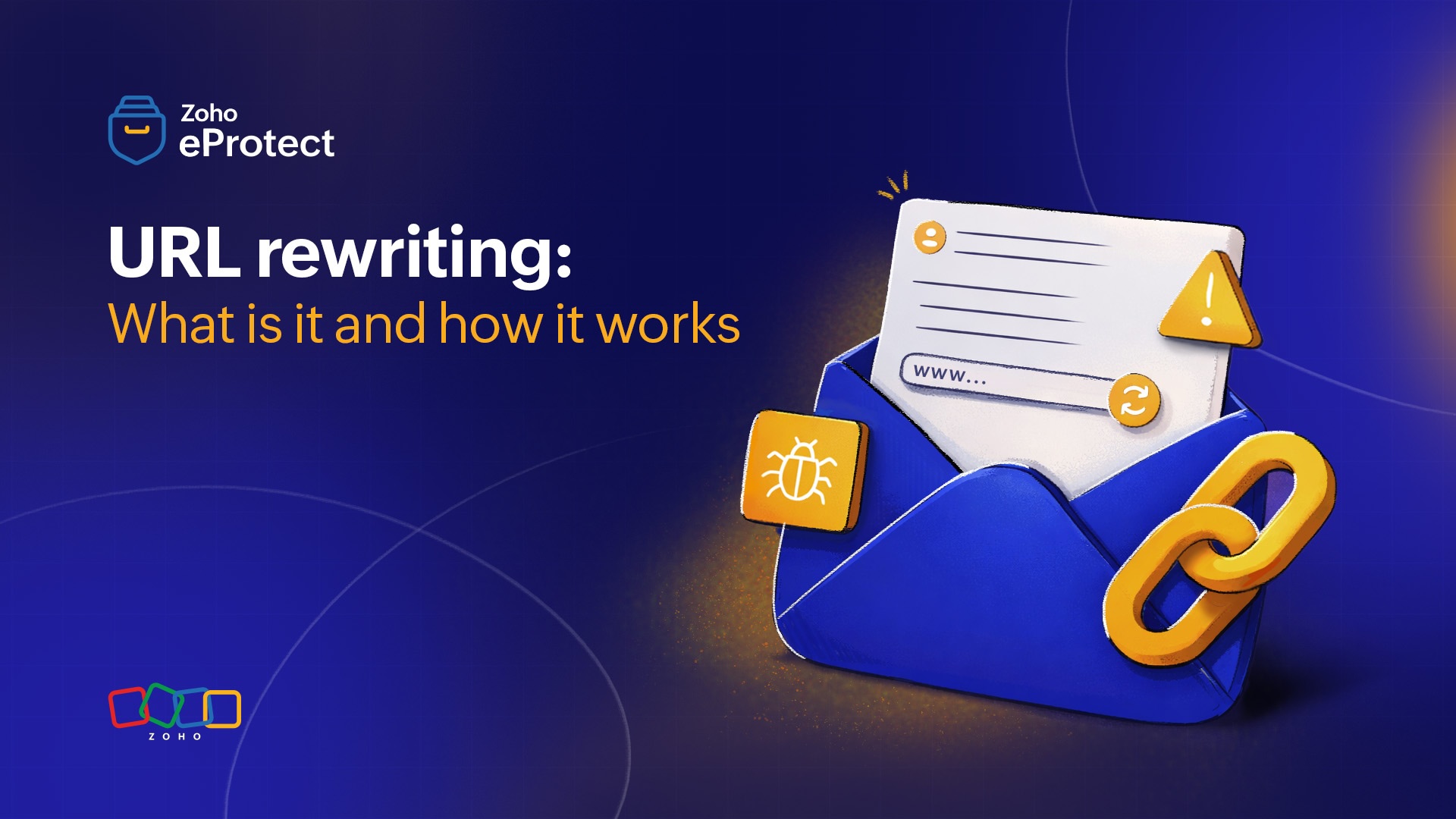
What are URL-based cyberattacks?
URL-based cyberattacks are threats that use malicious or deceptive links to trick users into visiting harmful websites. These attacks rely on the fact that people frequently click links in emails, messages, or documents, without giving due attention to where those links lead.
In a typical scenario, an attacker sends a message containing a link that appears legitimate. The link may resemble a trusted brand, a familiar service, or a company's internal document. When the user clicks the link, they’re redirected to a malicious destination designed to steal sensitive information or compromise their device.
These attacks are especially effective because URLs can easily be manipulated or disguised. Attackers often use techniques such as domain impersonation, URL shortening, and redirect chains to hide the true destination of a link.
What is URL rewriting?
URL rewriting is a security technique used to protect users from malicious links by modifying the original URL and routing it through a security checkpoint before the user reaches the destination website. Instead of allowing users to access the link in an email directly, the security system replaces the original URL with a rewritten version that passes through a security service for inspection.
This rewritten link acts as an intermediary layer between the user and the target website. When a user clicks the link, the request is first sent to the security system, which analyzes the destination for potential threats. If the link is considered safe, the user is redirected to the intended website. If the link is found to be malicious, access is blocked and a warning message is displayed.
The rewritten link contains encoded information about the original destination. When clicked, it allows the security platform to analyze the URL in real time before granting access to the original destination.
Why is URL rewriting important?
URL rewriting helps address a prevailing security gap by enabling real-time link inspection and continuous protection. Below are some of the key reasons why URL protection plays an important role in email security.
Phishing attacks rely heavily on URLs
Phishing campaigns frequently use links to fake login pages designed to mimic legitimate services such as email platforms, banking portals, or internal company tools. These links often appear trustworthy at first glance, especially when they imitate well-known domains or brand names. URL rewriting adds a layer of protection by routing users through a secure environment before they reach the destination page. This allows the system to analyze the link and take action accordingly.
Protection against delayed malicious activity
Attackers often use a tactic where a link appears harmless during initial security scans but becomes malicious later. For example, an attacker may send an email containing a legitimate-looking link that passes security checks. After the message is delivered, the attacker changes the destination of the link to a phishing or malware-hosting website. Because URL rewriting evaluates links at the time of the click, it can detect threats that emerge after the email has been delivered.
Detecting malicious redirects
Many malicious URLs use redirect chains to hide their final destination. A user may click a seemingly harmless link that silently redirects through several websites before landing on a malicious page. Traditional scanning methods may only analyze the initial link and miss the final malicious destination. URL rewriting helps address this by analyzing the full redirect path when a user clicks the link.
Improved visibility into link activity
URL protection also provides organizations with greater visibility into how links are used within their environment. Security teams can monitor which links are being clicked, identify suspicious patterns, and detect potential attacks early. This visibility helps organizations respond quickly to emerging threats and strengthen their overall security posture.
How does URL rewriting work?
URL rewriting works by analyzing links and routing them through a security service before users reach the destination website. This way, security systems analyze links in real time and block malicious ones. While the process happens automatically in the background, protection involves several stages.
1. URL detection during email or content scanning
The process begins when an email security system or secure gateway scans incoming messages. During this stage, the system analyzes the email subject, body, attachments, and embedded elements to identify URLs present in the message. Security tools extract each link and prepare it for further inspection. This includes identifying different types of links such as:
- Direct URLs
- Hyperlinked text
- Shortened URLs
- Redirect-based links
Once these links are detected, the system prepares them for rewriting before the email reaches the user’s inbox.
2. Rewriting the original URL
After identifying the links, the security system replaces the original URL with a rewritten version that routes through a security server. The rewritten URL typically contains encoded information about the original destination. Instead of directly pointing to the target website, the link now points to the security platform.
For example,
Original link:
https://centralbank.com/login
Rewritten link:
https://eprotect.zoho.com/zm/reUrlCheck.do?url=https://centralbank.com/login
To the user, the link still functions normally, but it passes through an additional security checkpoint before reaching the destination site.
3. Time-of-click interception
When a user clicks the rewritten link, the request first reaches the security server responsible for inspecting the URL. This stage is often referred to as time-of-click protection, because the security system evaluates the link at the exact moment the user attempts to access it. This is important because the nature of the URL may change if the threat actor changes the contents of the website after email delivery.
4. Real-time security analysis
Once the click request reaches the security service, the system performs several automated checks to determine whether the destination is safe.
These checks may include:
- Domain reputation analysis to determine whether the domain has been associated with malicious activity.
- Phishing detection to identify websites impersonating trusted services.
- Malware scanning to detect file downloads with malware or exploit kits.
- Redirect analysis to identify hidden redirect chains.
- Threat intelligence checks against known malicious URLs and domains.
Some systems also use machine learning models and behavioral analysis to detect suspicious patterns in newly created domains or previously unseen websites.
5. Safe redirect or threat blocking
After the analysis is complete, the system determines how to proceed. If the link is considered safe, the security service redirects the user to the original destination and the browsing session continues normally. If the link seems suspicious, the system blocks access and displays a warning page. This page typically informs the user that the link may lead to a phishing site or malicious content.
6. Logging and threat intelligence updates
URL rewriting systems also log click activity and security decisions. These logs provide security teams with valuable insights such as:
- Which links users are clicking.
- Whether malicious links are targeting the organization.
- Patterns that may indicate phishing campaigns.
This information can be used to strengthen threat detection models and improve the organization’s overall security posture. The real-time inspection capability makes it an important defense mechanism against modern link-based cyberattacks.
Types of threats prevented by URL rewriting
URL rewriting helps protect users from several types of link-based cyber threats by inspecting URLs at the time they’re clicked and blocking malicious destinations. Some of the most common threats it helps prevent include:
- Phishing attacks: Malicious links lead to fake login pages designed to steal user credentials. These pages often mimic legitimate services such as email platforms, banking portals, or cloud applications.
- Credential harvesting websites: Attackers may create websites that prompt users to enter sensitive information such as credentials, OTPs, or payment details. URL rewriting blocks access to these pages before users submit their data.
- Malware downloads: Some URLs lead to websites that automatically download malicious files or prompt users to install infected software. These threats are detected by URL rewriting.
- Time-delayed attacks: Attackers sometimes send links that change the destination to a malicious site after delivery. Because URL rewriting analyzes links at the time of the click, it can detect these delayed threats.
- Malicious redirect chains: Attackers often hide harmful websites behind multiple redirects to obscure the final destination. URL rewriting systems can analyze these redirect paths and protect users.
- Shortened or obfuscated URLs: URL shorteners and other obfuscation techniques can hide the true destination of a link. URL rewriting expands and evaluates these links to determine their nature.
- Brand impersonation attacks: Cybercriminals frequently create domains that resemble trusted brands or internal company portals. URL rewriting detects and blocks such malicious links.
Benefits of URL rewriting
- Real-time link protection: URLs are analyzed when a user clicks them, allowing security systems to detect threats that may not have been present during initial scanning.
- Detection of hidden redirects: Security systems can analyze redirect chains and identify malicious websites hidden behind seemingly harmless links.
- Visibility into link activity: Security teams can track link clicks, monitor suspicious behavior, and gain insights into potential phishing campaigns targeting the organization.
- Integration with threat intelligence: Rewritten links can be checked against updated threat intelligence databases, improving detection of newly discovered malicious domains.
- Additional layer of email security: URL rewriting complements other security mechanisms such as spam filtering, malware scanning, and email authentication, creating a more comprehensive defense against threats.
Best practices for implementing URL rewriting
Because URL rewriting is configured at the email security or gateway level, administrators play an important role in determining how it’s applied across the organization. Proper configuration ensures strong protection against malicious links while minimizing disruptions to legitimate communication.
Enable time-of-click protection
URL rewriting should analyze links when users click them, not just when emails are delivered. This helps detect threats that appear after the message reaches the inbox.
Define clear rewriting policies
Administrators should configure policies that determine which links are rewritten, such as prioritizing external links while excluding trusted internal domains.
Maintain trusted domain allow lists
Adding verified internal services and trusted domains to allow lists helps avoid unnecessary scanning and prevents disruption to legitimate workflows.
Monitor link activity
Security teams should regularly review logs and reports to identify suspicious links, phishing campaigns, and other potential threats targeting the organization.
Wrapping up
Links are a common entry point for most cyber threats. Because attackers often disguise or modify URLs after delivery, traditional scanning alone may not always detect these risks. URL rewriting helps address this challenge by intercepting links and analyzing them at the time they’re clicked. By enabling real-time inspection, it adds an important layer of protection against malicious URLs and strengthens an organization’s overall email security.
eProtect is a cloud-based email security and archiving solution that protects from malicious URLs with advanced URL protection. The solution offers advanced threat detection mechanisms to protect on-premise and cloud email accounts from evolving email threats. eProtect is the security solution that powers Zoho Mail, a platform that millions of users trust.