- HOME
- Know Your Tech
- Integrated workflow management system: Features and benefits
Integrated workflow management system: Features and benefits
- Last Updated : July 2, 2026
- 146 Views
- 8 Min Read
Highlights:
- An integrated workflow management system connects tasks, tools, and teams across departments into a single coordinated process.
- Key features include task automation, real-time tracking, API-based integrations, and role-based access to keep operations secure.
- Businesses benefit from fewer manual handoffs, reduced data duplication, and faster approvals across cross-functional workflows.
- Implementing the right system depends on scalability, ease of use, security standards, and compatibility with your existing tools.
- Common implementation challenges include legacy system integration, meeting compliance standards, employee adoption, and balancing customization with cost.
An expense report sits in someone's inbox for five days. The finance team has no visibility into pending approvals because the request started in a different tool. An employee has to follow up twice before it moves forward.
Situations like this are common when workflows live across separate, unconnected platforms. Teams spend more time coordinating than completing actual work. Integrated workflow management systems fix that by connecting tasks, data, and teams in one place.
This blog post breaks down what integrated workflow management systems are and how they work. You’ll learn key features, benefits, and tips to implement a system that fits your processes.
What is an integrated workflow management system?
Integrated workflow management systems are platforms that connect your business tools, automate task handoffs, and keep data consistent across departments. Instead of switching between separate apps for approvals, project tracking, and communication, this type of system brings everything into one coordinated flow.
For instance, when a customer places an order through your website, an integrated system can automatically update inventory, notify the shipping team, generate an invoice, and log the transaction in your accounting tool. No one has to move data from one platform to another.
Key features of an integrated workflow management system
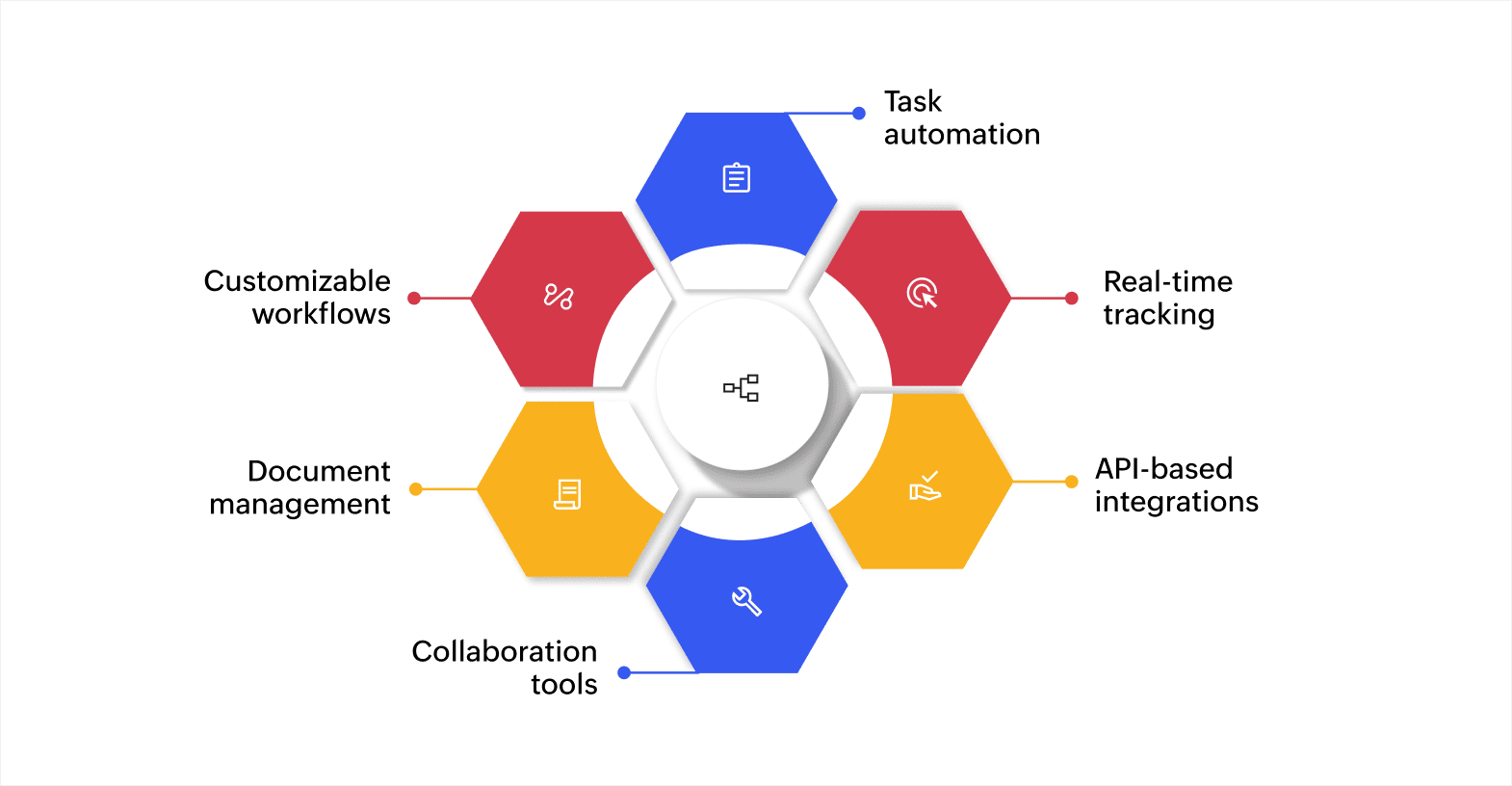
The right features determine how well the system connects your teams and processes. Here are the core capabilities that make integrated workflow management systems effective.
Task automation
Predefined rules handle repetitive actions like routing approvals, sending follow-up emails, or updating records without manual input. For instance, an HR team can automate leave tracking so that requests under three days get approved by the direct manager, while longer absences automatically route to the department head for review.
Real-time tracking
Dashboards and live status updates show where every task stands at any given point. For example, a logistics team can track each shipment from warehouse pickup to final delivery on a single screen, with automatic alerts when a package misses its expected transit window.
API-based integrations
Application programming interfaces (APIs) connect tools like your CRM, enterprise resource planning (ERP) system, and communication apps so data moves between them automatically. For instance, when a sales rep closes a deal inyour CRM, the API can push that data to the order management system and notify the operations team to begin fulfillment, all without anyone copying information manually.
Collaboration tools
Shared workspaces, in-app messaging, and contextual notifications keep everyone involved in a process informed. For example, when an event planning team coordinates a company conference, members from marketing, operations, and finance can assign tasks, share updates, and flag blockers in one shared workspace instead of scattering conversations across email and chat apps.
Document management
Files are linked directly to their associated tasks and workflows, so team members access the right documents at the right step. For instance, as candidates move through recruitment rounds, the system can attach resumes, assessment scores, and interviewer notes to each applicant's record so the hiring panel reviews everything in one place.
Customizable workflows
Low-code or visual builders let you design workflows that match your specific processes and adjust them as operations change. For example, a hotel can build a guest request workflow that routes room service orders to the kitchen, housekeeping requests to the floor supervisor, and maintenance issues to the right technician based on request type.
These features work together to reduce coordination overhead and give teams a shared, real-time view of every process.
Benefits of an integrated workflow management system
Connected workflows create significant improvements across daily operations. Here's what changes when your tools and teams work from a single system:
- Improved efficiency: Automation and real-time tracking reduce the need for manual input, speeding up operations and ensuring tasks are completed faster and more accurately.
- Reduced errors: By automating workflows, predefined rules ensure consistency and accuracy in task execution, significantly reducing the chances of human error.
- Enhanced collaboration: Real-time data sharing and communication tools allow teams to work together more effectively, improving teamwork and speeding up decision-making.
- Scalability: As your business grows, the integrated system can handle an increasing volume of workflows without requiring additional resources, allowing you to scale your operations efficiently.
- Data-driven insights: Centralized data provides real-time visibility into performance and trends, enabling you to make informed decisions and adapt quickly to changes in your business environment.
An integrated workflow management system not only optimizes daily operations but also positions your business for long-term growth, ensuring you can meet evolving challenges effectively.
How integrated workflow management systems work
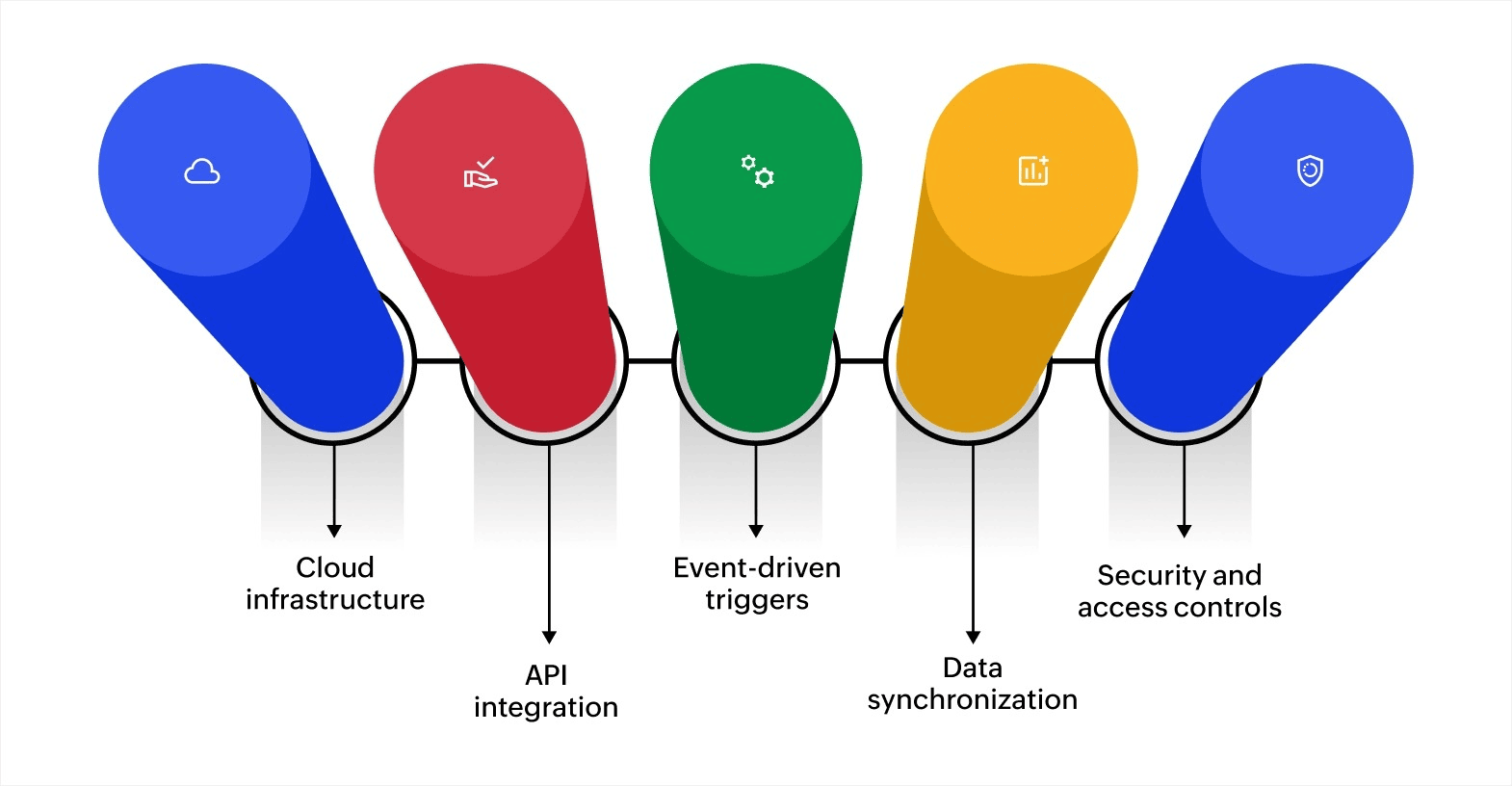
Behind the interface, several technical layers keep your processes connected and running. Here's a look at the key components:
Cloud infrastructure
Cloud-based systems handle hosting, storage, and computing so your team doesn't manage physical servers. This setup supports remote access, automatic updates, and the ability to scale resources up or down as your workload changes.
API integration
APIs are the connectors between your tools. They allow your CRM, ERP, accounting software, and other business apps to share data in real time. For instance, when a sales rep updates a deal stage in the CRM, the ERP system can automatically adjust revenue forecasts and notify the finance team.
Event-driven triggers
Workflows activate based on specific actions. When a customer submits a support ticket, the system can automatically assign it to the right team, set a priority level, and start a response timer. These triggers remove the need for someone to manually monitor and route every incoming request.
Data synchronization
All connected systems stay updated simultaneously. When inventory levels change in one tool, every linked system reflects that change immediately. This prevents situations where one team works with outdated numbers while another has current data.
Security and access controls
Role-based access control (RBAC) limits what each user can see and do based on their role. Data encryption protects information both in storage and during transfer. These measures help businesses meet compliance requirements and keep sensitive data secure.
Each of these components works together to create a system where tasks, data, and decisions move forward without manual intervention at every step.
How to implement the right integrated workflow management system
Implementing a system that fits your operations requires a proper understanding of your current processes and future needs. Here's what to evaluate step by step:
1. Identify your workflow issues
Start by mapping out how tasks currently move between teams. Look for points where handoffs slow down, data gets duplicated, or approvals stall. For instance, if your procurement process involves three email threads and two spreadsheets before an order goes out, that's a clear area for integration.
2. Evaluate scalability
Your system should handle growth without performance issues. Consider how many users, workflows, and integrations you'll need over the next two to three years. A system that works for 50 users today should still perform well at 200.
3. Prioritize ease of use
A system that requires weeks of training or constant IT support will slow down adoption. Look for platforms with visual workflow builders and drag-and-drop interfaces that let non-technical users create and adjust processes.
4. Check integration compatibility
Make sure the system connects with the tools you already use. If your team relies on specific CRM, accounting, or communication platforms, the workflow system needs to integrate with them through built-in connectors or APIs.
5. Assess security standards
Verify that the platform supports RBAC, data encryption, and compliance with relevant regulations for your industry. Ask about data residency options and audit logging capabilities.
6. Plan for phased implementation
A phased rollout reduces risk. Start by automating one or two high-impact workflows, gather feedback, and expand from there. This approach helps teams adapt gradually and gives you time to fix issues before scaling across the organization.
Choosing a system is a long-term decision. Prioritize platforms that are flexible enough to adapt as your processes evolve, without requiring a complete rebuild each time.
Common challenges when implementing integrated workflow management systems
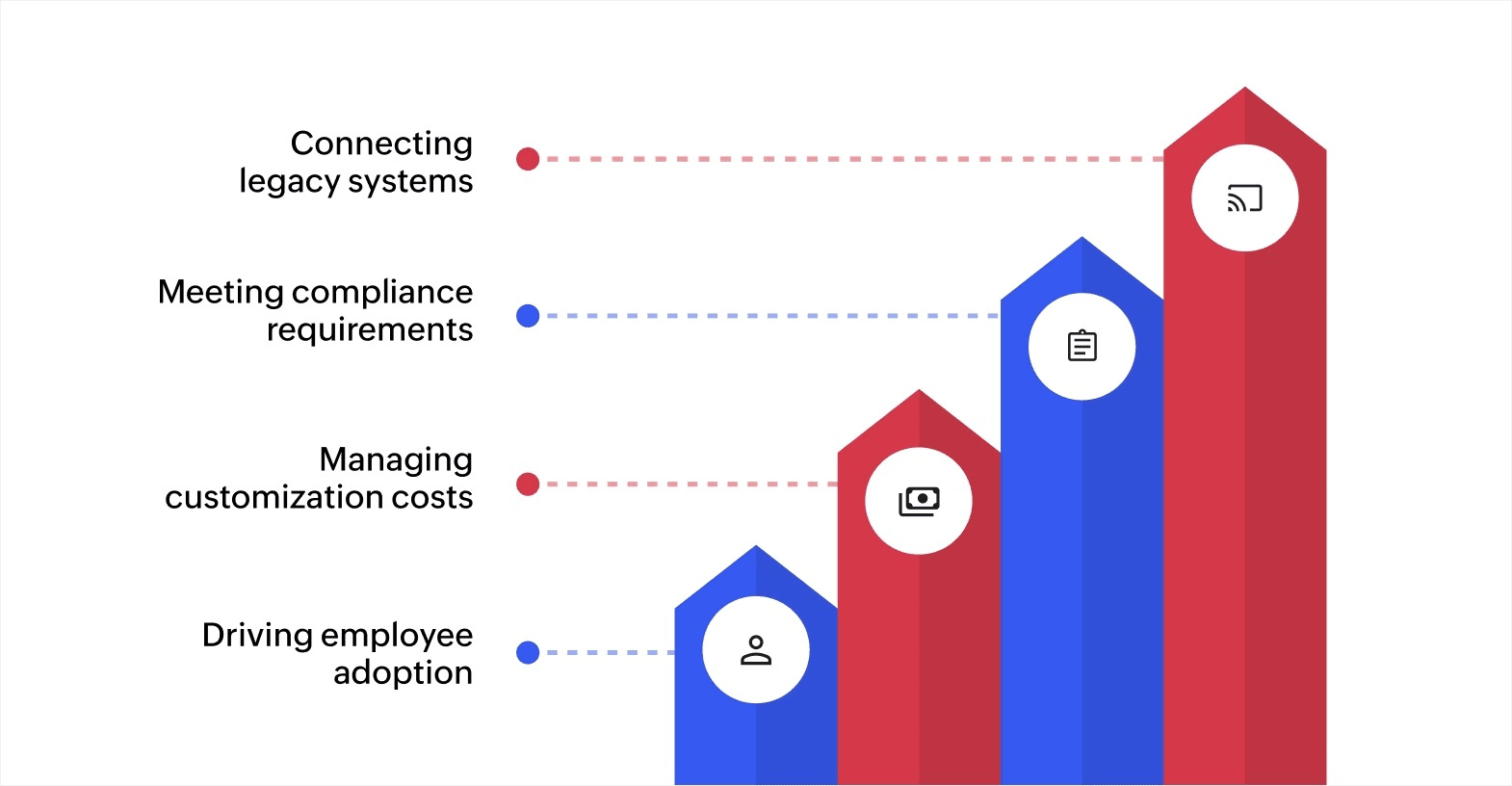
Every implementation comes with obstacles. Planning for them early helps you avoid delays and unexpected costs.
Connecting legacy systems
Older tools often lack modern APIs, making integration difficult. Middleware solutions or custom connectors may be needed to bridge the gap between legacy platforms and your new system. Factor this into your timeline and budget.
Meeting compliance requirements
Industries like healthcare and finance have strict data handling rules. Your system needs to support standards like the General Data Protection Regulation (GDPR) or Health Insurance Portability and Accountability Act (HIPAA). Verify this before committing to a platform.
Managing customization costs
Out-of-the-box features rarely cover every use case. Custom workflows, fields, or reports may require additional development time and money. Low-code platforms help reduce this by letting your team make adjustments without external developers.
Driving employee adoption
New systems change how people work, and resistance is natural. Clear communication about why the change is happening, hands-on training sessions, and quick wins in the first few weeks can build momentum and reduce pushback.
Handling these challenges up front turns potential obstacles into manageable steps. The key is to plan for them as part of your implementation timeline, not as afterthoughts.
Create integrated and automated workflows easily with Zoho Creator
Most businesses reach a point where their existing tools can't keep up with growing operational complexity. Processes that once worked with spreadsheets and email threads start breaking down as teams expand and workflows cross more departments.
Zoho Creator is an AI-powered low-code application development platform that lets you build integrated workflow management systems tailored to your exact processes. You can design custom applications that connect your teams, automate task handoffs, and keep data consistent across every department. The platform also supports 1,000+ integrations with tools your teams already use, so data flows between systems automatically.
Start building workflows that match the way your business actually operates. Sign up for free today and see how quickly you can move from disconnected processes to connected, automated operations.
FAQ
1. What are the key considerations when selecting an integrated workflow management system for a small business?
For small businesses, key considerations include ease of use, scalability, and cost-effectiveness. It’s important to choose a system that can grow with your business and integrate well with existing tools. A low-code or no-code platform is ideal for small businesses without dedicated IT teams. Security and customer support also play a vital role in ensuring smooth operations.
2. How do integrated workflow management systems improve customer experience?
Integrated workflow management systems improve customer experience by enabling faster response times and ensuring data consistency across teams. By automating tasks like order processing and service requests, businesses can deliver more accurate and timely responses. This leads to better communication, reduced errors, and ultimately, higher customer satisfaction.
3. How can businesses ensure a smooth transition when moving to an integrated workflow management system?
To ensure a smooth transition, businesses should focus on clear communication, comprehensive training, and phased implementation. It’s important to engage key stakeholders early in the process to gather their input and prepare for any potential resistance. Running a pilot test with one department or team can help identify challenges and ensure everything works as expected before a full rollout.
4. What are some common mistakes to avoid when implementing an integrated workflow management system?
Some common mistakes to avoid include underestimating the need for change management, neglecting employee training, and failing to test the system thoroughly before going live. It's also important to avoid overcomplicating the system with unnecessary customizations that can increase costs. Businesses should ensure that the system is simple and intuitive to use, especially if there is limited technical expertise available.
 Ann Elizabeth Sam
Hey! I'm Ann, and I work as a content writer at Zoho Creator. I'm exploring the SaaS world through various forms of content creation. Outside of work, I love dancing and would give up anything to read a good murder mystery.